
ZZZ Characters
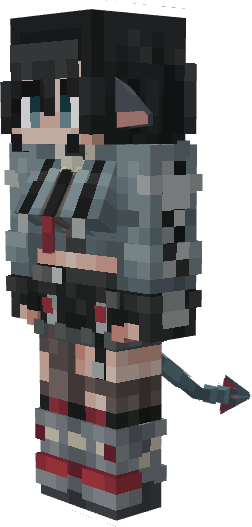
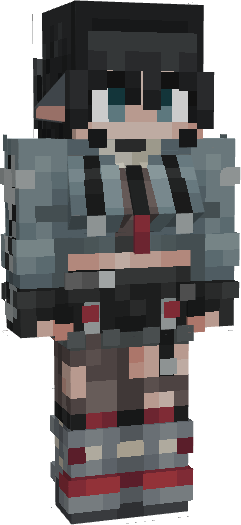
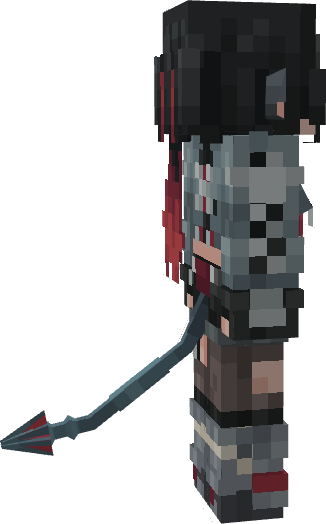
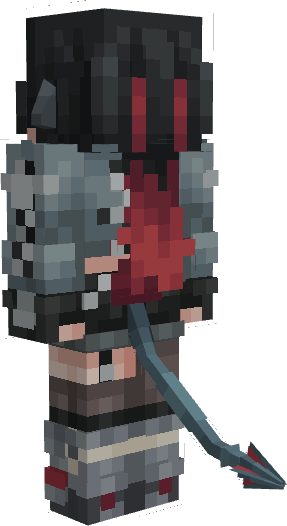
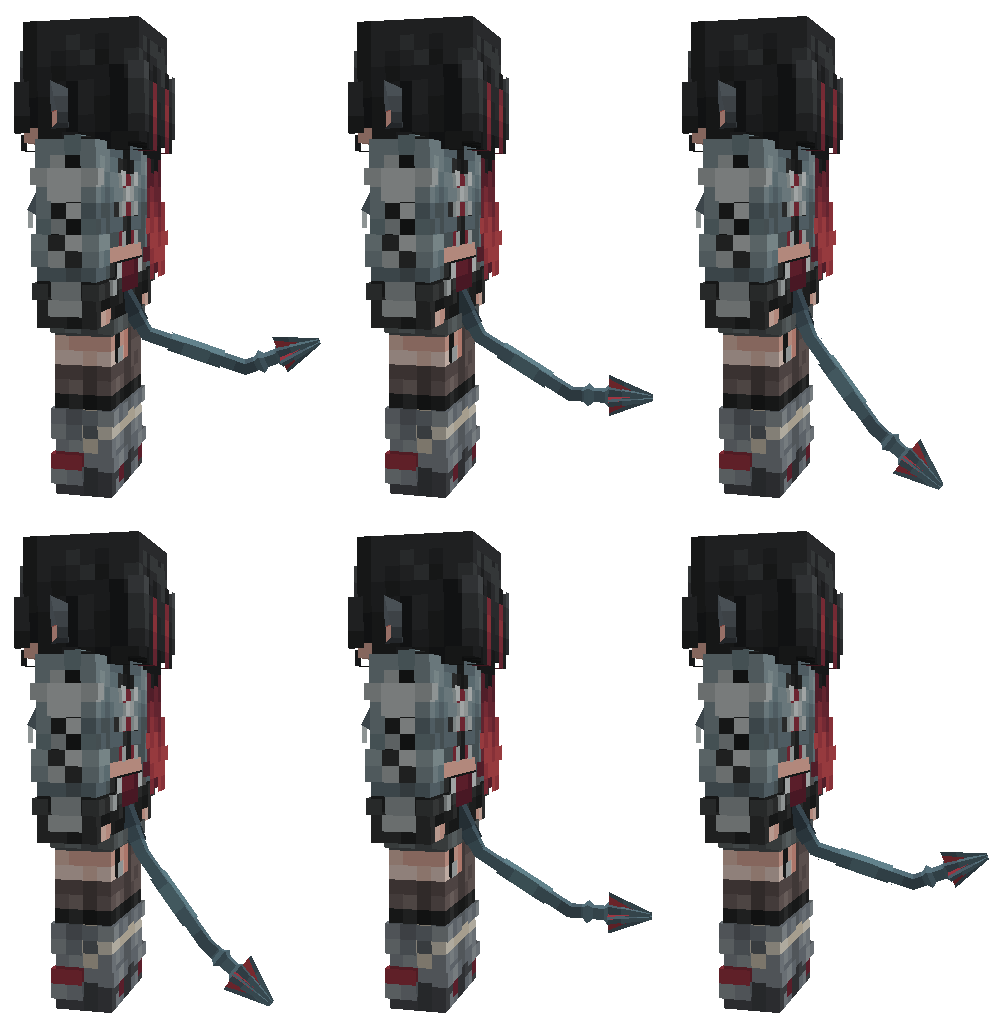
ZZZ Characters is a skin pack that brings 3D models of characters from Zenless Zone Zero into Minecraft Bedrock.
42,996
This skin pack adds animated 3D character models from Zenless Zone Zero to Minecraft Bedrock.
Trigger
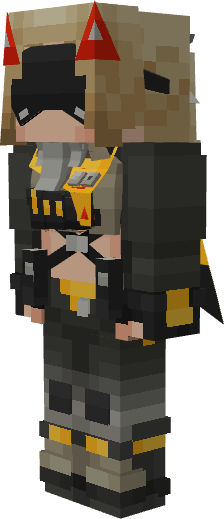
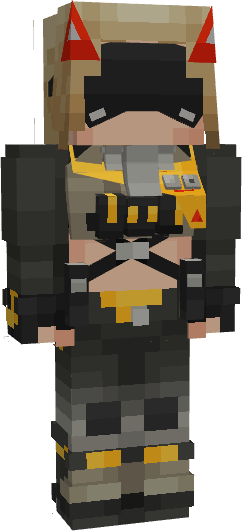
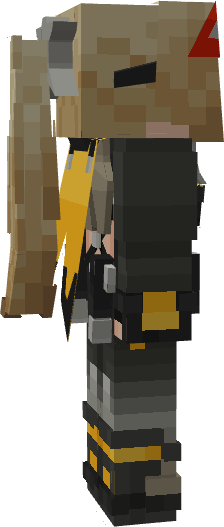
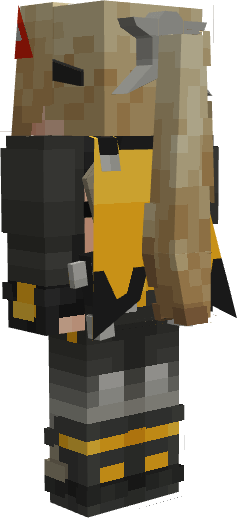
Jane Doe
Installation guide
For Windows:
First option:
- Download the file "ZZZ_Characters_vX.X.X.mcpack".
- Double-click it to open Minecraft and begin importing the skin pack.
- Once you see the message "Successfully imported 'ZZZ Characters'", close Minecraft.
- Follow this link to download BetterResourcePackManager-Win.zip. (If there are no updates for BetterResourcePackManager on GitHub, check out the QY Cottage Discord server.)
- Unzip the downloaded archive to a convenient location.
- Open the extracted folder and run mcbe_injector.exe.
- Minecraft will launch automatically.
- Go to the skin settings and select the desired skin from the list.
Important
- The custom skin will only work when Minecraft is launched through mcbe_injector.exe.
Second option:
- Open Minecraft.
- Get the "Timeless Toys Skins" skin pack in the Minecraft Marketplace.
- Close Minecraft.
- Download the file "ZZZ_Characters_IOS_vX.X.X.mcpack".
- Rename the file "ZZZ_Characters_IOS_vX.X.X.mcpack" to "ZZZ_Characters_IOS_vX.X.X.zip".
- Unzip the file "ZZZ_Characters_IOS_vX.X.X.zip".
- Press Windows R, then run should appear, paste the link below into the box: %APPDATA%\Minecraft Bedrock\premium_cache\
- Go to the skin_packs folder and delete all files from there.
- Move the "ZZZCharacters" folder to the skin_packs folder.
- Open Minecraft, go to the skin settings, and select the desired skin from the list.
For Android:
- Follow this link to download LeviLauncher.
- Install the APK on your device (enable installation from unknown sources if prompted).
- Follow this link to download the libBetterResourcePackManager-arm64.so. (If there are no updates for BetterResourcePackManager on GitHub, check out the QY Cottage Discord server.)
- Open LeviLauncher and import the libBetterResourcePackManager-arm64.so mod.
- Download the file "ZZZ_Characters_vX.X.X.mcpack".
- Locate the downloaded file "ZZZ_Characters_vX.X.X.mcpack" in any file manager and tap on it.
- In the menu that opens, select Import via LeviLauncher.
- LeviLauncher will open and display the message: "Resource Pack Detected. Do you want to launch the game now?"
- Click "Launch Now", and Minecraft will start automatically.
- Go to the skin settings and select the desired skin from the list.
Important
- This custom skin will only work when Minecraft is launched via LeviLauncher with the libBetterResourcePackManager-arm64 mod enabled.
For IOS:
- Open Minecraft.
- Get the "Timeless Toys Skins" skin pack in the Minecraft Marketplace.
- Close Minecraft.
- Download the file "ZZZ_Characters_IOS_vX.X.X.mcpack".
- Rename the file "ZZZ_Characters_IOS_vX.X.X.mcpack" to "ZZZ_Characters_IOS_vX.X.X.zip".
- Unzip the file "ZZZ_Characters_IOS_vX.X.X.zip".
- Move the "ZZZCharacters" folder to the following location: My iPhone/Minecraft/internal/premium_cache/skin_packs.
- Press Select All, Or .../select/select all.
- Deselect the "ZZZCharacters" folder, then delete everything.
- Open Minecraft, go to the skin settings, and select the desired skin from the list.

All Rights Reserved
07/07/2025
21:34 04/08