
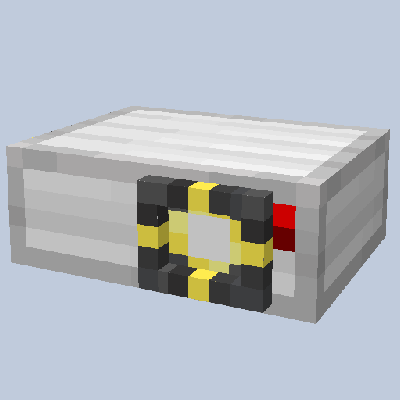
Working Projector
Adding your own custom video inside Minecraft!!
16,069
Watching videos in Minecraft? It might sound unbelievable, but now, thanks to this Add-On, it's a reality! Introducing Working Projector, an Add-On that enables you to seamlessly play videos in Minecraft. Choose any video you desire—add it to our WebApp, and voila, you now have a projector that can project videos onto a wall, allowing you to watch videos in Minecraft like never before!
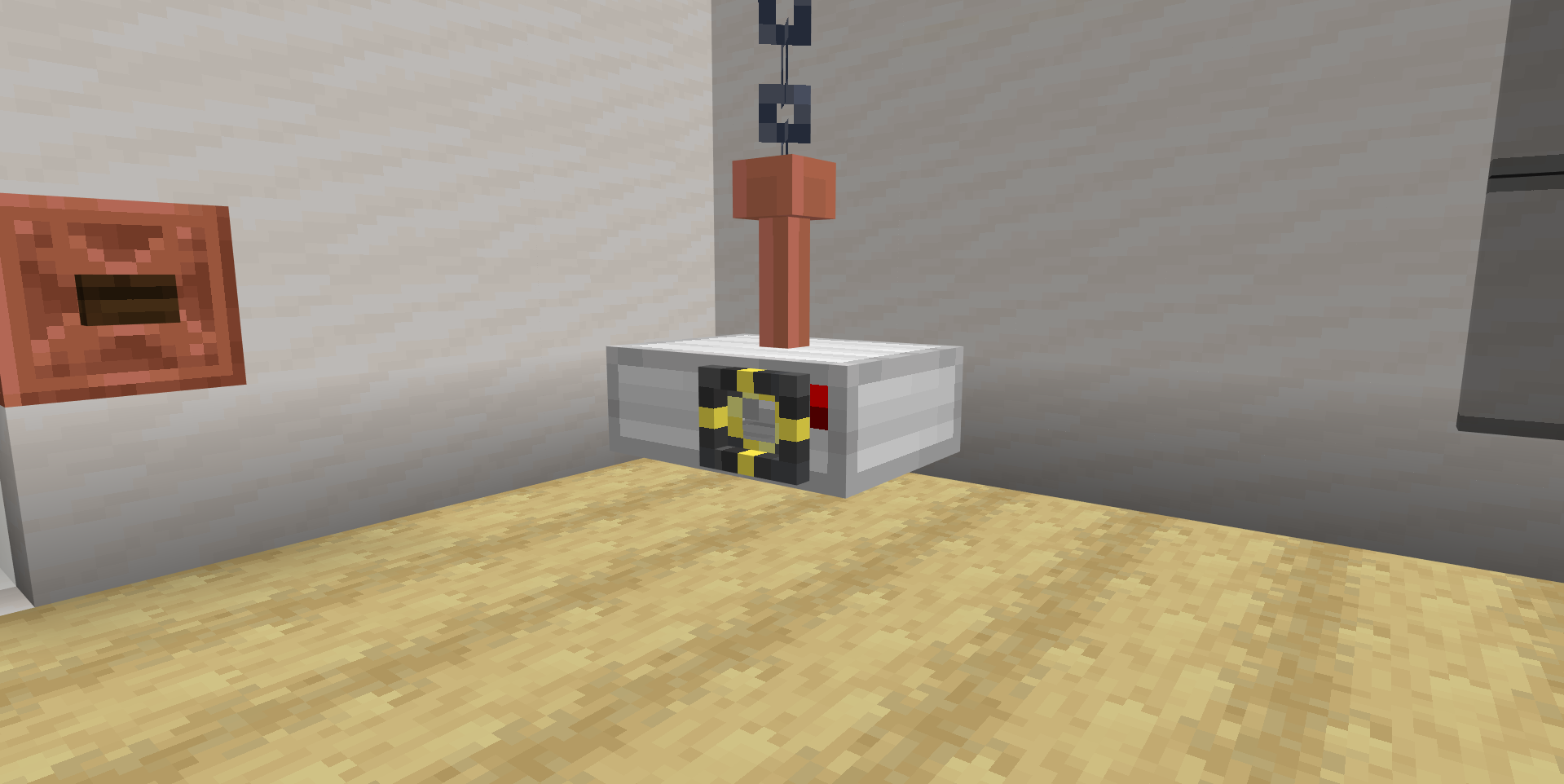
This is the Working Projector! A brand new shiny block that allows you to project your video onto a wall! It's also fully customizable, allowing you to upload your own videos to play in Minecraft!
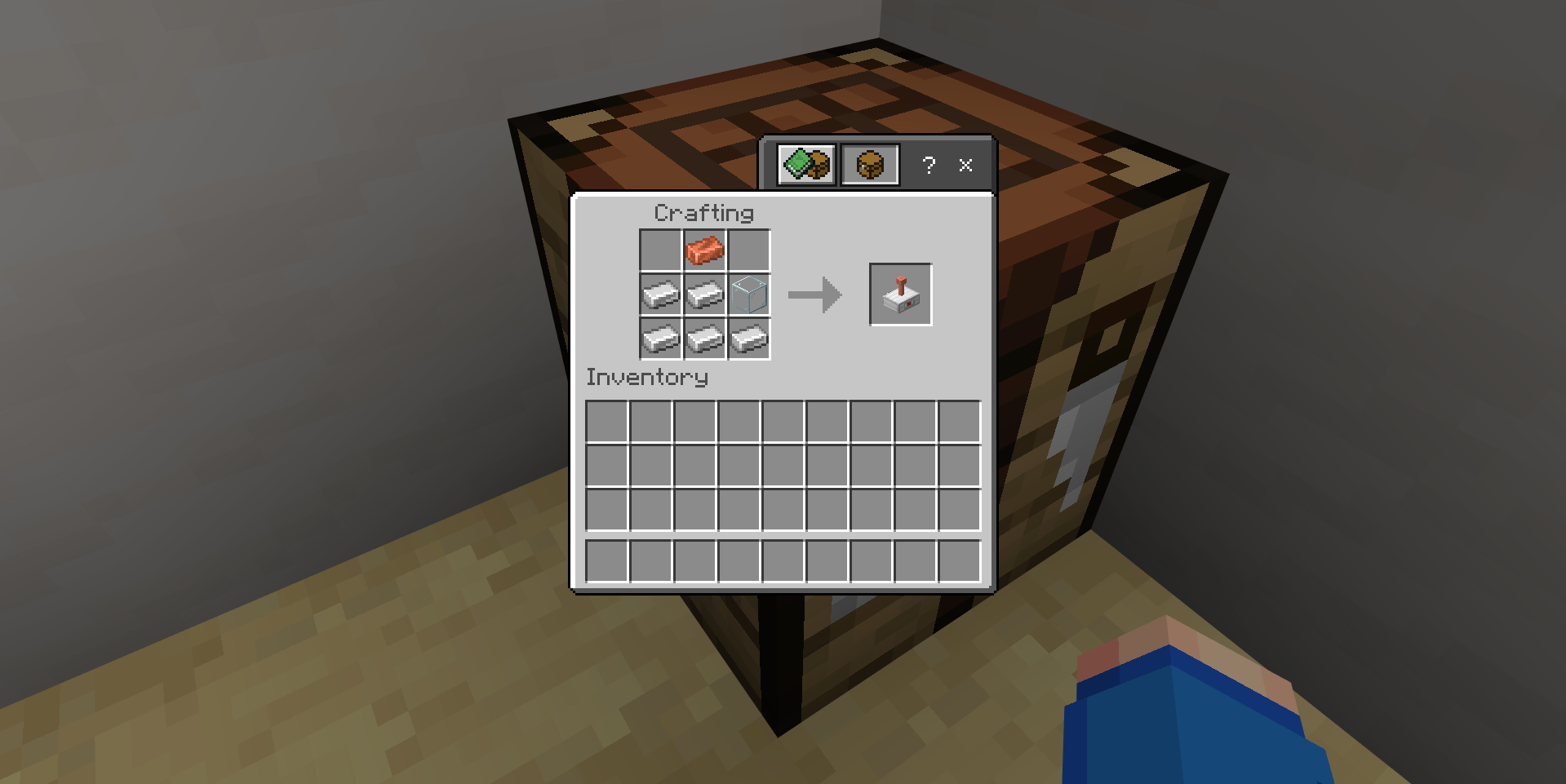
Let's start with its crafting recipe. It's pretty simple, just 5 iron ingots, 1 copper ingot and 1 glass block! Here's how it looks like in the crafting table!
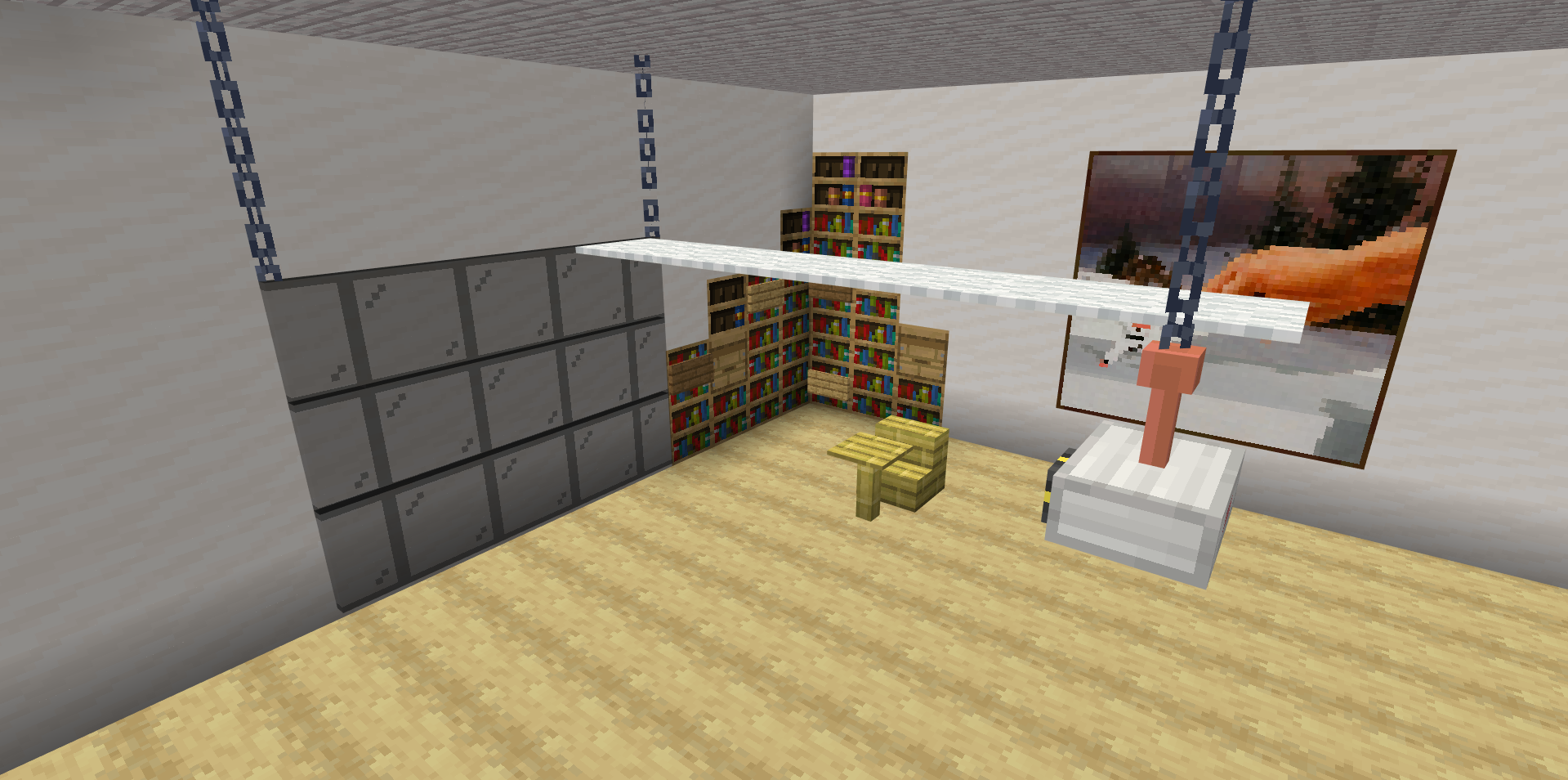
To use the Projector, you need set up a screen using any block that you like! The screen most top block must be as the same height as the Projector and the screen must be in range of 2 to 16 blocks away from the Projector
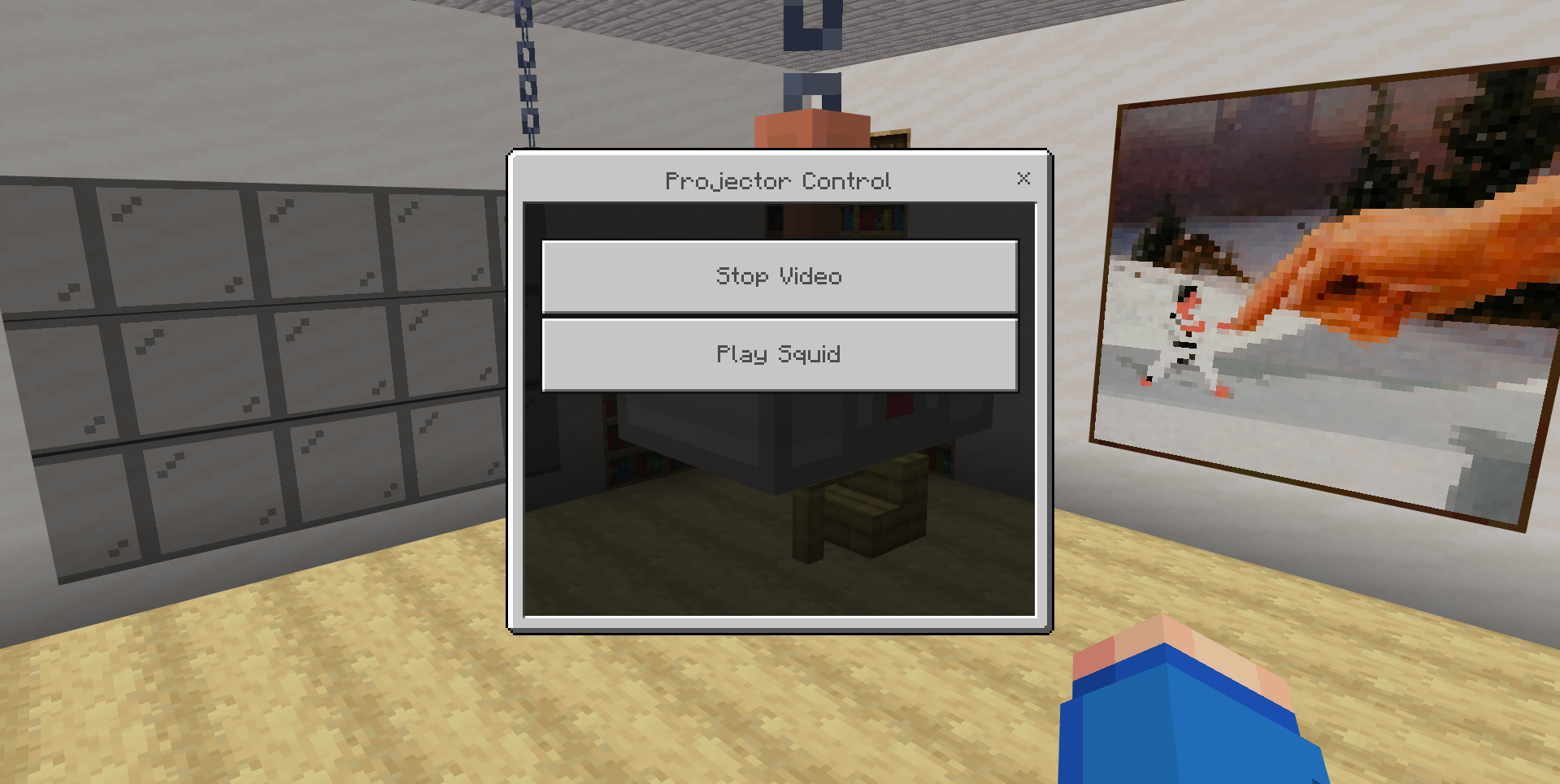
You can then right click the Projector to open the Projector Control menu. You can select any video that you have uploaded to the addon, and it will start playing on the screen!
TO ADD YOUR OWN VIDEOS, YOU NEED TO UPLOAD THEM TO THE WEBAPP! https://blockstate.team/projects/working-projector
Changelog:None
More versions

All Rights Reserved
21/07/2025
14:35 29/07