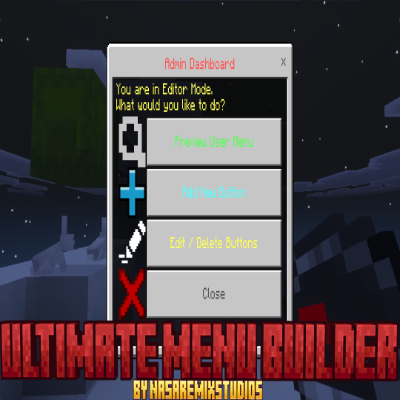
[Realm Compatible]Ultimate menu builder
Ultimate Menu Builder[Stable Version]
Create professional Menu Selectors, Warp Menus, or Kit UIs directly inside your world! This addon gives you a powerful in-game tool to design, edit, and manage custom interfaces for your players. No coding, no external tools, and no complicated files—just a simple, visual way to build the perfect menu for your worlds or Realm.
Subscribe and help us reach 500 subs all support is appreciated.

You May Also Enjoy The Addon Below!!
[Realm Compatible] RPG Skills & Prestige: Evolved - Minecraft Bedrock Addons - CurseForge
How It Works
Building your menu is fast and intuitive.
Admins use the Editor Dashboard to create buttons and assign actions. (Must have tag admin to see)
Players simply open the menu to use the features you created.
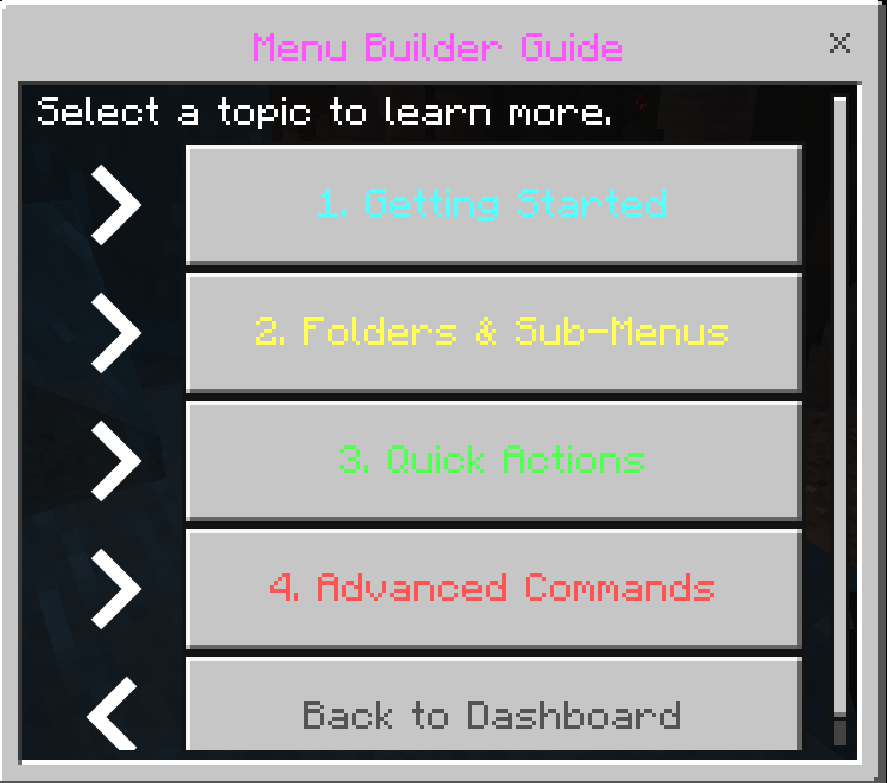
New button added Help / Guide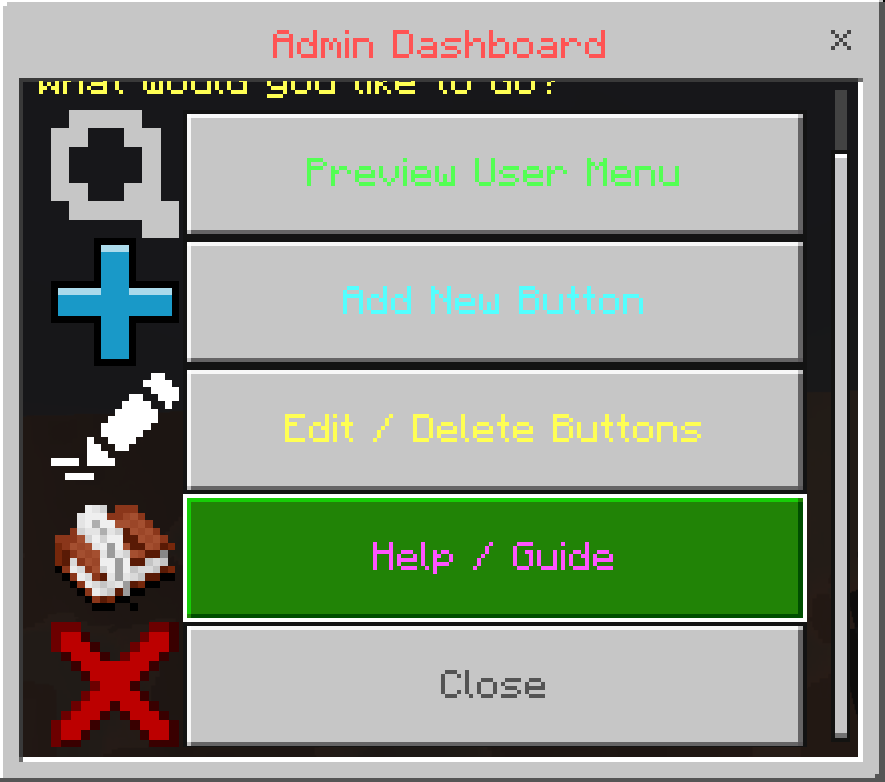
Key Features
Visual In-Game Editor
Design your menu without ever leaving the game!
- Create Buttons: Set a custom Name, choose an Icon, and decide what happens when clicked.
- Easy Management: Made a mistake? Quickly edit existing buttons or remove them with a few clicks.
- Live Preview: Test your menu instantly to see exactly what your players will see.
Powerful Actions
- Multi-Command Support: Make a single button do multiple things at once! (e.g., Teleport a player, play a sound, and send a welcome message).
Smooth & Reliable
- Designed to work flawlessly on Worlds and Realms.
- Built with an intelligent system that prevents UI errors, ensuring your menu always opens correctly for every player.
How to Use
Step 1: Become an Admin
By default, the tool opens the "Player View". To access the Editor features, you need the admin tag. Run this command in chat: /tag @s add admin
Step 2: Open the Menu
Hold a Compass and Right-Click (or Long Press on mobile).
- Admins: Will see the Dashboard (Preview, Add, Edit).
- Players: Will see the World Menu (The buttons you created).
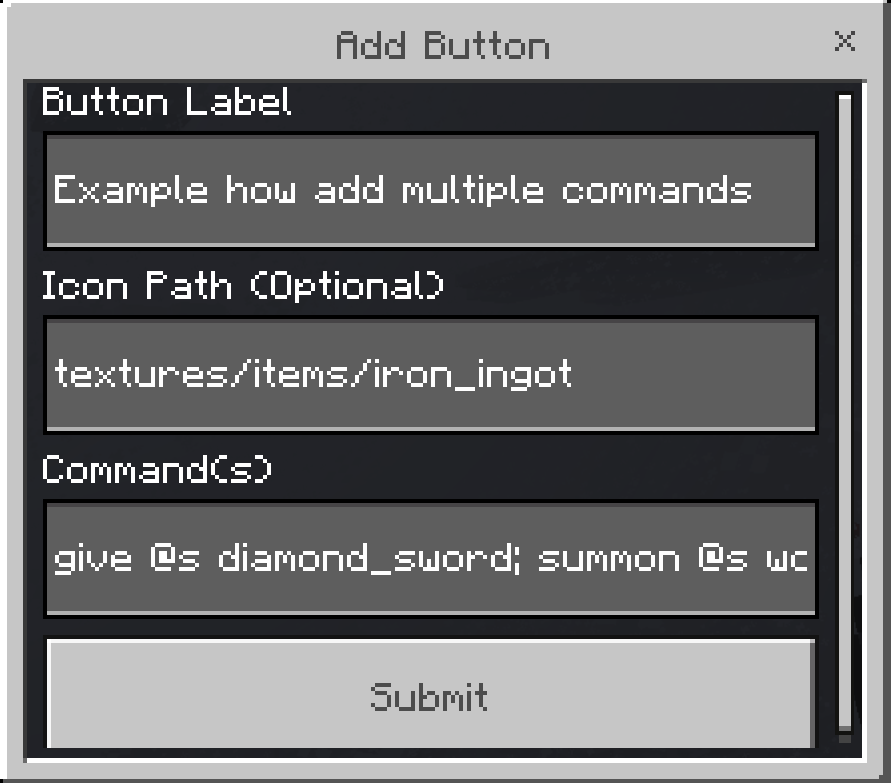
Step 3: Create a Button
- Click Add New Button.
- Label: The text displayed on the button (e.g., "Spawn Warp").
- Icon: (Optional) Path to a texture (e.g.,
textures/items/diamond). - Commands: Choose what the button does using commands add mutliple using ; to seperate each command.
Our Socials:
- Discord: https://discord.gg/6rjTGkRBzP
- Youtube: https://www.youtube.com/@Nasaremixstudios
- Twitch live everyday: https://www.twitch.tv/nightvorn
Plug & Play Ready!
No More Experimental Toggles: The Add-On is now fully running on Minecraft's stable architecture! You no longer need to turn on the "Beta APIs" setting in your world to play. Just install the pack and jump straight into the grind!
Usage Guidelines
What You Can Do:.
- Use this addon for worlds, servers, realms, exploration, or learning.
- Share feedback and suggestions to help improve the addon.
- Enjoy its features freely within these guidelines.
What You Can’t Do:.
- Do not create separate download links for the addon.
- Do not steal or copy any part of the addon for personal projects.
- Do not redistribute the addon as your own work.
- Do not edit or share modified versions of the addon.
Note
The ONLY official pages to download my addons are:
- Modbay (nasaremix)
- https://mcpedl.com/user/nasa-x-remix/
- https://www.curseforge.com/members/nasaremix/projects
Any other site or repost is unauthorized and may contain stolen or unsafe files.