
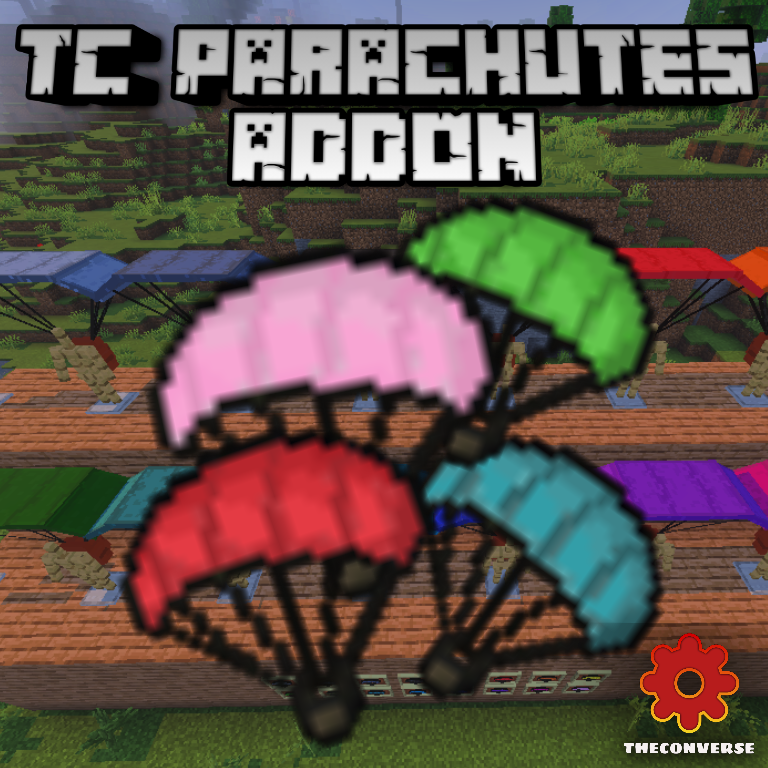
TC Parachutes Addon v1.0.2
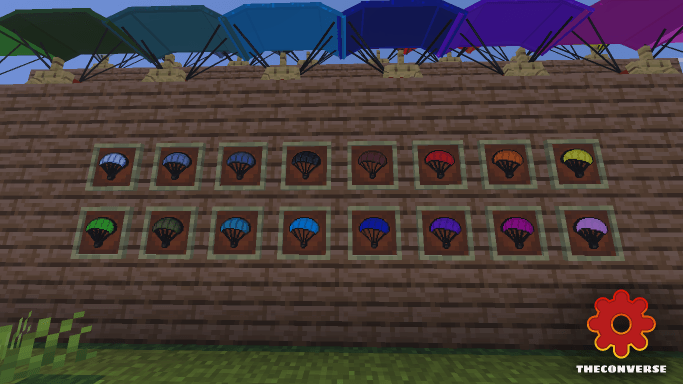
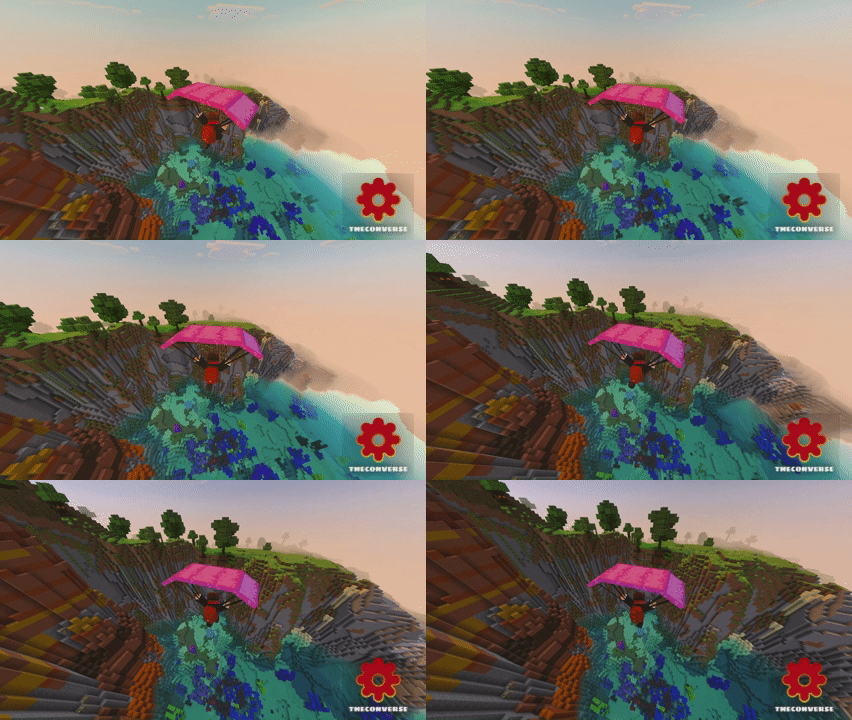
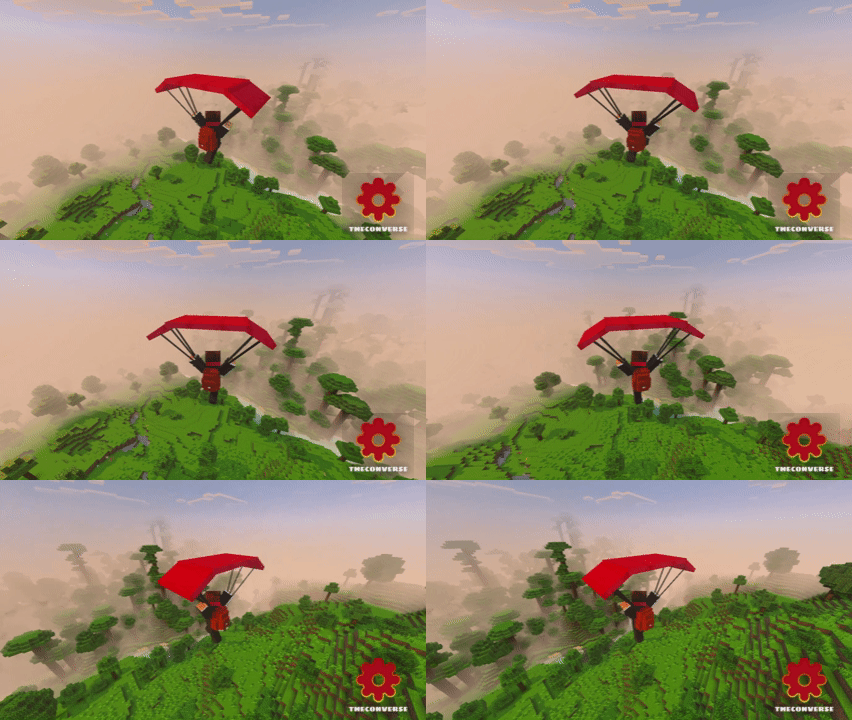
A new version of the Addon TC parachute, bringing new parachutes in 16 wool colors.
7,983
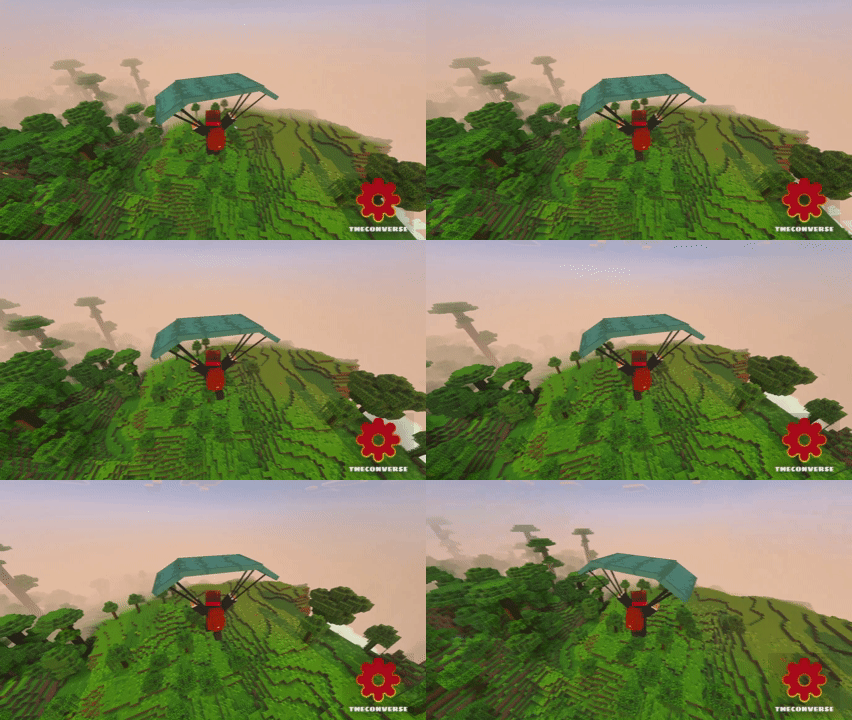
Take the fast way down without turning into a pancake. Pop the shot, catch the slow-fall, and steer your landing like you meant it. That’s the whole vibe of TC Parachute Addon on Minecraft Bedrock—simple, reliable, and perfect for vertical maps, mountain runs, and base projects that live way above sea level.
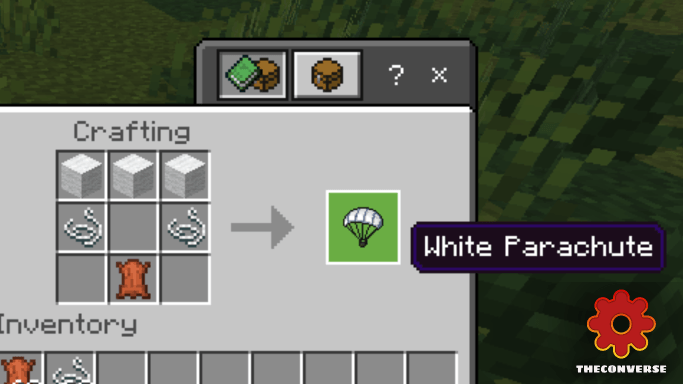
It's built for Survival from the start. You craft the parachute with accessible materials, toss it in your hotbar, and you're good to go—no commands, no creative detours. Activate it as you step off a ledge and the slow-fall kicks in, shaving all the panic out of long drops while giving you time to pick a clean landing zone. I like using it to hop off scaffolds during big builds: jump, drift along the façade, mark lantern spots, and touch down right next to the chest I need. Same deal on parkour maps when a missed jump would normally send you back to the start—hit the kick, recover, and keep the run alive.
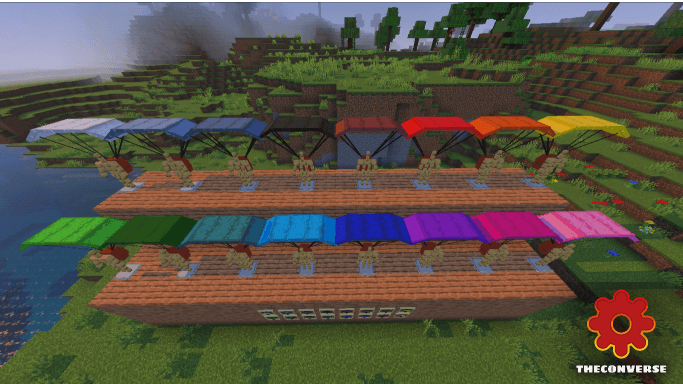
The movement control feels natural. You can float across ravines, drop into valleys, or step off a cliff to line up a perfect path through trees without smashing branches. It pairs nicely with a water bucket for last-second landings and still has value even after you get Elytra, since it costs no rockets and doesn’t chew durability for quick local hops. For co-op or Realms, it’s clutch for rescue runs—glide down to a fallen teammate, grab their gear, and ride the air back to safety. If your world has height and you want safety without breaking the Vanilla flow, TC Parachute Addon delivers a clean, craft-and-jump solution that you’ll use every session.
Each parachute has its own crafting with each color of wool, with improved models from the previous addon
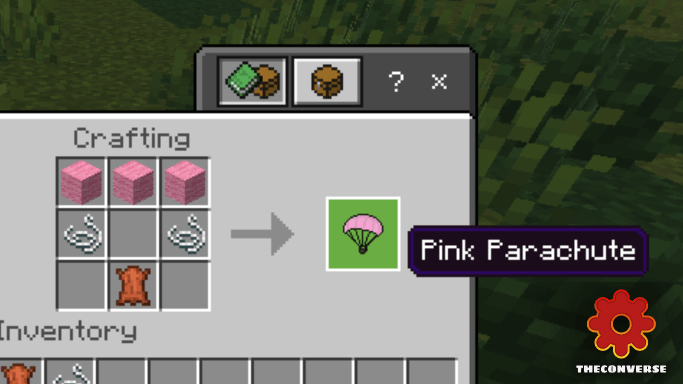
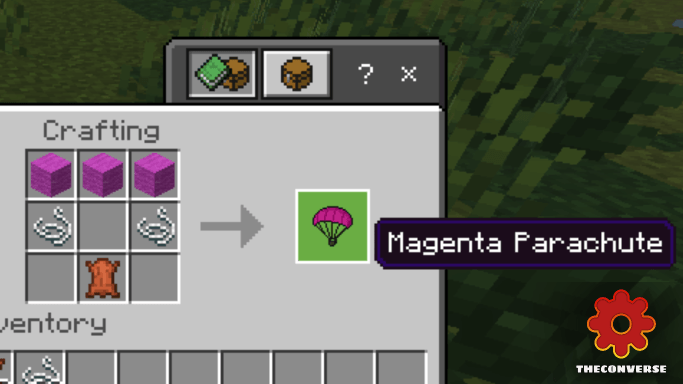
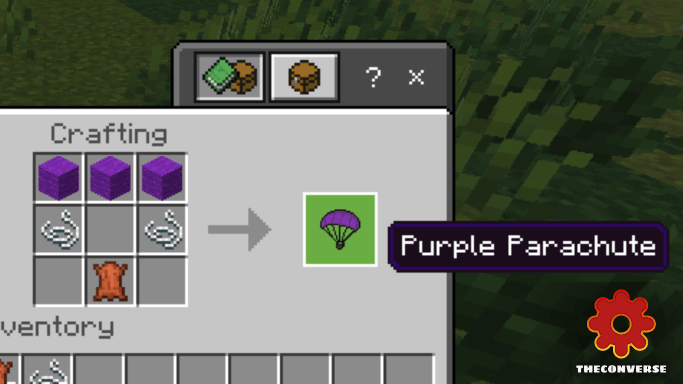
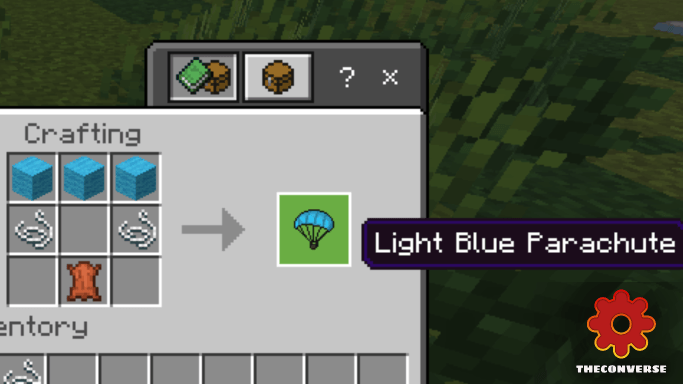
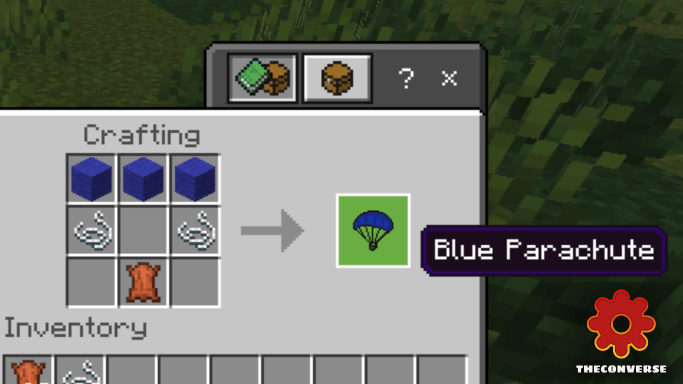
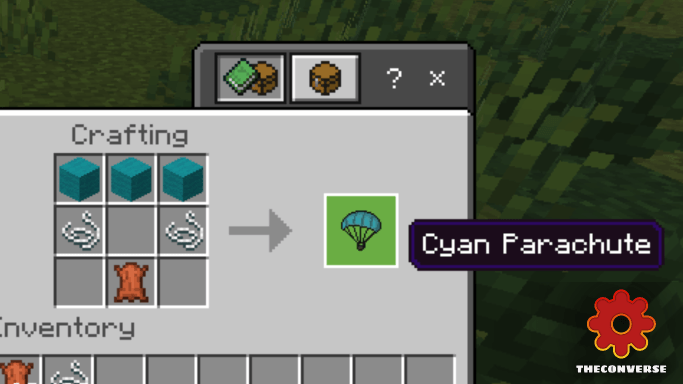
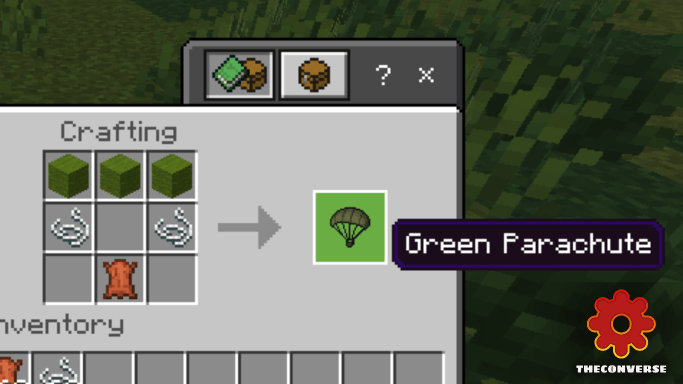
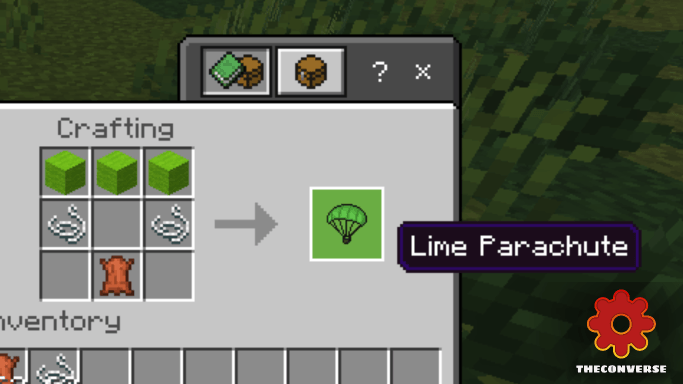
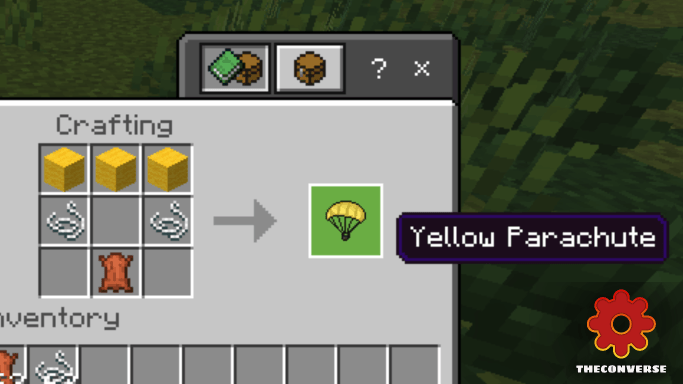
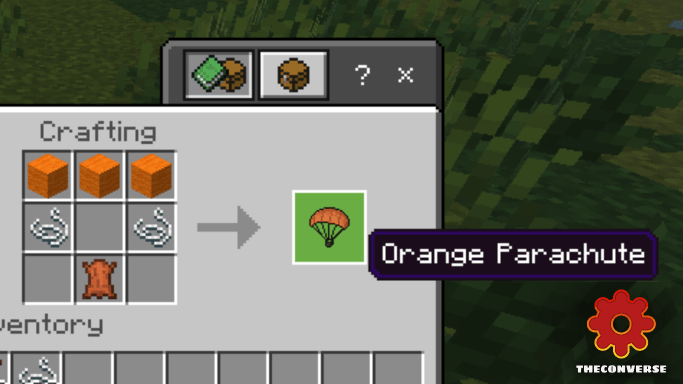
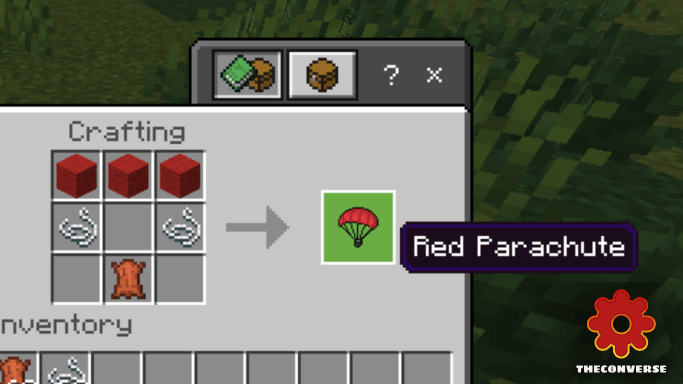
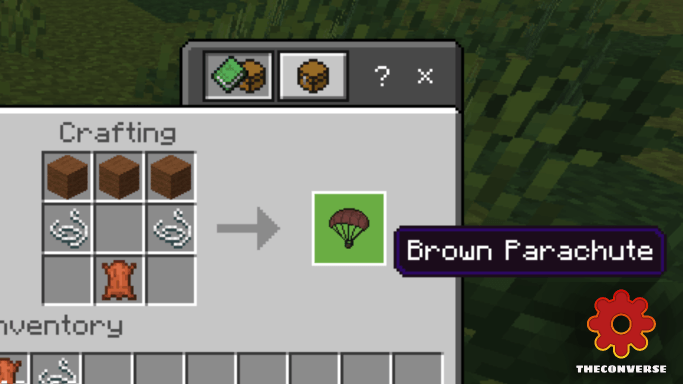
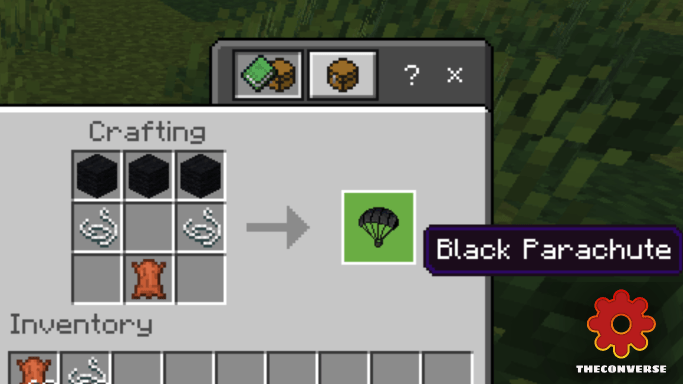
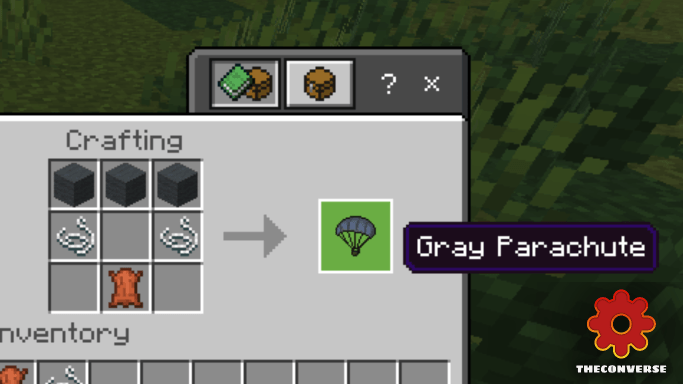
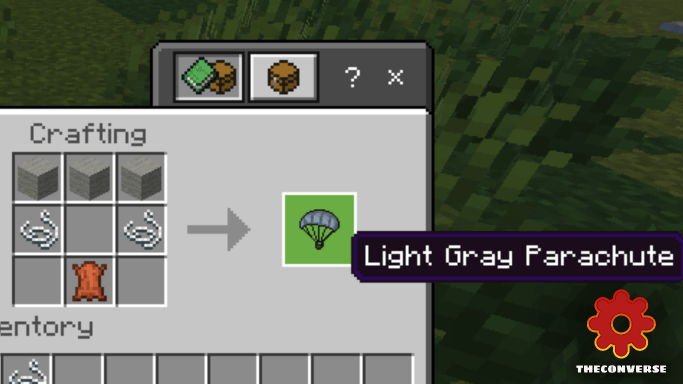
Useful for:
-Survival
-Adventure Maps
-Parkour
LICENSE
Before downloading the addon, the following conditions must be considered:
It is not allowed:
- Modify, alter or edit the Addon without the express authorization of the Creator.
- Publish, distribute or share the Addon without giving proper credit to the Creator.
- Use the Addon for commercial purposes without the express authorization of the Creator.
Credits
If you share or publish the Addon, you must give appropriate credit to the Creator, including:
Addon Creator Name: TheConverse
Changelog:None
More versions

All Rights Reserved
08/09/2025
20:31 10/11