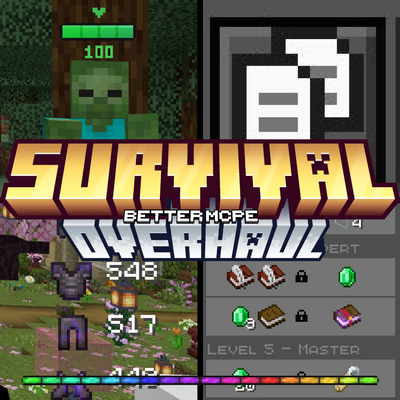
Survival Overhaul
Survival Overhaul is a complete resource pack designed to improve every aspect of survival gameplay in Minecraft Bedrock. Instead of stacking multiple packs, this single pack combines essential survival features into one clean, polished experience.

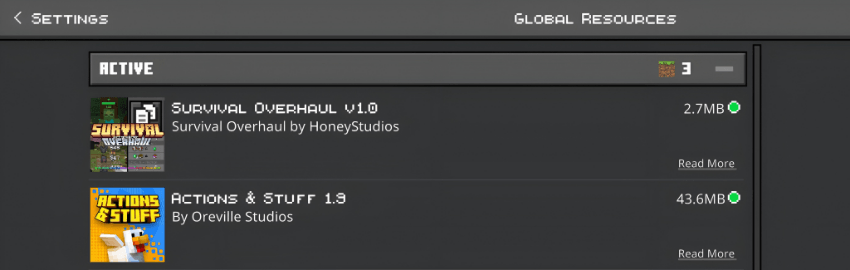
✅ Compatible with Actions & Stuff And Other Packs. Just place this texture on top of Actions & Stuff in your pack order.
-Features
Dark UI Complete dark-themed interface across all screens — inventory, crafting, brewing, trading, settings, and more. All text colors adjusted to white for perfect readability on dark backgrounds.
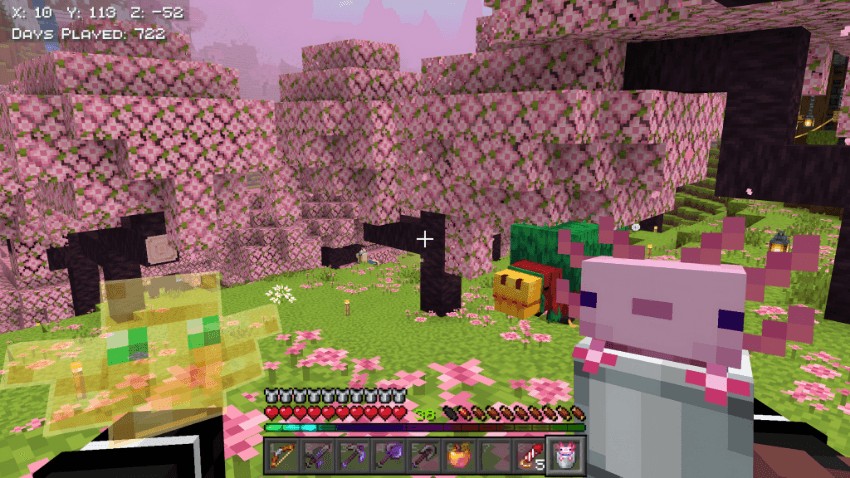
Animated RGB XP Bar A smooth animated rainbow XP bar that replaces the vanilla green bar, giving your HUD a modern and vibrant look.
Numbered Hotbar Each hotbar slot displays its slot number (1-9) for quick reference.
Health Bar Indicator Floating health bars above mobs showing their current HP percentage. Works on 85+ entities including all hostile mobs, passive mobs, and bosses. Player health bar excluded for a clean HUD. Toggle on/off using subpacks.
Visible Trade Villager trade offers are displayed more clearly, showing locked and unlocked trades with improved item visibility so you can quickly find the trade you need.
Better Crops Fully grown wheat, carrots, potatoes, and beetroot display random texture variations with realistic flowers - white flowers on carrots, purple-white on potatoes, and red on beetroot. Includes improved farmland textures, hay blocks, melon/pumpkin top variations, and stem textures.
Food Stats Display Hover over any food item to see its hunger and saturation values directly in the item name. Supports all food items in the game.
Enchantment Icons Visual icons displayed next to enchantment names, making it easier to identify enchantments at a glance.
Brewing Guide Interactive brewing guide panels displayed alongside the brewing stand UI, showing potion recipes, modifiers (Glowstone, Redstone, Gunpowder, Dragon's Breath), and all ingredient combinations.
Quick Crafting Button One-tap access to crafting table from inventory screen.
Durability Display Shows item durability as numbers on the HUD when holding tools, weapons, or armor. Low durability warning with blinking alert.
Shield Animation Lowered shield position in first person for better visibility while blocking.
Block Texture Improvements Enhanced textures for nether bricks, netherrack, soul sand, soul soil, nether gold ore, quartz ore, observer blocks, scaffolding, sticky pistons, log tops, and more.
-Subpacks
Survival Overhaul includes subpack options:
Health Bar Indicator On — Displays floating health bars above all mobs
Health Bar Indicator Off — Disables mob health bars for a cleaner look
👉 Select your preferred option in the pack settings before playing.
-Check out these packs:
Health Bar Indicator By FoxyFall.
Enchantment Icons By CraftStudio.
Durability Display By CraftStudio.
Food Stats By HoneyStudios.
-Installation
Download the resource pack
Import it into Minecraft Bedrock
Enable it in Global Resources or in a world's Resource Packs
Select your preferred subpack option
-Compatibility
Works with Minecraft Bedrock 1.21+ , 26.10+
Compatible with Simple, Fancy, and Vibrant Visuals graphics modes
Works alongside behavior packs and addons
No experimental features required