Simple Waypoint
The Waypoints addon has a simple mechanic:
First you will have to create the Waypoints map on the cartography table with 2 papers.

With the cartography paper in hand, use it to open it and get the waypoint map.
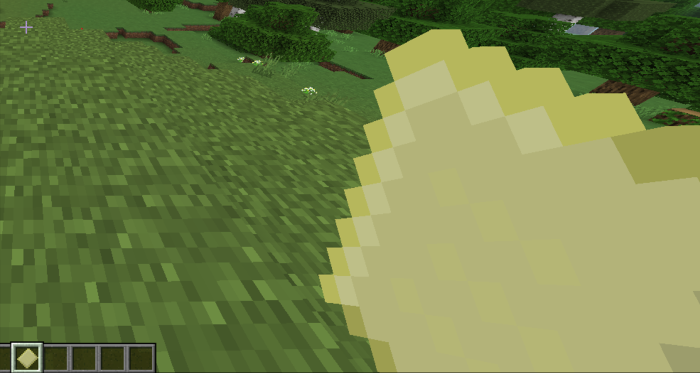
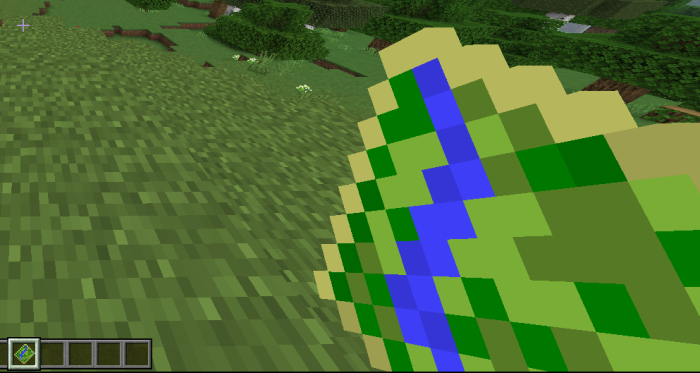
Creating a Waypoint is simple, just go to the menu by clicking with the Waypoint map in your hand while using the shift button.
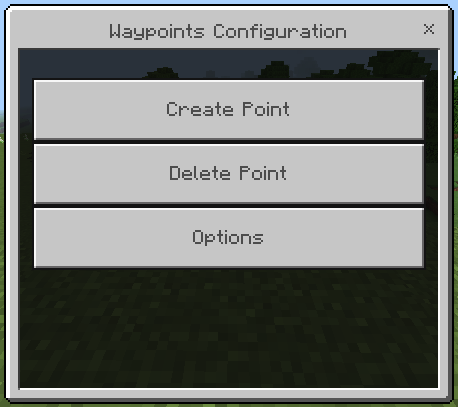
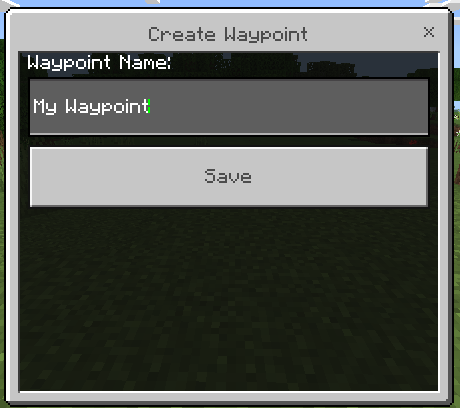
Click on the "Create Point" button and give a name to the Waypoint. The position of the Waypoint will be your position at the moment you create it. Each dimension has its own list of Waypoints.
Now clicking with the waypoint map in your hand without using the shift button, a list with all your created waypoints will appear.
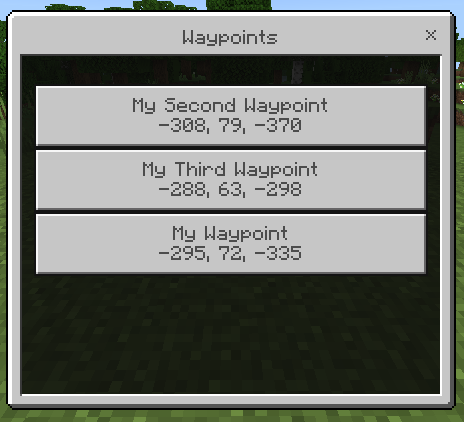
When you click on one of them, you will notice that the distance to the waypoint is written in the chat.

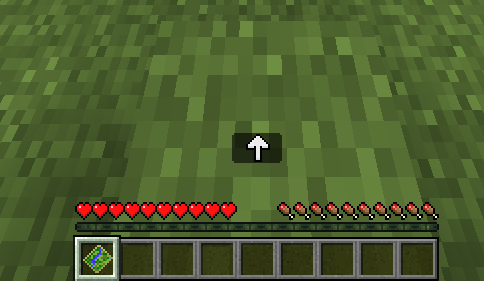
As long as you hold the Waypoint map in your hand, an arrow indicating the location of the waypoint will appear.

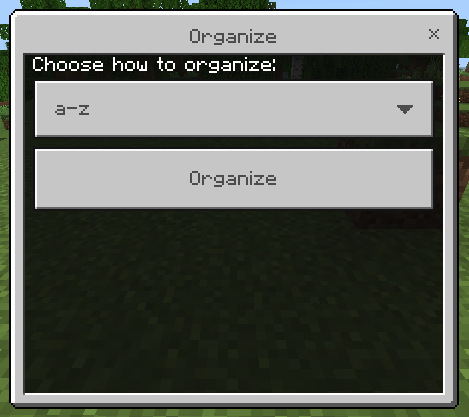
Go to the menu and click on the "Options" button, there you will see 2 options:
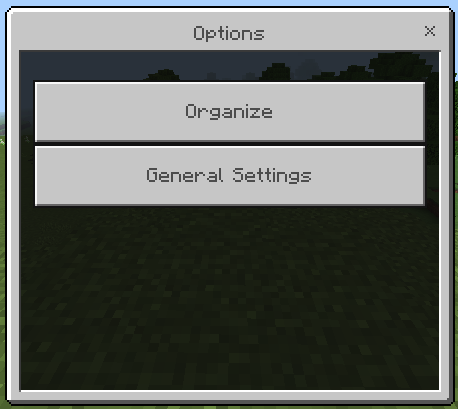
If you want, there are 3 ways to organize your Waypoint list; A-z, Z-a and last used.

In the general settings you can define:
- Coordinates will be shown in the Waypoints list;
- Show distance to the Waypoint;
- Teleport to the waypoint (only appears in creative).