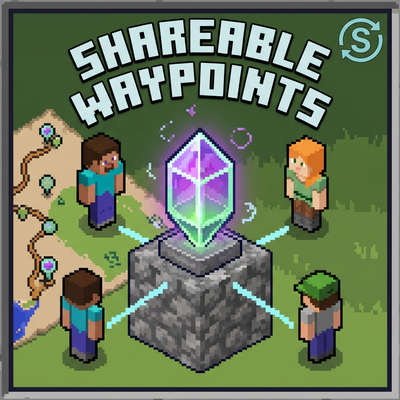
Shareable Waypoints
Please use this form for bug reports, update requests, and feature suggestions.
→https://docs.google.com/forms/d/e/1FAIpQLSesBt2y9EJ0saXTYVAdFEKeMeDETeiFerzpOA80VsRuifYaiQ/viewform
✨ Features
🧭 Compass Teleportation: Simply use (right-click/long-press) a compass to open a convenient custom menu.
🤝 Share Waypoints: Group multiple locations into a "Set" and grant access to other players in the world. Shared players can freely teleport to your bases or beautiful spots you've discovered!
🎮 Auto-Adapts to Survival / Creative:
Survival Mode: To maintain game balance, the initial registration limit is 2 locations. You can unlock more slots by consuming 32 Copper Ingots per slot.
Creative Mode: No limits from the start! Plus, players automatically receive a compass upon joining the world.
The mode is auto-detected based on the first player who joins, but admins can change it later.
✏️ Full Editability: You can easily rename sets and waypoints, or delete them if no longer needed.
🌐 Bilingual Support: You can switch the UI language between English and Japanese anytime from the menu. (Default is English)
🚀 V1.1 New Features
💀 Hardcore Mode (Permanently Disable Teleportation)
For players who feel teleportation is too overpowered! Admins can permanently disable teleportation, turning the add-on into a pure "coordinate sharing tool". (Selecting a waypoint will display its coordinates in the chat instead of teleporting you).
Note: Once enabled, this action cannot be undone.
🔔 Access Notification System
You can now toggle notifications from the Set Management menu. If enabled, you will receive a chat notification whenever a shared player teleports to (or checks the coordinates of) your waypoints.
⚙️ Admin Features
The world host (the first player to log in, or any player with OP permissions) will see a special "Admin Settings" menu. From here, you can force the add-on's behavior mode (Survival/Creative) or reset the settings.
⚠️ Important Notes
You MUST enable "Beta APIs" in the world experiments settings for this add-on to work.
Designed to work perfectly in multiplayer environments.