
Scoreboards UI
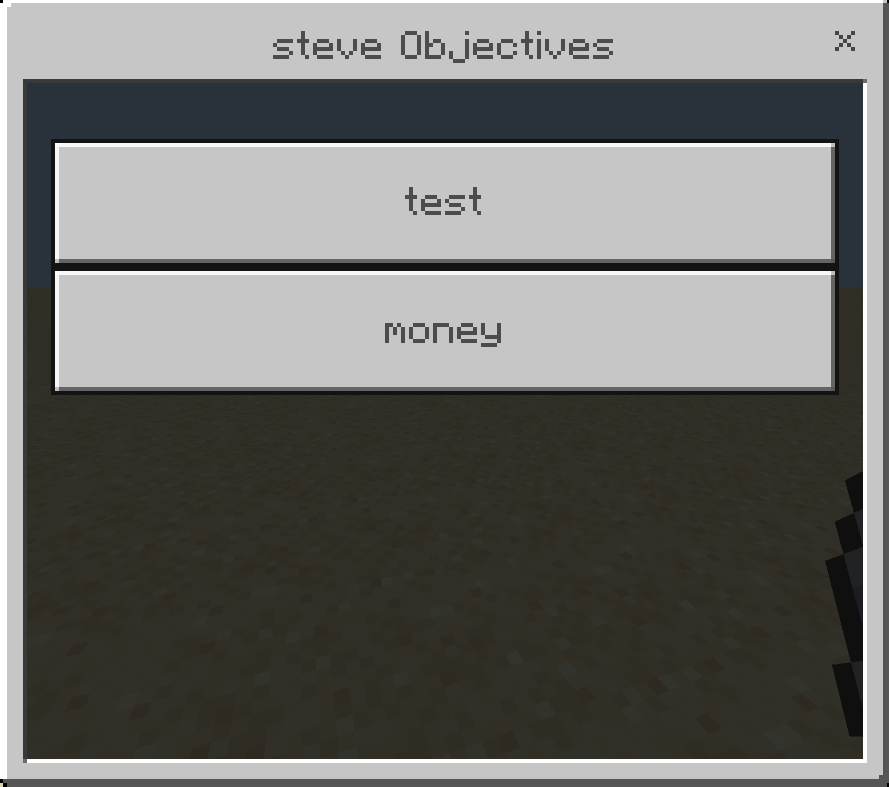
Are you tired of writing commands to change a score or create a scoreboard objective, use this addon to manage scoreboards with a user interface without any commands.
960
Manage your scoreboards with a user interface instead of writing long commands.
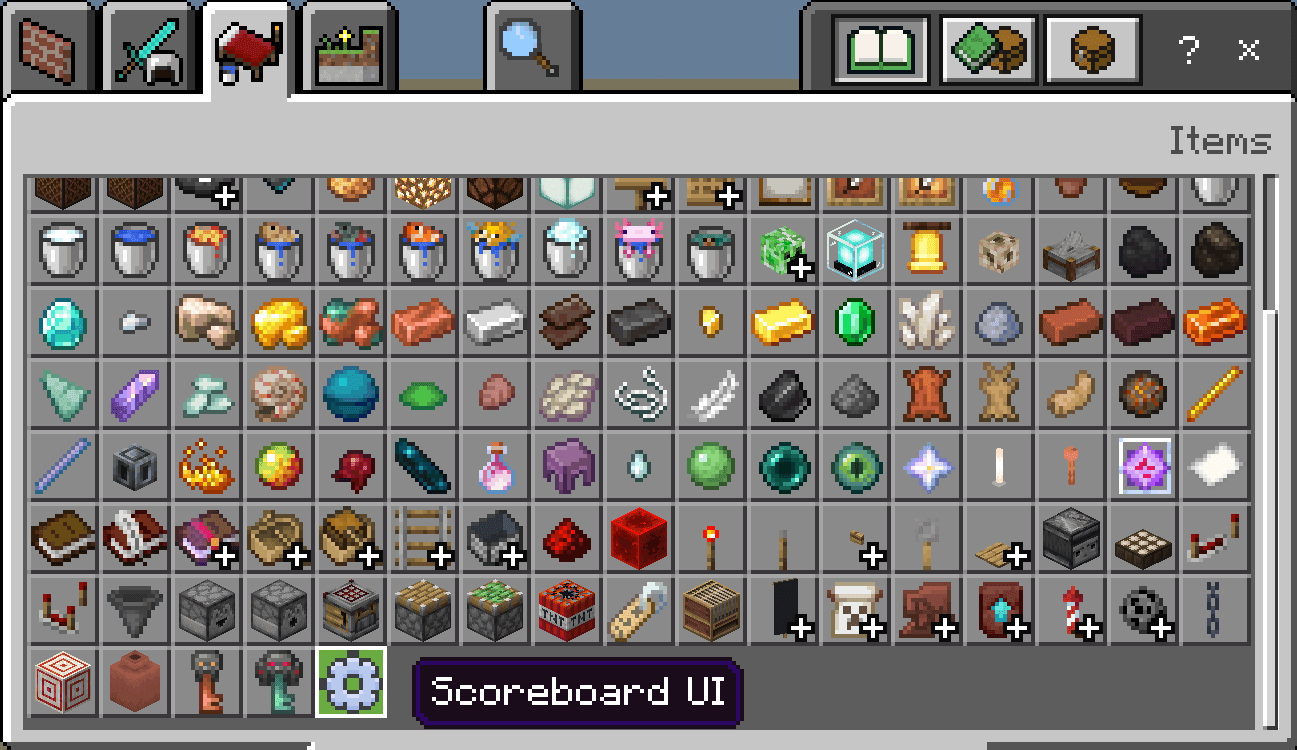
to open the UI use the settings item
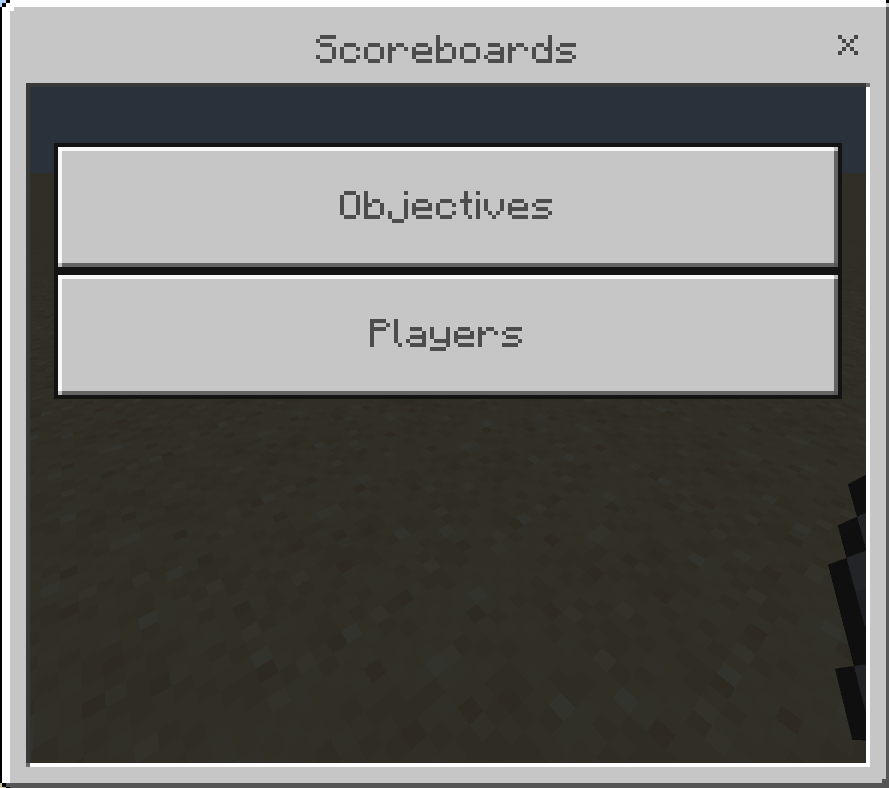
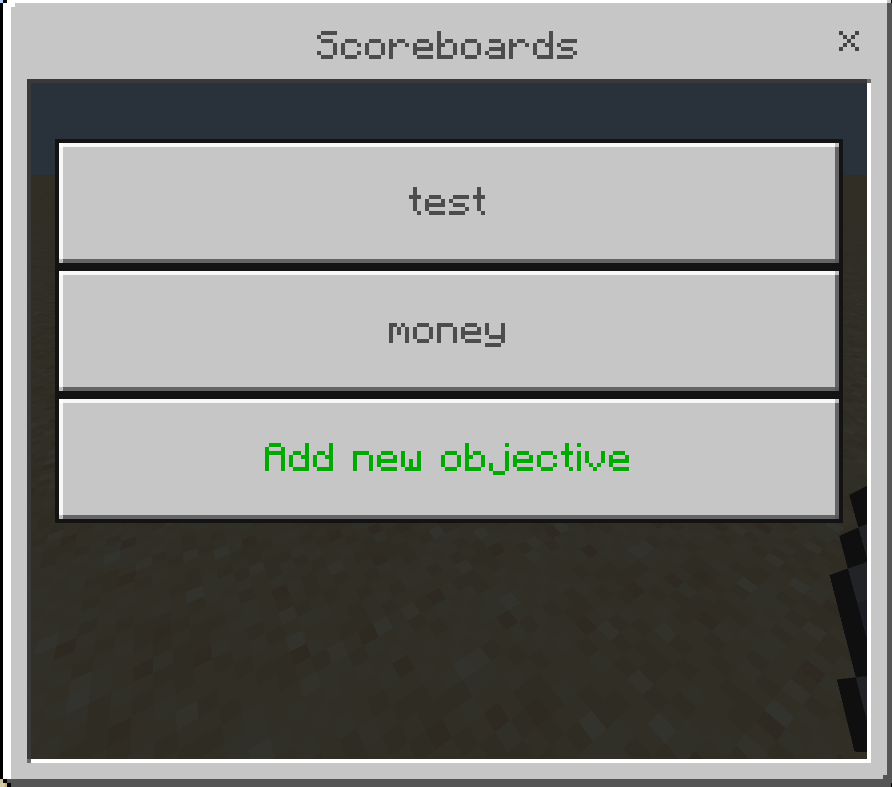
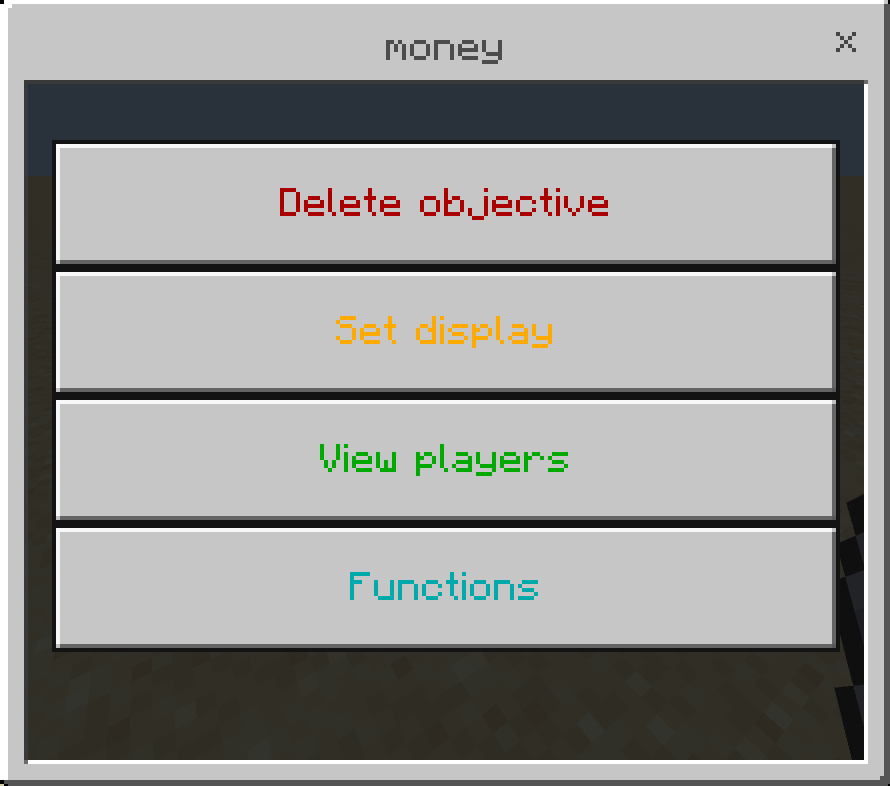
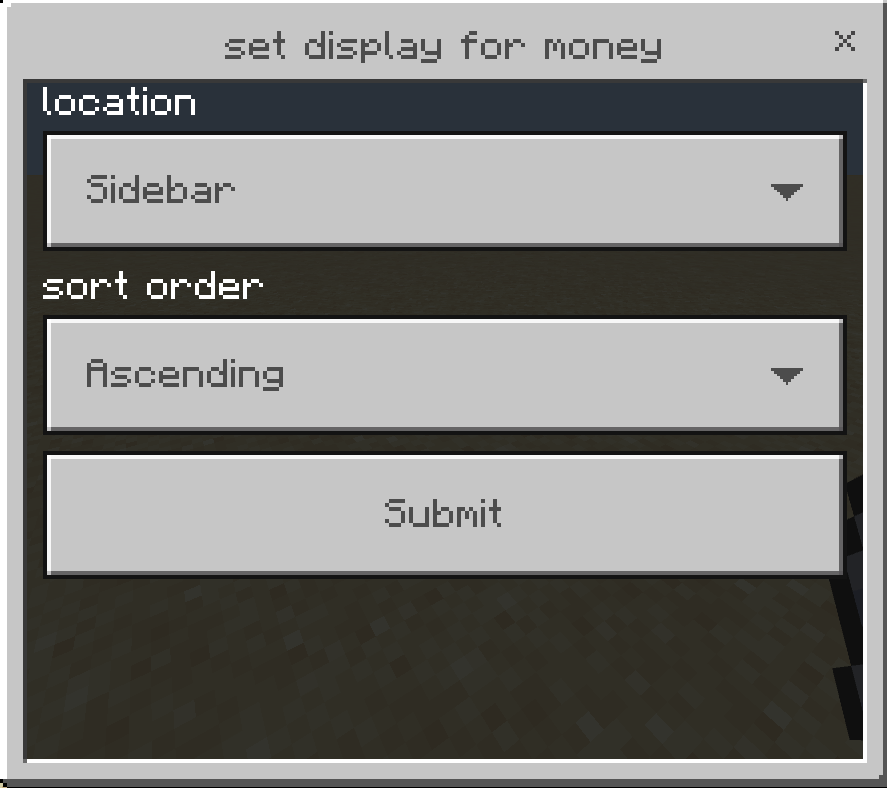
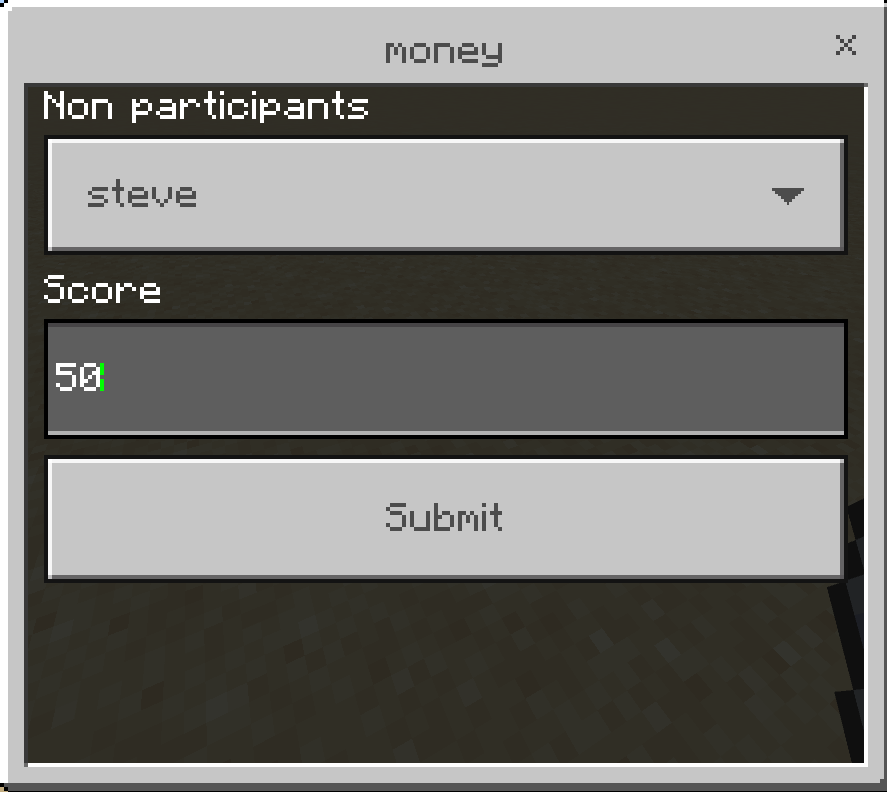
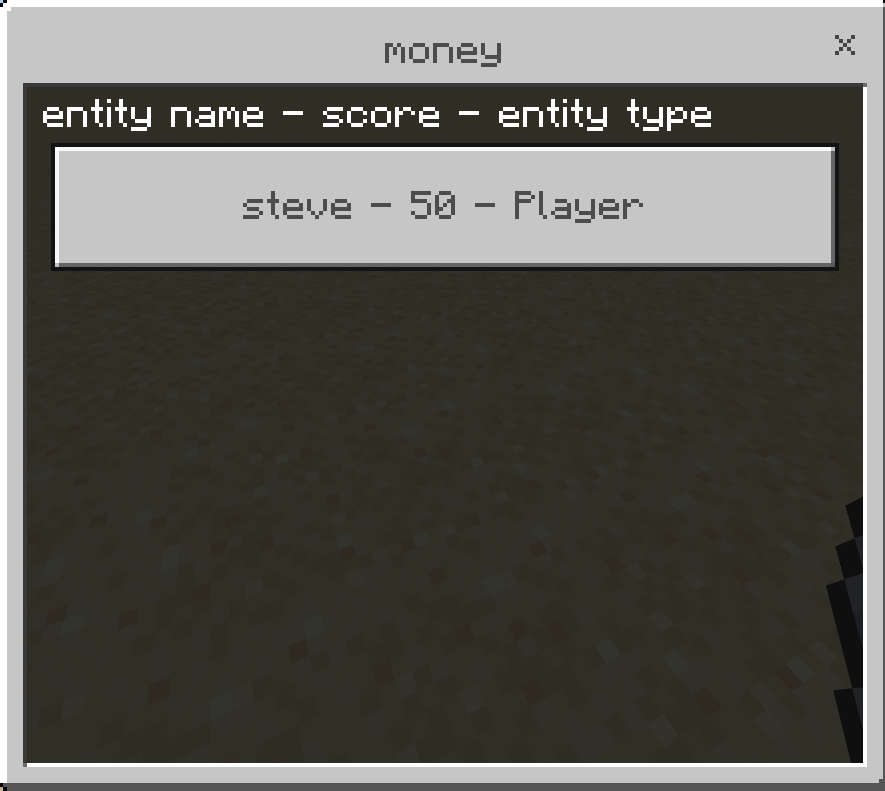
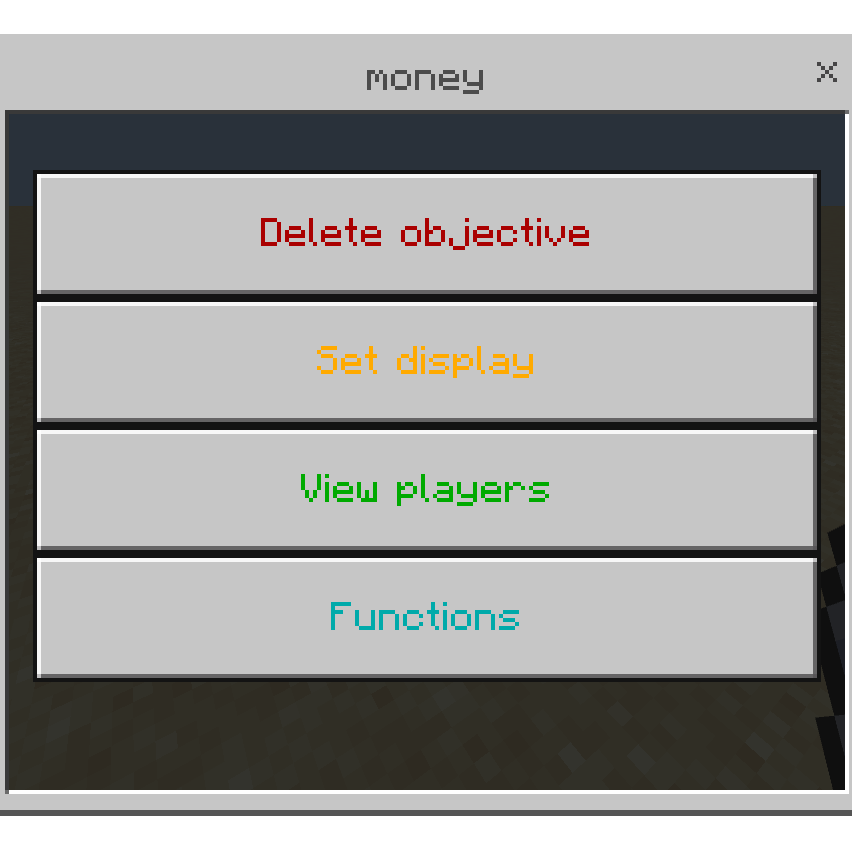
set all participants will set score for players who already have a score in the scoreboard objective (even if 0), set all players will set the score for all players including those who dont have a score yet.
"set" changes the score to that number, for example if the player's score was 10 and you set it to 50 it will become 50.
"add" add a score to player's existing score, in the previous example the score becomes (10 + 50 = 60).
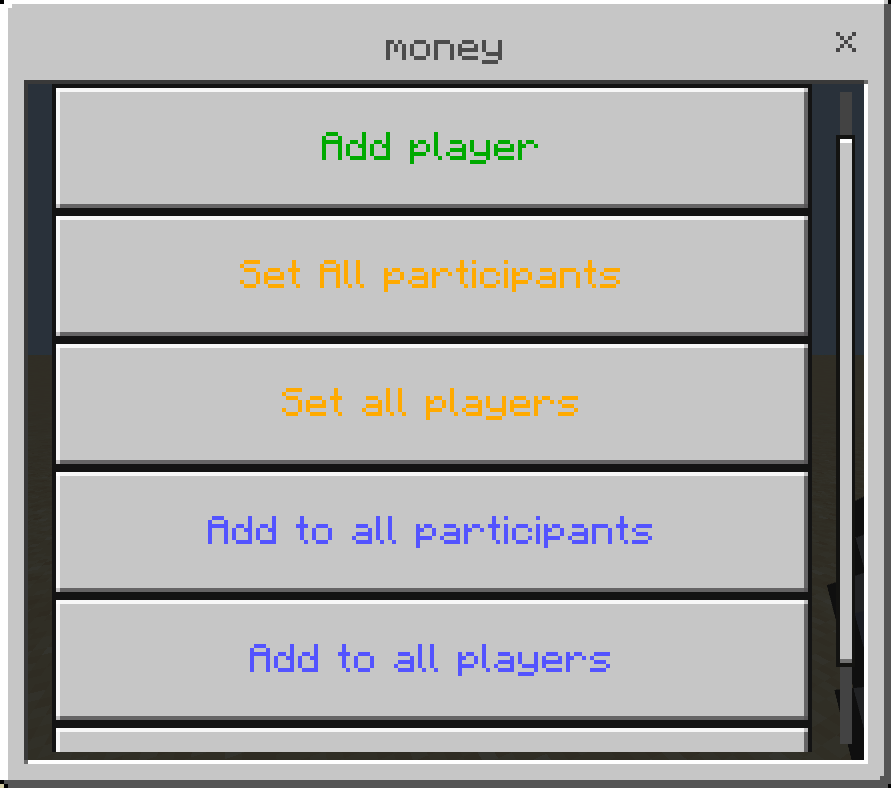
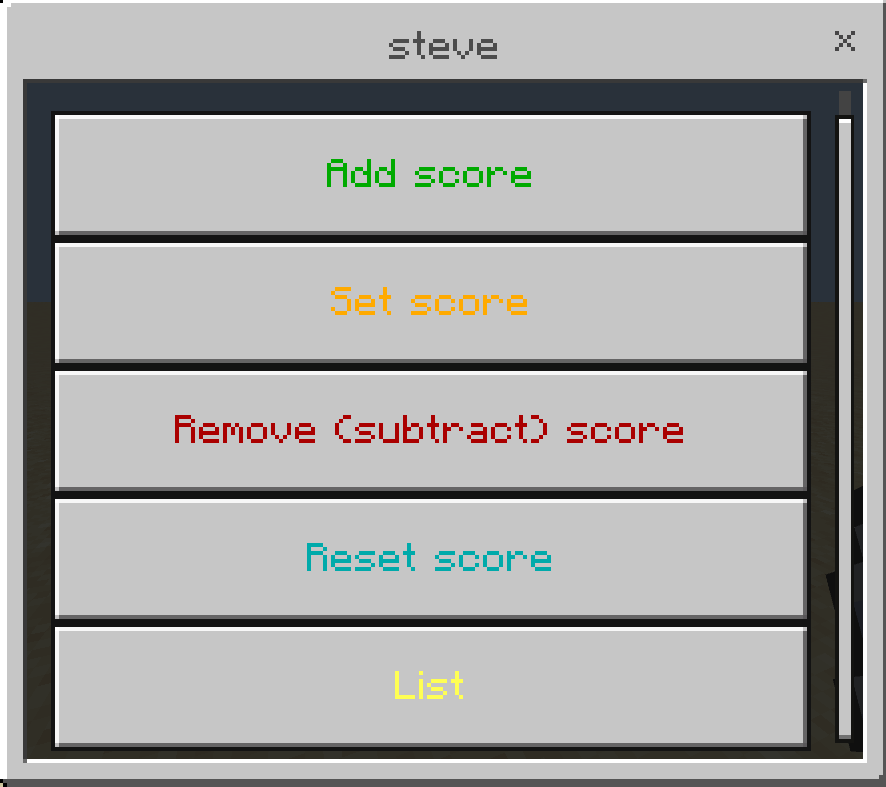
here you can use player current score in a math expression, for example you have 3 players with different scores (20, 100, 105) and you want to double their score, instead of changing each player's score manually you can use this expression: x * 2 this will double each player's score, you can also use: + - / *
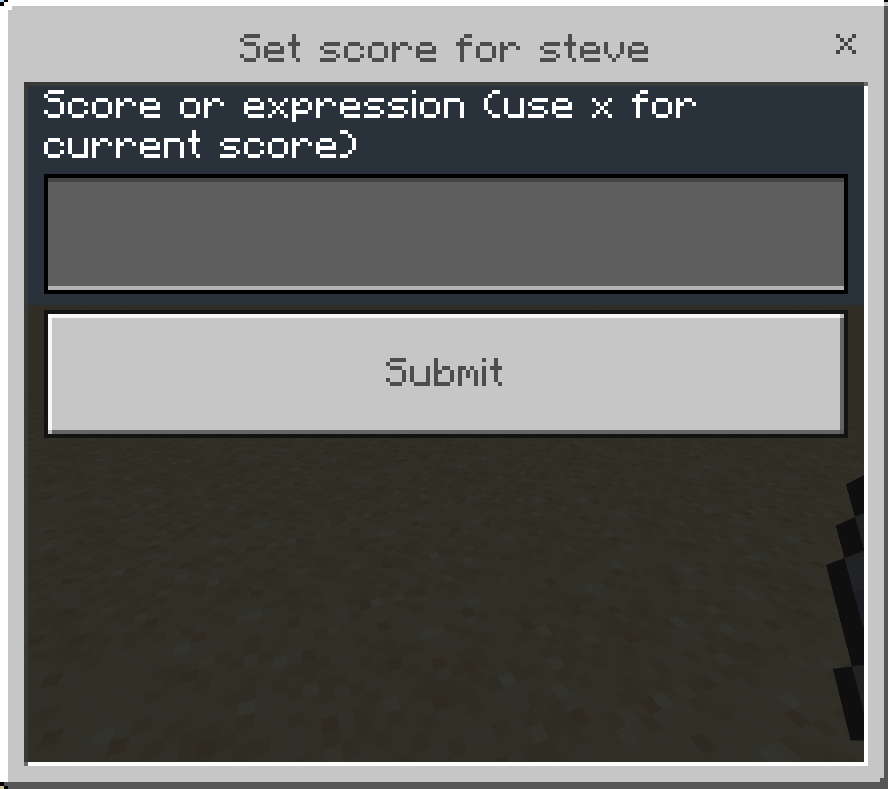
this will add 5 to each player's score.
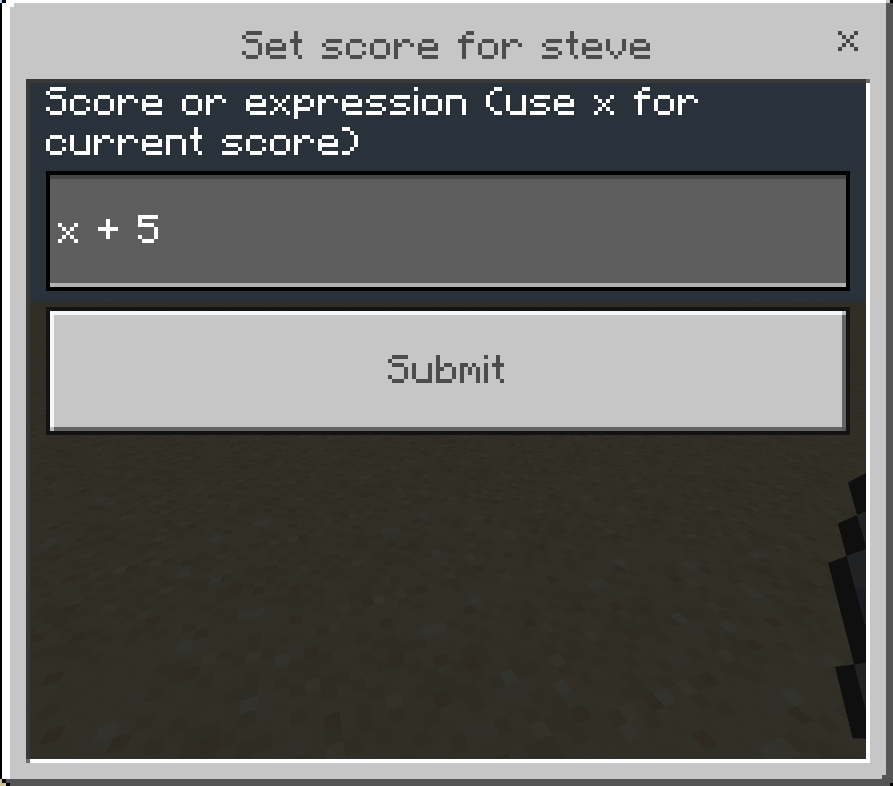
NOTE: you must be Operator to use the item
Changelog:None
More versions

All Rights Reserved
26/09/2025
16:39 26/09