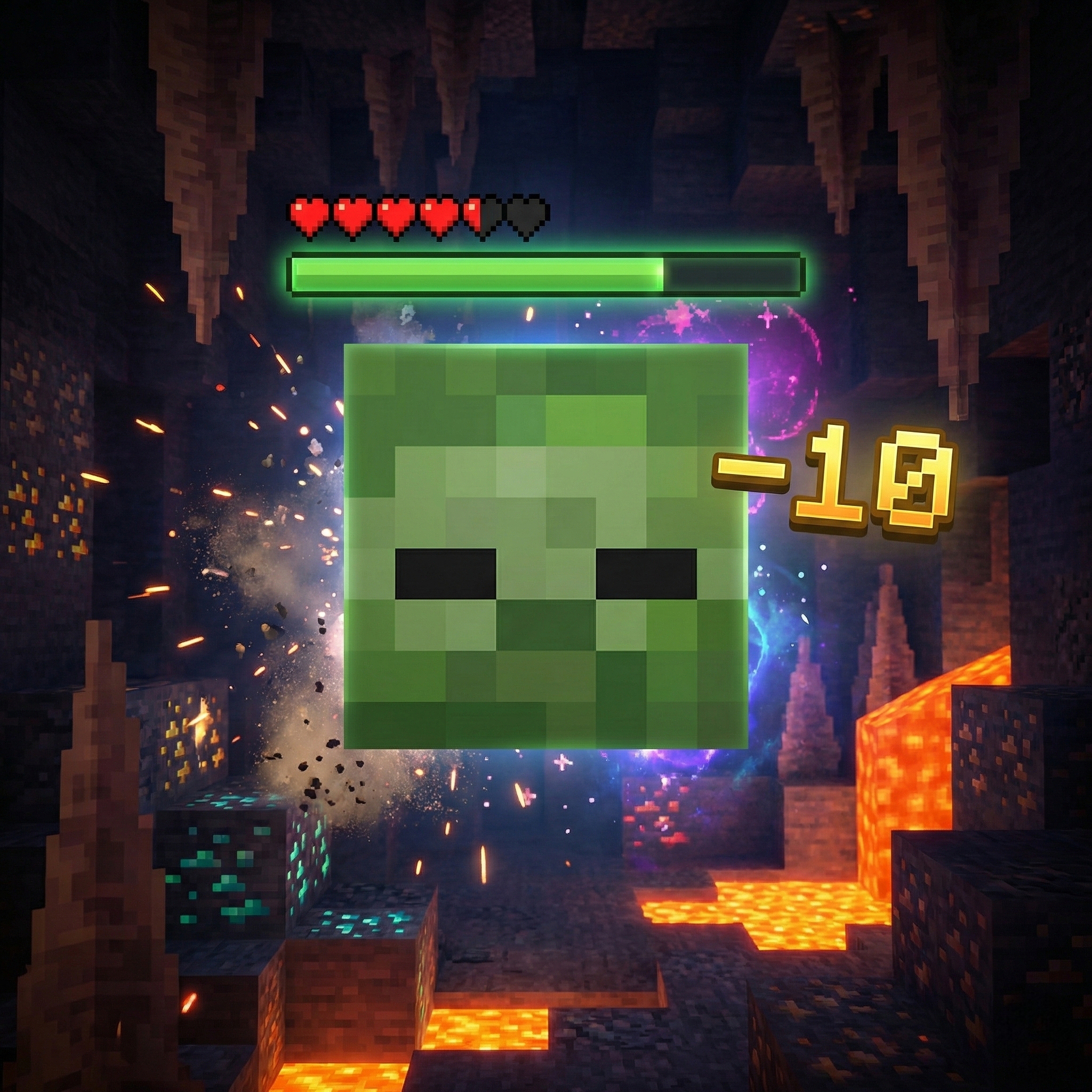
RR Damage Indicator: RPG Health & Numbers
RR Damage Indicator v2.0.0 - The Ultimate RPG Combat UI
Hey everyone! Have you ever been in a massive boss fight in Minecraft Bedrock Edition and felt completely blind? You are hitting a Warden, an Ender Dragon, or a Wither Boss with your best enchanted Diamond Sword, but you have absolutely no idea how much health the boss has left. Should you keep attacking, or should you run away to heal? In Java Edition, there are plenty of mods for this, but in Bedrock, we have always had to fight blindly.
I decided to fix this problem completely. Welcome to the RR Damage Indicator Addon. I have completely rewritten the code for Version 2.0.0, transforming your vanilla Bedrock interface into a full, high-quality RPG combat experience. This is the Full Access Edition, meaning every single premium feature, tracking system, and custom UI style is completely unlocked for you right out of the box. No restrictions, just pure combat enhancements.
Live RPG Health Bars
The core feature of this addon is the highly responsive health bar system. Whenever you look at any entity in the game, a clean, dynamic health bar appears directly above their head. You do not need to hit them first; just looking at them reveals their exact health status.
To make it even easier to read during fast-paced combat, I designed a smart color-coding system:
- Green Bar: The mob is healthy and has more than 50% of its total health remaining.
- Yellow Bar: The mob is injured and is sitting somewhere between 20% and 50% health.
- Red Bar (Danger): The mob is critically low on health (below 20%). This is your signal to go in for the final strike!
Additionally, the addon features a smart identification system. Friendly and neutral mobs (like villagers, cows, and sheep) will display a green name tag, while hostile monsters (like zombies, skeletons, and creepers) will display a red name tag so you can instantly identify threats in the dark.
Advanced Damage Popups & Critical Alerts
This addon does not just show you the enemy's health; it also shows you exactly how much damage your weapons are dealing. Every single time you land a hit on a mob, a clean number popup will appear showing the exact damage value. This is incredibly useful for testing out different sword enchantments like Sharpness or Smite to see which one actually performs better.
I also added a highly satisfying Critical Hit Alert system. If you land a heavy attack that deals 8 or more damage (like a perfect jump-crit with an Iron or Diamond Axe), the UI will flash a special Critical Alert on your screen accompanied by a heavy impact sound effect. It makes the combat feel incredibly powerful and rewarding.
Killstreaks and Live Combat Stats
Why stop at just showing damage? I wanted to turn your survival world into a competitive arena. This update introduces a brand new Killstreak and Stat Tracking system.
- The Killstreak System: Every time you secure a kill, a timer starts. If you can kill another mob within 10 seconds, your streak goes up. You will get special on-screen notifications and sound effects as your streak gets higher and higher. It is incredibly fun when defending a village from a raid!
- Lifetime Stats Tracking: The addon permanently records your combat history. You can open your profile to see your Total Damage Dealt, Total Kills, Total Hits Landed, your Max Single Hit Damage record, and your Best Killstreak of all time.
Fully Customizable Interface (7 Bar Styles)
I know that every player uses different texture packs, and everyone has a different aesthetic preference. I did not want to force you to use just one style of health bar. In this update, I added 7 completely different custom bar styles that you can switch between at any time:
- Classic: The standard line format (||||||||) for a clean, vanilla feel.
- Blocks: A solid, thick bar design.
- Hearts: Uses classic Minecraft heart symbols.
- Stars: A magical, RPG-style star display.
- Dots, Arrows, and Dashes: Minimalist designs for players who want the UI to be as small and unobtrusive as possible.
The In-Game Settings Menu
You have total control over how this addon behaves, and you do not need to type any annoying commands to change your settings. Simply hold a normal Book in your hand, Sneak (Crouch), and click the screen to open the Settings Menu.
From this menu, you can fully customize your experience:
- Detection Range: Adjust how far away you can see health bars, anywhere from a close 5 blocks up to a massive 30 blocks.
- Target Filters: Don't want your screen cluttered while walking through your cow farm? You can easily toggle "Show Friendly Health" OFF, and only keep "Show Hostile Health" ON.
- Low Health Warnings: You can set a custom threshold (between 5 and 50 HP). When a boss or a tough mob drops below that number, you will hear a special warning sound telling you they are almost dead.
- Audio & Visual Toggles: You can independently turn the damage particles, hit sounds, critical alerts, and kill notifications ON or OFF to keep your screen as clean as you want.
- Reset Stats: If you want to start a new season on your Realm, you can wipe your combat stats back to zero with one click.
Zero Lag & High Performance
A lot of older damage indicator addons for Bedrock Edition used to summon hundreds of invisible armor stands to display floating text, which caused massive server lag and dropped your frames to unplayable levels. I built the RR Damage Indicator using the modern Bedrock Script API engine. It is highly optimized for low-end mobile devices and 1GB RAM phones. Even if you are standing in the middle of a massive mob farm with hundreds of zombies taking damage at the same time, your game will maintain a buttery smooth 60 FPS.
Please note that some of the graphical assets, promotional thumbnails, and gallery screenshots used to showcase this project have been created or enhanced using AI tools for better visual presentation.
This addon relies on the latest custom Script APIs to track entity health, calculate damage numbers, and render the user interface. You MUST go to your World Settings > Experiments tab, and turn on Beta APIs before loading the world. If you do not enable this setting, the health sensors will not activate and the addon will not work!
Developer: Racing Raftaar
Version: 2.0.0 Full Access Edition
Supported Minecraft Versions: 1.21.0 and above