
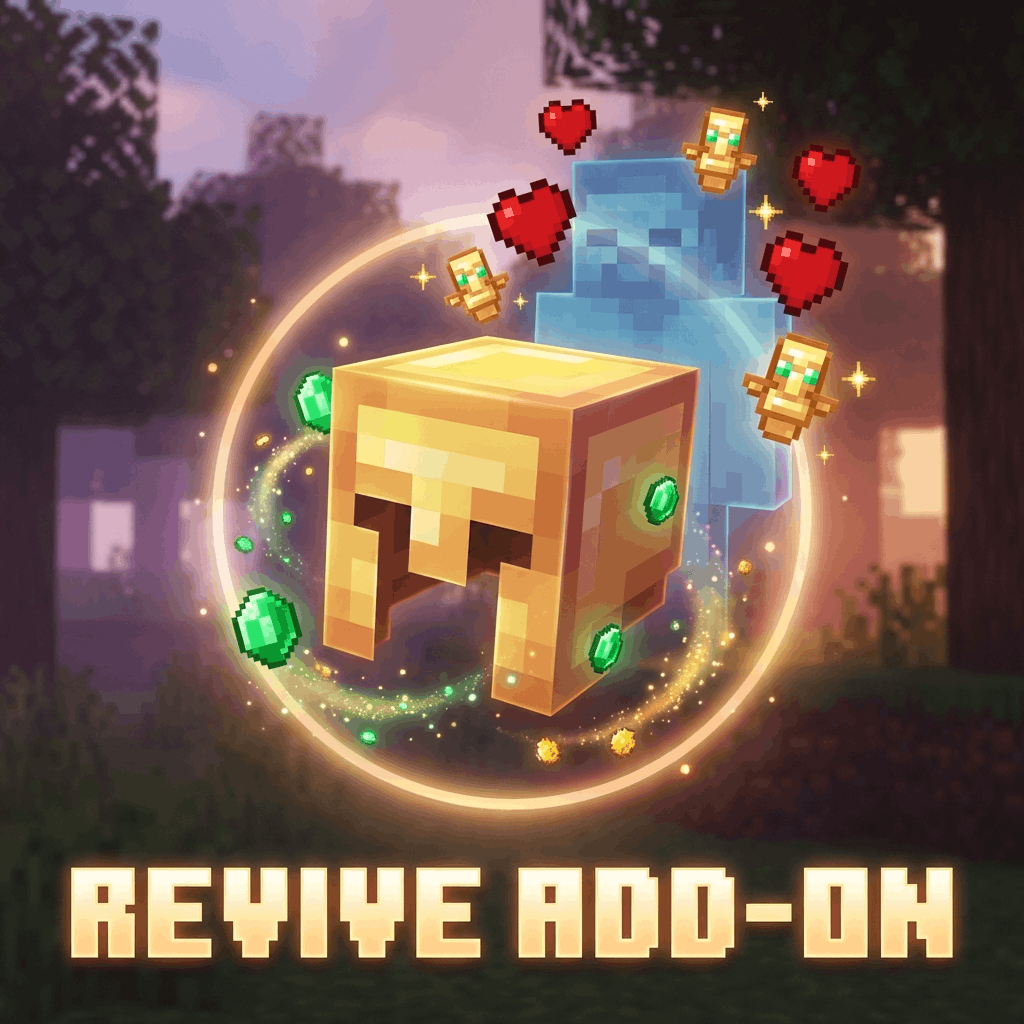
Player Revive
Bring players back to life with this feature-rich revive system, complete with interactive inventory management, head-based revivals, and anti-duplication protection
2,272
Ultimate Revive Add-on
Overview
The Ultimate Revive Add-on is a professional-grade survival enhancement for Minecraft Bedrock. It introduces a high-stakes revival mechanic where death isn't the end, but a challenge. When a player dies, they leave behind a unique Player Head and their items are safely stored in a virtual inventory that can be accessed via a custom Chest UI.
🎮 Commands
/revive shop- Open the player buyback menu./revive buyback <player>- Quickly buy back a specific player./revive config- (Admin Only) Access the advanced settings dashboard.
⚙️ Installation Guide
1. World Settings
To ensure the Add-on functions correctly, you MUST enable the following toggles in your World Settings:
- Beta APIs (Under Experiments tab)
- Cheats Enabled
2. Activating Packs
- Activate the
Revive Add-on RPin Resource Packs. - Activate the
Revive Add-on BPin Behavior Packs. - Ensure the packs are at the top of the priority list.
3. Initial Setup
Upon joining, Operators will be prompted to perform a World Setup. This automatically configures:
doImmediateRespawn: truekeepInventory: true (Required for item saving logic)- Economy Scoreboard: Creates the default "money" objective.
✨ Core Features
- Player Head Revival: Collect a fallen player's head and use it to bring them back.
- Interactive Chest UI: Open a dead player's inventory and take items one by one like a real chest.
- Anti-Duplication: Automatically clears all orphaned player heads from the world and inventories once a player is revived.
- Interactive Looting: Configurable "Get All" and "Dissolve" buttons for quick inventory management.
- Revive Interruptions: Toggles for "Cancel on Move" and "Cancel on Hit" to make reviving more tactical.
- Inventory Protection: Option for players to lock their dead-inventories so only the owner can retrieve items.
🛠️ Admin Configuration
Type /revive config to customize:
- Shop Toggle: Enable/Disable the buyback economy.
- Pricing: Set how much a life costs.
- Advanced Toggles: Enable or disable Move/Hit cancellation and specific UI buttons.
Credits: Created by -jmafk-bedrock YouTube: Subscribe to @jmafk_bedrock Support: Join our Discord for bug reports and updates!
All Rights Reserved
22/01/2026
23:58 04/06