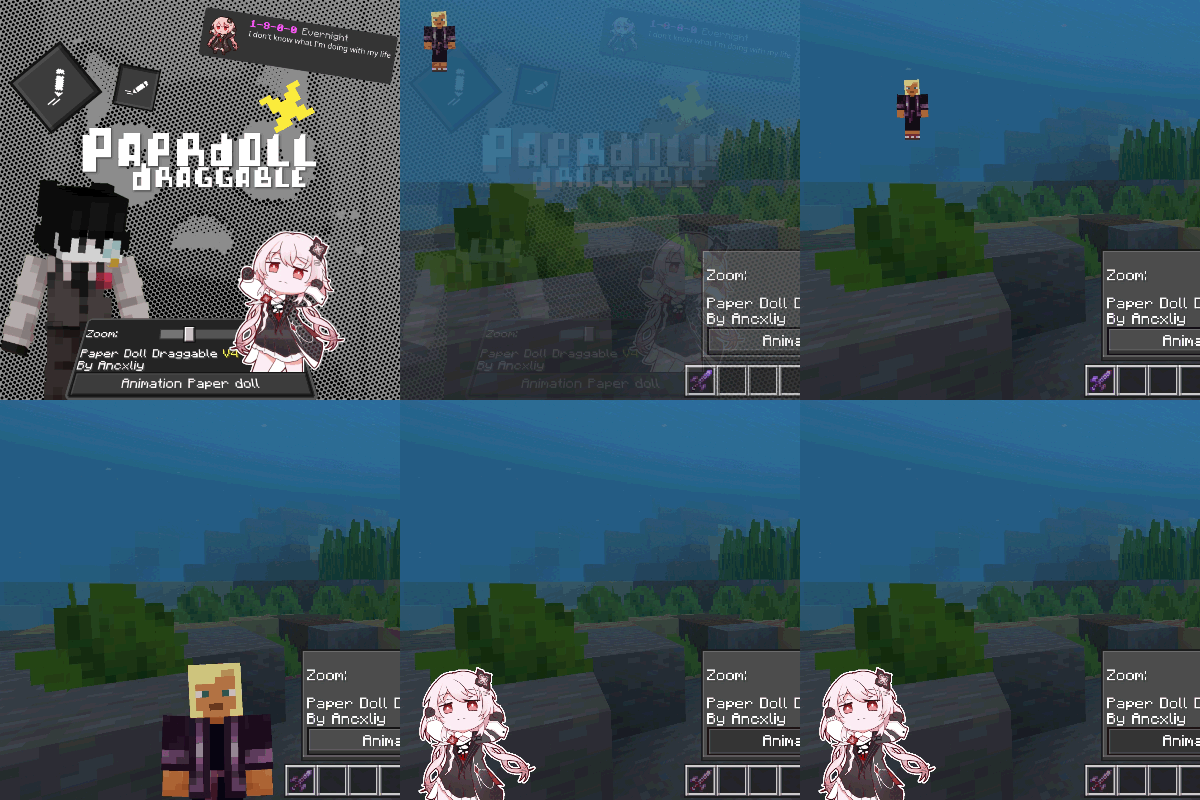
Paperdoll Slider v5
📦 Paperdoll Slider v5 – Resource Pack Description
Paperdoll Slider v5 is the next evolution of the interactive paperdoll system, bringing smoother controls, upgraded rendering, and new animation features. This pack must include at least one in-game image to showcase its functionality.
✨ Key Features
Fully Slider Paperdoll
You can also customize the position and size of the buttons! You need to open Editor panel by pressing gear button at the bottom right of the screen, after the Editor panel appears, you can use the slider to move and resize the buttons.
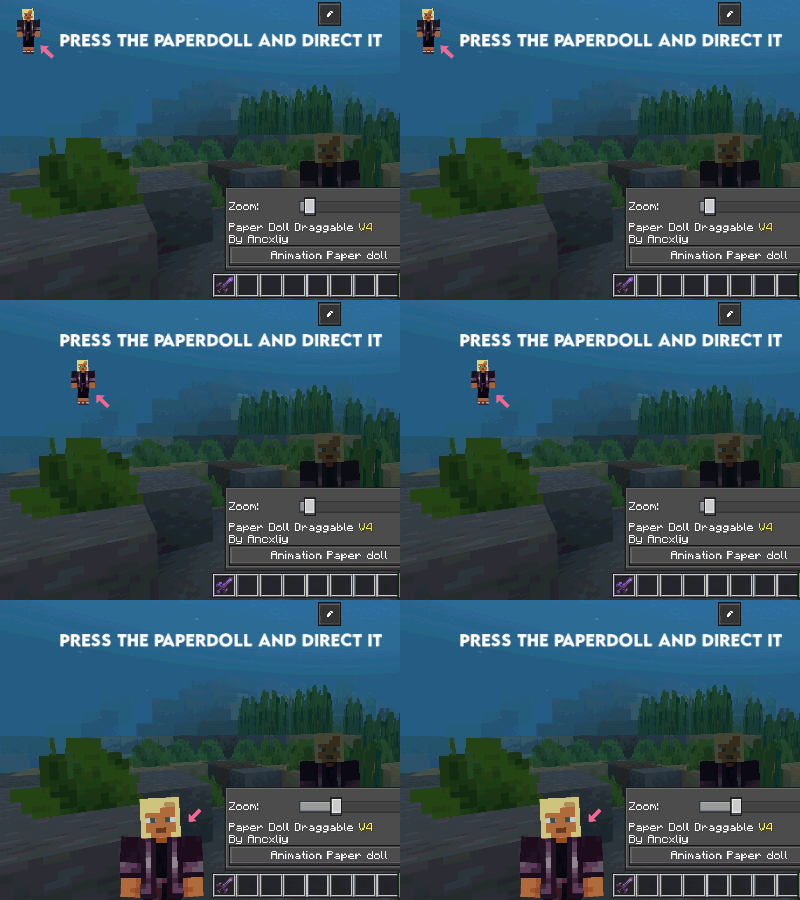
Move the paperdoll anywhere on your screen with a simple touch. Adjust its position freely to match your preferred layout.
Always-On Paperdoll Display
The paperdoll remains visible at all times without interrupting gameplay, giving you a clean and consistent HUD experience.
Enhanced Live Player Renderer
Powered by the live_player_renderer, the paperdoll now displays your character in real-time.
In this v5 update, the head can now move, improving realism compared to the static head in v4.
Warning! Due to JSON UI limitations, you cannot save the position and size of the buttons that you have customized in-game! You need to copy the code from this text box and replace it into the _global_variables.json file to save your configuration.
📁 Requirements
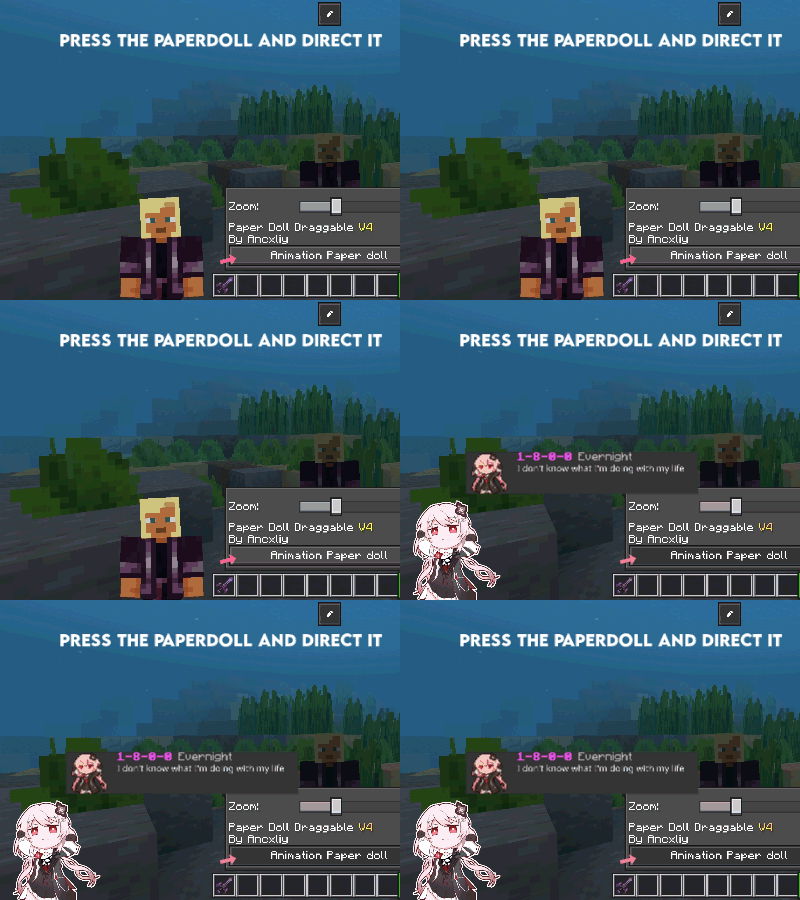
Activate the required add-on pack to use the animation button feature.
📝 Notes
Live Paper Doll. Paper Doll has two options. If live paperdoll is activated, it makes the paperdoll always appear. If live paperdoll is turned off, it makes the paperdoll have to be active when interacting, such as squatting, running, and so on. Copy the entire code in this *text box* and replace it into the _global_variables.json file to save the configuration.
Credits @ItzRiyo157, @Ardzz's
For the best performance, make sure this resource pack is placed at the
top of your active pack list.