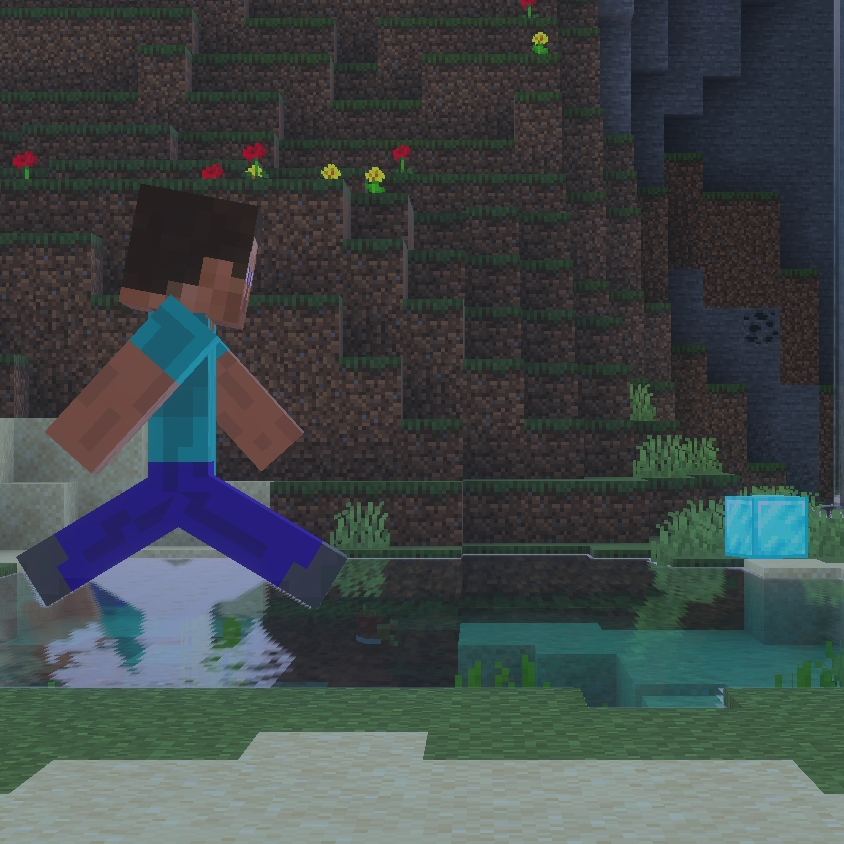
Panorama: Item Rush
SCROLL DOWN FOR INSTALL GUIDE - AT THE BOTTOM OF THE PAGE
The concept for this mini game at its very core is incredibly simple. You'll get 10 minutes to collect the rarest items and score the most points, with the winner being whoever earns the most points.
This mini game is endlessly replayable in every sense of the word. 430 quintillion randomly-generated item list variations, and random spawns up to 30,000 blocks away to the centre of the map.
This game may have a set goal of sorts, but features a non-linear way of achieving said goal. It is up to you if you'd like to go underground and explore the caves, or traverse the world above ground in search for biomes. Different randomly-generated item list variations will encourage different ways of play
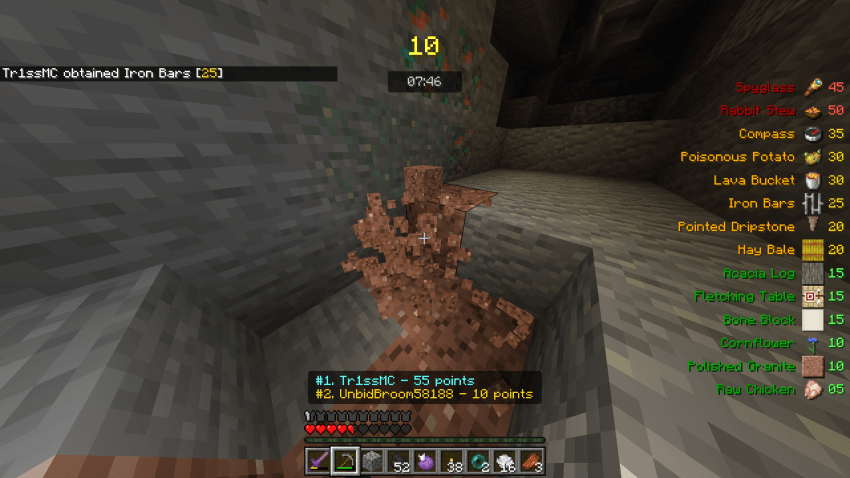
No matter your playstyle, you can definitely enjoy the fun this mini game has to offer. It allows you to customise the loot you start with to closely gear it towards your playstyle, and unlock new items for all players to use through global quests.
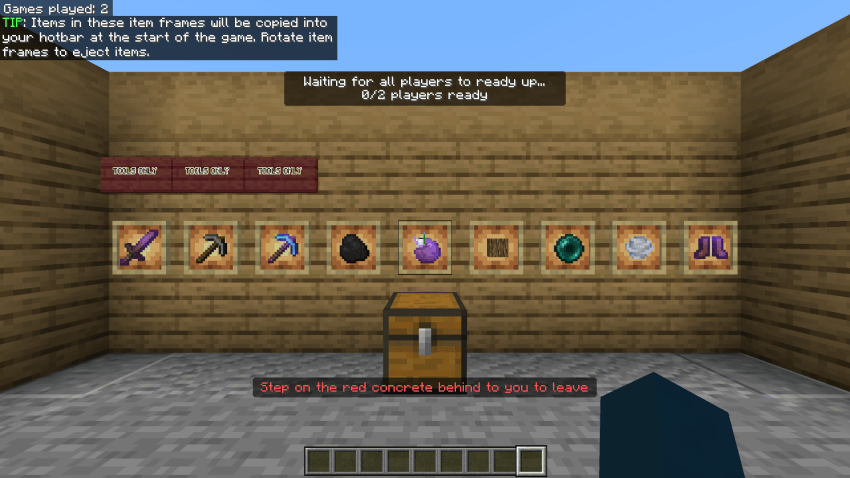
It can be enjoyed as either a chilled-out casual experience, or as a nail-bitingly fast-paced race to claim the #1 spot.
This mini game also offers an alternate version made specifically for Realms & Servers with a few key changes. Be sure to download this one instead if you are making either one!
The key difference with this variant is the inclusion of an automatic game starting timer. This means that players are not able to halt the Realm / Server by not readying up. This timer will also grow progressively smaller as more players ready up. Quests are also made 10x harder, to ensure long-lasting game progression
To make gameplay less tiresome & more fast-paced, all players are given Speed 3 and Haste 3 for the whole round.
Inspired by the likes of MCC Bingo, UHC, Chunklock, and a longing for more exciting minecraft multiplayer gameplay
INSTALLATION GUIDE
- Download & import the addon into Minecraft
- Begin the process of creating a world
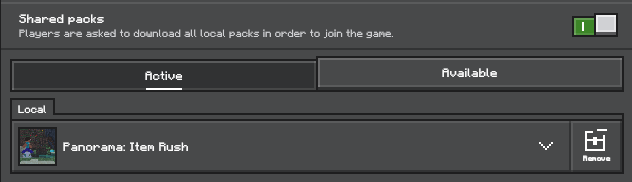
3. Enter the "Resource Packs" menu, enable the addon and ensure the "Shared Packs" option is enabled, as shown below
4. Just create the world, invite some friends, and have a good time ;D
TIP: To modify your starting items on mobile, bind your "Drop" key to something ;)
Find people to play with, and get closely involved with development in our Discord server @ https://discord.gg/yDxEEXyPyE