
Oneblock GB
Gaming Boy OneBlock Addon GB is a progressive OneBlock addon for Minecraft Bedrock with 16 unique biomes, loot chests, mobs, floating texts, fireworks, and full UI controls.
18,867
OneBlock Addon GB — by Gaming Boy
Version 1.2.0
Minecraft Bedrock Edition
One block. Endless adventure. 23 biomes standing between you and the Dragon's Lair.
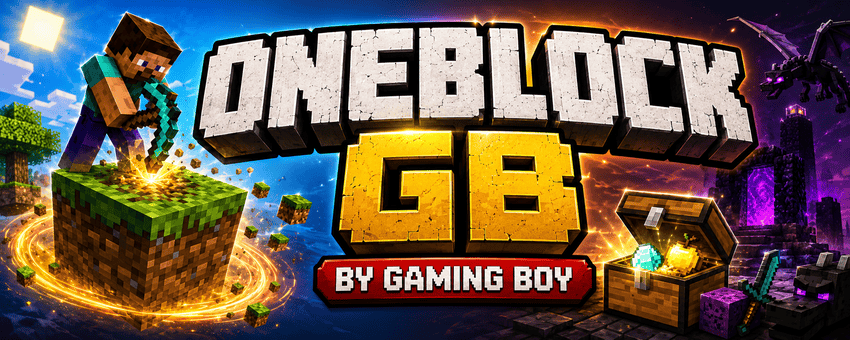
Welcome to OneBlock GB — the ultimate survival challenge where your entire world begins as a single, floating block. Break it, and another takes its place. Survive, gather, and fight your way through 23 unique phases, each themed around a different Minecraft biome, from peaceful plains to the void itself. Will you make it all the way to the Dragon's Lair?
---
🌍 How to Play
- Spawn into a brand-new world — you'll receive a OneBlock Remote the moment you join.
- Open the Remote and tap Start / Setup to choose your starting coordinates, difficulty, and a handful of optional features (more on those below).
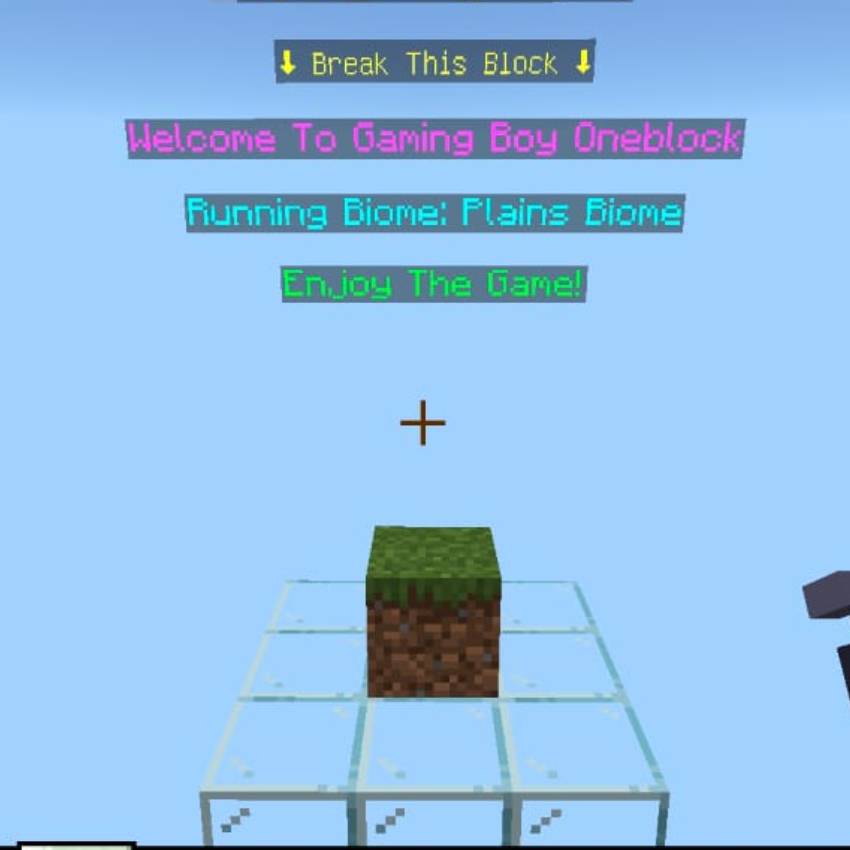
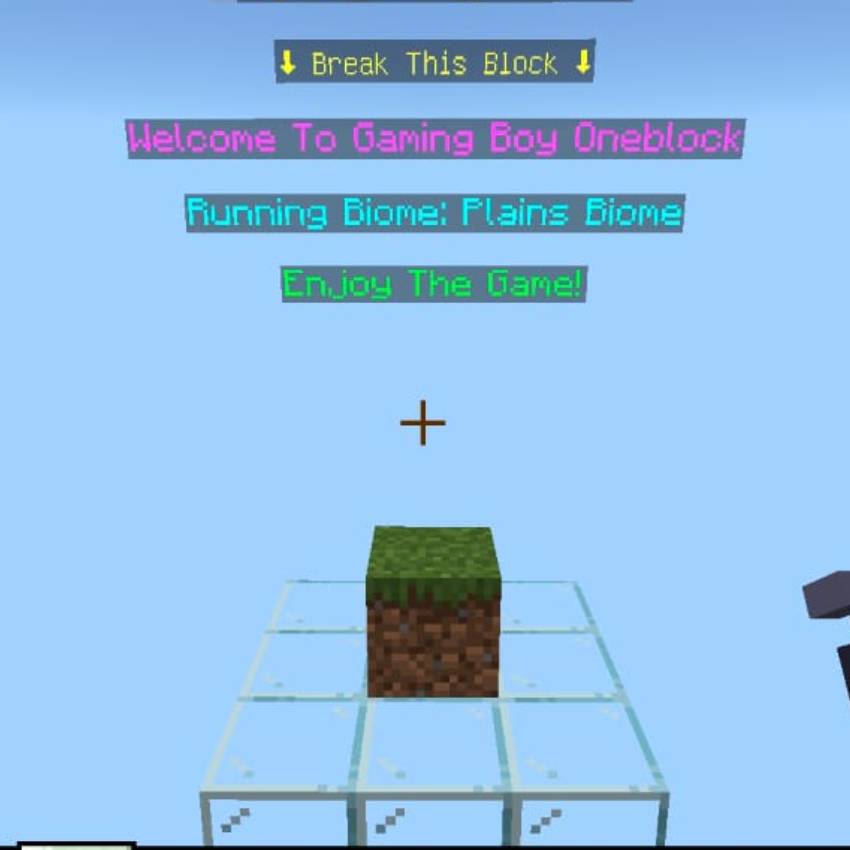
- A single block appears beneath your feet. Break it.
- A brand-new random block — themed to your current phase — instantly takes its place. Keep breaking, keep collecting.
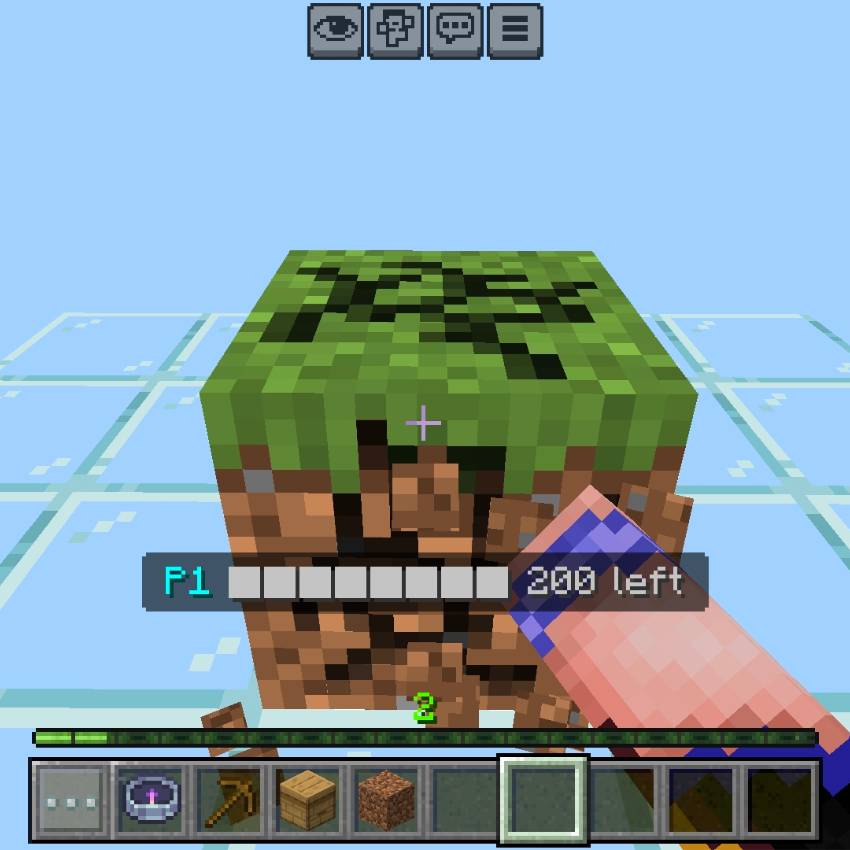
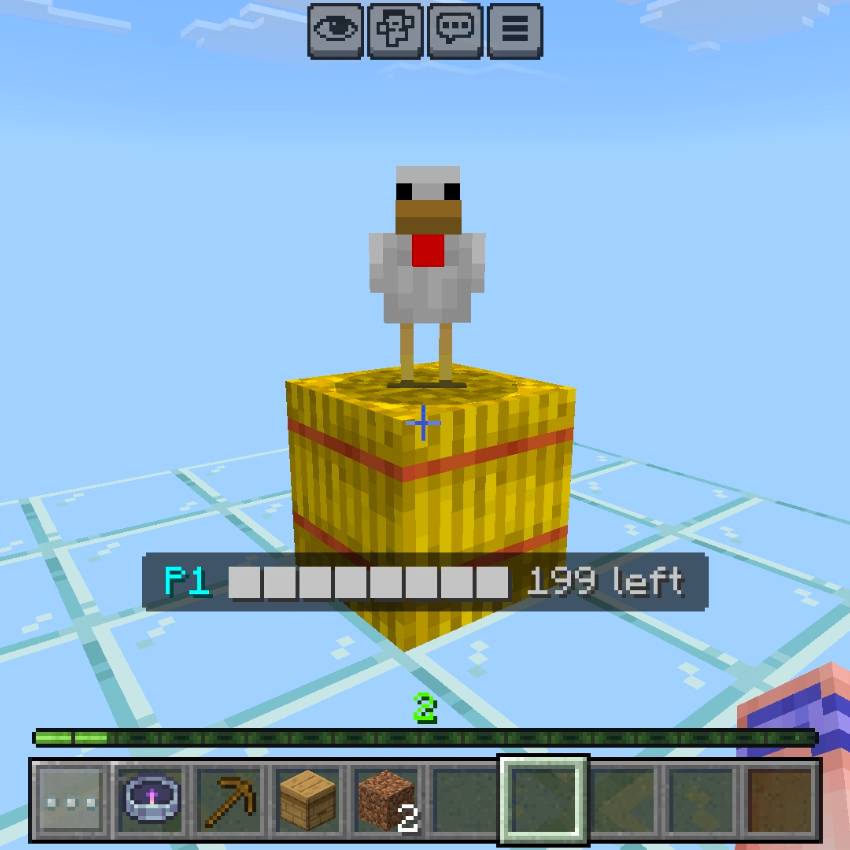
- Every 200 blocks broken, you'll automatically advance to the next phase, unlocking a new biome's worth of blocks, mobs, and loot.
- Survive ambushes, raid treasure chests, and climb your way through all 23 phases to reach the end.
---
🪜 The 23-Phase Journey
Your adventure takes you through a sprawling progression of biomes, each with its own blocks, mobs, and loot table:
- Plains Biome
- Underground
- Dripstone Caves
- Deep Cave
- Lush Caves
- Desert
- Snowy
- Jungle
- Dappled Forest
- BarrenLands
- Ocean
- Pale Garden
- Swamp & Cherry
- Mansion
- Nether
- Sulfur Caves
- Trial Chamber
- Ancient City
- Stronghold
- End City
- The Void
- Dragon's Lair
- The Infinite
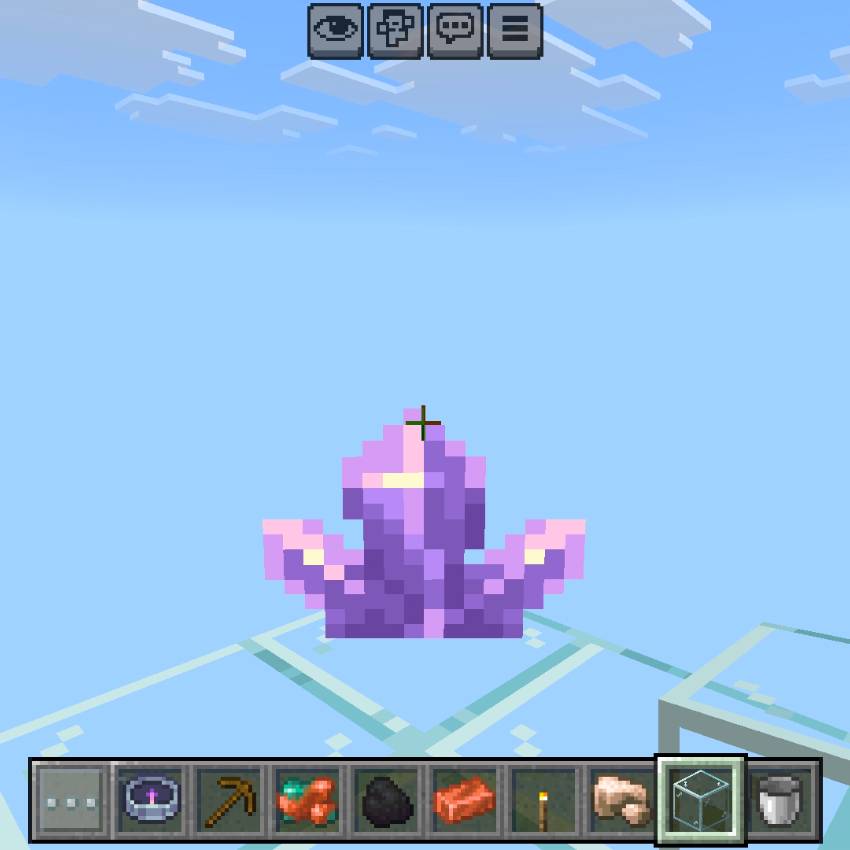
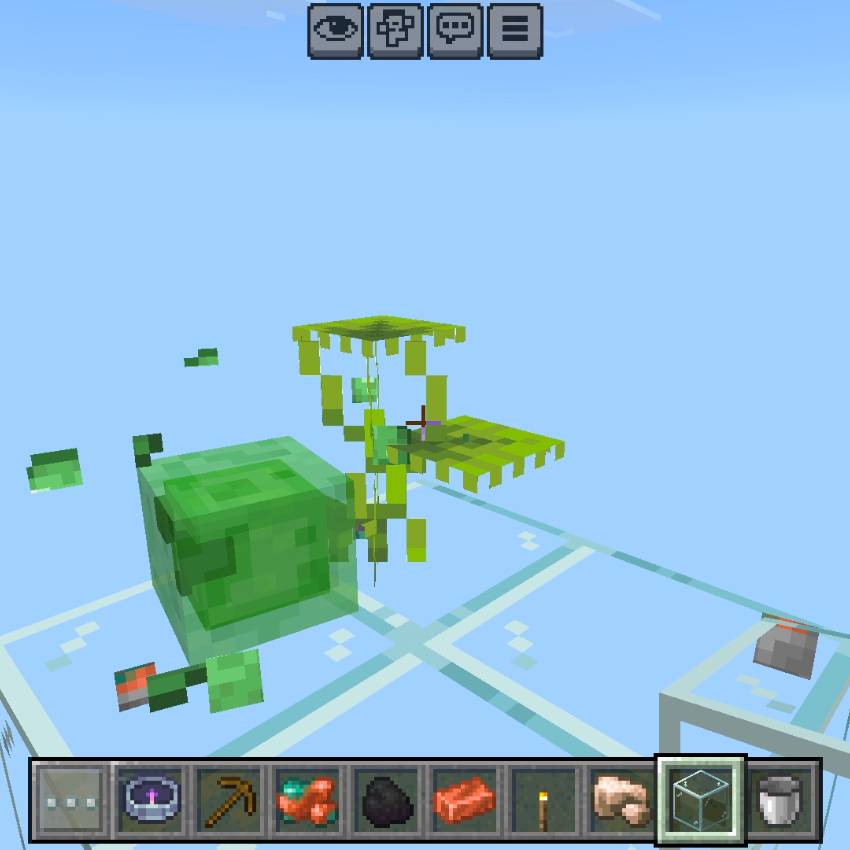
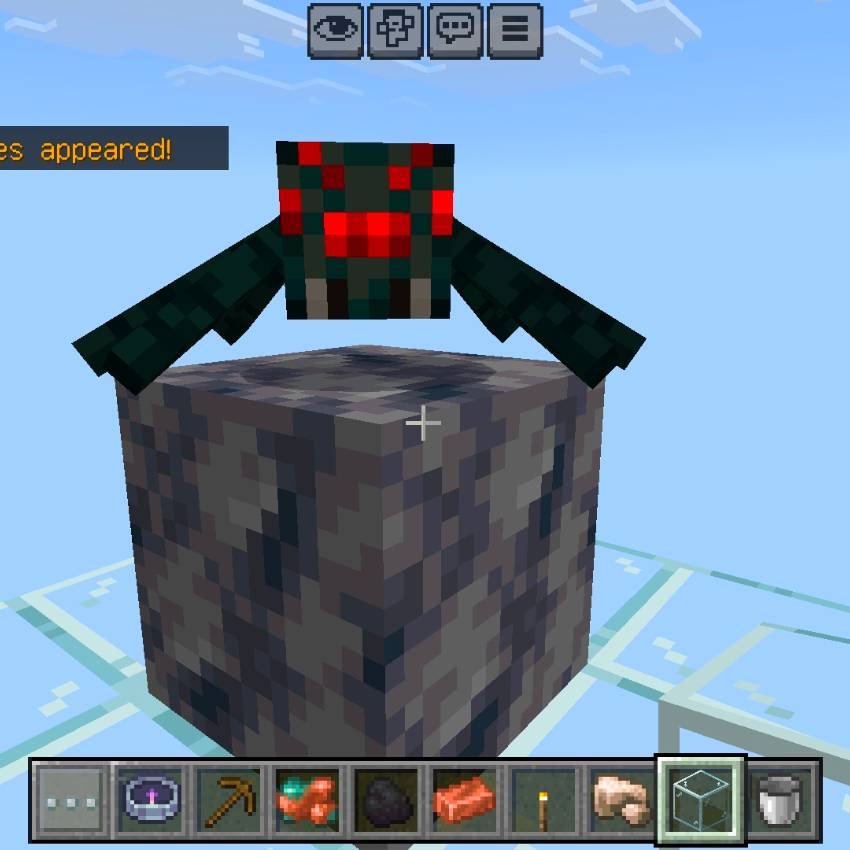
Each phase feels genuinely different — new blocks to mine, new mobs to fight (or tame), and new loot waiting in the chests that occasionally spawn beneath you. The final phase, The Infinite, is an endless mixed-biome gauntlet for players who've conquered everything else and just want to keep going.
---
⚔️ Boss Phase Gates
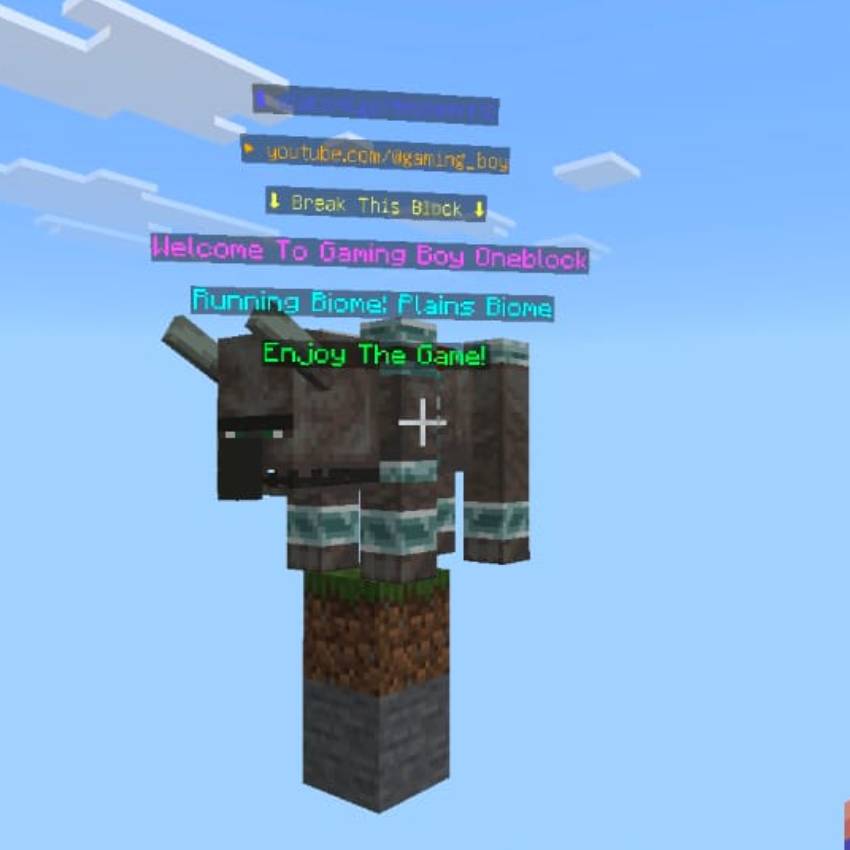
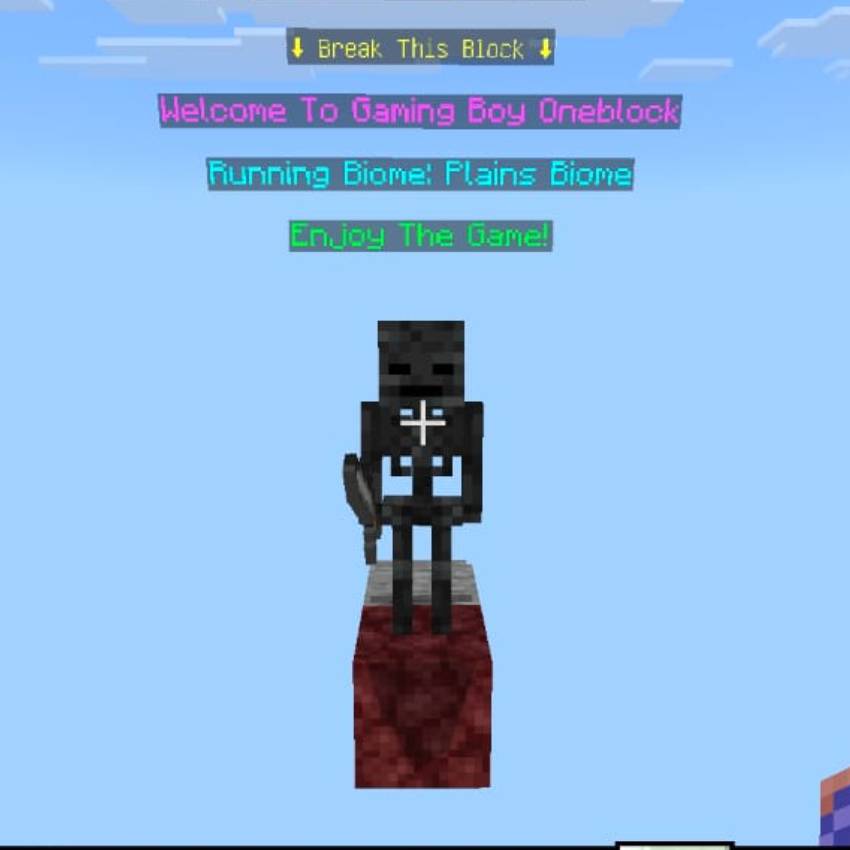
Four of the biggest biome transitions don't just hand you a new set of blocks — they throw a fight at you first. As you cross into these phases, a powerful boss ambushes you on the spot:
- 🪓 Ravager Ambush — entering the Mansion
- 💀 Wither Skeleton Ambush — entering the Nether
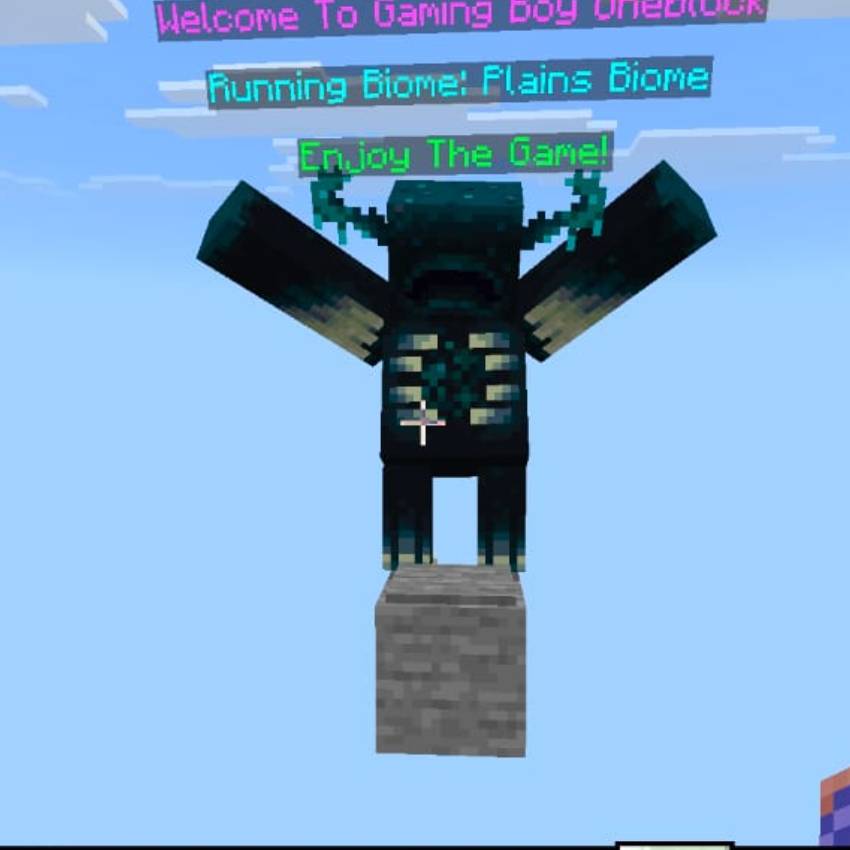
- 🌑 The Warden Awakens — entering the Ancient City
- 🐉 The Ender Dragon — entering the Dragon's Lair
Each boss arrives with a roar (or stinger) to let you know it's coming, and defeating one drops a bonus treasure chest packed with high-value loot. These gates can be turned off in setup if you'd rather have a calmer playthrough.
---
🎁 Special Event Blocks
Not every block you break is ordinary. As you mine, keep an eye out for:
- ✨ Treasure Blocks — a rare (1%) chance to instantly spawn a chest loaded with valuable rewards.
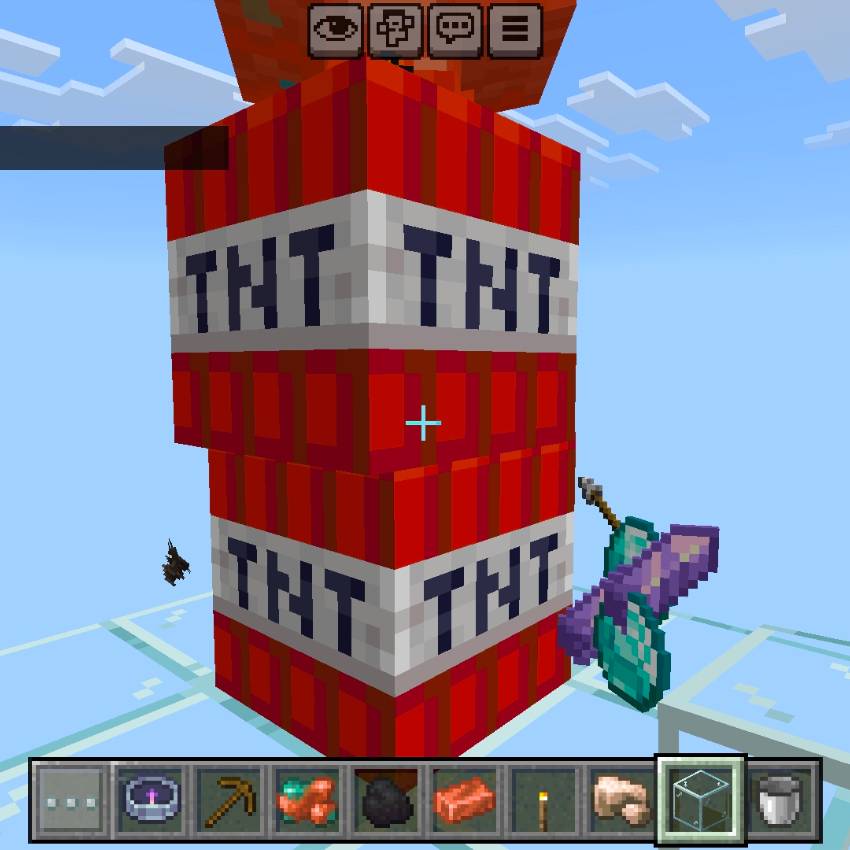
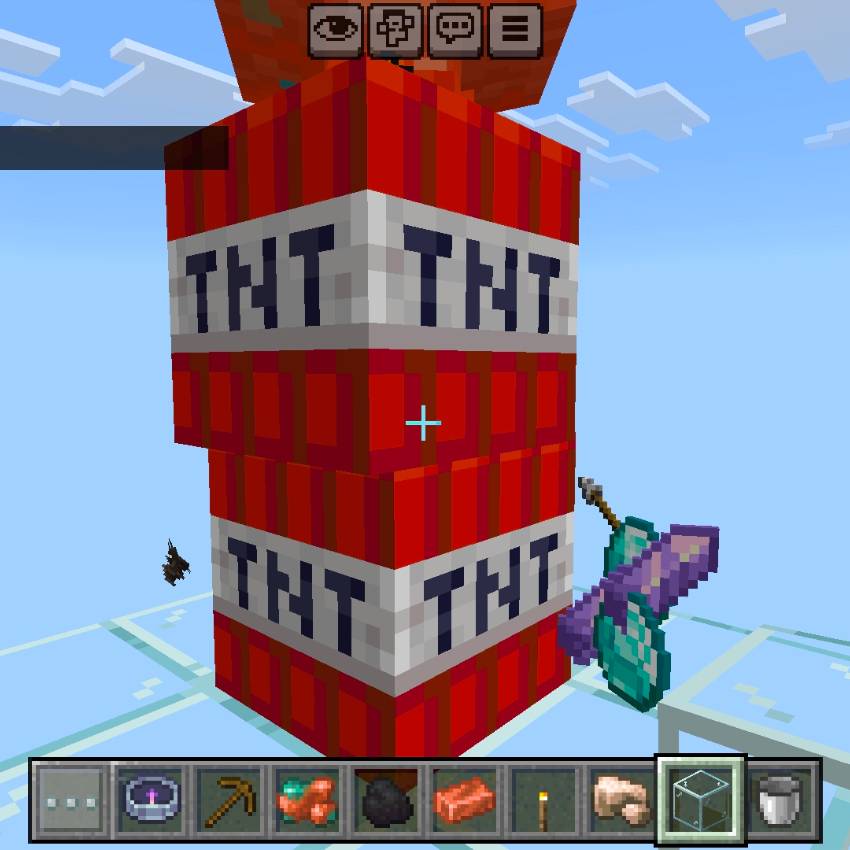
- 💥 Trap Blocks — a rarer (0.5%) chance to trigger something dangerous — TNT, a sudden lava spill, or a cobweb snare. Stay sharp!
These can be toggled on or off in the setup menu, so you can play it safe or roll the dice on every block.
---
📊 Live HUD & Progress Tracking
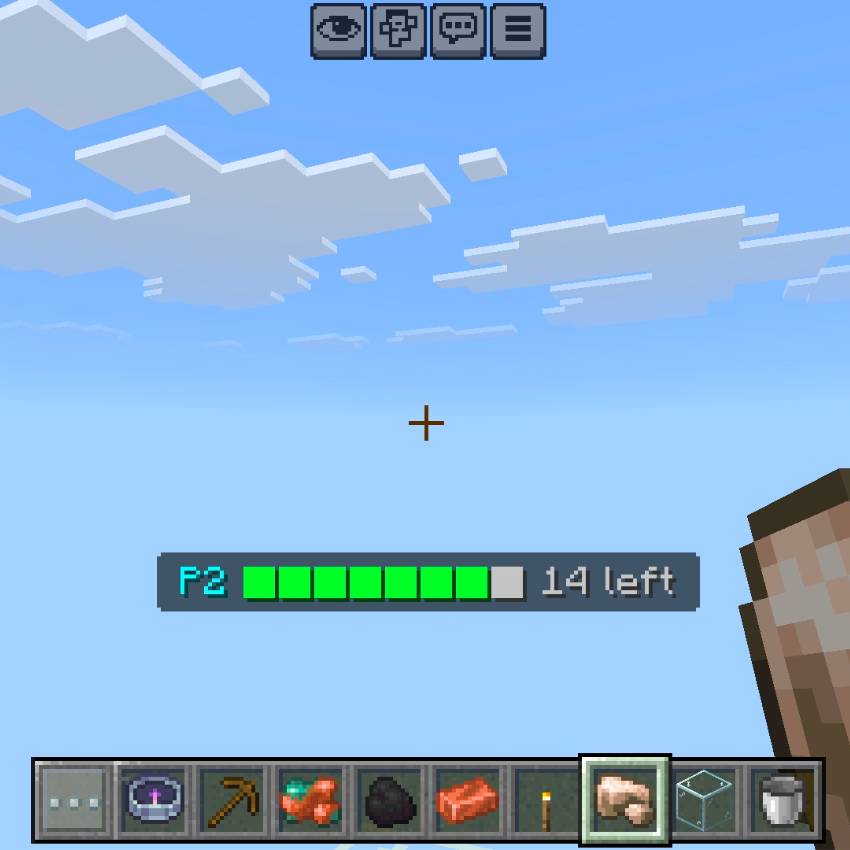
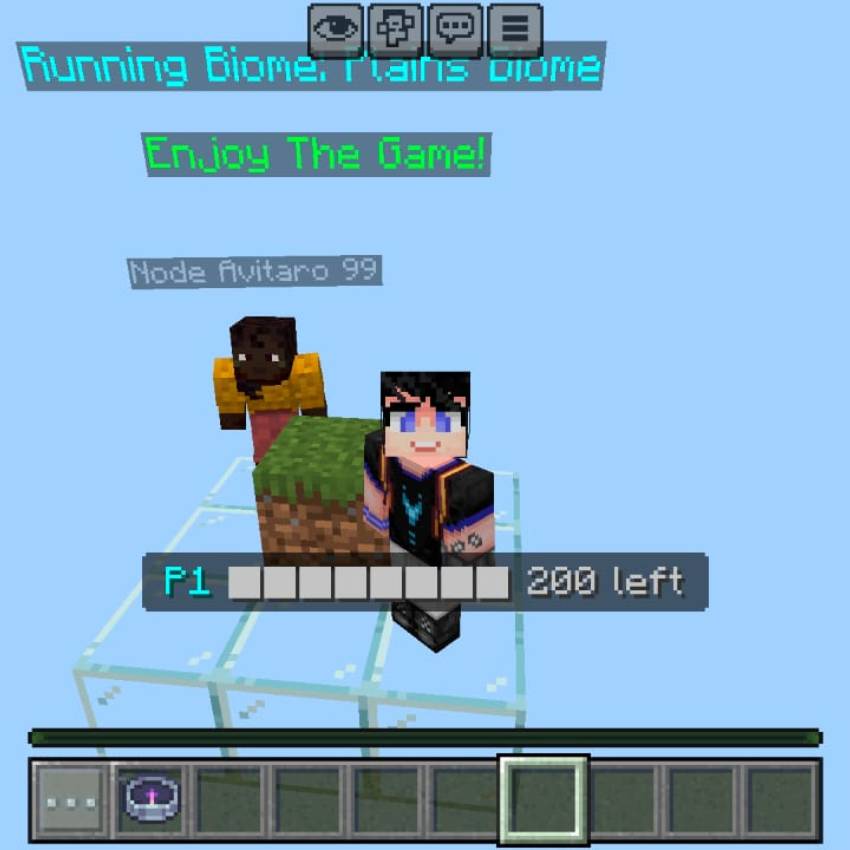
A clean progress bar sits above your hotbar at all times, showing your current phase, a visual bar of how close you are to the next upgrade, and exactly how many blocks are left to break. No guesswork — just glance and keep mining.
---
🏆 Leaderboard & Stats
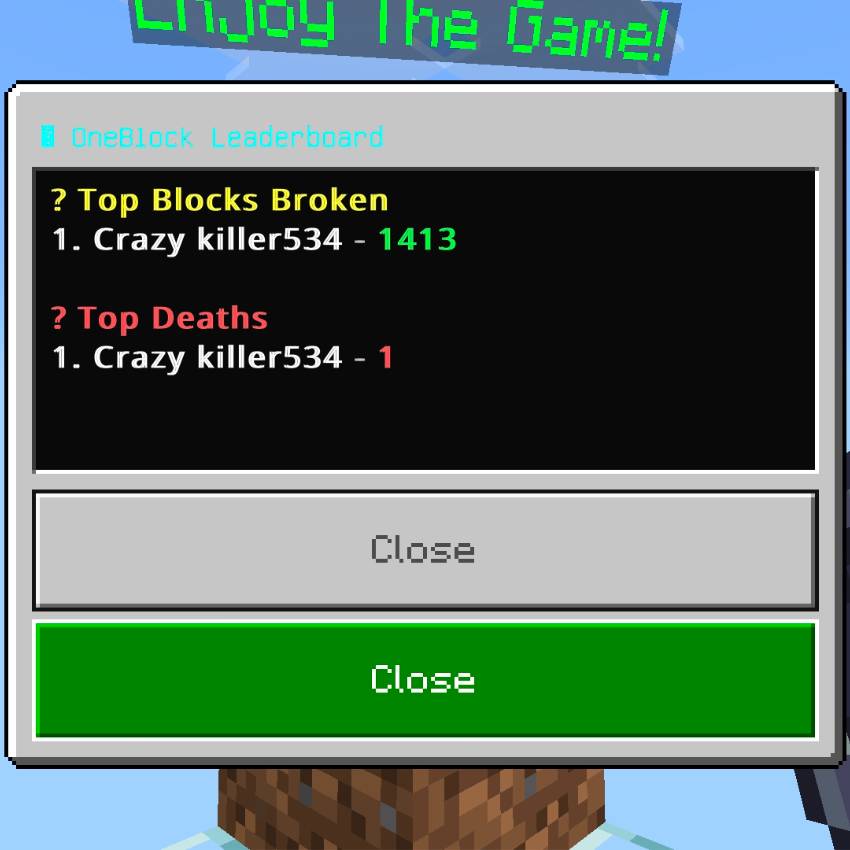
Competing with friends? OneBlock GB tracks who's broken the most blocks and who's died the most times, with a built-in Leaderboard accessible right from the Remote. Bragging rights, settled instantly.
---
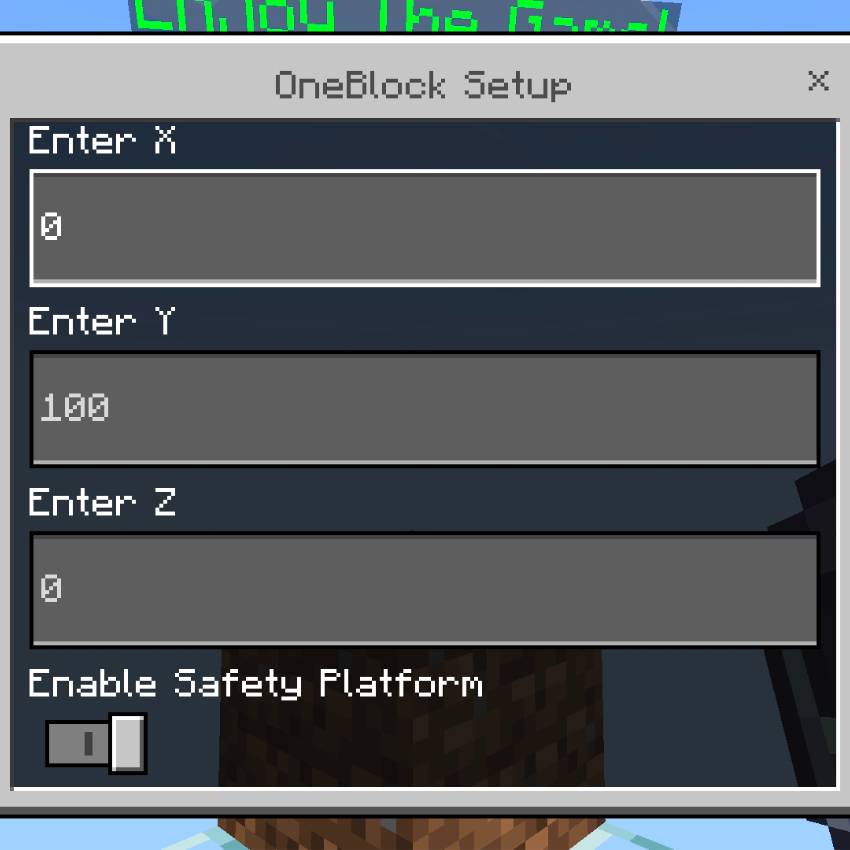
🛠️ Setup & Customization
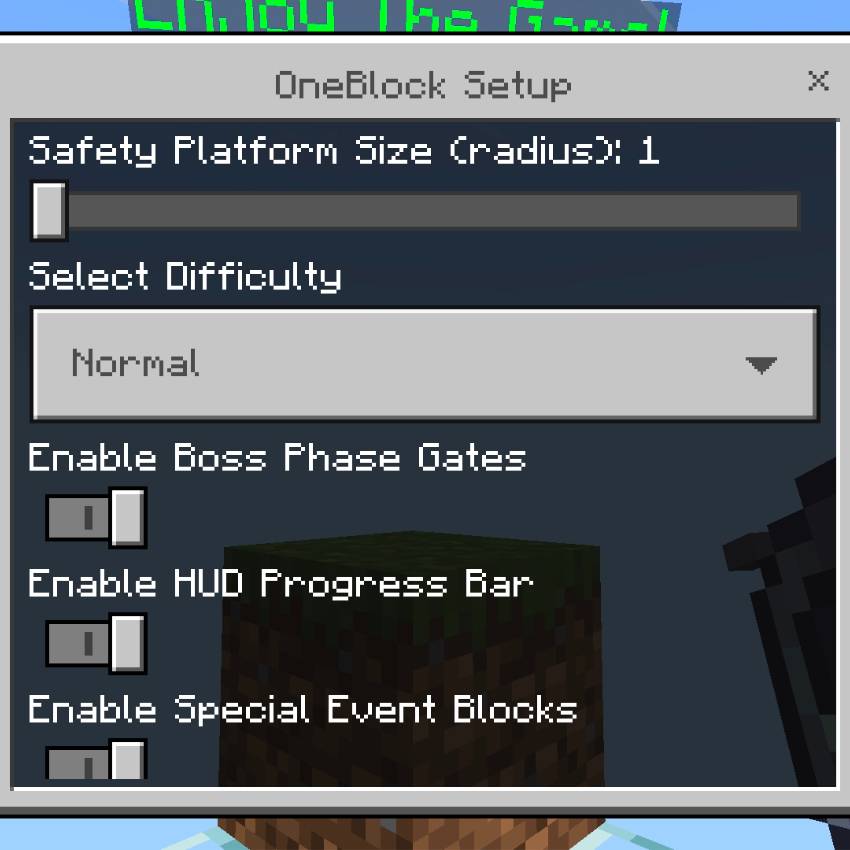
Everything is controlled through the OneBlock Remote, given to every player automatically on their first join. From the Setup menu you can configure:
- Starting location (X / Y / Z coordinates)
- Safety Platform — an optional glass platform beneath your starting point, with an adjustable size slider so you choose exactly how much breathing room you want
- Difficulty — six levels, from Easy all the way up to a brutally unforgiving Extra Ordinary Hard
- Boss Phase Gates — on or off
- HUD Progress Bar — on or off
- Special Event Blocks — on or off
- Scoreboard — on or off
This means OneBlock GB can be tuned for a relaxed solo playthrough or a full hardcore gauntlet with friends — your call.
---
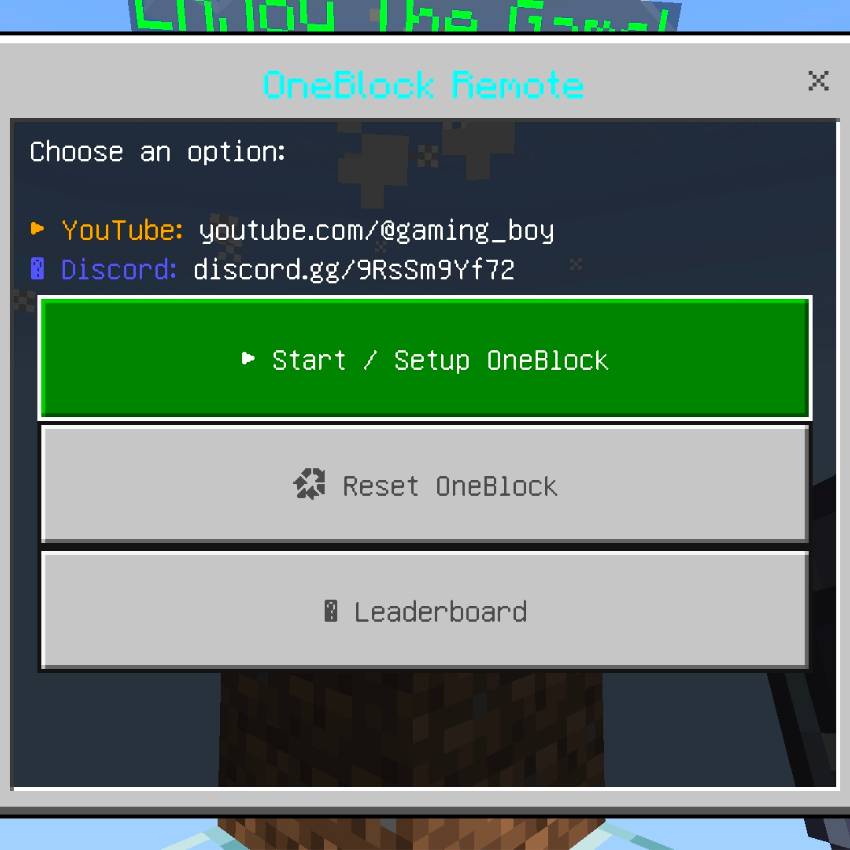
🧭 The Remote — Your Command Center
Every player spawns with a OneBlock Remote in hand. Open it any time to:
- ▶ Start or reconfigure your OneBlock run
- ♻ Reset your progress and start fresh
- 🏆 Check the Leaderboard
---
🎶 Immersive Sound & Feedback
Every phase transition plays a satisfying chime, and every boss gate announces itself with its own roar or stinger before the fight begins — so you always know something big is about to happen.
---
👥 Perfect for Solo or Multiplayer
Play it alone as a focused survival climb, or invite friends and race each other through the phases, compete on the leaderboard, and team up to take down the boss gates together.
---
----------YOUTUBE VIDEOS----------
↓↓↓↓↓↓↓↓↓↓↓↓↓↓↓↓↓↓
🔗 Stay Connected
Follow along for updates, new phases, and behind-the-scenes content:
- ▶ YouTube: [youtube.com/@gaming_boy](https://youtube.com/@gaming_boy)
- 💬 Discord: [discord.gg/9RsSm9Yf72](https://discord.gg/9RsSm9Yf72)

---
Ready to break your first block?
Download OneBlock GB, open your Remote, hit Start, and see how far you can climb. 23 phases. 4 bosses. One block at a time.

All Rights Reserved
12/09/2025
18:56 24/06