
NovaFX Visuals
NovaFX brings smooth bloom, vibrant colors, and immersive atmosphere to Minecraft Bedrock.
140,426
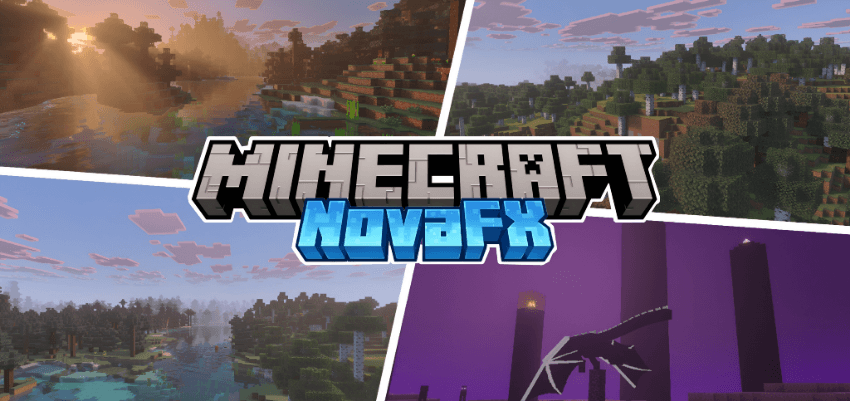
NovaFX is a shader pack designed for Minecraft Bedrock Edition's Vibrant Visuals. It completely overhauls the game's lighting, atmosphere, water, fog, and materials to create a cinematic and immersive look, without sacrificing the Minecraft feel.
Features
●Warm golden-hour lighting with cinematic sunrise and sunset
●Dynamic sky with realistic atmospheric scattering and blue daytime transitions
●Animated water with realistic waves and caustics
●Volumetric height fog for depth and atmosphere
●PBR ores that reflect and glow naturally
●Colored local lighting for 100+ block types
●Per-biome atmospherics for Nether, End, and Deep Darke
Installation
- Download NovaFX Visuals and open the
.mcpackfile — Minecraft will import it automatically. - Go to Settings → Global Resources and activate NovaFX Visuals. Place it at the top of your pack list.
- Enable Vibrant Visuals in Settings → Video → Graphics Mode.
- Open pack settings (gear icon) and choose your resolution subpack: Default or High.
- Load a world and enjoy.
Changelog:None
More versions

All Rights Reserved
23/07/2025
10:53 28/05