No Buttons
No Button — Resource Pack for Minecraft: Bedrock Edition
Overview
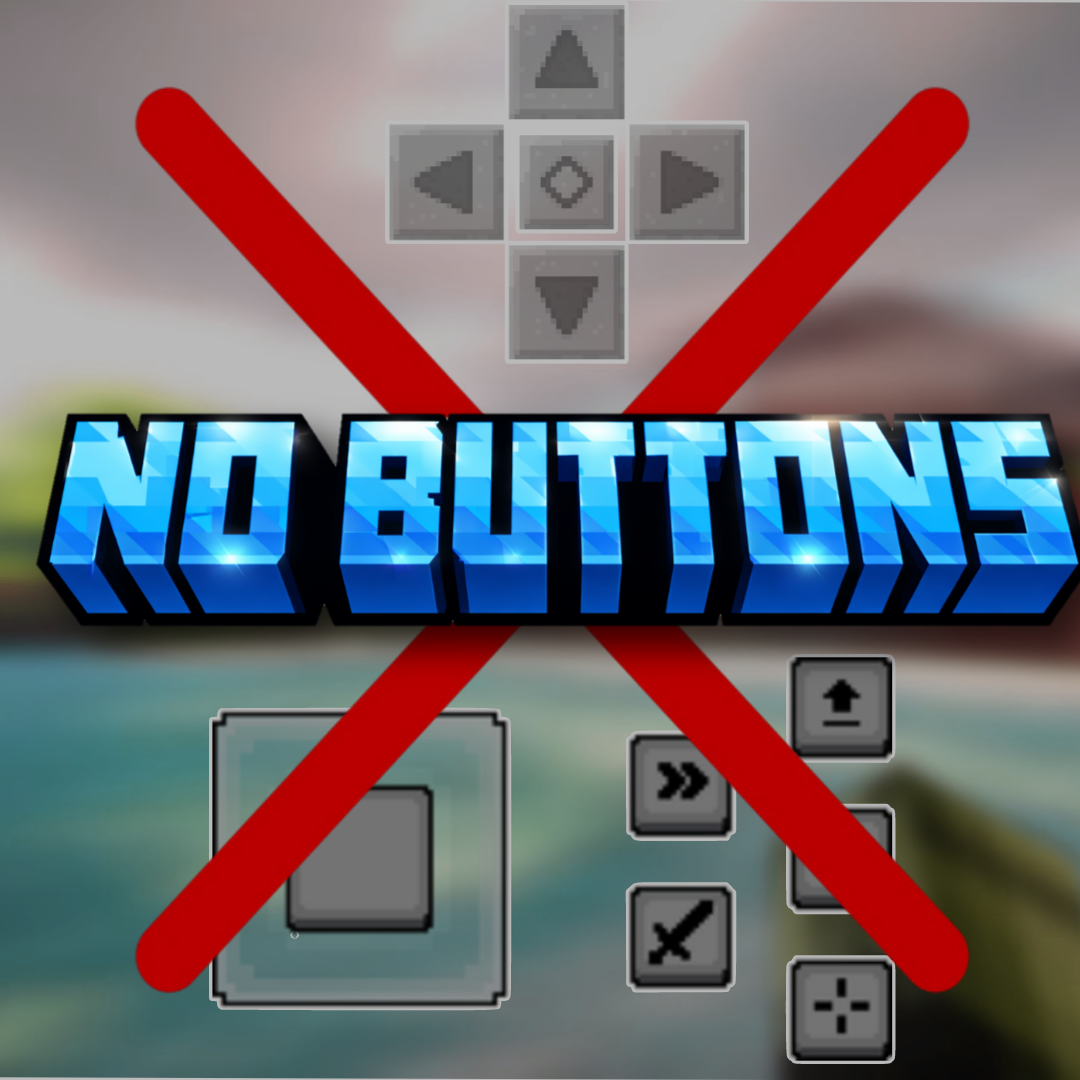
No Button is a mobile-focused resource pack for Minecraft Bedrock Edition that removes the on-screen touch buttons and HUD controls while playing on phones and tablets. By hiding these interface elements, the pack provides a cleaner, distraction-free view — perfect for content creators, cinematic recordings, and immersive gameplay.
This pack does not affect gameplay mechanics; it only hides the visual touch controls.
Features
- 📱 Hidden Touch Controls — Removes on-screen movement and action buttons.
- 🎥 Perfect for Recording — Capture clean gameplay footage without UI clutter.
- 🧭 Immersive Experience — Enjoy a full-screen view with no mobile overlays.
- 🪶 Lightweight & Safe — No scripts or behavior changes.
- 🔄 Easy Toggle — Enable or disable anytime from resource pack settings.
What Gets Hidden
- Movement D-pad / joystick
- Jump button
- Sneak button
- Action & interaction buttons
- Hotbar UI elements (optional depending on settings)
Note: Controls still function via touch gestures or external controllers if supported by your device.
How It Works
This resource pack replaces the mobile HUD textures with transparent assets, making the buttons invisible while keeping their functionality intact. No behavior packs or modifications are used, ensuring compatibility with worlds and servers.
Installation
- Download the
.mcpackfile. - Open the file to import it into Minecraft.
- Go to Settings → Global Resources or your world’s Resource Packs.
- Activate No Button and place it at the top of the list.
- Restart the world if needed.
Compatibility
- ✔ Designed for Minecraft Bedrock Edition (Mobile)
- ✔ Works on Android and iOS devices
- ✔ Compatible with most resource packs (use highest priority)
- ✔ Safe for single-player and multiplayer
Recommended Usage
- YouTube & short-form content creation
- Cinematic recordings
- Clean thumbnails & screenshots
- Immersive survival gameplay
- Showcase videos
Troubleshooting
Buttons still visible?
- Ensure the pack is at the top of the resource pack priority list.
- Restart Minecraft after enabling the pack.
Can’t control movement?
- Enable touch gestures in Minecraft settings or use an external controller.
License & Permissions
🚫 Redistribution or monetization of this pack is strictly prohibited.
You may:
- ✔ Use the pack for personal gameplay.
- ✔ Use it in videos, streams, and screenshots.
You may NOT:
- ❌ Reupload or redistribute the pack.
- ❌ Sell or monetize the pack or its assets.
- ❌ Include it in paid bundles or downloads.
For permissions, contact the creator.
Credits
Resource Pack by @SycureGaming
Please respect the creator’s work and do not redistribute.
Changelog
v1.0
- Initial release
- Hidden mobile touch controls
- Clean full-screen gameplay view
Enjoy a cleaner, distraction-free Minecraft mobile experience with No Button!