Minecraft ALARM
Minecraft ALARM
If you die, you're out! English and German
The main GUI is the heart of the add-on! It is opened by a custom item.
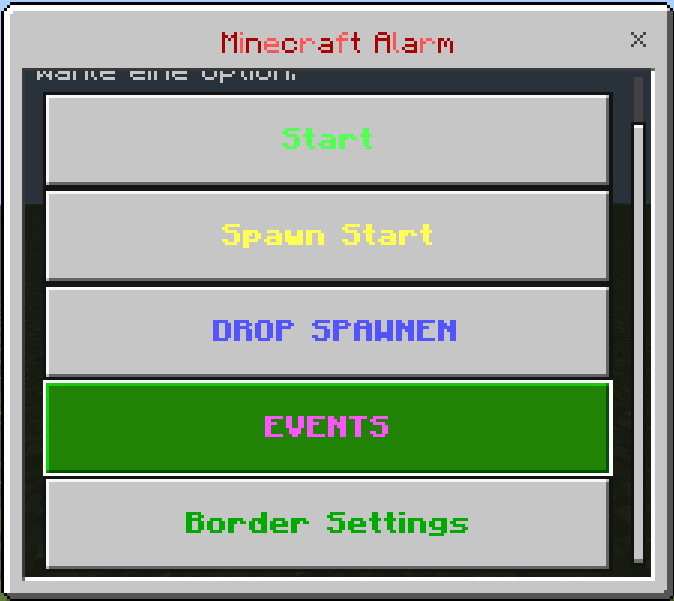 = Open it with the item alarm settings
Combatlog & Dead
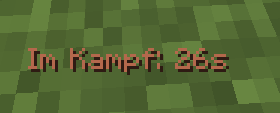 = If you are in combat and leave, you will die!
if you die in combat =
attacker name= message in the Chat
hurt name= message in the chat

If you die in combat, the chat will show who you died against!
Drops:
you can spawn drops with items in your world!
Teams: You can do poeples in Teams now! Team 1, color red, team 2 color blue..... Team 1-18!
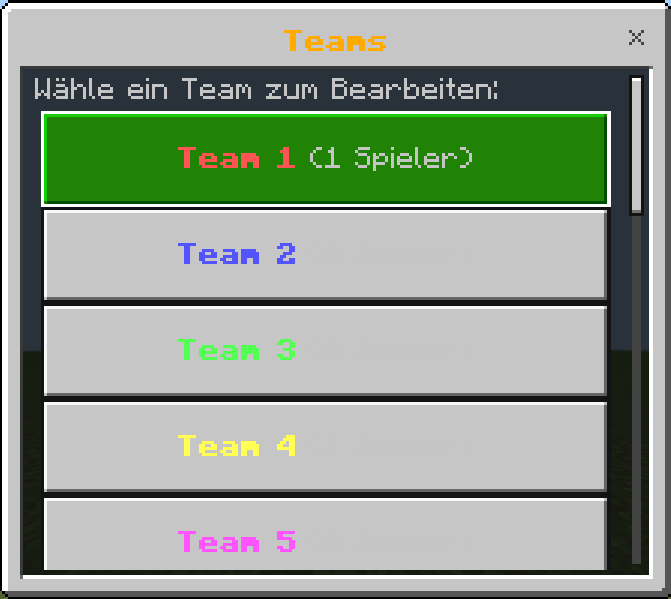
Events:
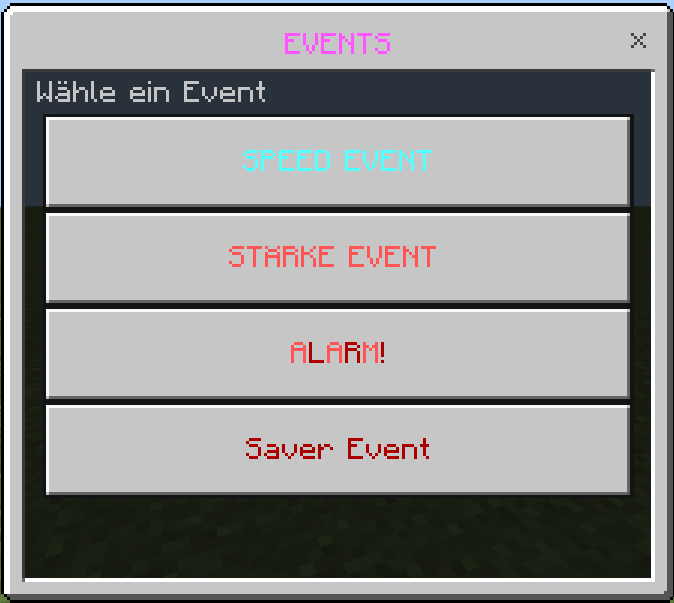 Custom Events! The saver event is the biggest
Speed Event = All players get speed
strength Event = Everyone gains strength
ALARM (red button) = [ CUSTOM SOUND ] Locator bar on for 300 seconds (locate any player)
Saver Event = new gui with some settings
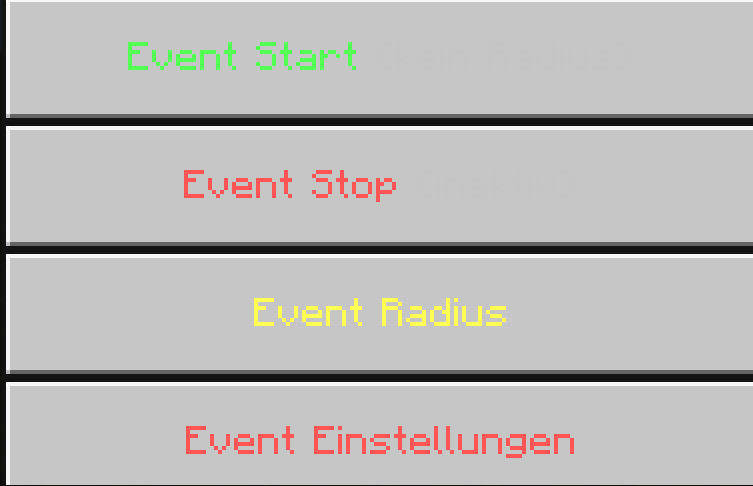
Event radius, you can set the Event radius! Zombies with loot spawn within this radius.
After each wave of zombies, the chance of the Saver being dropped increases!
You can manually adjust the chances and how many zombies spawn per wave there!
When a SAVER zombie spawns, it will be announced in the chat, and when it is killed, it will drop it!
ITEMS:
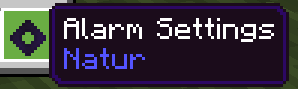 Open the Settings (gui)
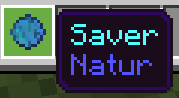 The saver will save you from death!
If a player has the item in their inventory, or no longer has it, everyone in the chat will see WHO just dropped/took it!
The saver can save you, after a death!
LANGUAGE: