
Minecash
💵 MineCash – Turn Your Items Into Money!
Welcome to MineCash, a unique Minecraft Bedrock texture pack that transforms important items and ingots into realistic dollar-style banknotes. 💸
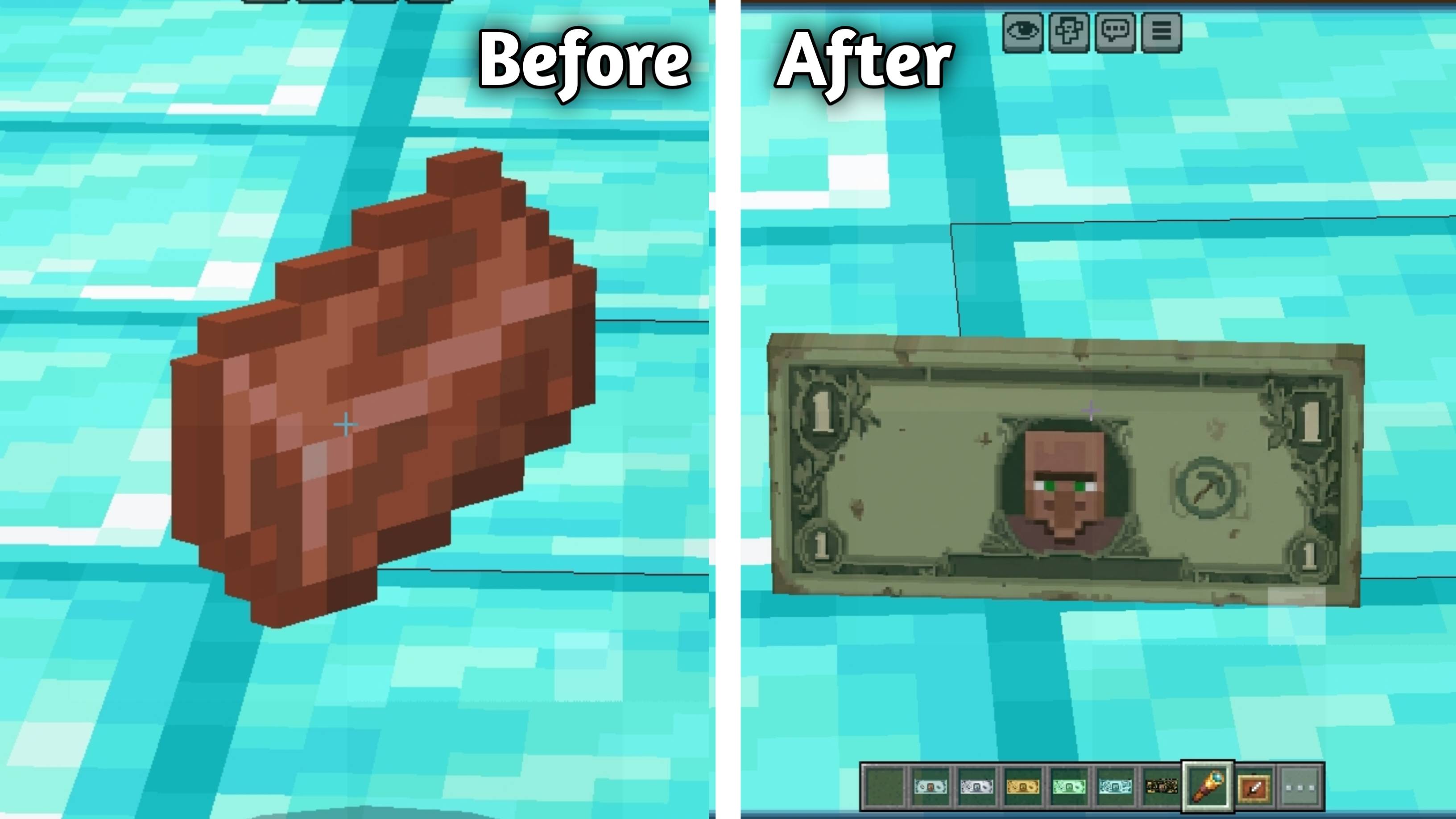
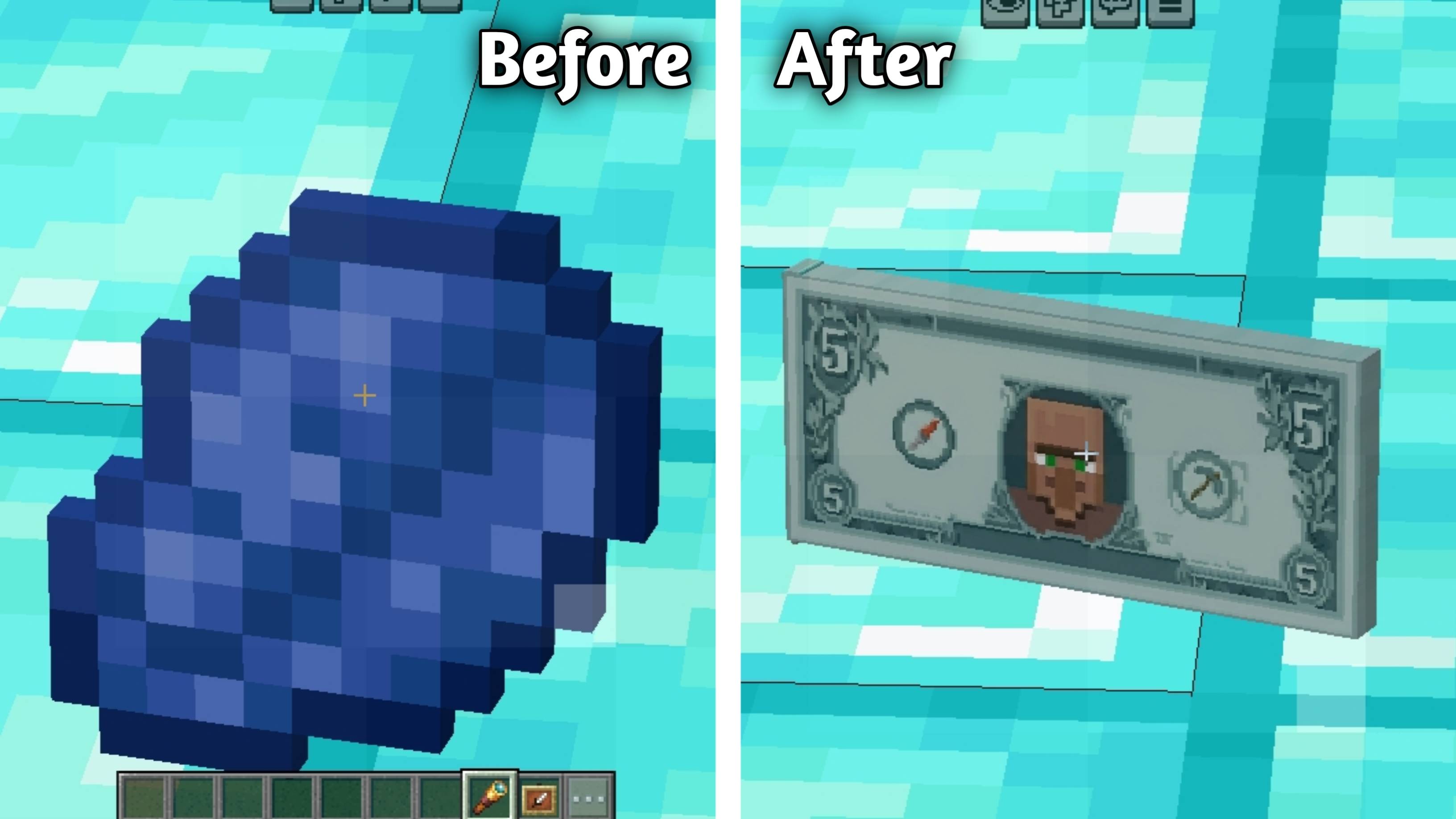
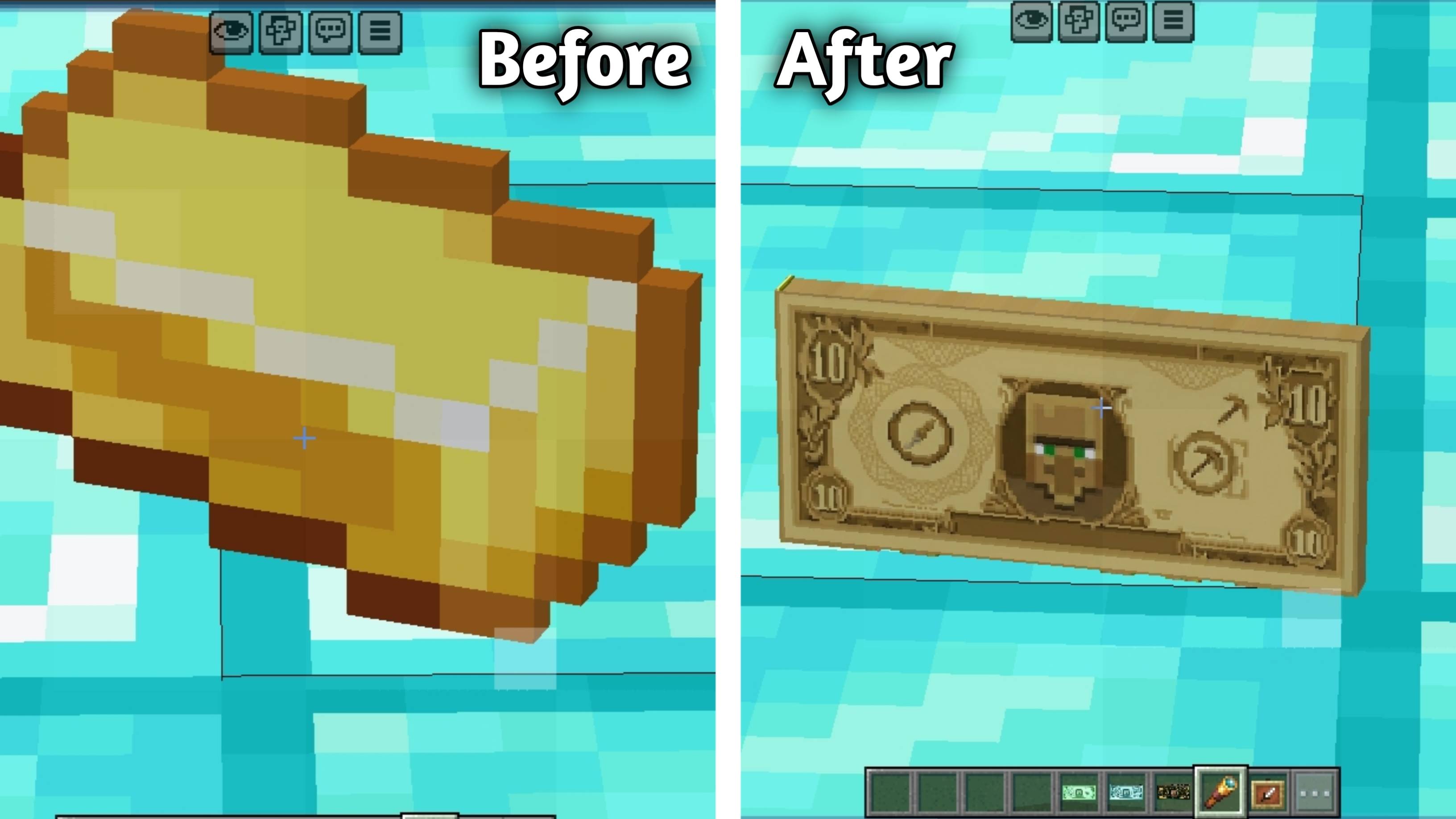
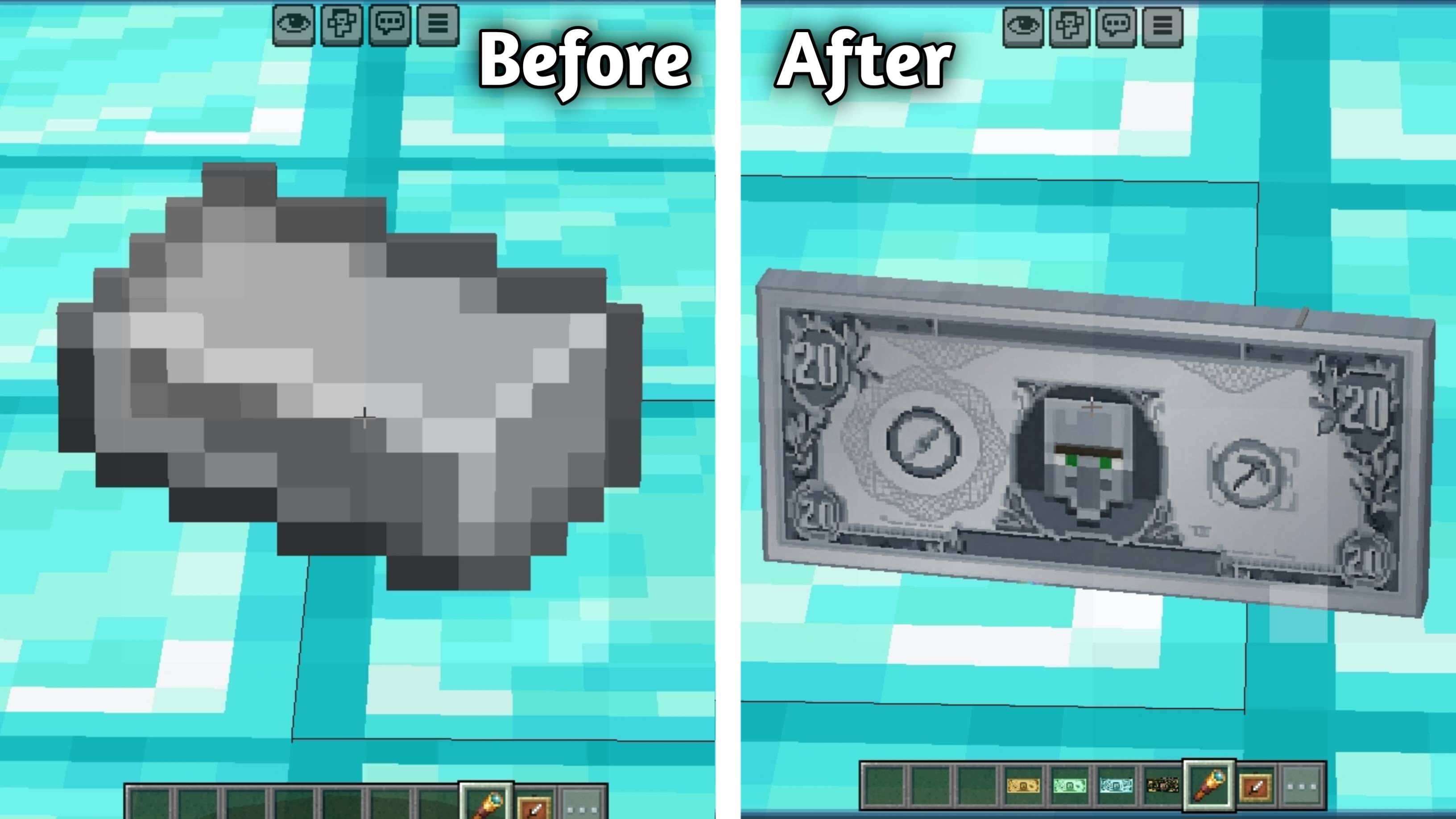
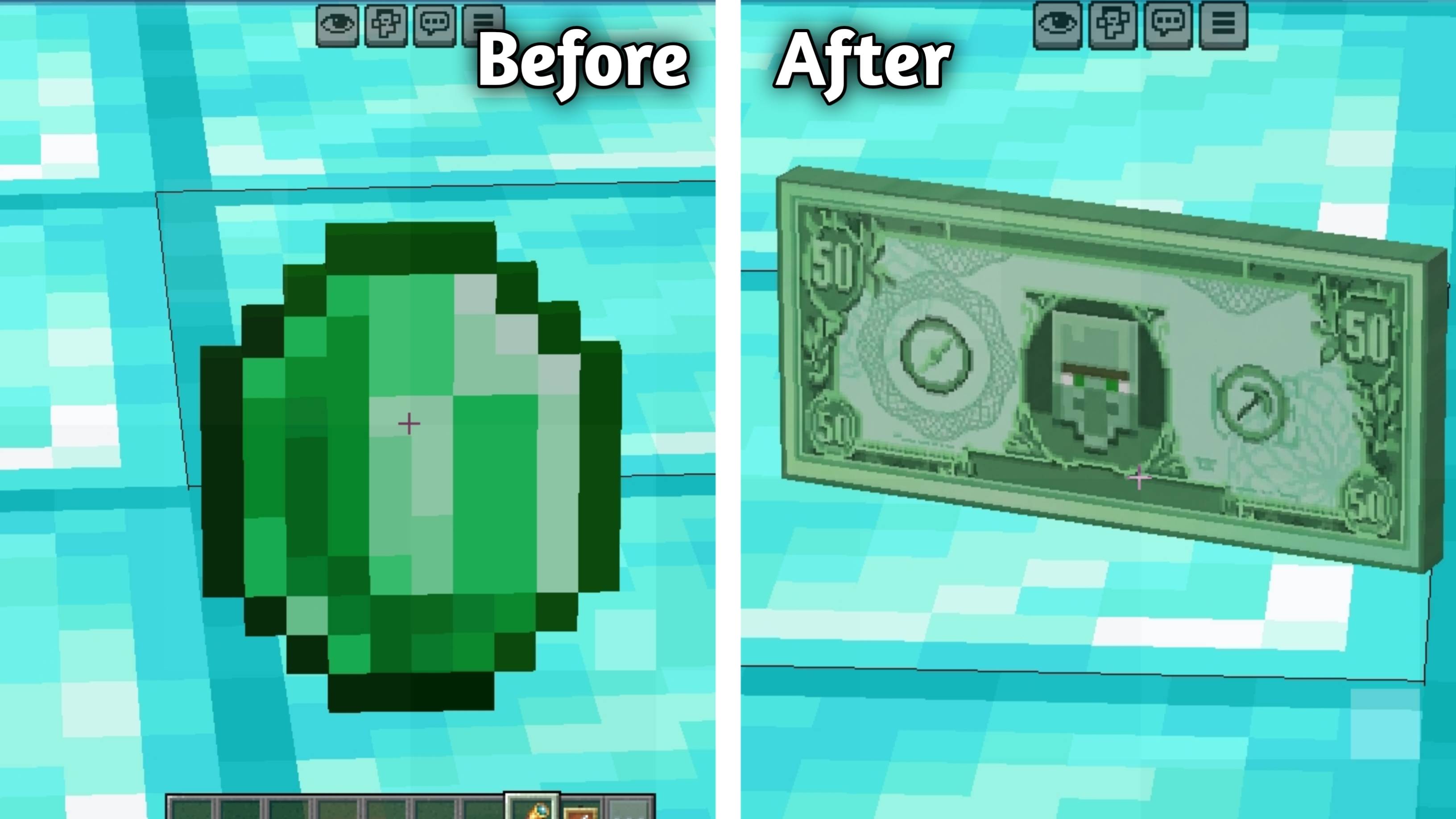
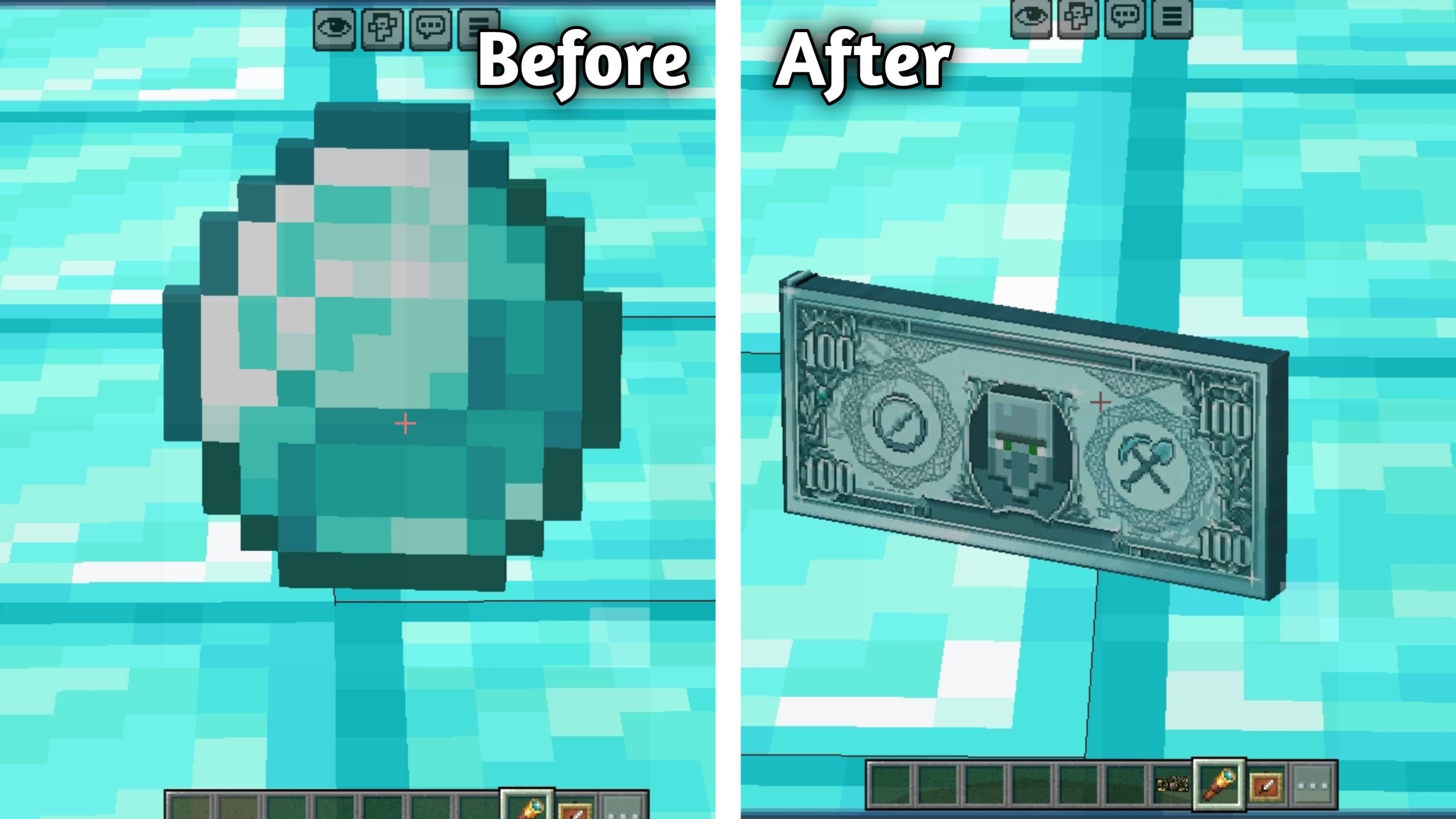
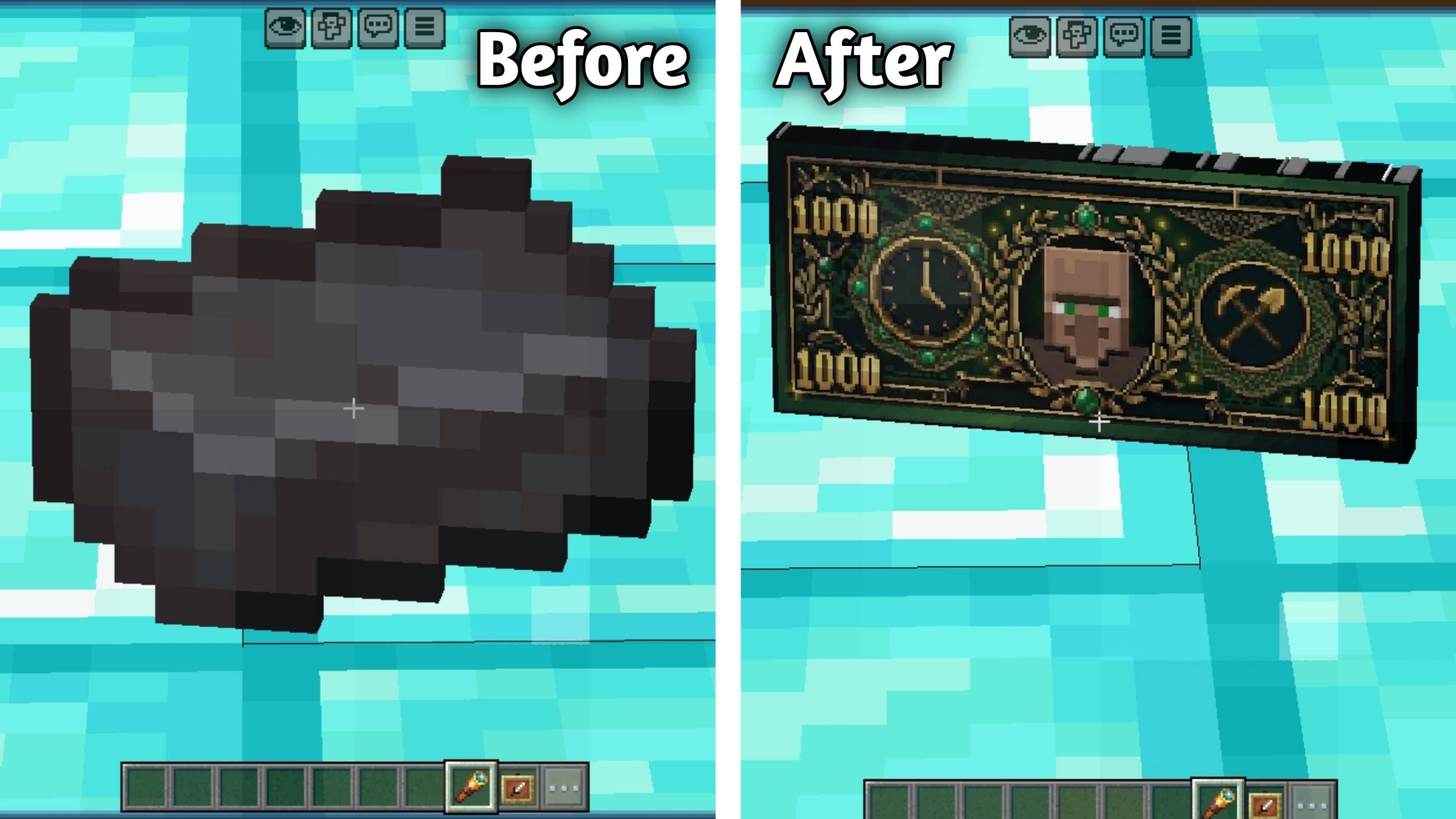
This pack changes valuable items such as Copper Ingot, Iron Ingot, Gold Ingot, Lapis Lazuli, Emerald, Diamond, and Netherite Ingot into beautifully designed money notes inspired by real dollar bills.
Each texture is carefully designed to give your inventory a rich and premium cash-themed look while still keeping the Minecraft style clean and easy to recognize.
💰 Whether you are playing survival, making custom maps, or creating an economy-based world, MineCash adds a fresh and realistic money vibe to your gameplay.
💵 Item Values
- 🟫 Copper Ingot ⟶ $1
- 🔵 Lapis Lazuli ⟶ $5
- 🟡 Gold Ingot ⟶ $10
- ⚪ Iron Ingot ⟶ $20
- 🟢 Emerald ⟶ $50
- 🔷 Diamond ⟶ $100
- 🟣 Netherite Ingot ⟶ $1000
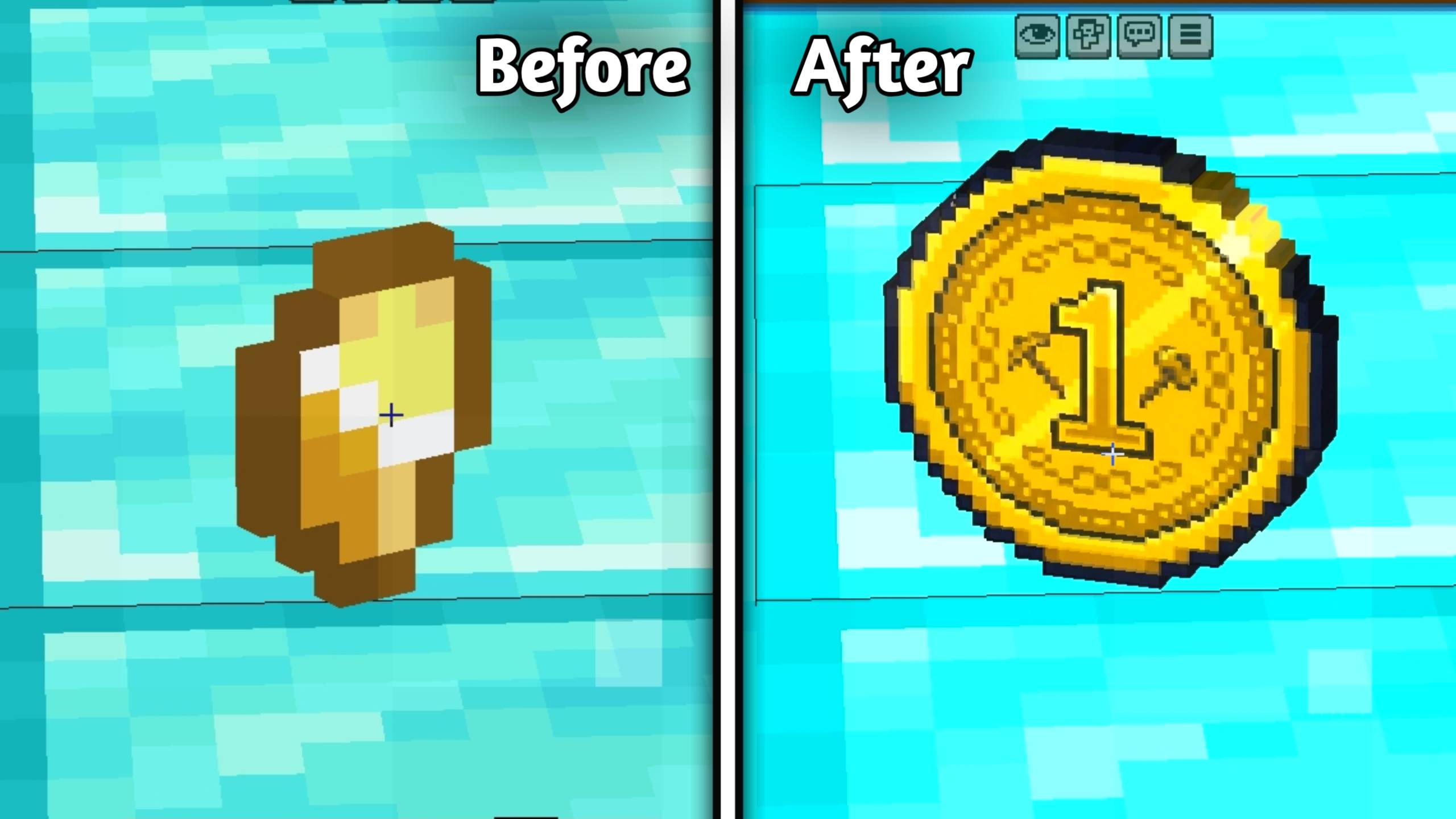
🪙Coins:(New Add)
Gold Nugget → $1 Coin
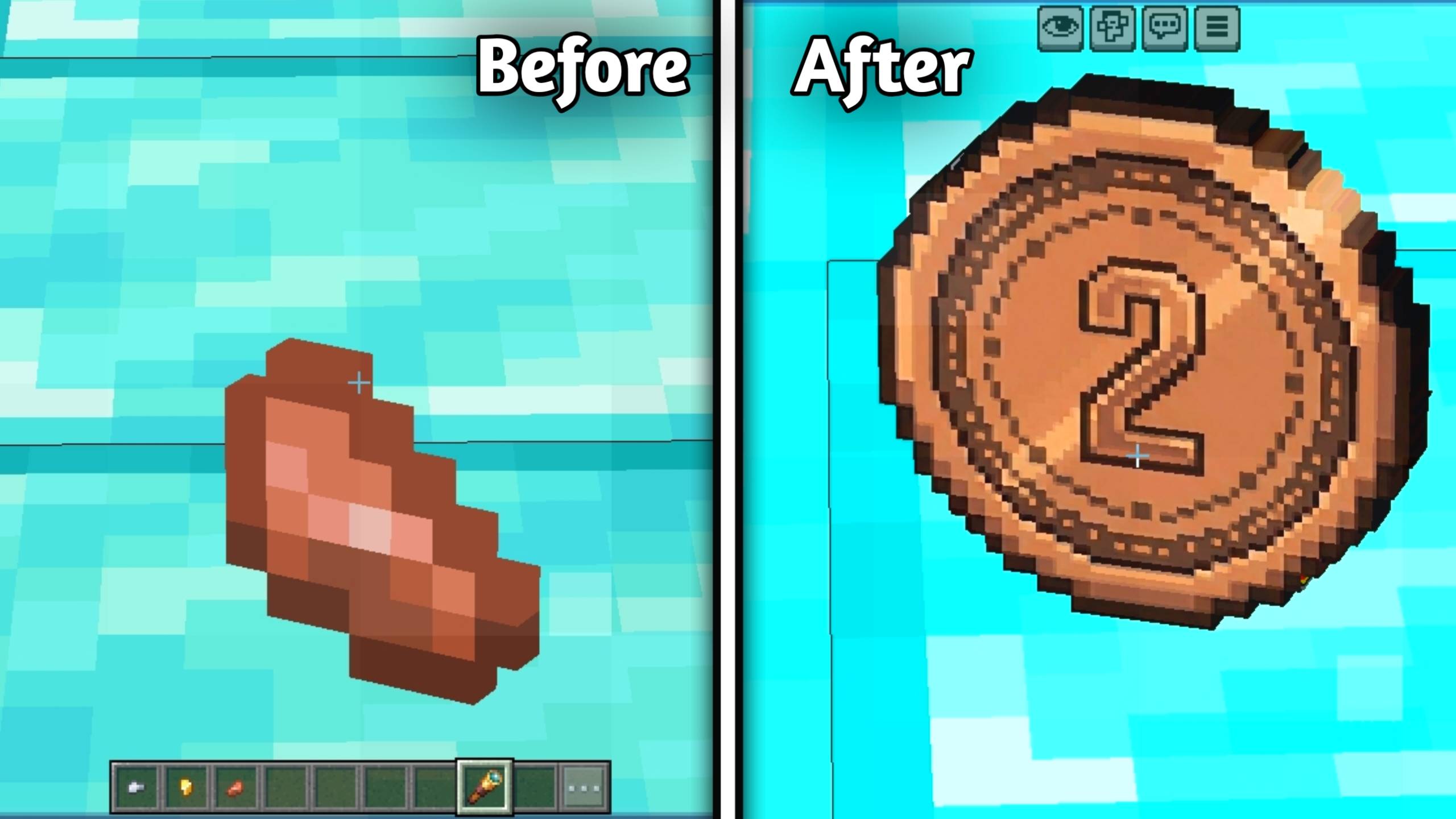
Copper Nugget → $2 Coin
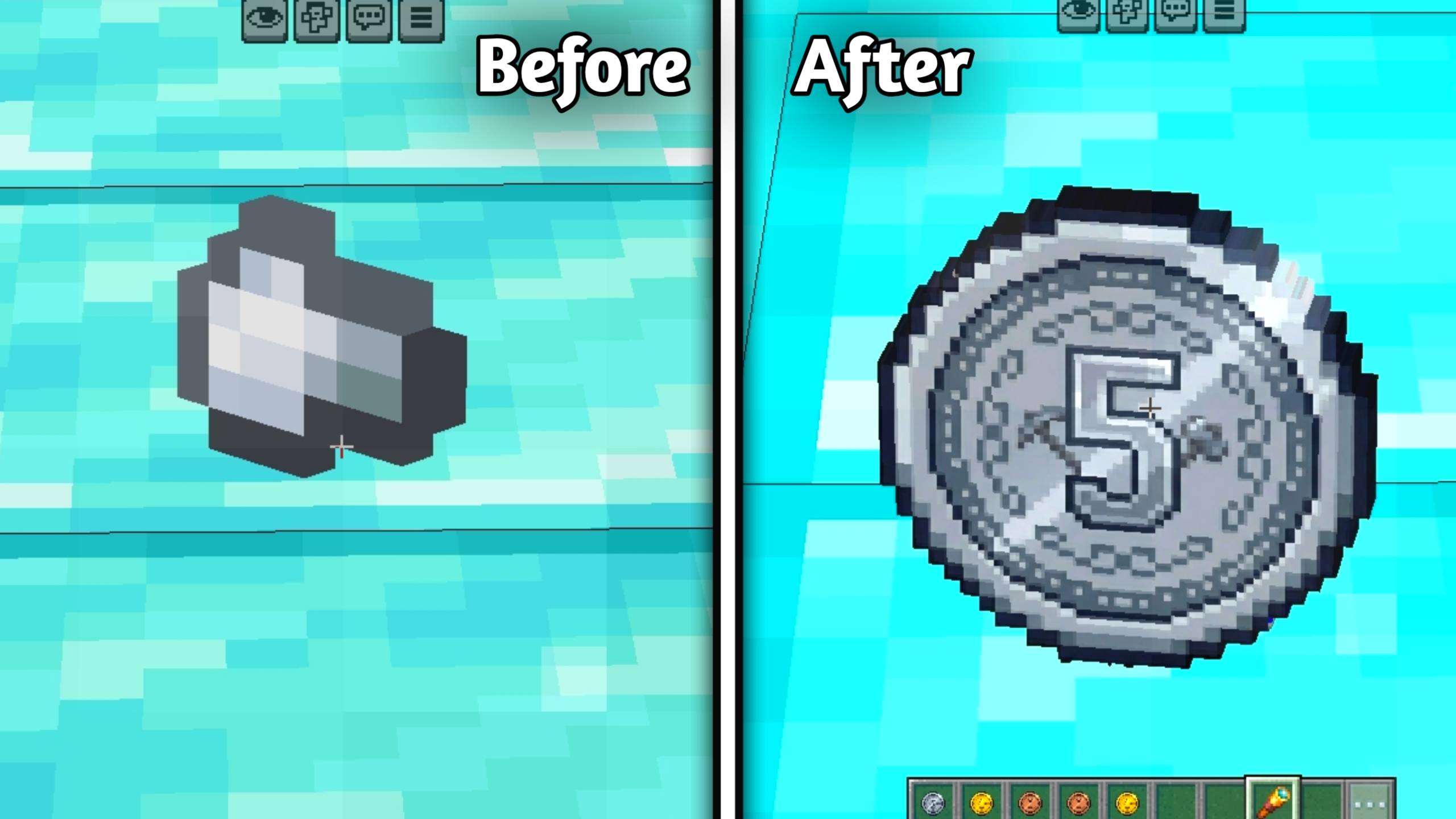
Iron Nugget → $5 Coin
✨ Features
💵 Realistic dollar-style note textures
🪙 Coin textures for nuggets
💎 Premium look for valuable items
🎮 Great for survival and economy worlds
⚡ Multiple high-quality resolution subpacks
📸 Includes before and after screenshots for preview
💵 Added custom item names for all currencies
📦 Available Resolutions
- 32x
- 64x
- 128x
- 256x

Choose the best resolution according to your device performance and enjoy a smooth experience. 🔥
🛠️ How to Use
📥 Download and import the MineCash pack.
🎮 Open Minecraft Bedrock Edition.
🌍 Go to Global Resources or your world settings.
✅ Activate the pack.
⚡ Select your preferred subpack resolution (32x / 64x / 128x / 256x).
💸 Open your inventory and enjoy the money-themed textures.
👑 Creator
📜 License
All Rights Reserved This addon was created by Kareo Gamerz.
You are not allowed to redistribute, modify, or reupload this addon on any other platform without the creator’s permission.
You may, however, make videos or showcase this addon on YouTube or social media — please provide credit and a link to the original CurseForge or MCPEDL page.