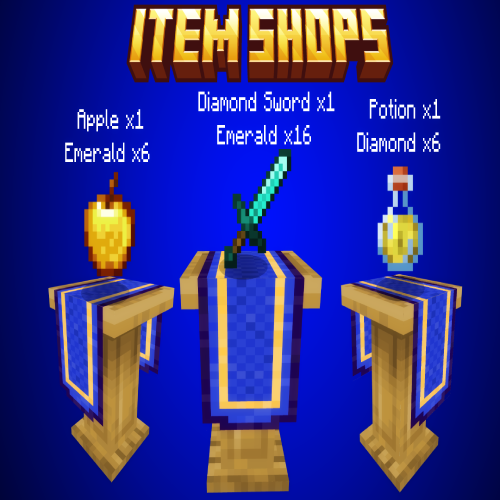
Item Shops Addon
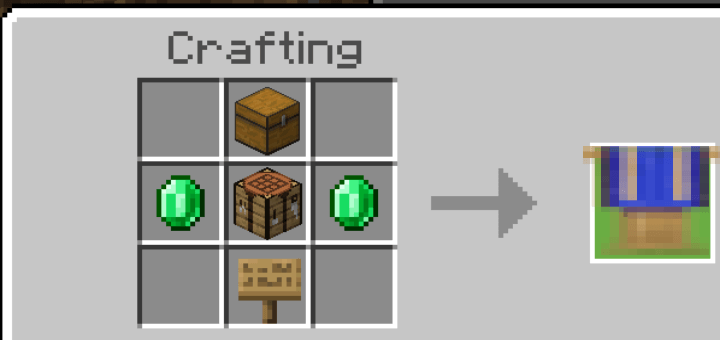
HOW TO CRAFT:
-To craft the item shops you need a crafting table.
RECIPE:
1x Crafting Table
2x Emerald
1x Oak Sign
1x Chest
HOW TO REMOVE:
-The shops are not breakable, to remove the shops there are 3 options
- Be the player that placed down the shop.
- Change gamemode to creative.
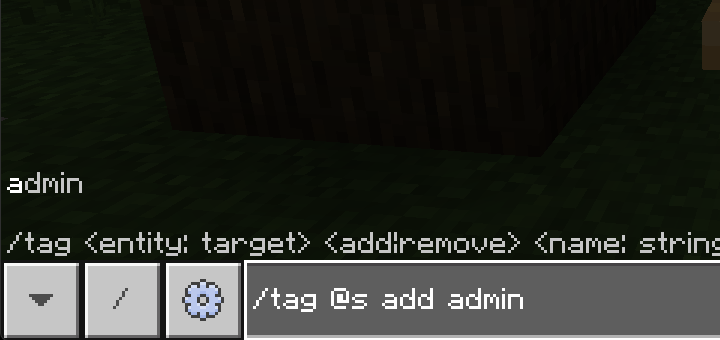
- Give yourself the admin tag using the command "/tag @s add admin"
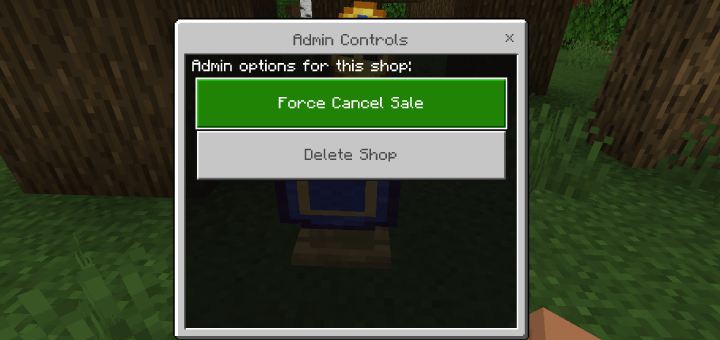
when you have either one of those three options when you interact with the shops it will display the
option to remove the shop.
-When pressed it will drop the block and any item that was for sale.
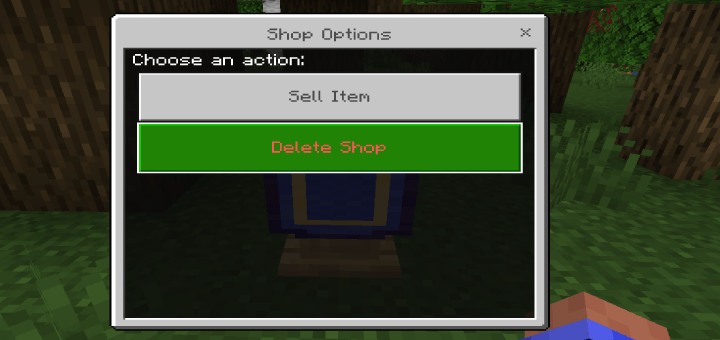
To give yourself the admin tag use this command "/tag @s add admin"
HOW TO SELL:
-To sell an item place the item you want to sell in your inventory and interact with the shop and select "Sell Item"
-A dropdown will appear with all the items inyour inventory, select the item you want to sell and click "Submit"
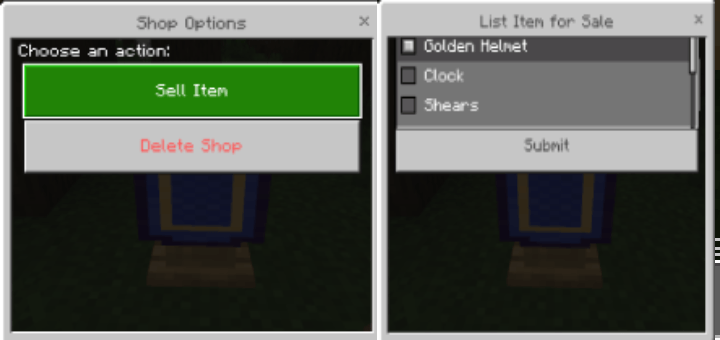
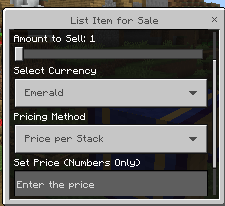
-When selling an item you get a few options
- "Shop name": this option allows you to rename your shop.
- "Amount to Sell": Sets the amount of the item you are selling.
- "Select Currency": Allows you to change what item you want to use as currency, to use a different item simply place the item in your inventory and it will be listed in the currency options.
- To sell items using scoreboard create a scoreboard and it will be list in the currency section.
- "Pricing method": allows you to sell each item individually or sell the whole stack by a set price
- "Set Price": Allows you to set the amount of the item you selected as currecy.
HOW TO CANCEL THE SALE:
-If you place an item for sale and no longer wish to sell it interact with the shop and select "Cancel Sale".
-The item that was for sale will return to your inventory.
HOW TO BUY:
-To buy the item you interact with the shop and select "Buy Item" you will get a confirmation page showing you the items you are buying and the price.
-If you do not have enough of the item the player set as currency the sale will NOT gotrough and will be canceled.
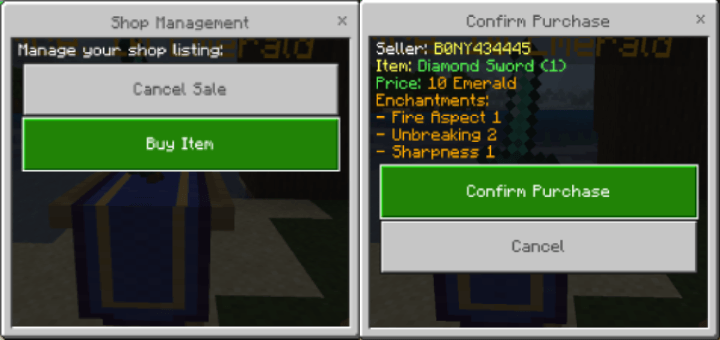
- If the items are being sold individually you will get a form with
a slider, select the amount you want to purchase. each item is
priced individually. 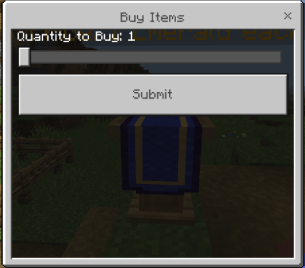
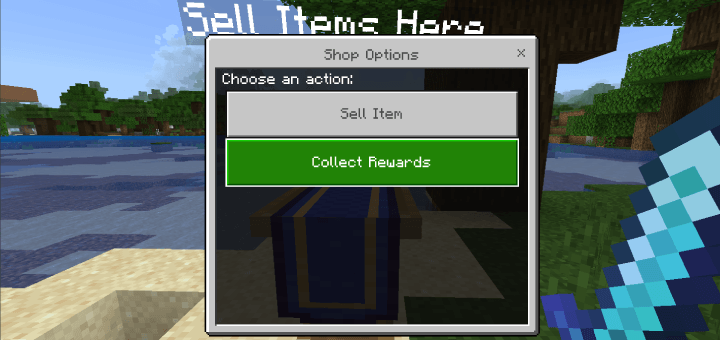
HOW TO COLLECT REWARD:
-After the item has sold to collect your reward interact with any shop and select "Collect Rewards" and you will receive the rewards from all the items you have sold.