Invisible Touch Controls - like PC
Configurable Invisible Touch Controls
Hide those ugly big buttons and make your phone screen look like a PC screen! This pack strips away all the clutter so you can actually see what you're doing. Great for content creators too - your videos will finally look like PC footage. Also, this pack makes the hotbar way cleaner. And the pack is customizable!
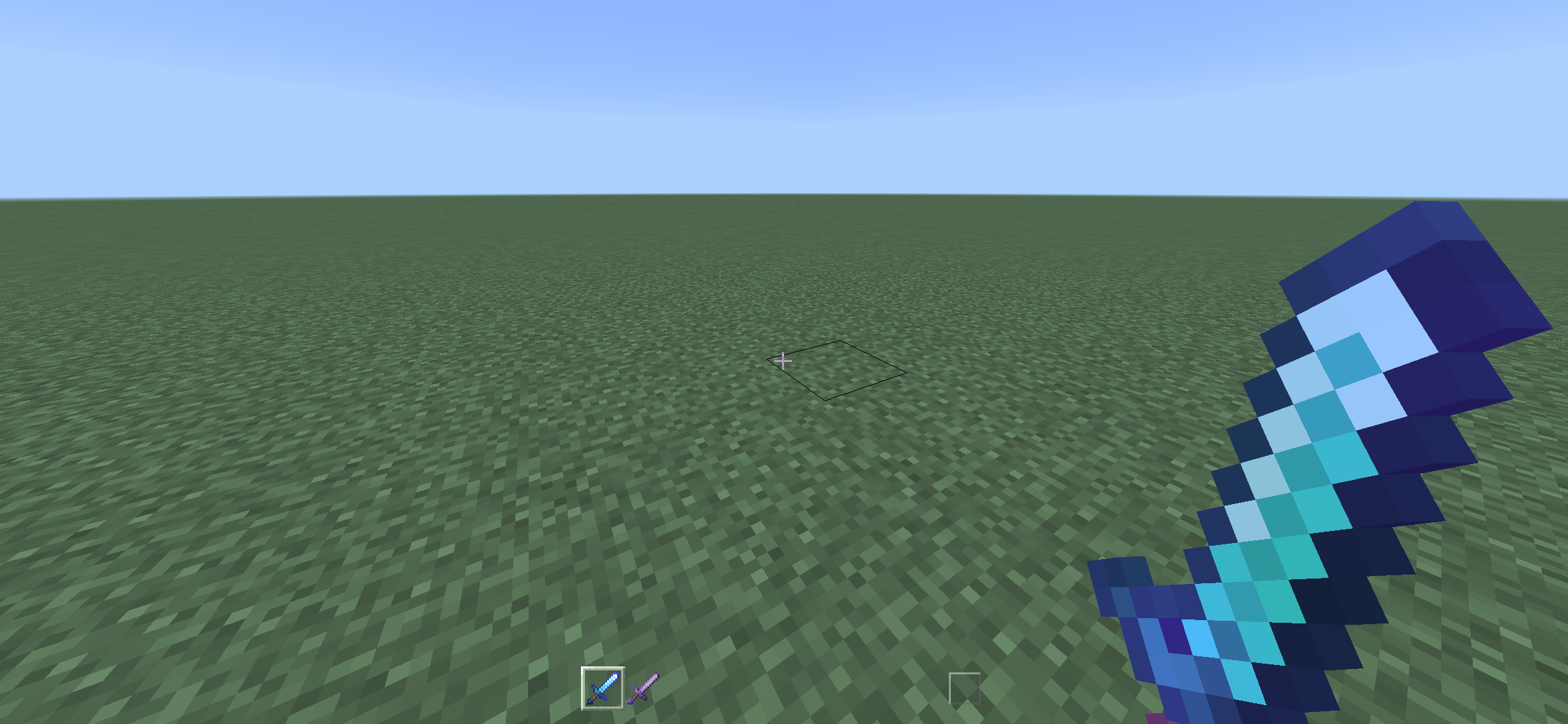
Screenshot captured on 12 render distance, -2 GUI scale, using the Hidden Icons mode. On Android device (2340x1080). Note: Old screenshot, now the hollow box is also hidden.
Choose a subpack:
- Visible Icons — Recommended. Hides all buttons excluding the top 4: Perspective, Chat, Menu, and Emote.
- Hidden Icons — Fully invisible controls. Closest you’ll get to PC gameplay.

I recommend starting with Visible Icons, then switching to Hidden Icons after a week or two, whenever muscle memory is built.
By the way, this actually helps performance a bit since we’re replacing those big textures with tiny 1x1 blank textures. (This doesn’t mean you’ll see dots on your screen!)
Feel free to give feedback in comments!