
Hitbox Visualiser - Utility
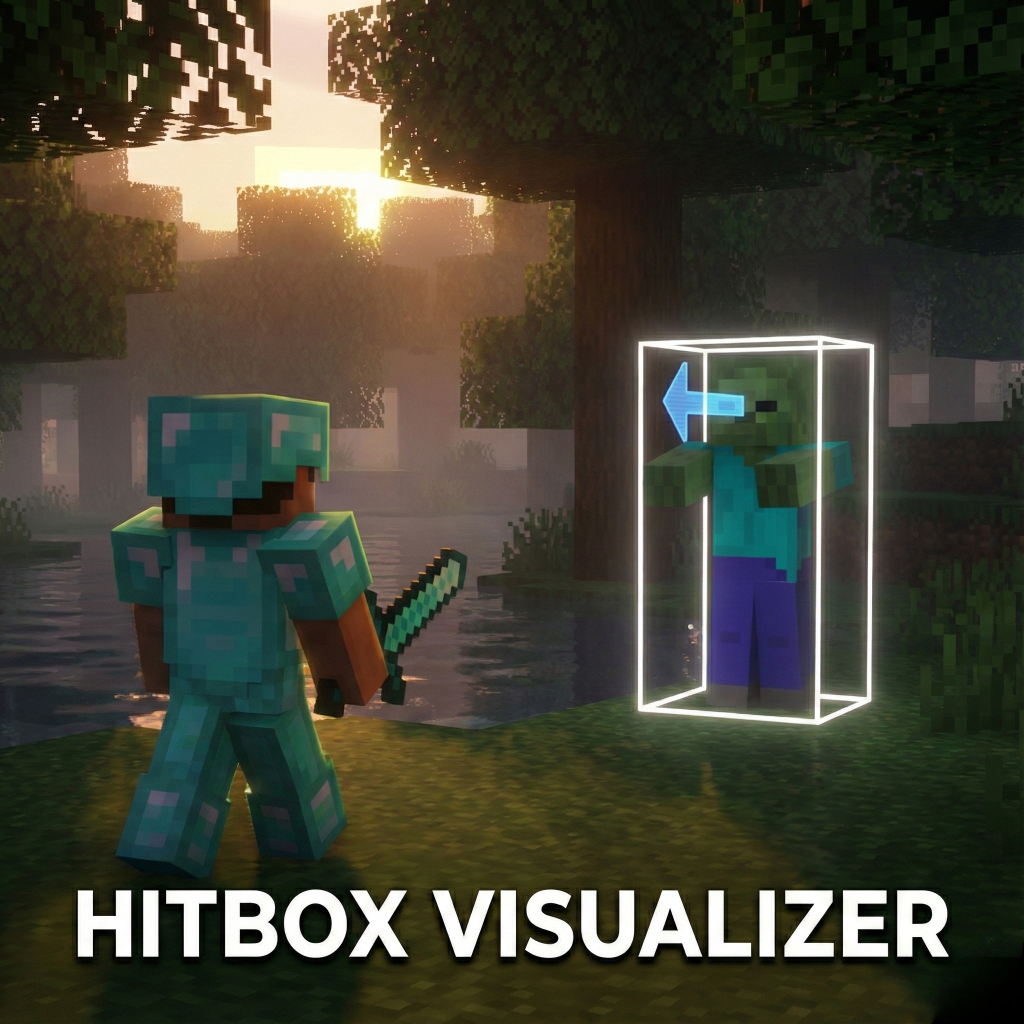
See what the game sees! Hitbox Visualizer allows you to see the exact collision boxes of every entity in your Minecraft world.
35,194
Hitbox Visualizer (v1.1.0)
See what the game sees! Hitbox Visualizer allows you to see the exact collision boxes of every entity in your Minecraft world. Whether you are a technical player testing farm mechanics, a map maker ensuring your mobs are perfect, or just curious, this pack gives you the vision you need.
✨ Features
- See Hitboxes: A clean white box appears around every mob, showing exactly where they can be hit or collide.
- View Direction: A blue arrow shows exactly where a mob is looking.
- Lag Free: Unlike older packs that use particles, this uses modern game features to draw shapes instantly without slowing down your game.
- Toggle On/Off: The pack is disabled by default so it doesn't clutter your view. Turn it on only when you need it!
📸 Screenshots & GIFs
(Its looking choppy now because of gif conversion and compression but its smoother ingame.)
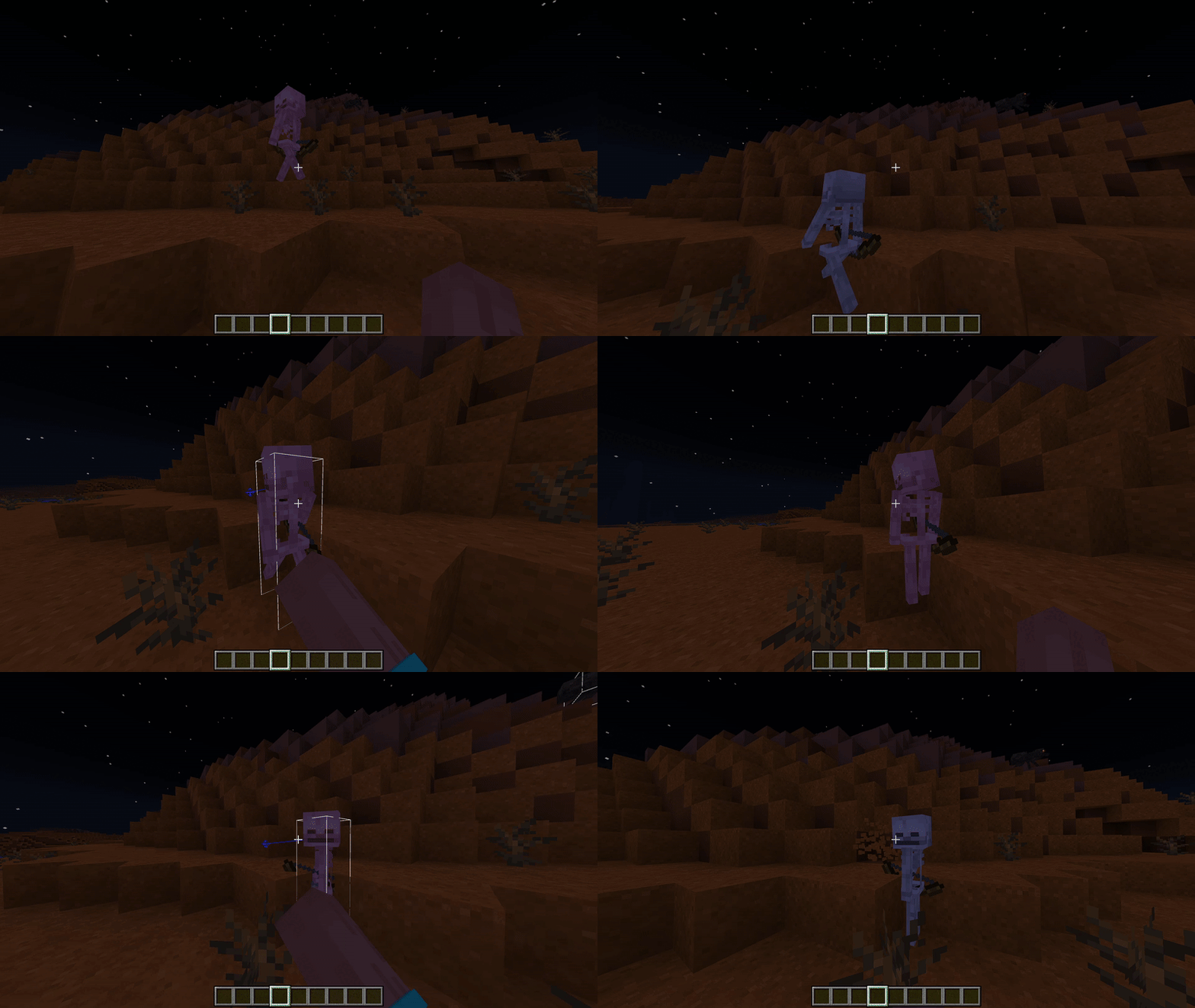
Smoother (V1.1.0)
🎮 How to Use
- Install: Add the Behavior Pack to your world.
- Activate: Make sure "Beta APIs" is enabled in your world settings experiments.
- Play: Join the world.
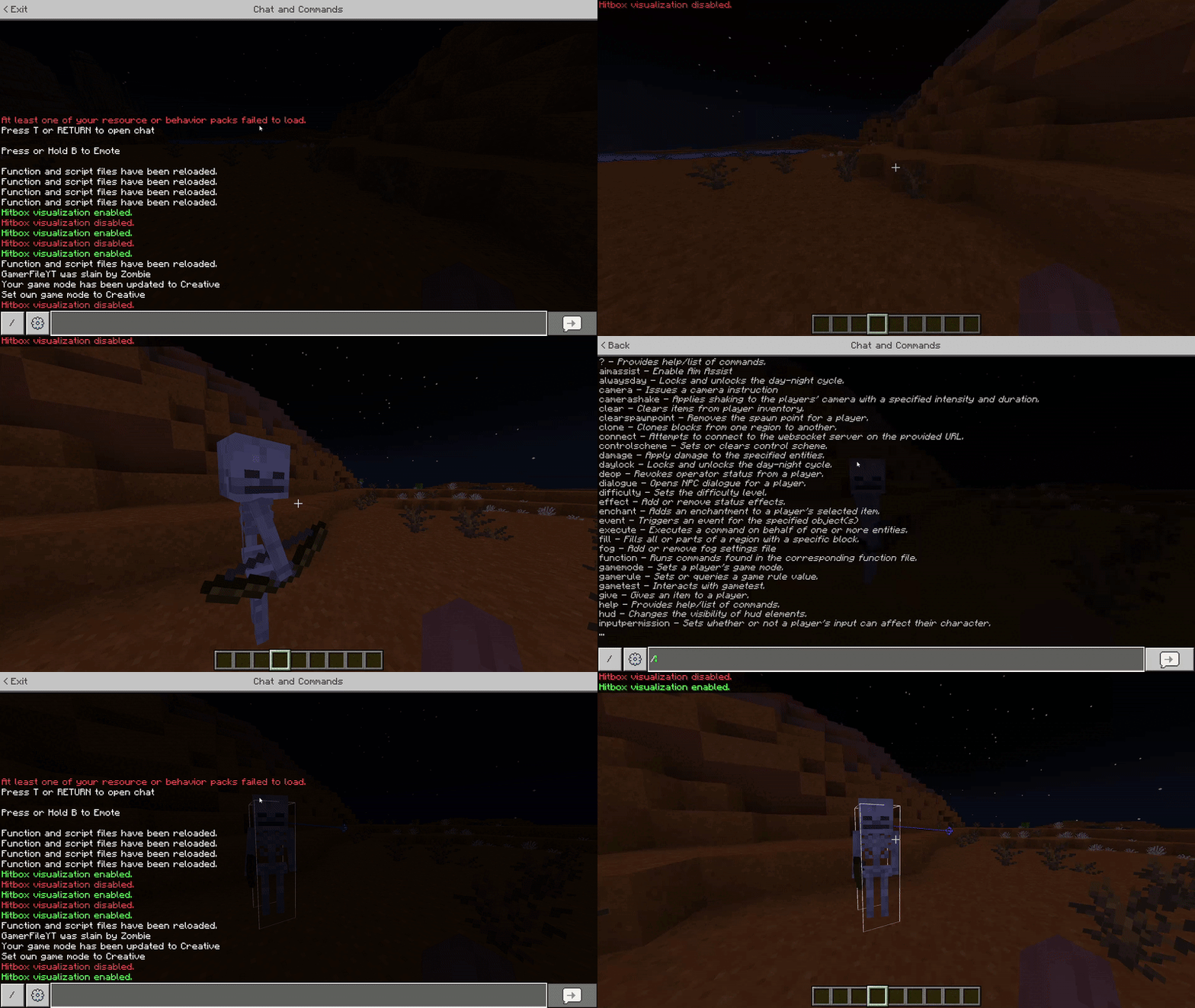
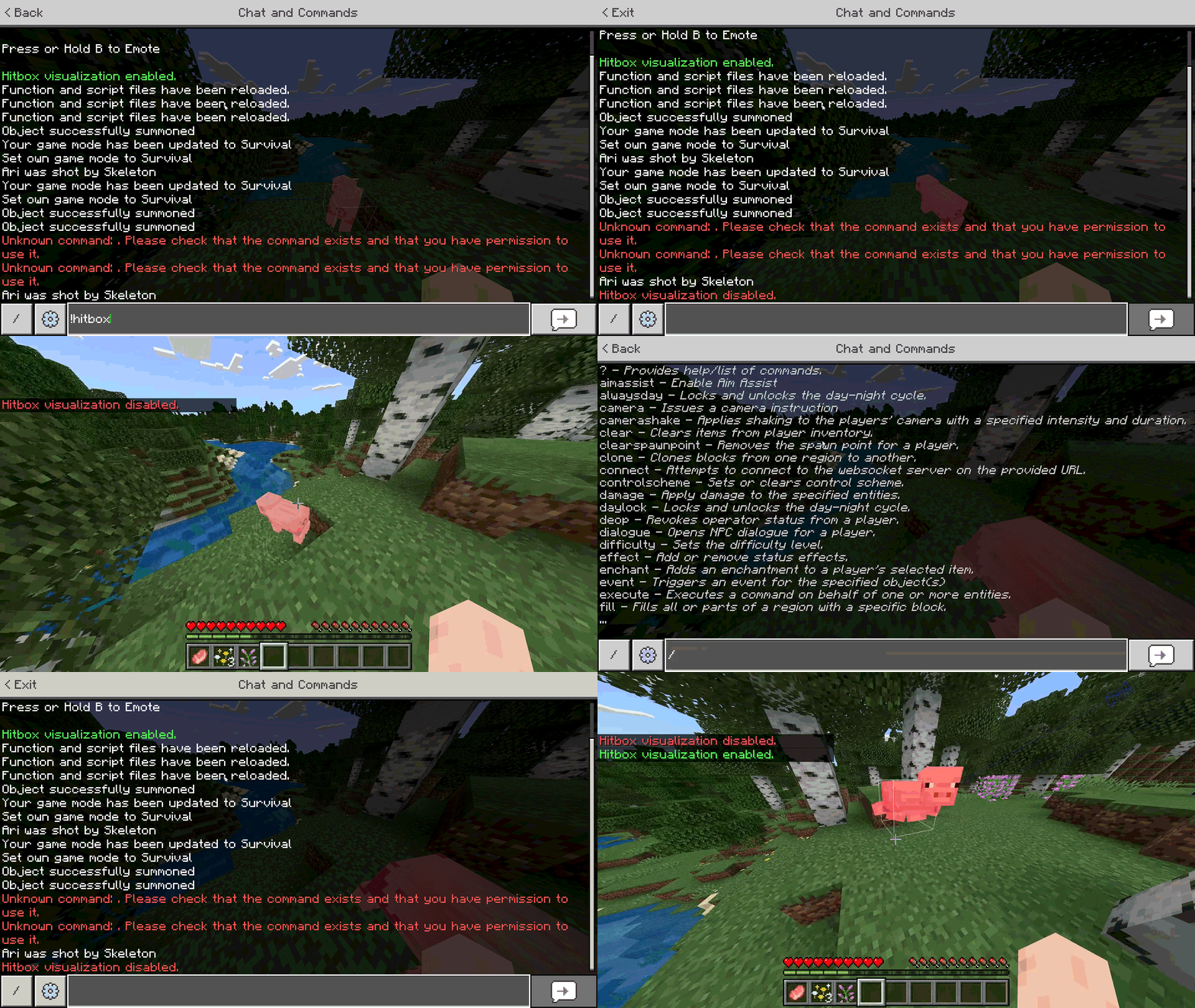
- Toggle: Open the chat and type:
!hitbox- ...or simply
!hb
- Done! You will see a message saying visualization is Enabled. Type it again to turn it off!
⚠️ Notes
- Works in Singleplayer and Multiplayer.
- Required "Beta APIs" experiment enabled.
- Works in the Overworld, Nether, and End.
📜 Credits
- Author: GamerFile

All Rights Reserved
29/12/2025
03:11 26/03