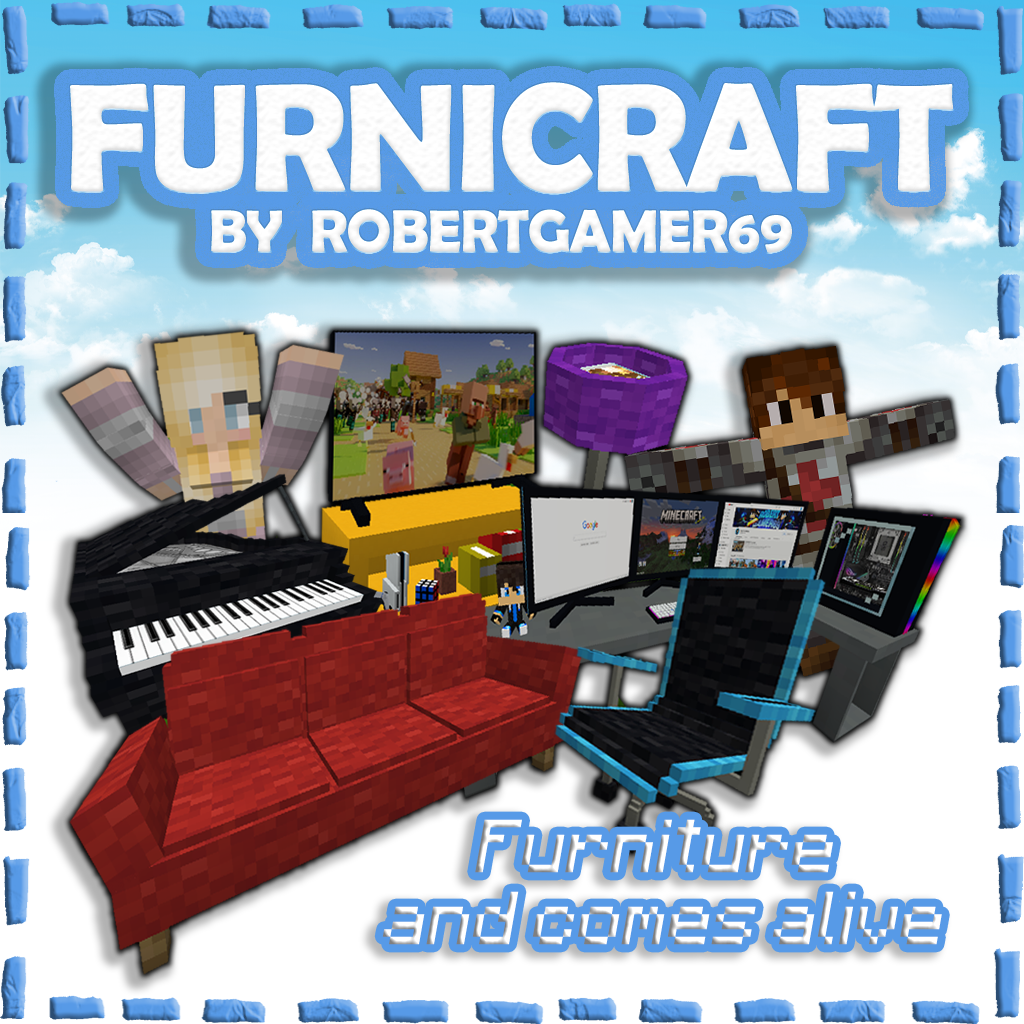
FURNICRAFT ~ Furniture
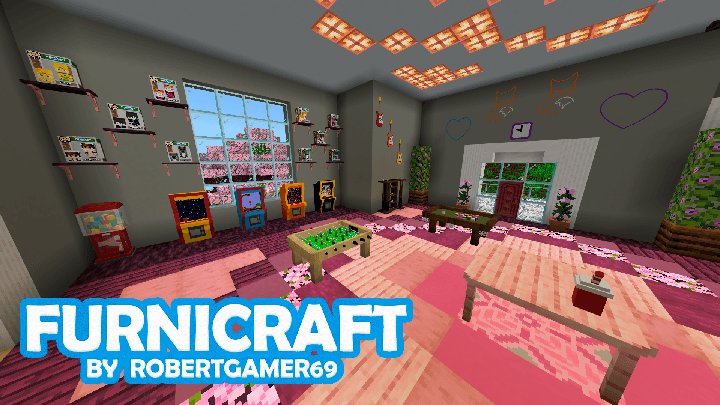
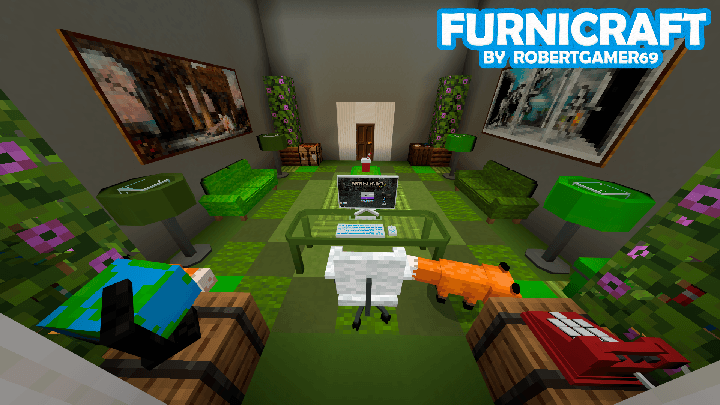
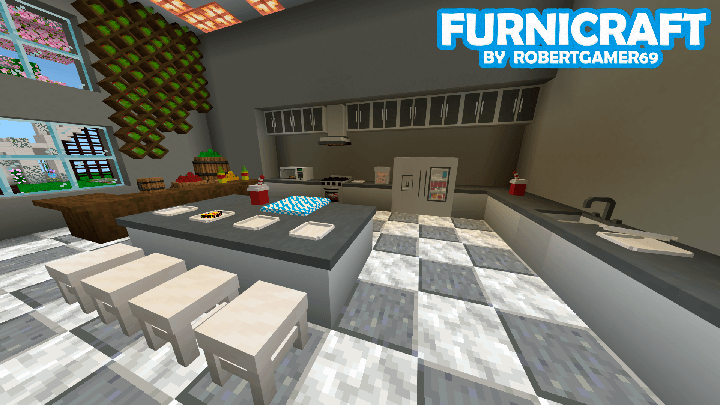
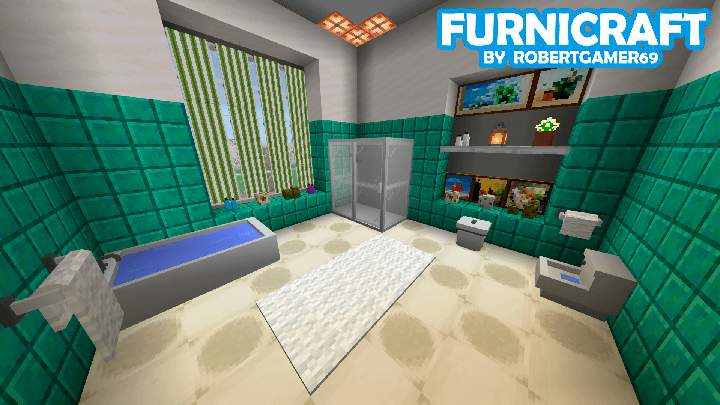
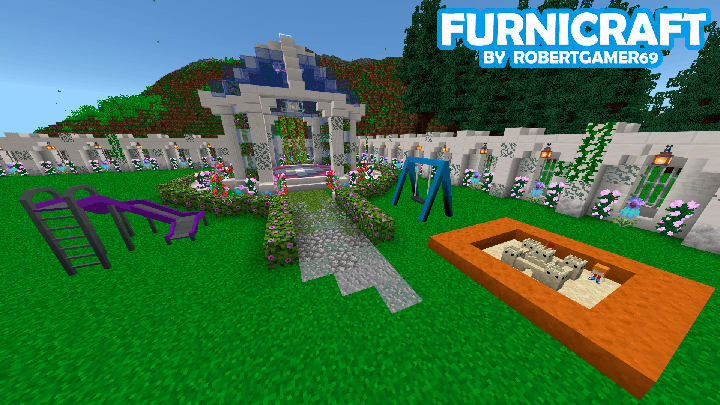
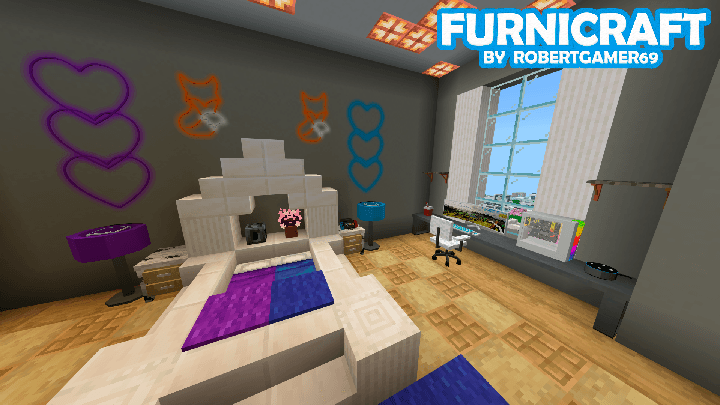
This addon adds over 500 pieces of furniture to the game. There's everything from kitchen utensils and bathroom equipment to things like a stove, shower products, and entertainment-related things like a pool table and gaming PC. It is a great addition if you want more options to decorate your home.
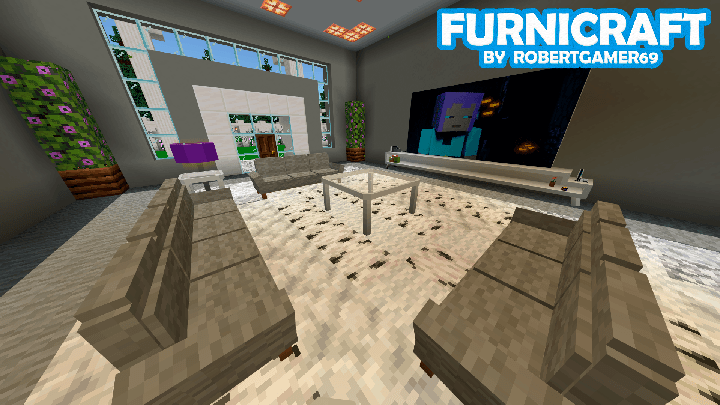
All furniture is solid 3D blocks, meaning you can easily rotate them in any direction you want. Some furniture, such as chairs and sofas, also have some functionality in that sense so that you can sit on them. Currently, all furniture can be crafted at the decorations table.
Creator: ROBERTGAMER69, Twitter, YouTube, PATREON

How does it work?
All the furniture are solid 3d blocks, this means you can easily rotate the furniture in any direction you want. Some furniture, like chairs and sofas, also has some functionality in that regard so that you can sit on them. Currently, all furniture can be crafted in the new Furnicraft Bench.
Information on how to use the addon
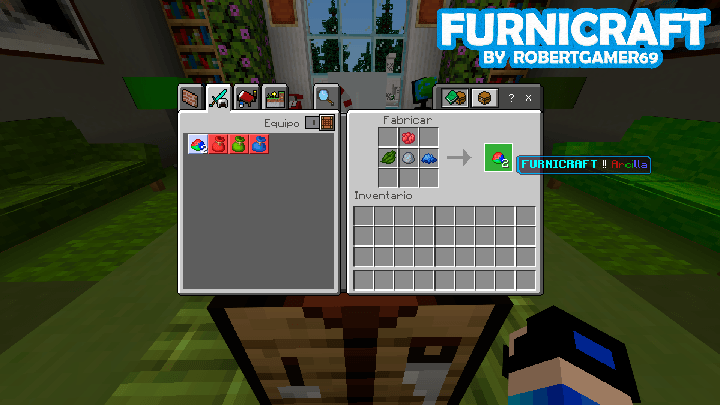
How to get the clay?
It is made with clay balls, red, green and blue dye
Here is an example of how it is made:
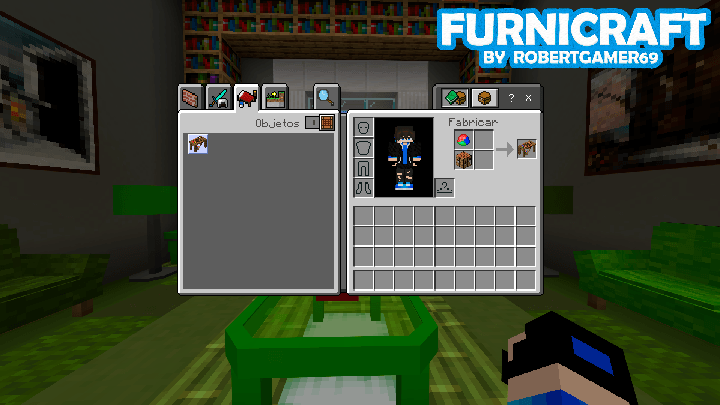
How to get the Decorations Table?
It is made with a crafting table and a FURNICRAFT clay
Here is an example of how it is made:
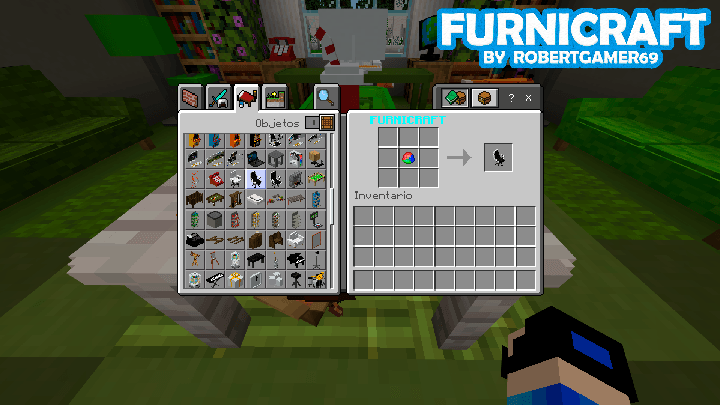
How to get all the furniture?
Each piece of furniture will cost you 1 Clay and you can get them at the Decorations Table.
Here is an example of how the furniture is obtained:
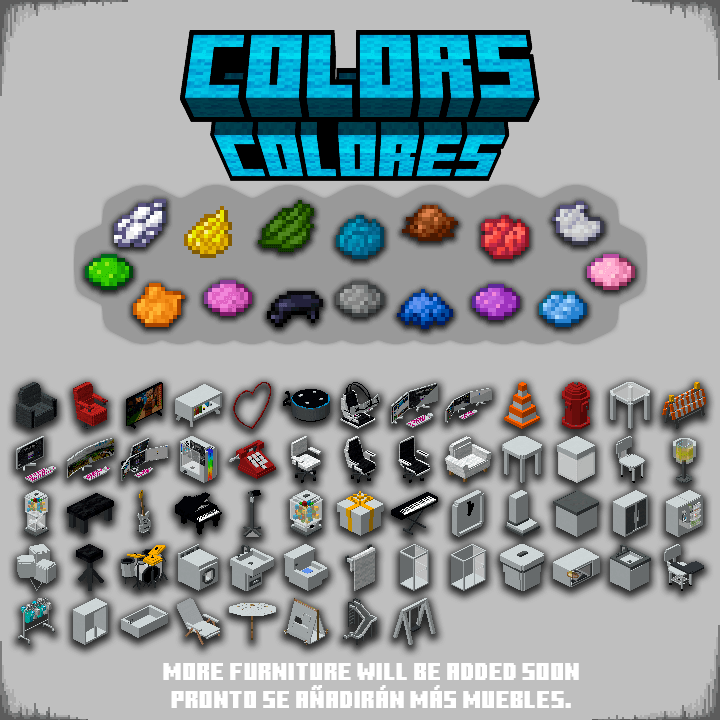
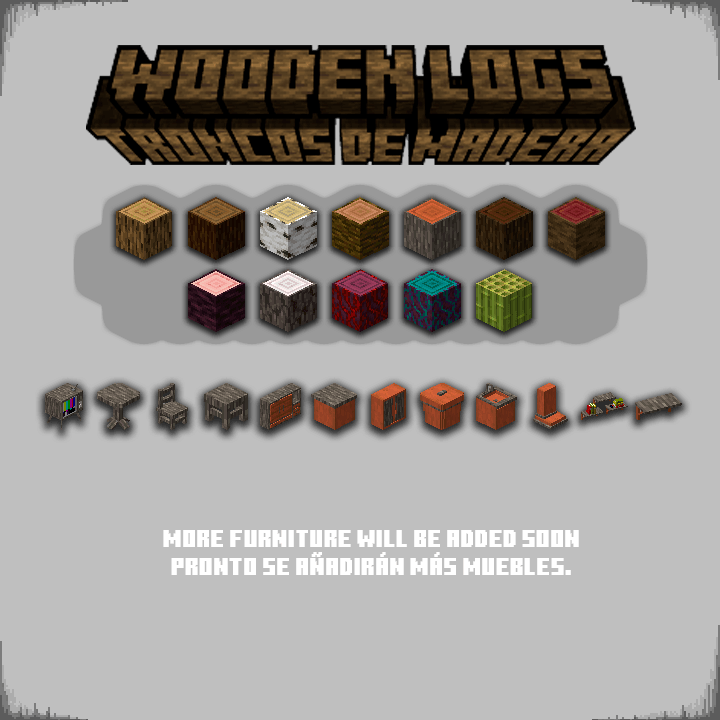
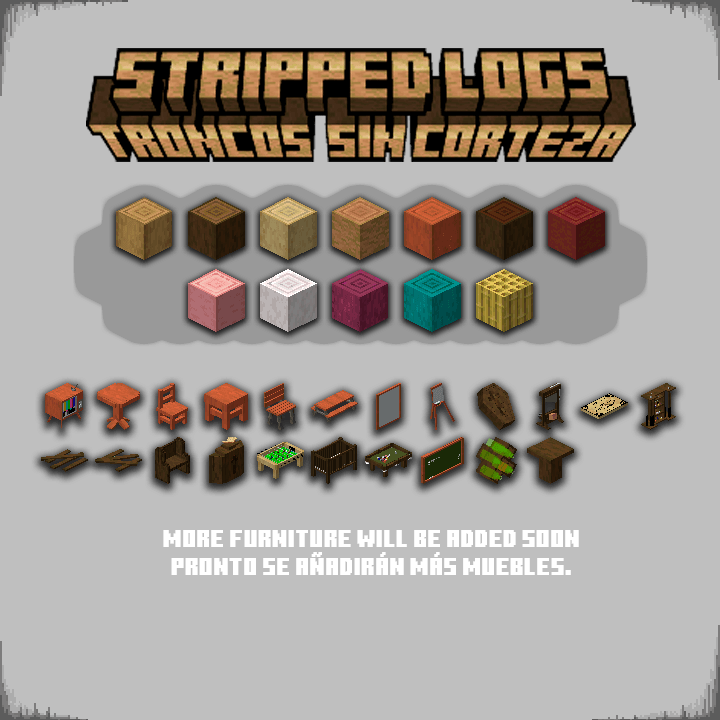
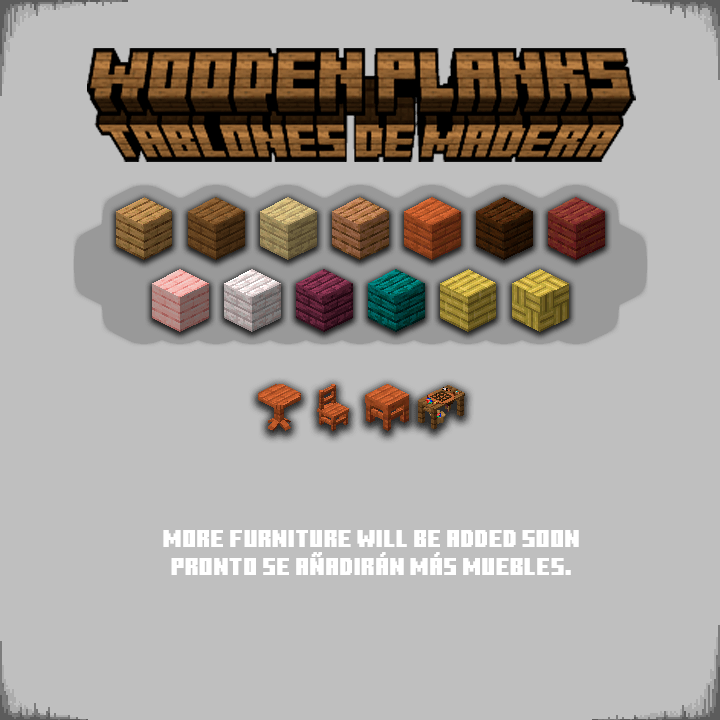
How can I change the color and material of the furniture?
Now you can change the color or material of the furniture more easily. You just need to have the brush and interact with the furniture.
You can also interact with the desired block directly.
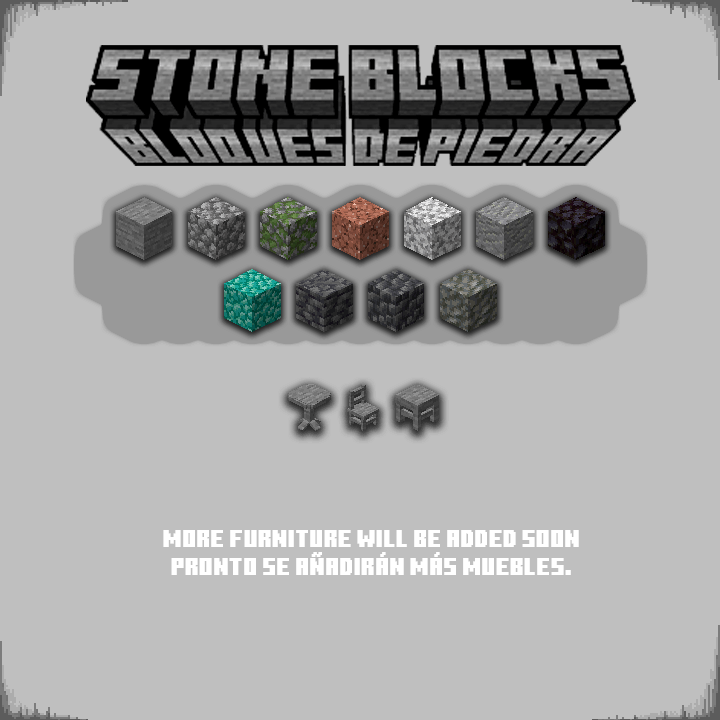
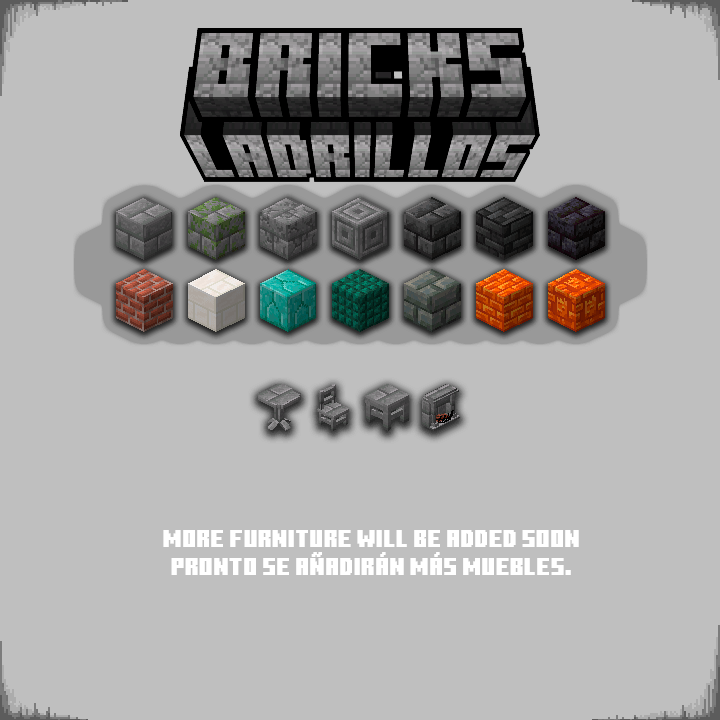
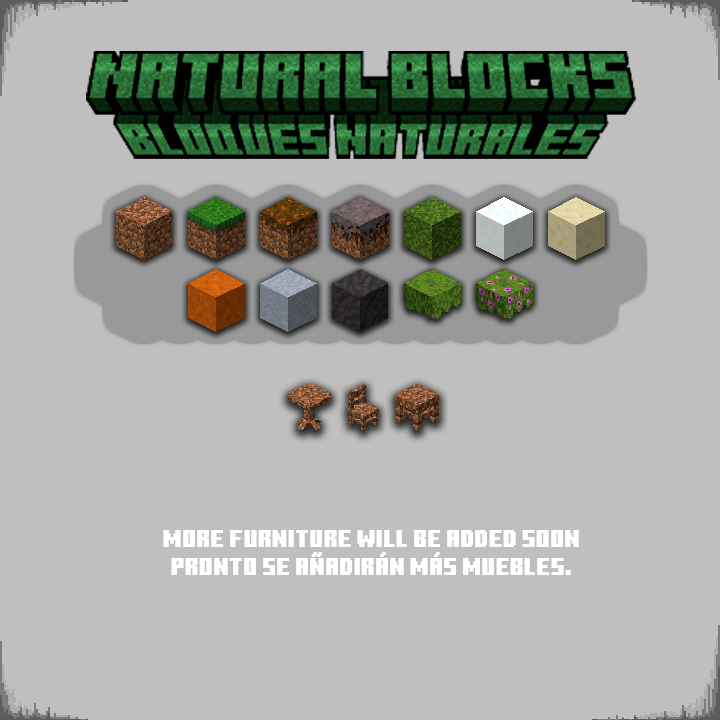
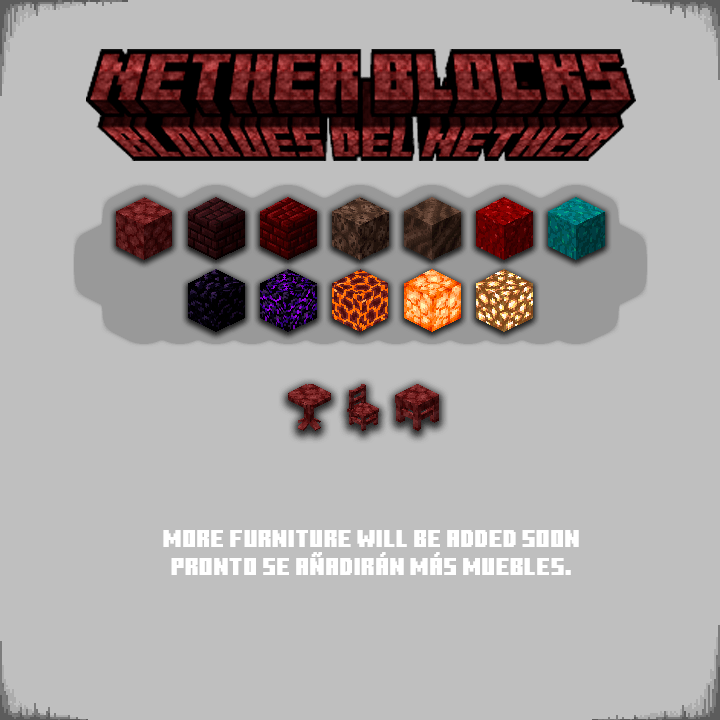
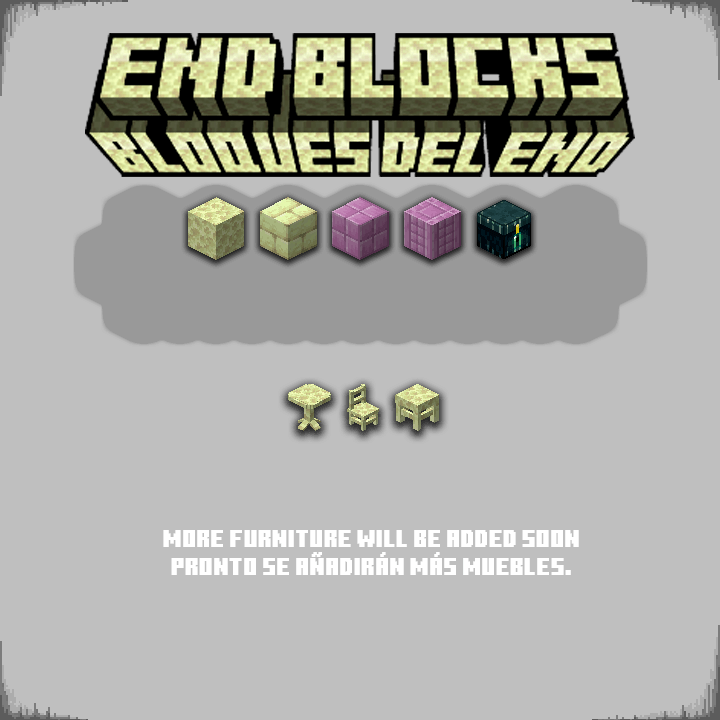
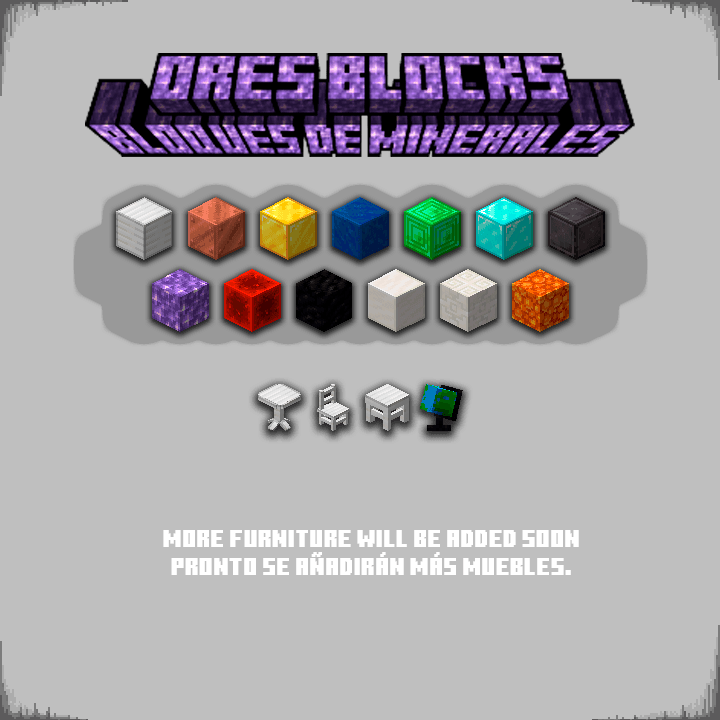
Furniture materials are divided into categories.
[ Wooden Logs, Stripped Wooden Logs, Wooden Planks, Stones, Bricks, Nether Blocks, End Blocks, Natural Blocks and Ores ]
Colored Furniture can only be interacted with by using the 16 types of dyes in the game.
Here are some examples:
Can I have my own FurniPop?
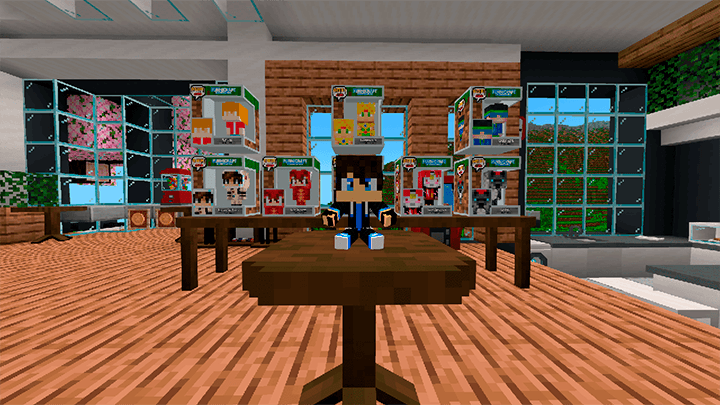
Would you like to have your own FurniPop with your Minecraft skin?
You can purchase yours on my Patreon and it is officially added to the addon, this also helps me continue improving the addon.
If you require more information you can contact the creator on any of their social networks
(This is a digital product, we do not receive anything in real life)
List of changes of FURNICRAFT v27
- Changes:
- Compatible with Minecraft v26.13+ (And Betas / Previews)
- It is no longer necessary to activate experimental games
- New toys were added (Grogu and FNAF)
- 6 new cosplays were added (Stormtrooper helmet, Herobrine, Springbonnie, Fredbear, Foxy, Hacker mask)
- Enhanced Visuals (now when you activate vibrant visuals some furniture will have a spectacular shine) (such as PCs, neon signs, lamps, some cosplays and much more)
- New Computer System!!! (now PCs are functional and interactive) (you need a monitor and a CPU within a 3-block radius)
- A PS5 was added
- A new monitor and a new CPU were added.
- Three lightsabers were added (Red, Green, Blue)
- New lighting system (now interacting with the wrench on a modern light bulb and a light switch will allow you to select the room you are in) (the switch will turn on the light bulb depending on the linked room)
- A conveyor belt has been added (it can move items, entities, and players) (use the wrench to change its appearance)
- Movie posters and poster display cases were added.
- Now you can place items on the shelves (interacting with a wrench changes the mode)
- A flashlight was added (it illuminates when held in the hand)
- The speaker and radio interface has been changed (it now has more music and you can now control the volume and speed)
- The neon lights were repaired
- Now the collisions of some furniture are more precise.
- Now the interaction with the Ouija boards lasts longer and has better animation.
- Now you can equip cosplay items in the helmet slot (by pressing and holding the item towards the sky on Android) (right-click on PC)
- And many more things you can discover!!!
Tutorial on how install it here