FPS BOOSTER+
FPS BOOSTER+ : Resource Pack (Bedrock Edition)
Lightweight resource pack that simplifies textures and boosts FPS for smoother Minecraft Bedrock gameplay.
📖 Description
FPS BOOSTER+ is a lightweight Bedrock resource pack designed to make Minecraft run smoother on low-end and midrange devices. It reduces visual complexity by simplifying block and UI textures, removing unnecessary overlays and elaborate shading while preserving the familiar Minecraft style.
This pack focuses on smart visual optimizations rather than removing features. Blocks and UI are redesigned with flatter shading, reduced transparency, and fewer fine details so the game requires less texture memory and fewer rendering operations. The result is smoother gameplay, faster chunk rendering, and reduced stutter.
✨ Features
- Lightweight, minimal textures for blocks, items, and UI
- Simplified shading and reduced overlays for better performance
- Optimized textures for faster loading and lower memory usage
- Clean UI assets for better readability
- Resource pack only — no scripts or behavior packs
- Safe and compatible with most Bedrock versions
⚠️ Visual Trade-Offs
To improve performance, this pack intentionally reduces fine visual details and complex effects. Textures appear cleaner and flatter compared to vanilla. If visual fidelity is your top priority, this pack may not be suitable—but for FPS gains, it provides a strong balance.
⚙️ Recommended Settings (For Best FPS)
For maximum performance, use this pack with:
- Render Distance: 5-8 chunks (Removed)
- Fancy Graphics / Smooth Lighting: OFF
- Fancy Leaves: OFF
- Shaders: Minimal/OFF
- Clouds: OFF
- Beautiful Skies: OFF (if available)
- Keep
FPS BOOSTER+At Top.
📥 Installation (Bedrock Edition)
- Download the
.mcpackfile or resource pack folder. - Open the
.mcpackor place the folder in:games/com.mojang/resource_packs/ - Launch Minecraft → Settings → Global Resources.
- Activate FPS BOOSTER+.
- Restart Minecraft for best results.
🔧 Compatibility
- Minecraft Bedrock Edition (Android, iOS, Windows 10/11, Consoles)
- Works with most other resource packs (avoid packs that override the same textures)
👤 Credits & Usage
Created by Sycure (Sycure Gaming)
- You may showcase this pack in videos with credit
- Do not reupload or monetize without permission
🖼️ Images
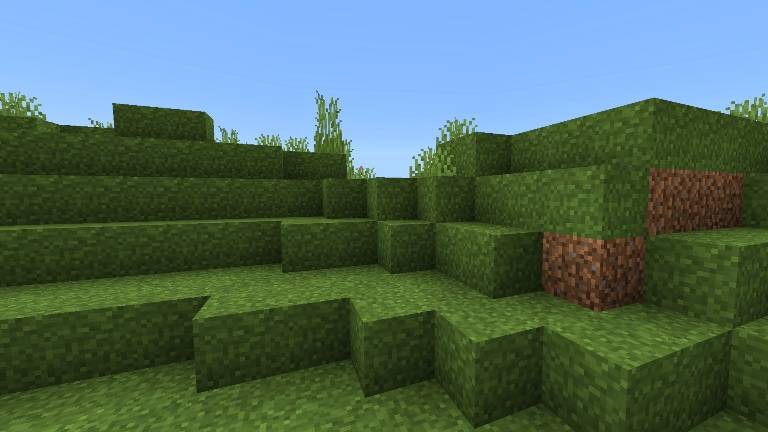
Full Grass Textures
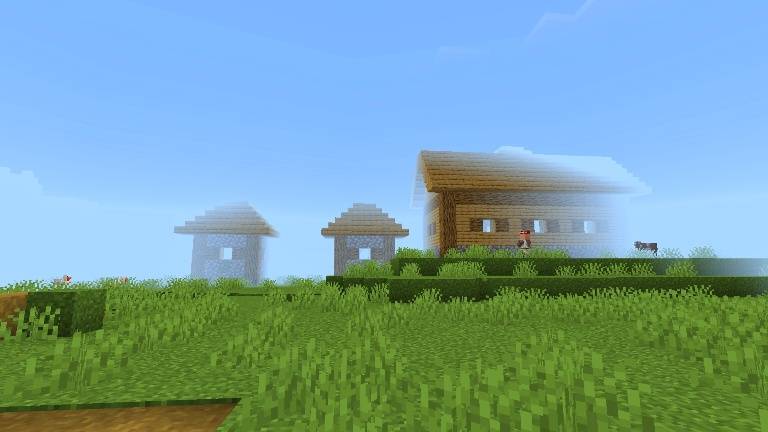
Limited Render Distance.(Removed)
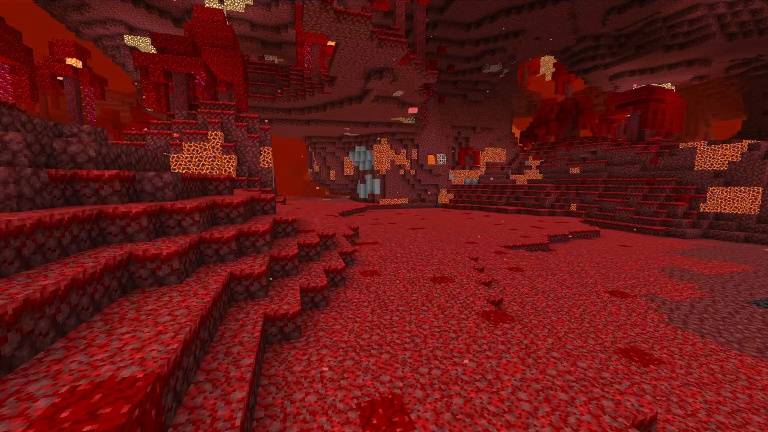
No Lava Fog
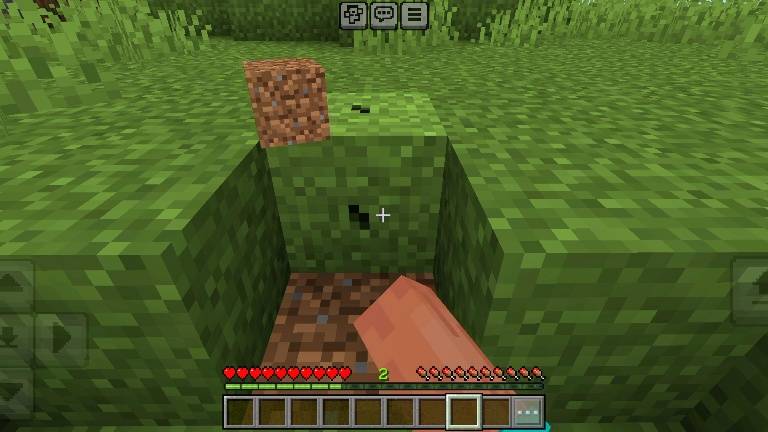
No Particles.