
Feudal Furniture | +800 BLOCKS
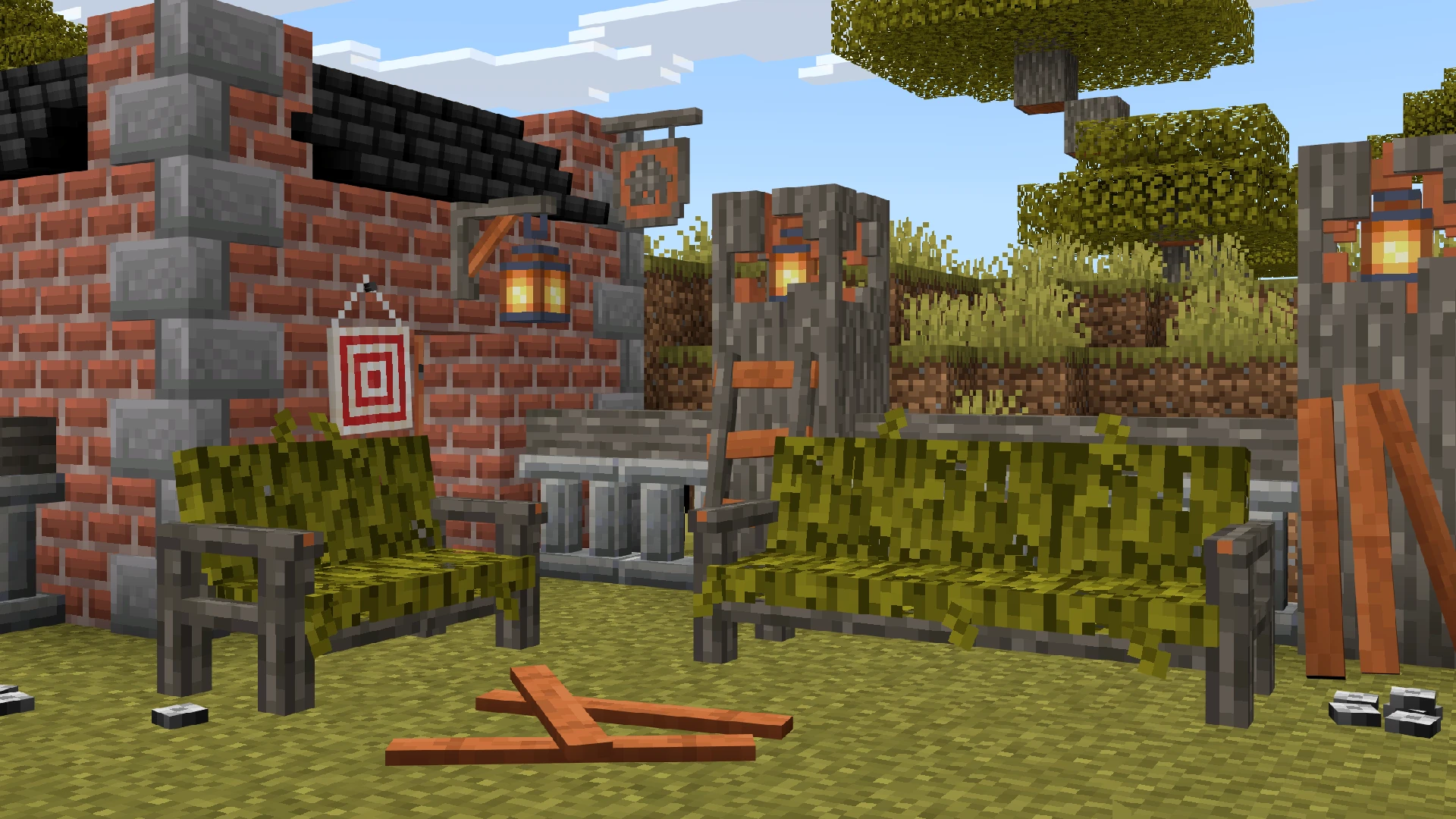
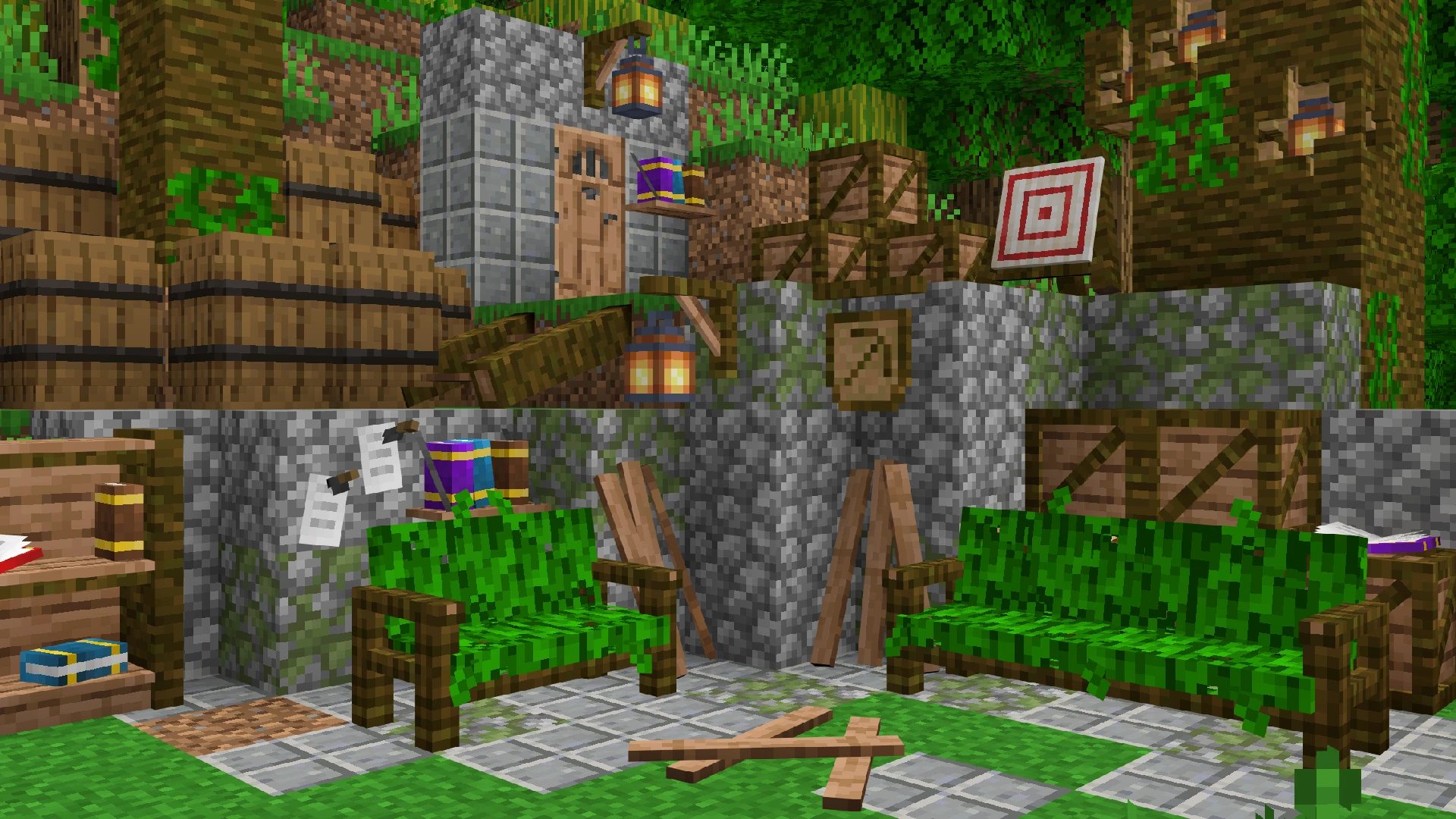
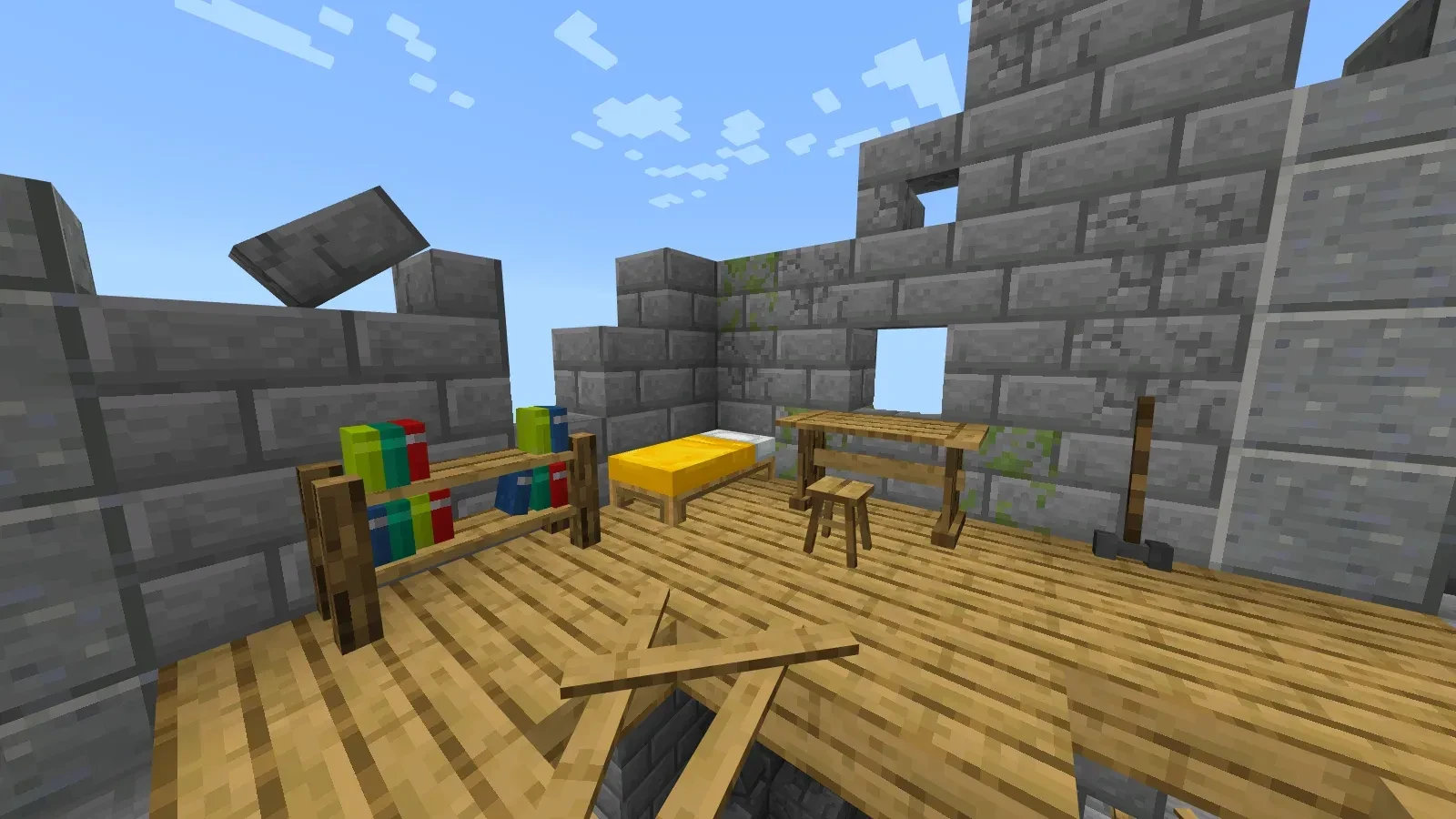
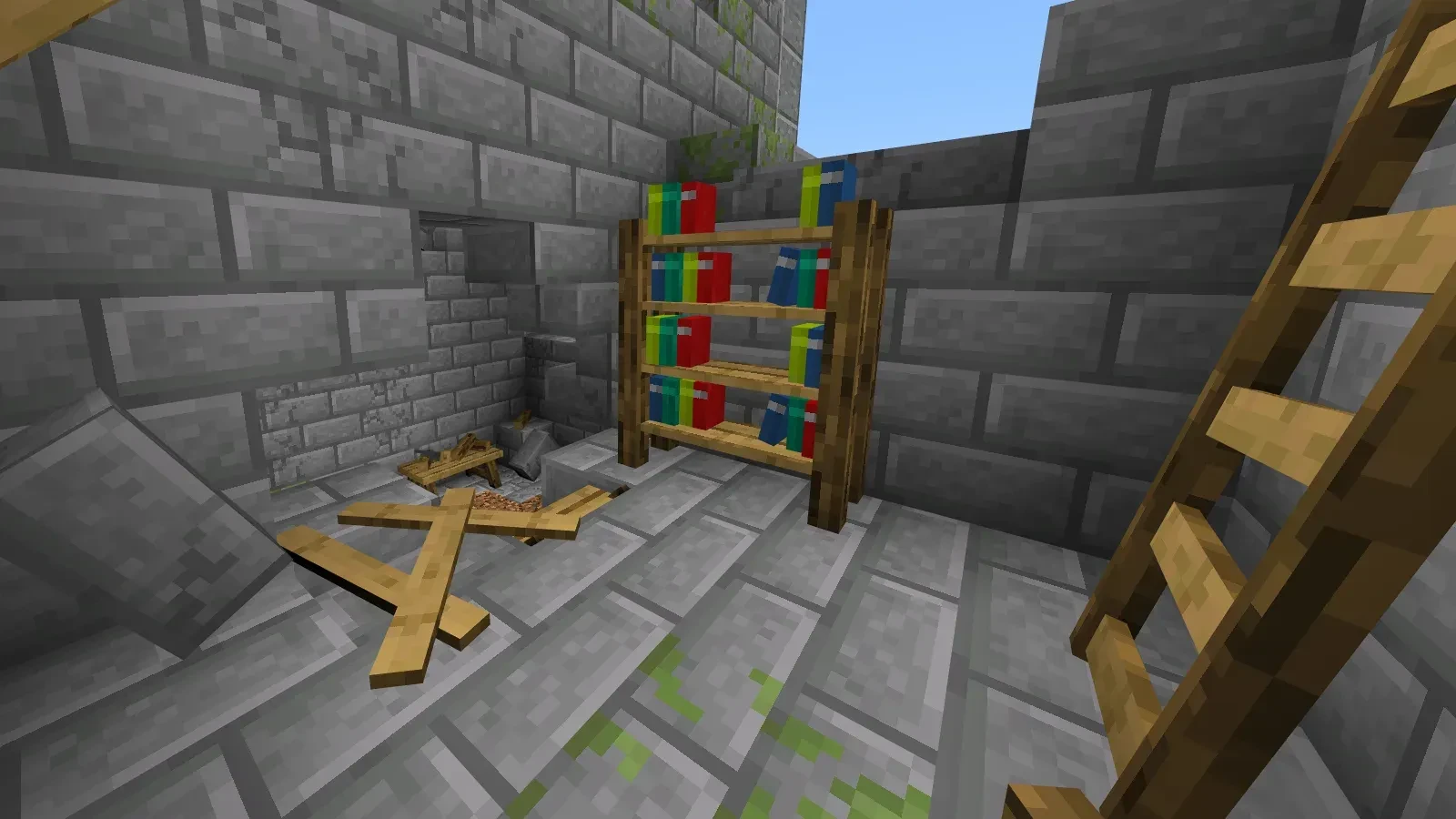
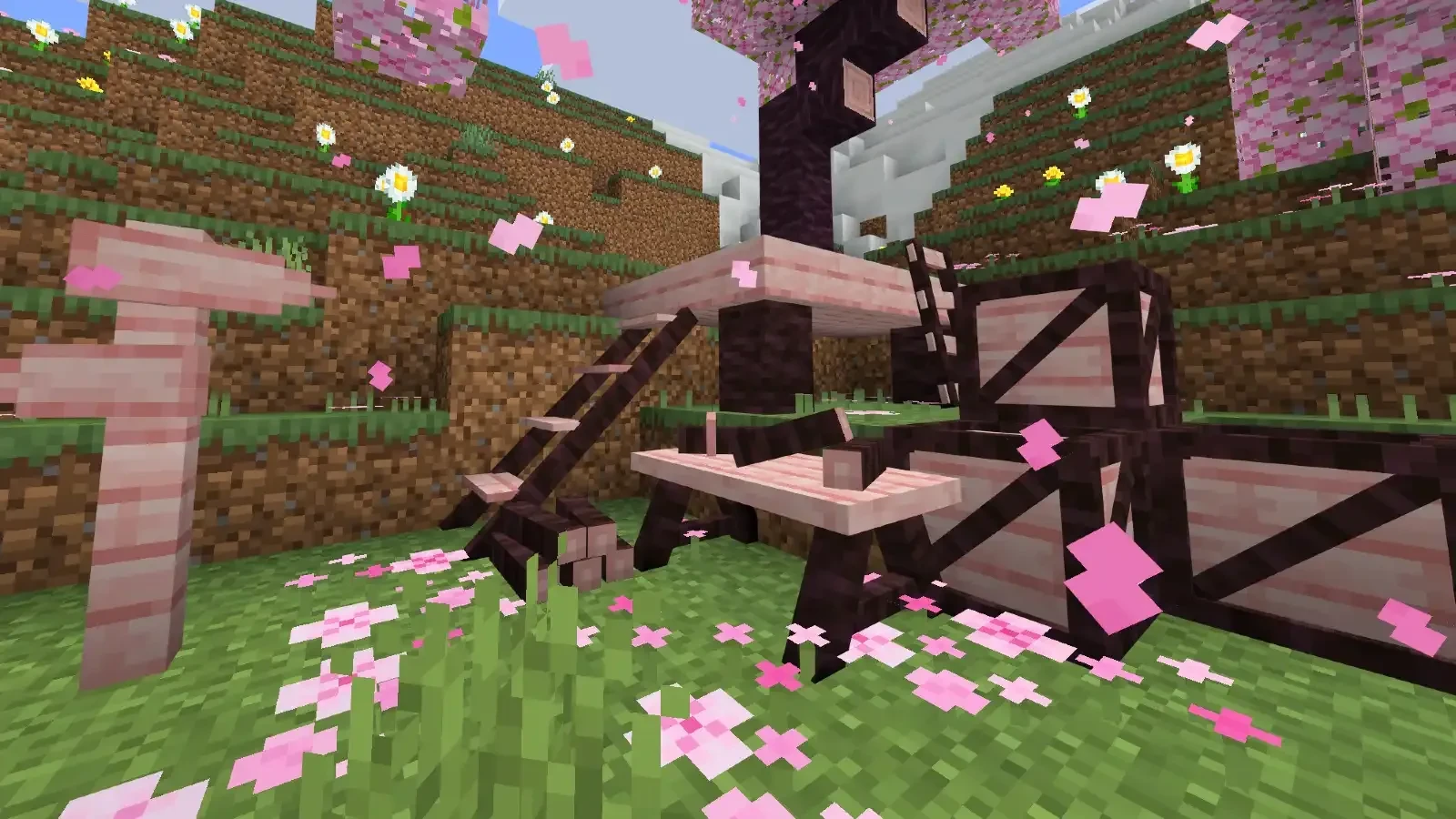
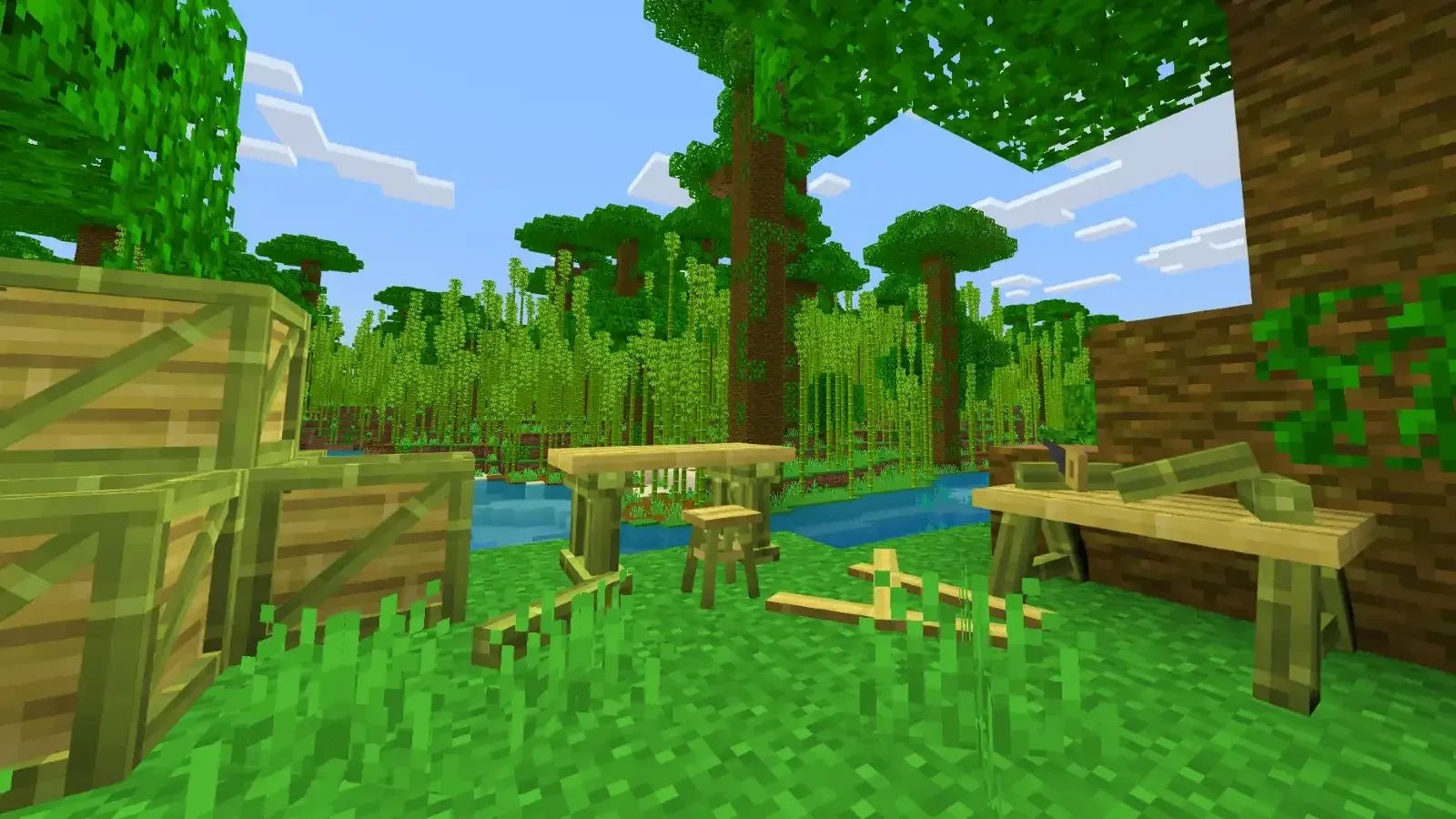
Feudal Furniture is a medieval furniture addon with over 800 pieces of furniture and decorations in a simple, vanilla-style format. The addon is designed to seamlessly fit into a Minecraft-like environment, allowing you to decorate any type of area, such as villages, bases, mines, castles, and more.

🪓 Spikes: Functional for creating traps for players and mobs.
🕯️ Medieval Lamps: Functional lamps.
🧺 Baskets: Can hold items such as apples or carrots.
🚪 Gates: Can be opened and closed manually.
⚙️ Automatic Trapdoors: Useful for traps; if a player stands on them, the trapdoor will automatically open.
🔥 Fireplace: Can be lit with a flint and steel, and if a chimney is placed above, smoke will come out.
🪑 Chairs and Benches: Can be used to sit.
🏚️ Windows Can be opened and closed manually.
📜 Signs Directional arrows for pathfinding and signs to mark inns, mines, markets, etc.
The uses of this add-on in a server or multiplayer world are highly compatible with roleplay, allowing you to create functional markets, castles with trap systems, or abandoned spaces such as ruins or deserted castles.
The categories of the boxes in this Add-On are based on their wood type. These are as follows:
- Oak Wood Box
- Spruce Wood Box
- Birch Wood Box
- Jungle Wood Box
- Dark Oak Wood Box
- Cherry Wood Box
- Crimson Wood Box
- Mangrove Wood Box
- Acacia Wood Box
- Bamboo Wood Box
- Warped Wood Box
- Pale Wood Box
There is one last box, the Miscellaneous Box or Decorative Box. This box contains all decorations that are not primarily wood-based, including types of bricks, torch holders, trapdoors, and more. This box will look similar to the Oak Wood Box but in a smaller version.
There is a wide variety of functionalities for the furniture, such as sitting on chairs, opening windows, using trapdoors, lighting fireplaces, and more. If you want to know if an item is functional before choosing it, a message with a hand icon labeled "Functionality" will appear next to its name. This indicates that you can interact with it.

Creative:
To get the furniture in Creative mode, you will find it in the decoration tab of the Creative menu. If you want to obtain it using commands, you will need to type /give @p ff: (then you can add the name of the furniture you want).
Survival:
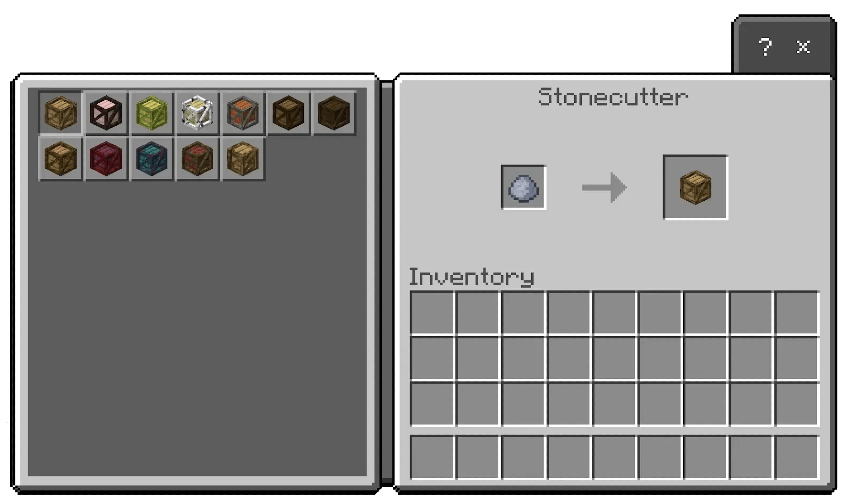
To create the medieval furniture, you will need clay and a stonecutter. Then, you will need to place the clay in the stonecutter. A list of boxes will appear this list represents the furniture categories (Wooden boxes of Oak, Spruce, Birch, Jungle, Dark Oak, Cherry, Crimson, Mangrove, Acacia, and Bamboo will appear).
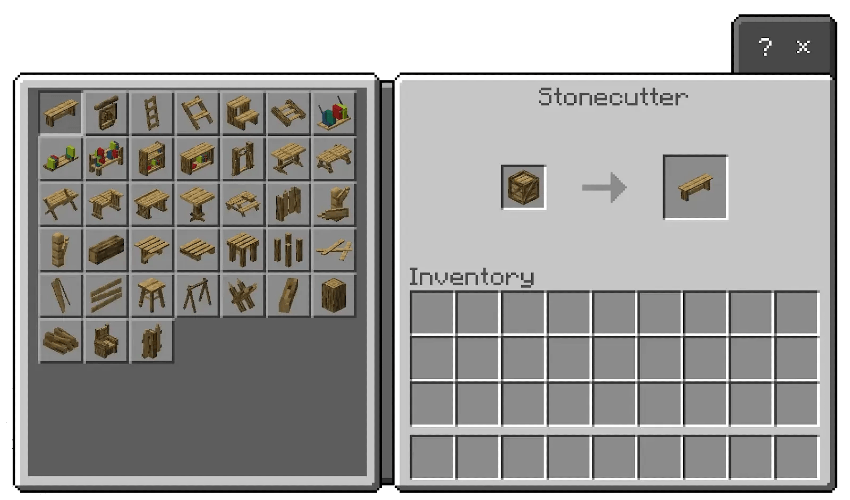
You will have to choose a box. Once selected, you will place it back in the stonecutter, and it will display all the available options. From there, it's up to you to decorate!



Support me on Patreon to continue developing my addons!


Share your suggestions for creating better add-ons!
