
Emojis! Resource Pack
Emojis! Resource Pack
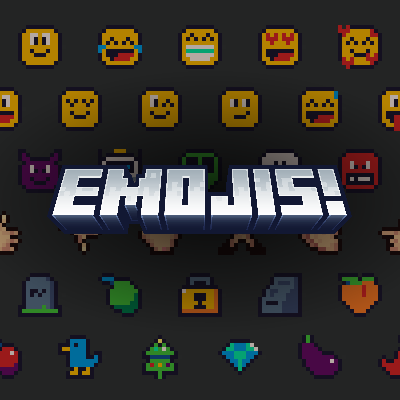
This resource pack adds emojis to Minecraft Bedrock that you can insert with a single click. No behavior pack is required, and the pack is extremely easy to use thanks to its clean and intuitive UI
Features
- 160 Emojis!
- Works on PC and Mobile
- Support for custom emojis
- Clean menu for accessing emojis
Supported screens
- Chat Screen
- Command Block Screen
- Book Screen
- Anvil Screen
Usage
Simply click any emoji button to insert that emoji at the end of your current text.
For the Book Screen, first select the page you want to edit, then insert emojis normally.
Note: If your text begins with numbers or operators (e.g: + - * / < > ), clicking an emoji will cause the text to disappear. So, be careful about that. A warning message will be displayed whenever this issue can occur.
Custom Emojis
To add your own emojis to this pack, first add your glyphs into the font folder of this pack. Then add them to the Emojis menu by modifying _global_variables.json file inside ui folder of this pack. For more info on glyphs, check out Bedrock Wiki
Credits
- T1M0THY for allowing me to use his discovered method
- SpicyGame for making the awesome emoji pack, Pixymoji
Known Issues:
- The keyboard pops up on touch devices when clicking emoji buttons
- Controller support is limited and may not work properly
MCPEDL Link: Emojis! Resource Pack
