
ElysPBR Clear Glass
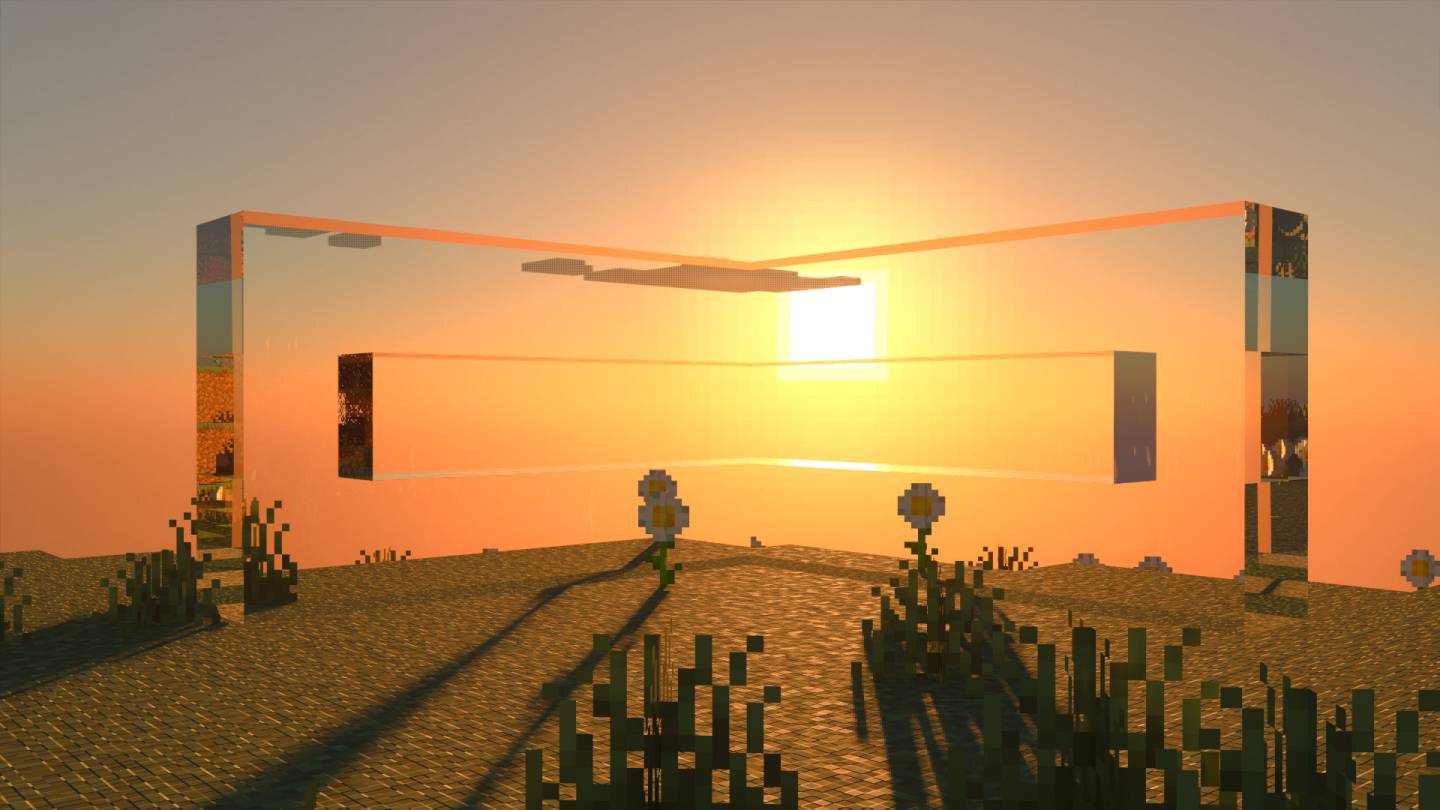
ElysPBR Clear Glass texture removes vanilla glass border to make it clear.
41,068
About ElysPBR Clear Glass Clear Glass
ElysPBR Clear Glass texture removes vanilla glass border to make it clear.
You can use this texture pack with any other RTX texture packs. Put the pack above the texture pack.
System Requirements
NVIDIA GeForce® RTX 20 Series and higher, and AMD Radeon RX 6000 Series and higher.
Requires Ray Tracing Compatible system
Installation
Quick Installation: Simply download the Texture Pack and load it into Minecraft for immediate use.
Manual Installation:
- Download the .mcpack file, rename it to .zip, and unzip the file.
- Navigate to: AppData\Local\Packages\Microsoft.MinecraftUWP_8wekyb3d8bbwe\LocalState\games\com.mojang\resource_packs
- Move the unzipped Elys PBR RTX Glowing Ore Texture Pack folder into the resource_packs directory.
- Launch Minecraft, go to settings, select Elys PBR Glowing Ores, and activate it.
Changelog:None
More versions

All Rights Reserved
16/08/2025
02:39 06/09