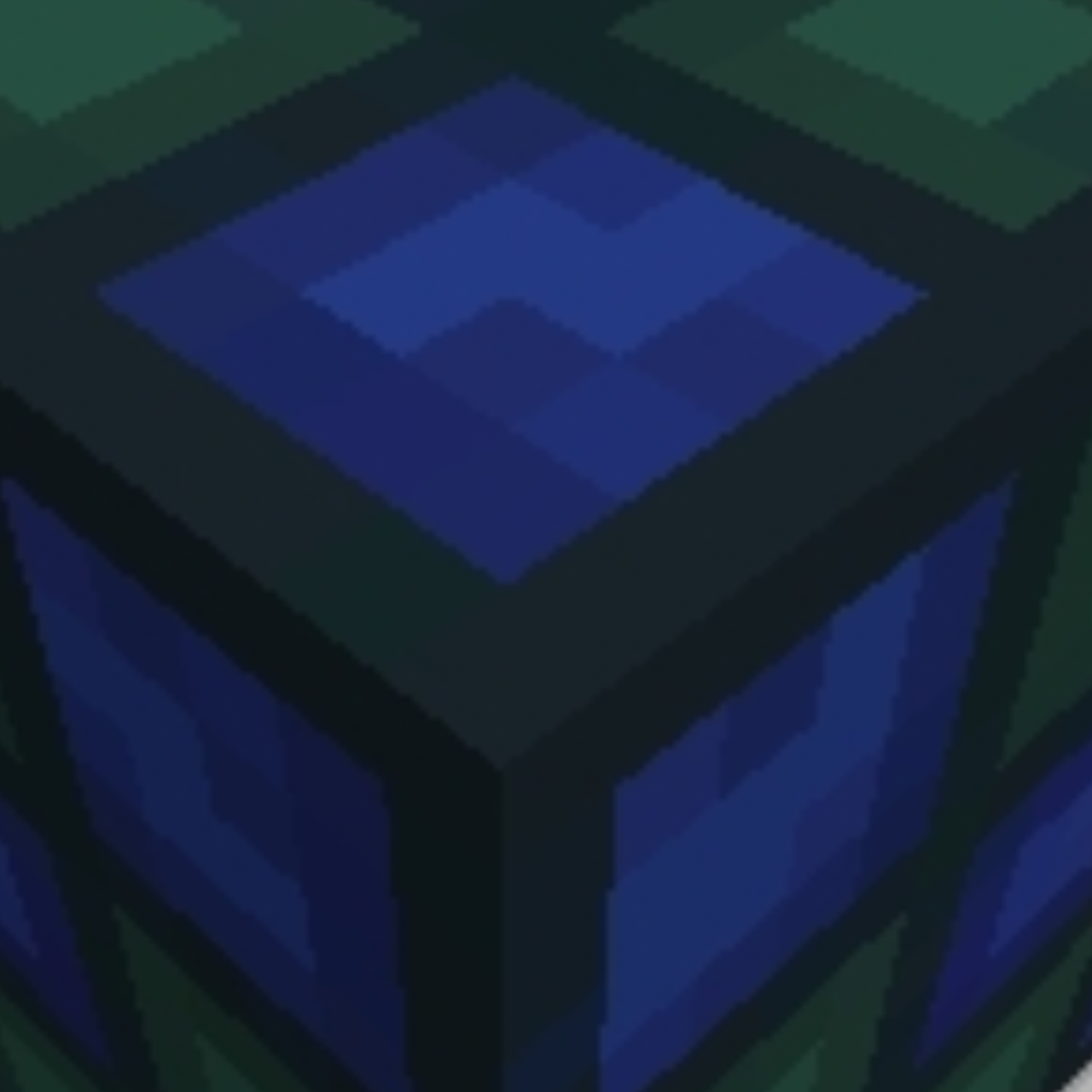
Elevators V3 'Achievements Friendly'
ShowCase
How to use
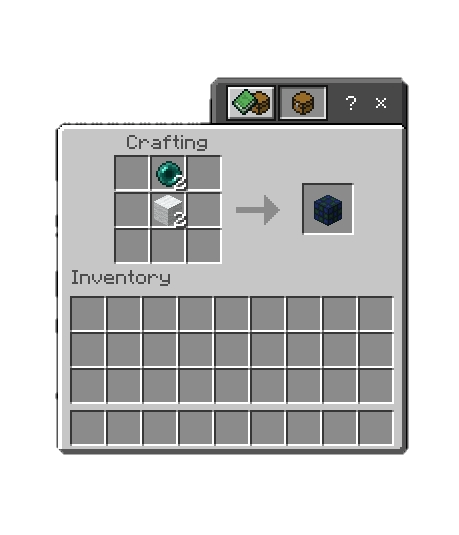
Crafting
Creating elevator
place two elevator blocks and click on each of them, Menu will appear put the name of your elevator then Sneak to go lower , Jump to go higher
Main Menu
Sneak + Click on one of elevator blocks to open Main menu
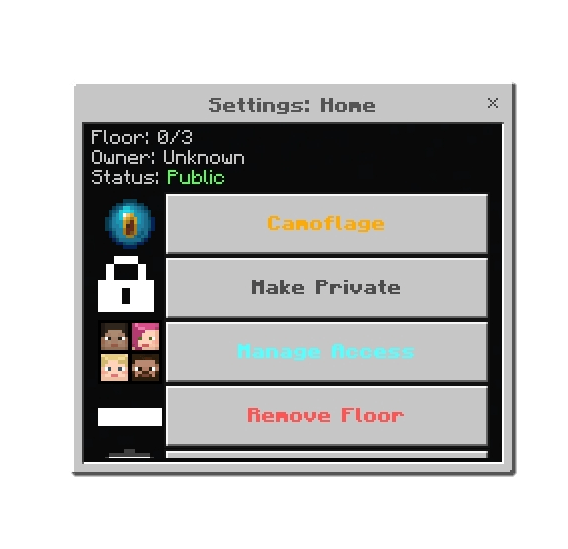
You can add more floors by selecting an elevator block to an existing elevator
CamoFlage
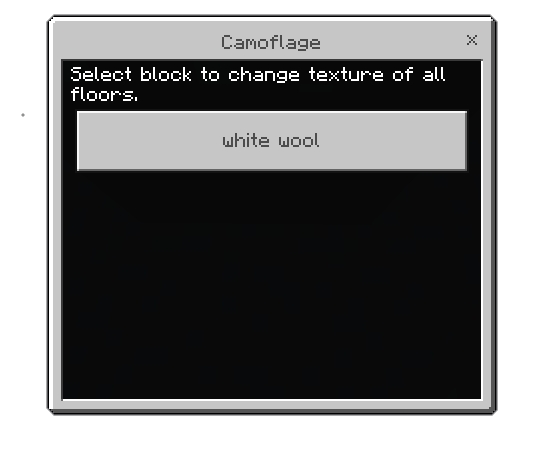
You can change the texture of the elevator block by selecting the block in your inventory
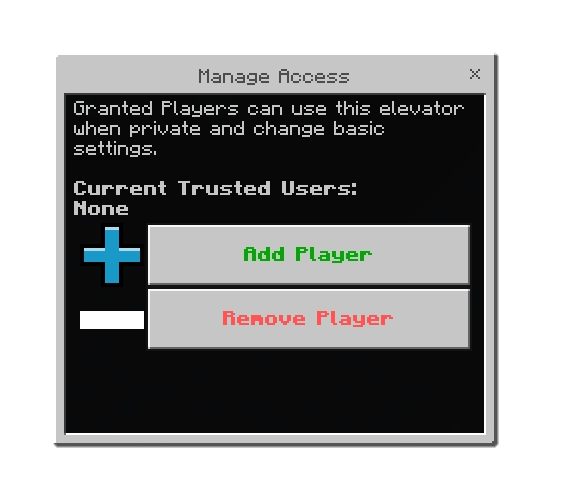
Through the Menu you can also change elevator to puplic, give acess to other players, and delete the elevator
Admin Panel
There is no admin panel but if you have an admin tag you can use/control/delete any elevator in the world/server
You are allowed to:
- Showcase this addon WITH CREDITING
- Use this addon in your worlds/servers/realms
- Modify this addon (Without removing the credits)
You are NOT allowed to:
- Repost this addon to other sites (This includes apps)
- Create your own download link
- Claim this addon as your own
I'll try to update the addon as frequently as I want to :) (and when an update breaks it)
Support
If you had any problem with the addon you can join our discord server