
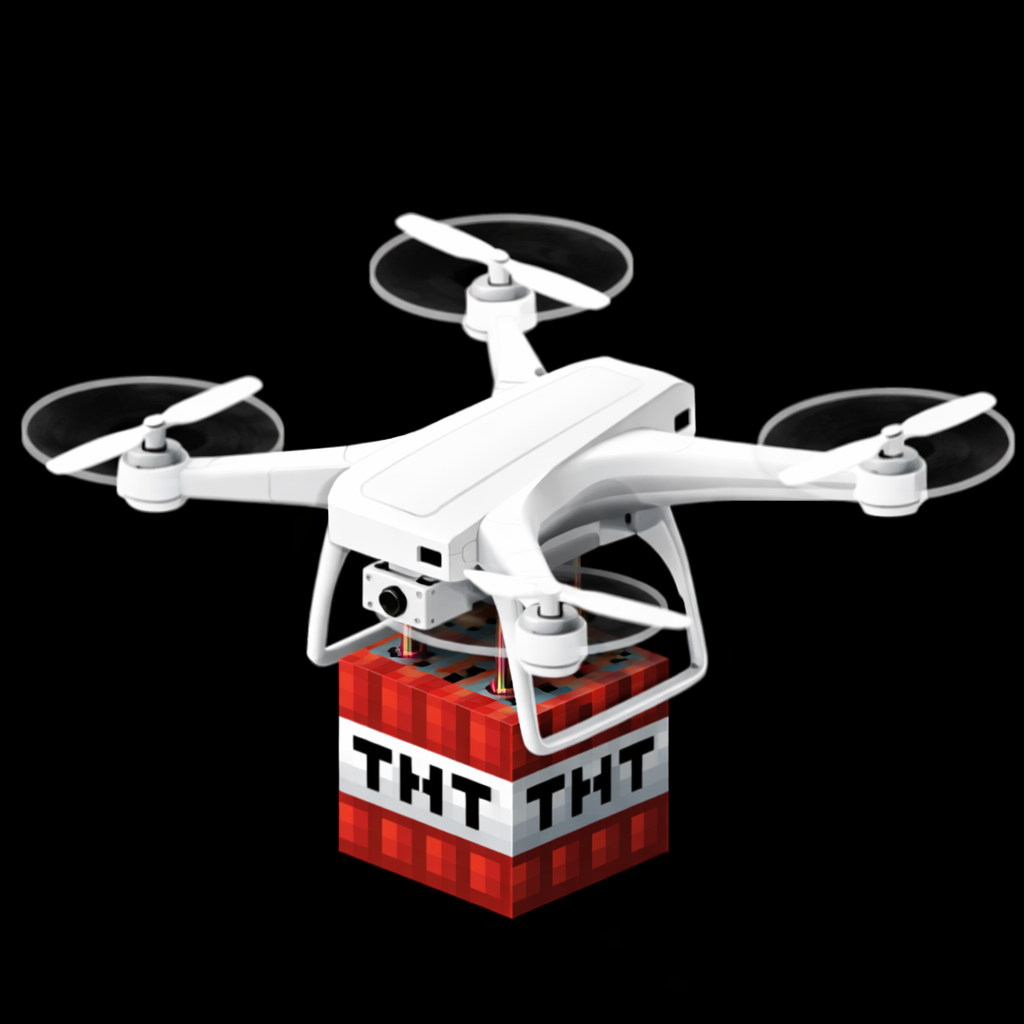
Drone v2.6, TNT drones
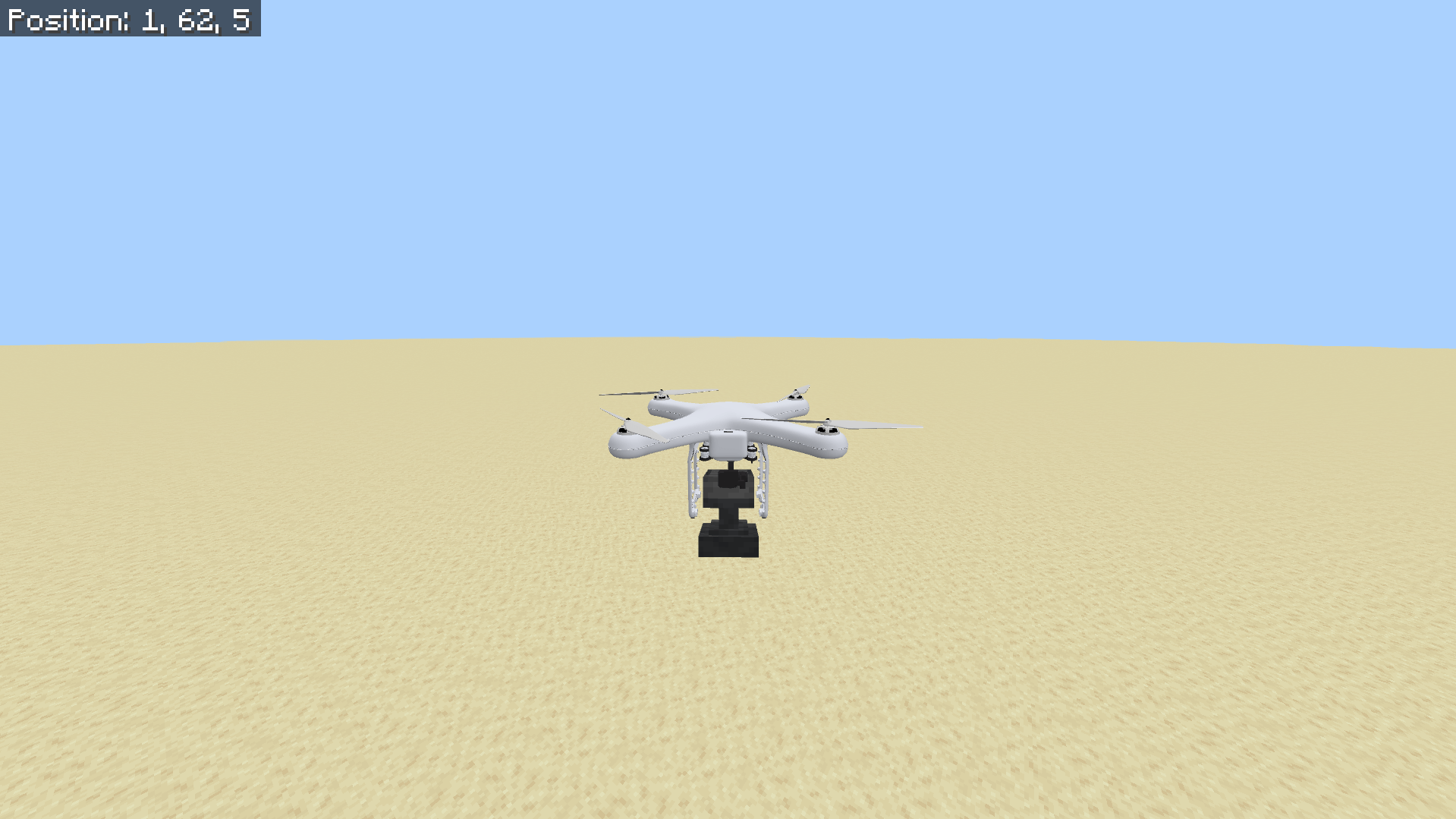
This addon adds a drone that you can control to explore the world, you can also view its camera from anywhere, there are many settings that you can change like enabling password protection or changing speed, and its multiplayer friendly.
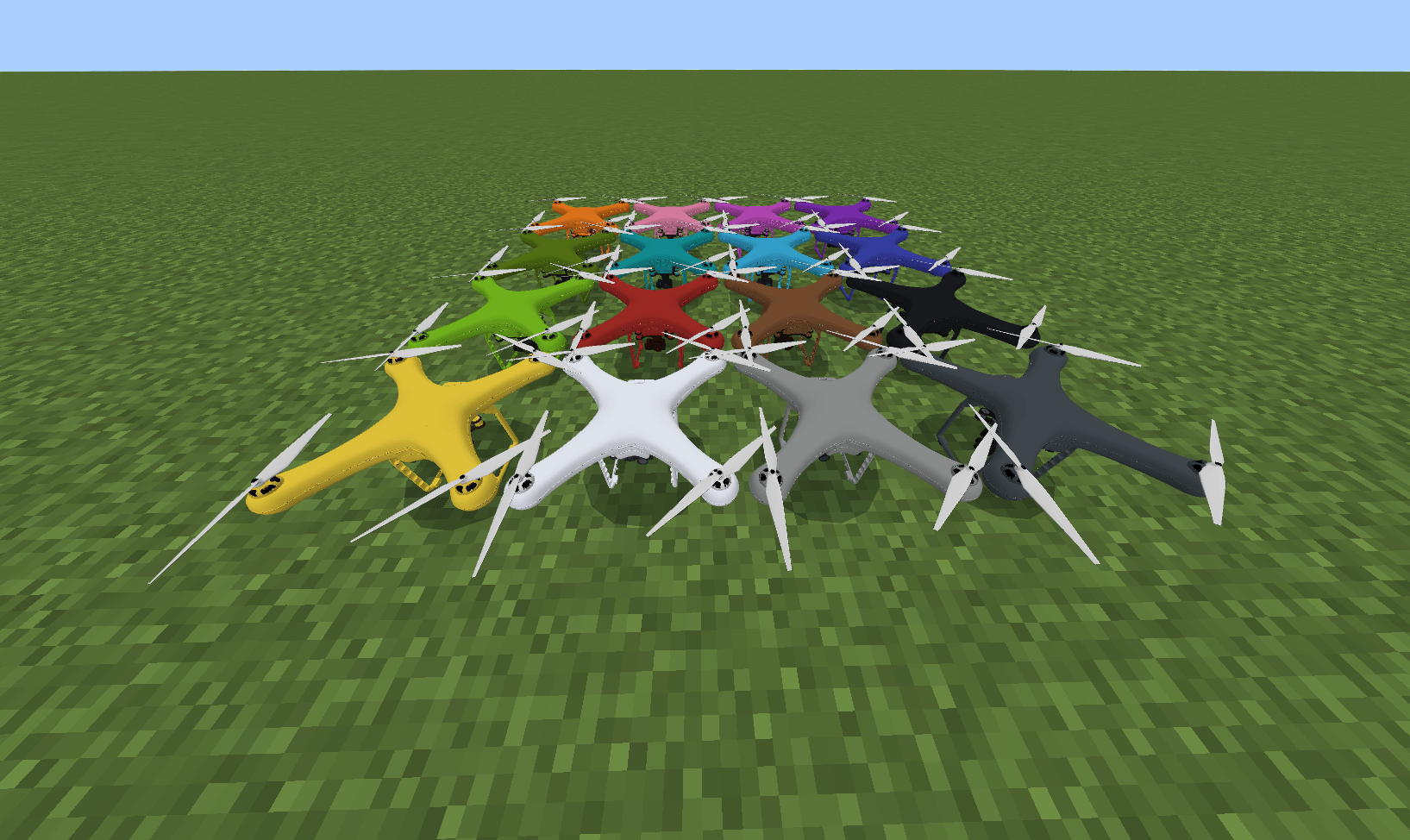
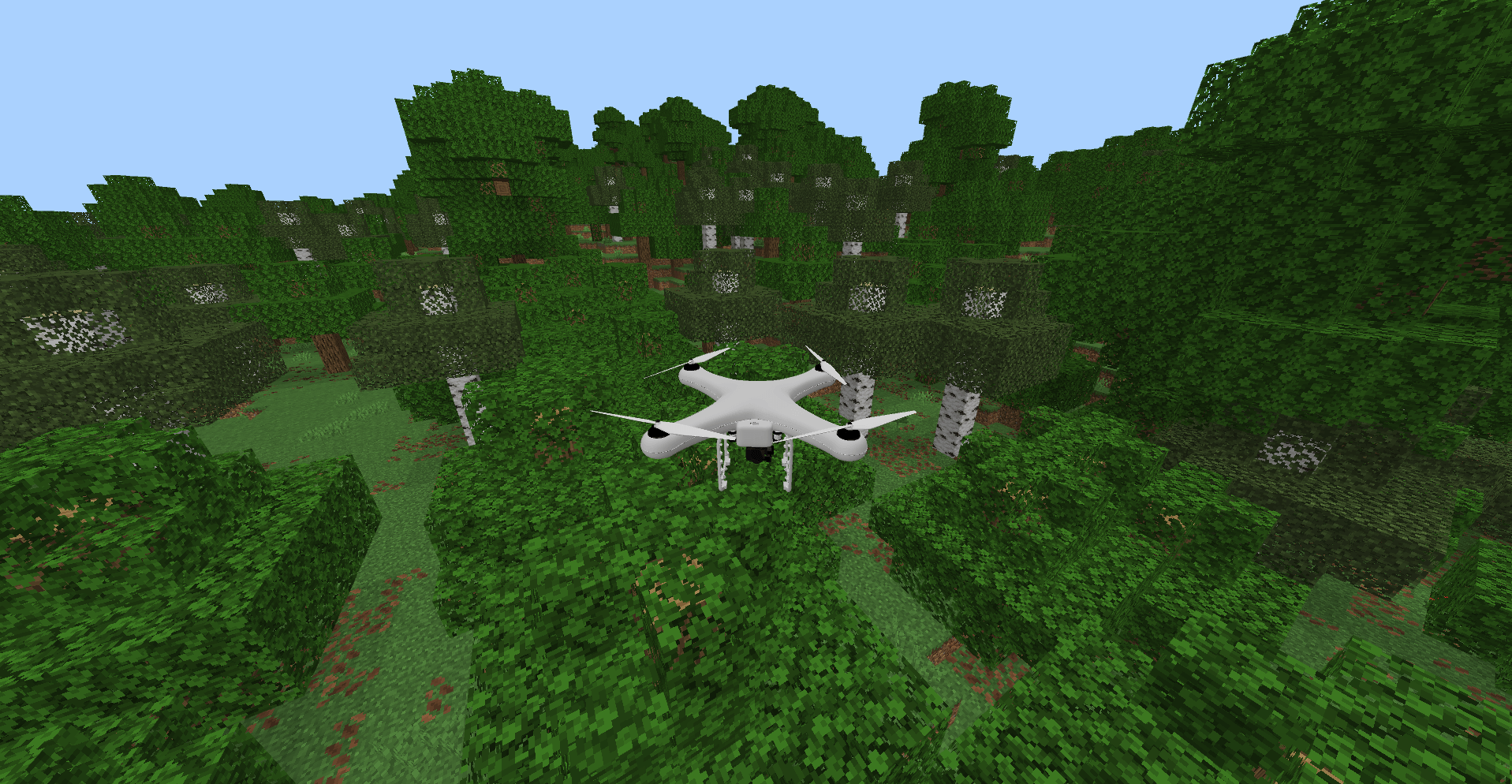
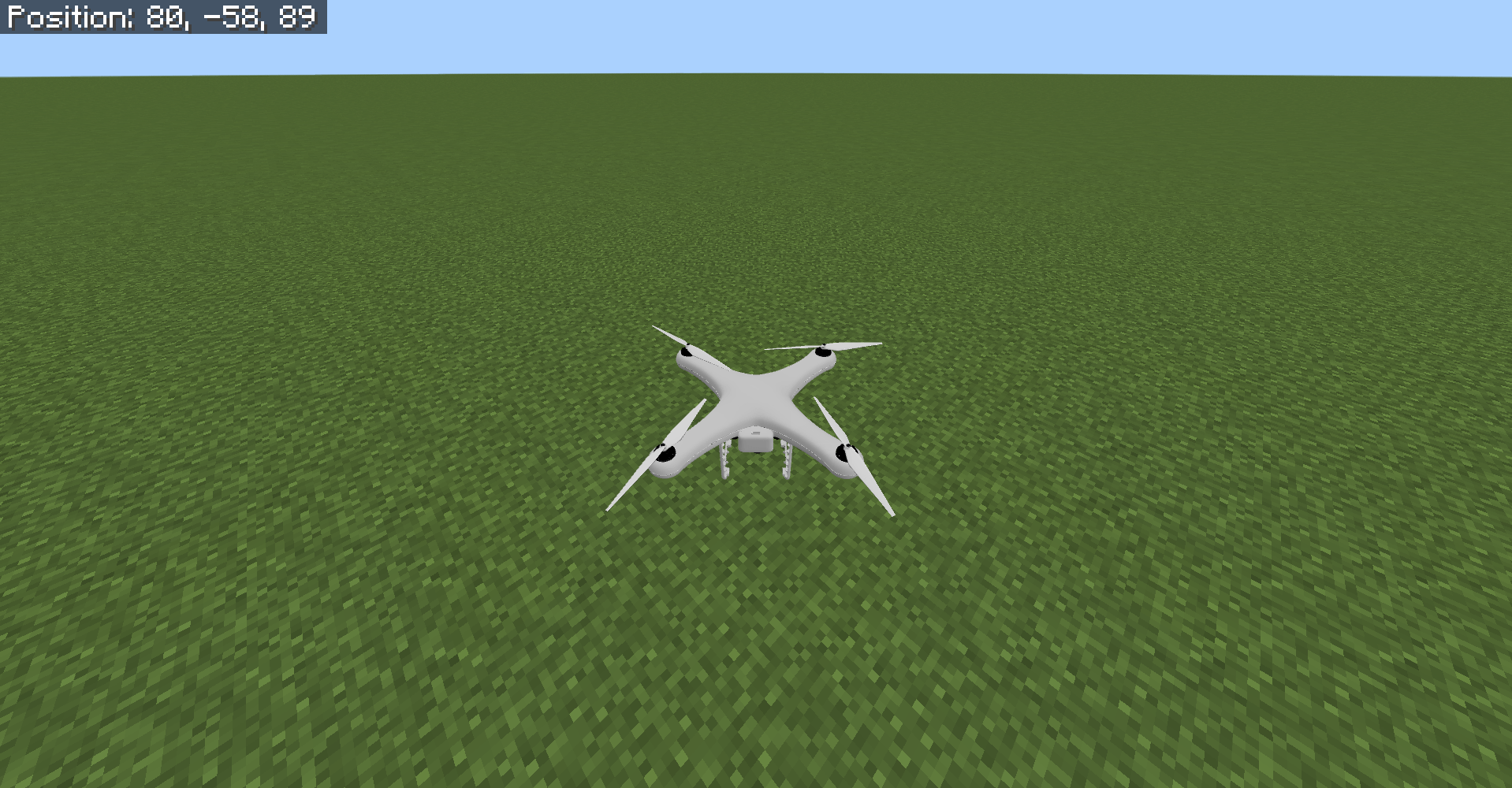
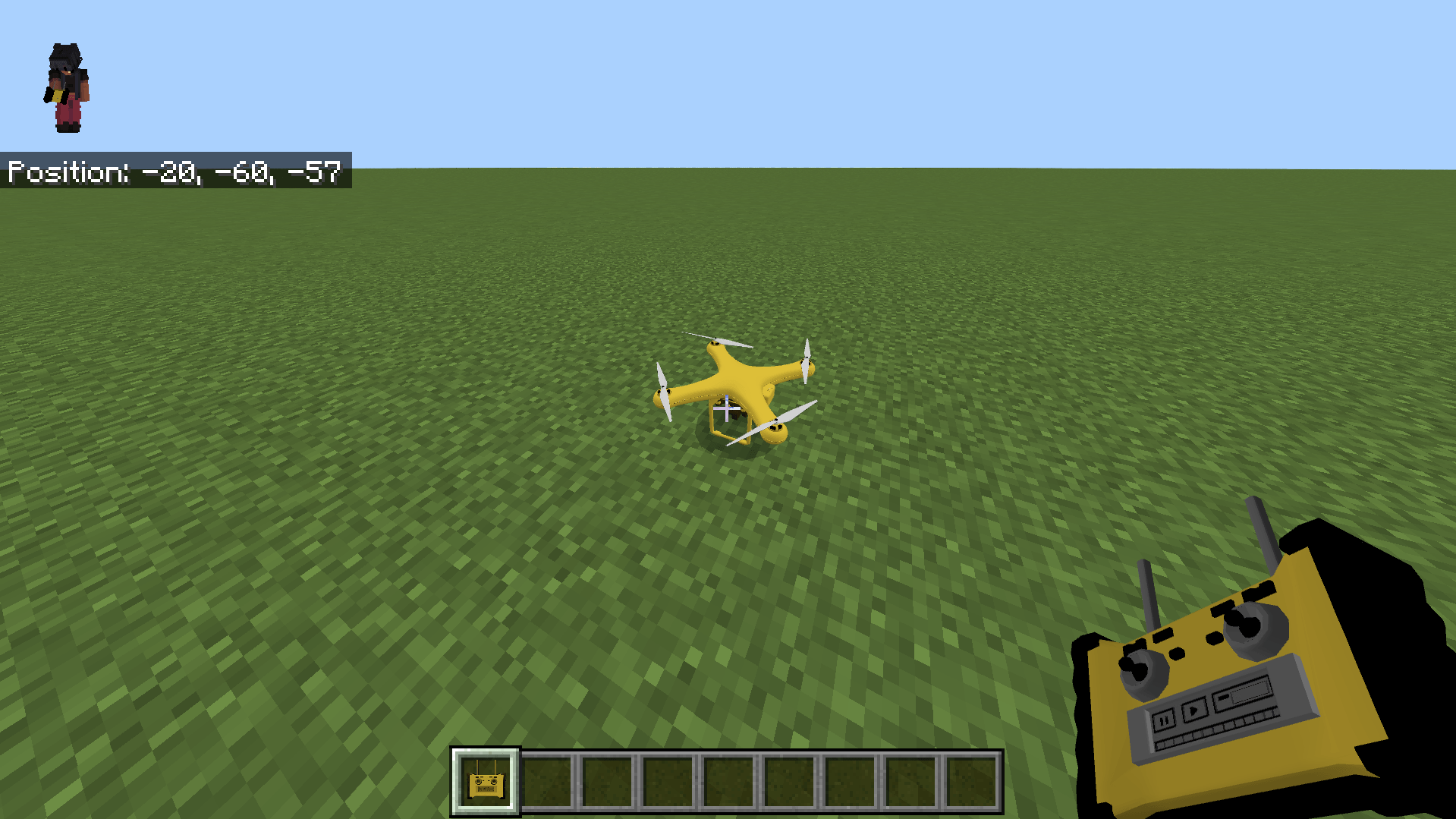
First craft the drone and the controller.
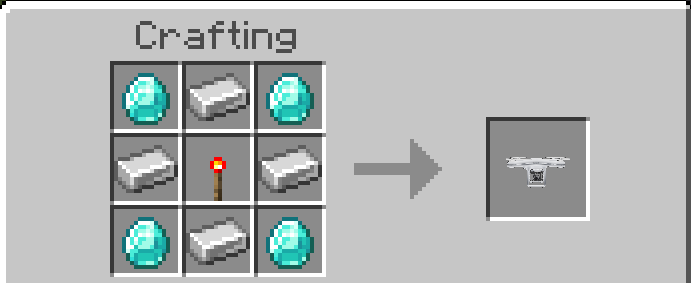
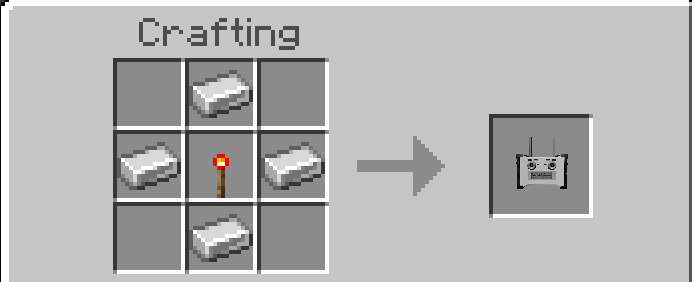
place the drone and interact with the controller to control it.
Use W / touch controls/ joy stick to control the drone.
Move the camera to move in different directions, and press jump to boost vertical speed, press crouch to stop controlling the drone.
When you stop controlling the drone it stays in that location and falls into the ground.
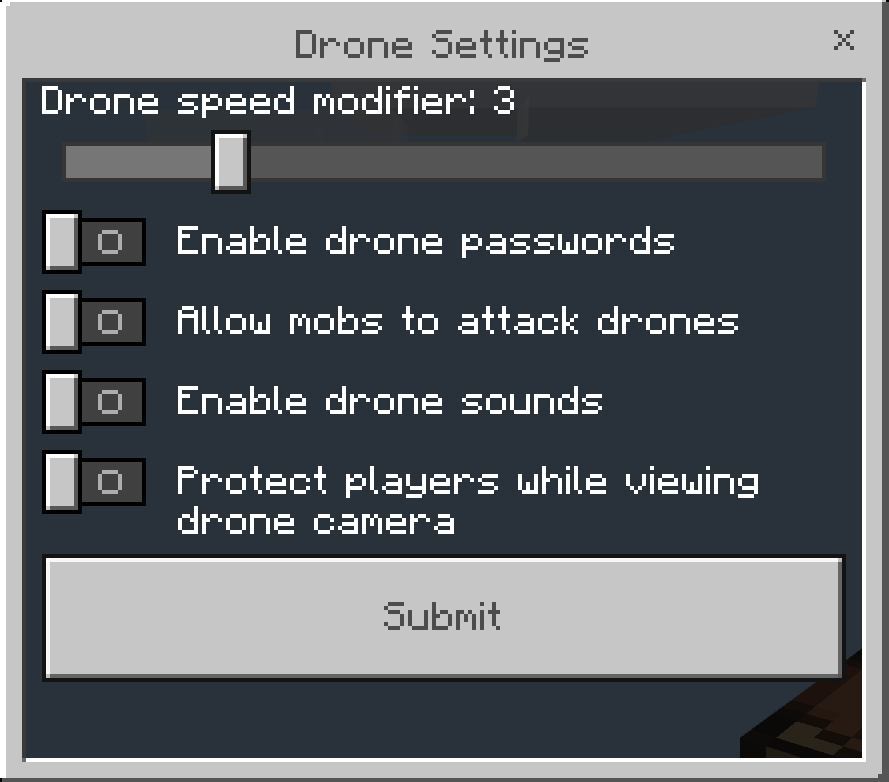
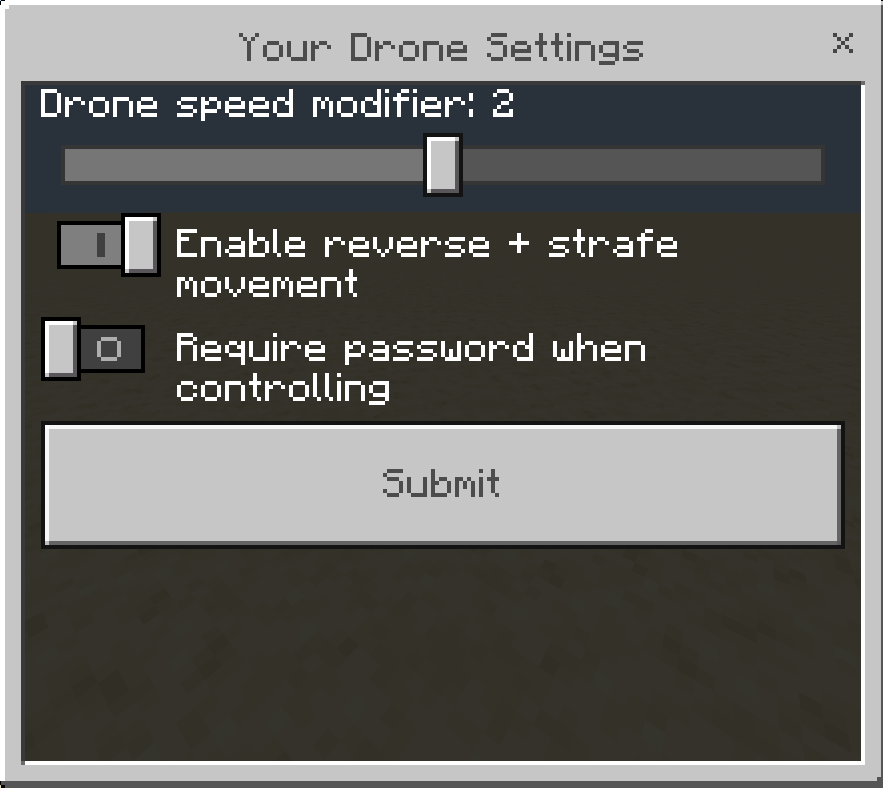
type this command to open settings menu (you must be OP to use this)
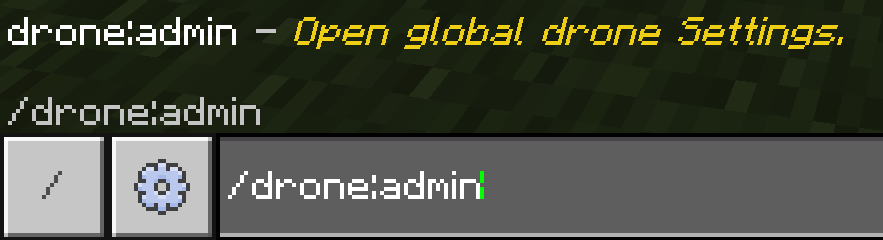
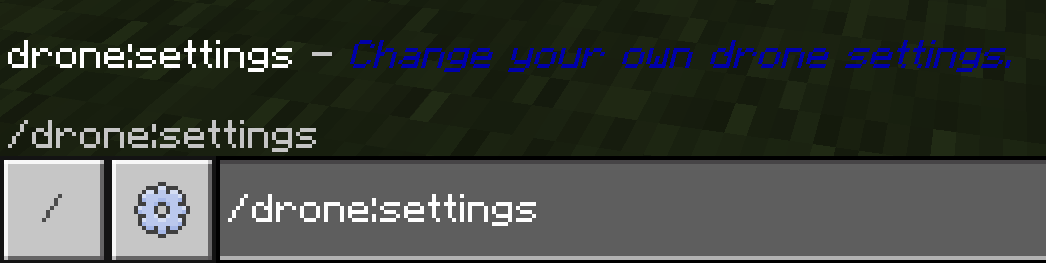
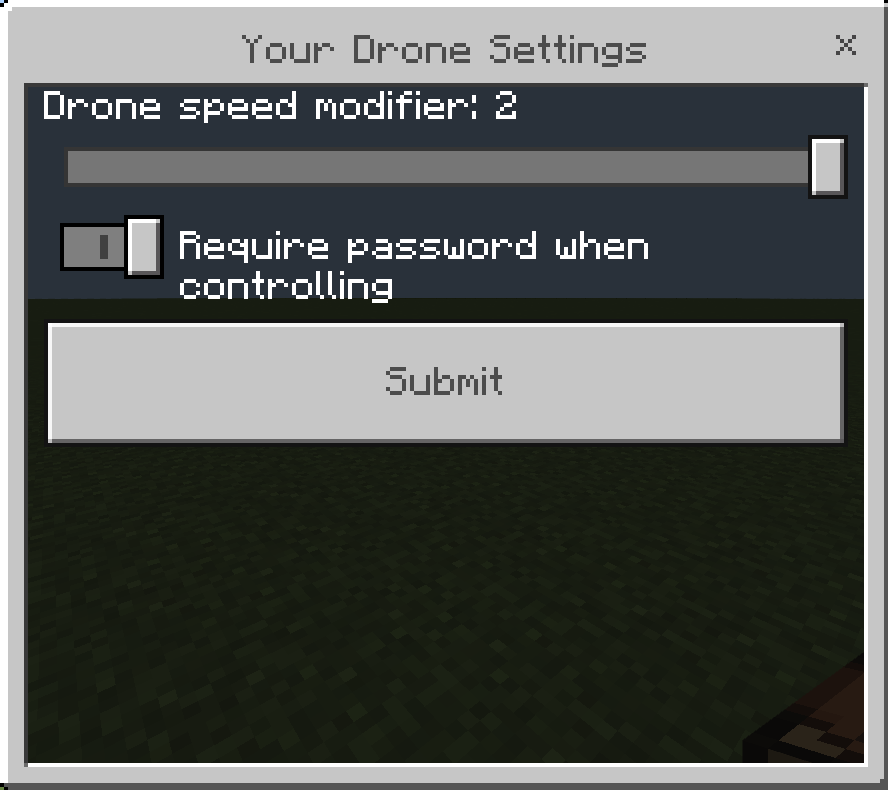
players can use /drone:settings to change their local settings, they can change drone speed upto the maximum speed set by the admin.
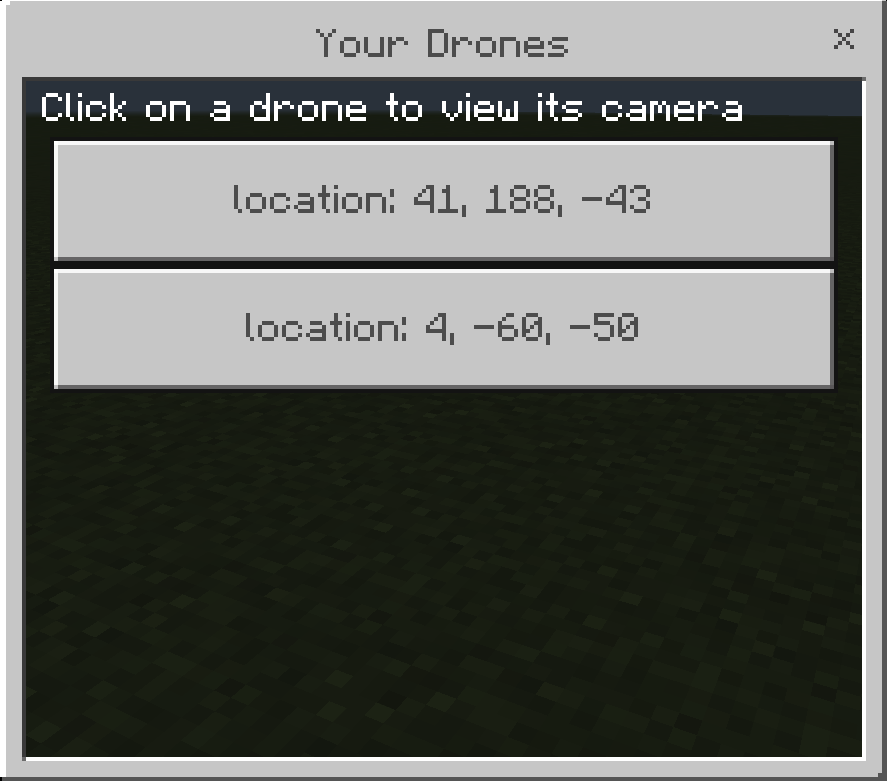
To view the drone camera right click/hold touch/interact using the controller item to open menu of your drones, press on a drone to view its camera
You are vulnerable to attacks while viewing the camera but you can change that in the settings.
Press crouch to stop viewing the camera.
To pickup the drone interact with it with empty hand.
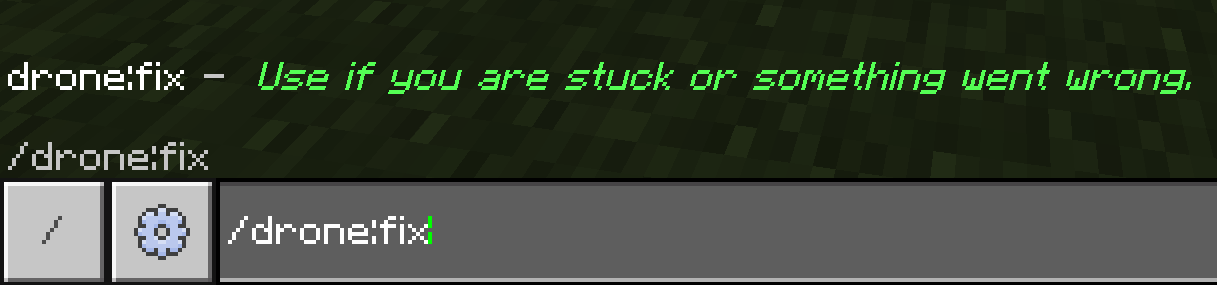
If you are stuck or something wrong happens use this command: /drone:fix
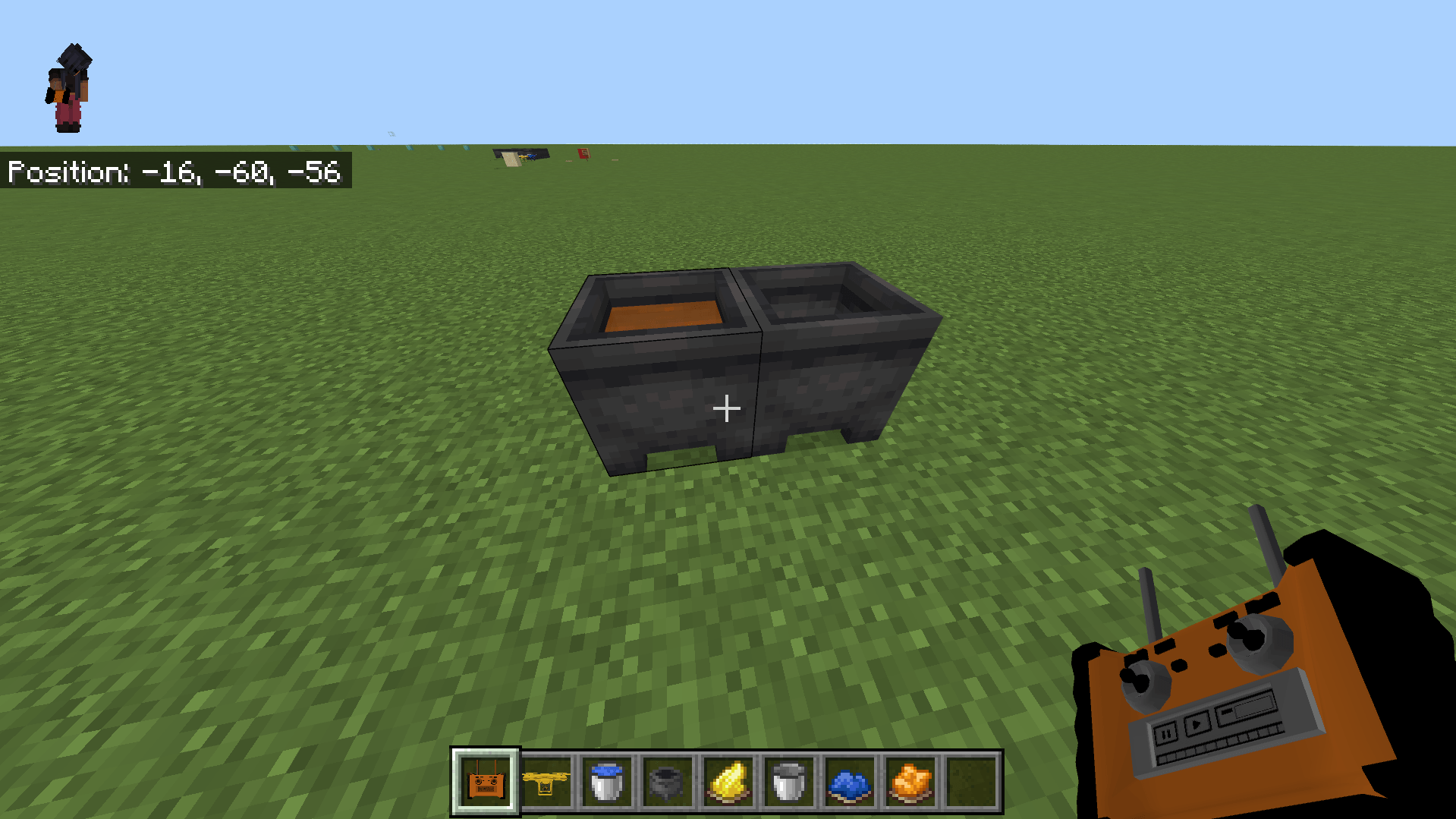
To change the color interact with the drone with any dye. or use a cauldron
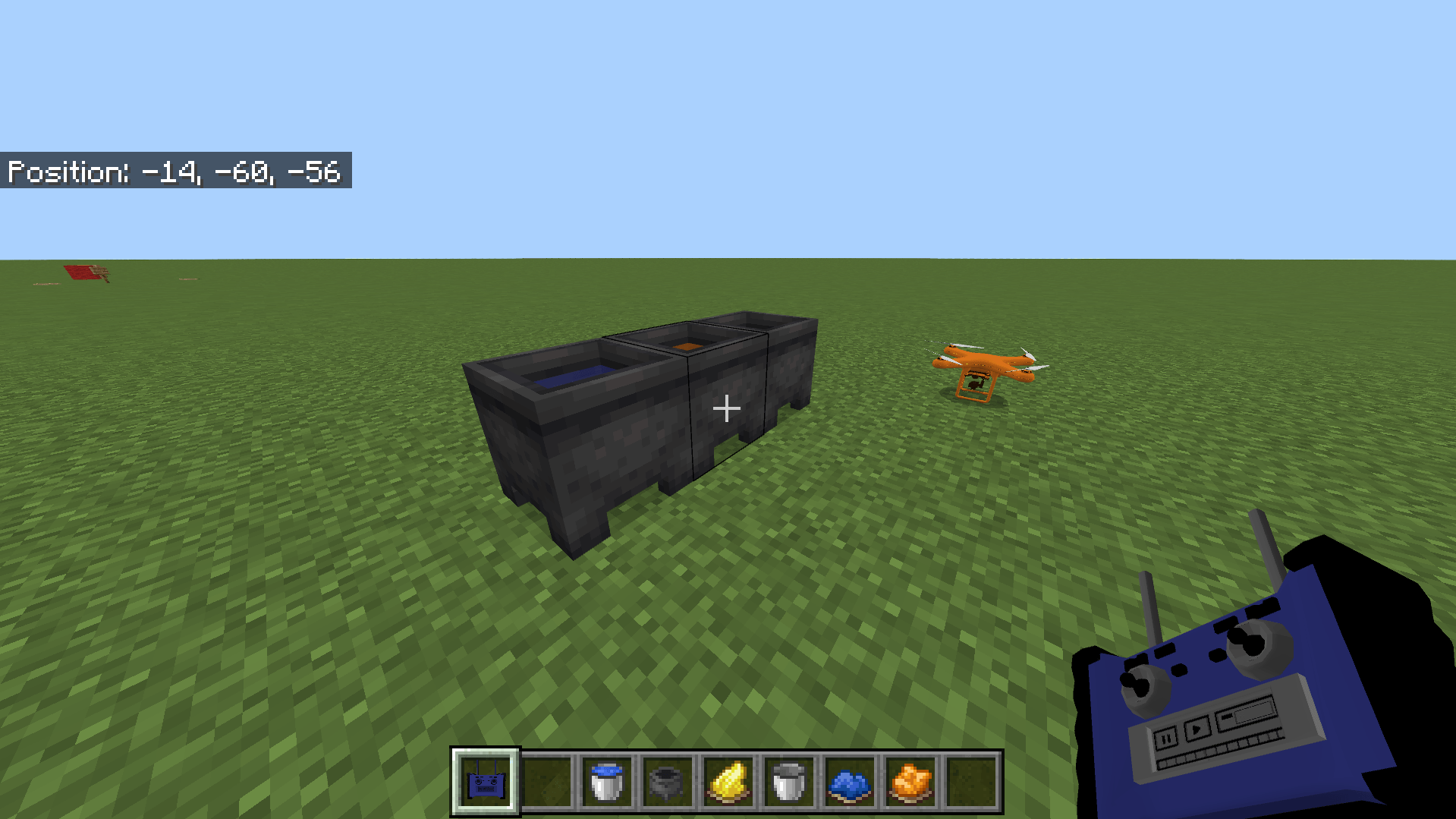
You can also dye the controller using the cauldron.
Version 2.3:
Added a 3D model for the controller and made it dyable
Changelog 2.4:
- Fixed the controller colors and icon
- Fixed a dupe bug when interacting with item frame
- Interacting with signs doesnt place the drone unless you crouch
- Fixed a bug when dyeing a drone using cauldron the color isnt saved.
- Updated the description to include the latest couple of updates including commands changes.
Changelog 2.5:
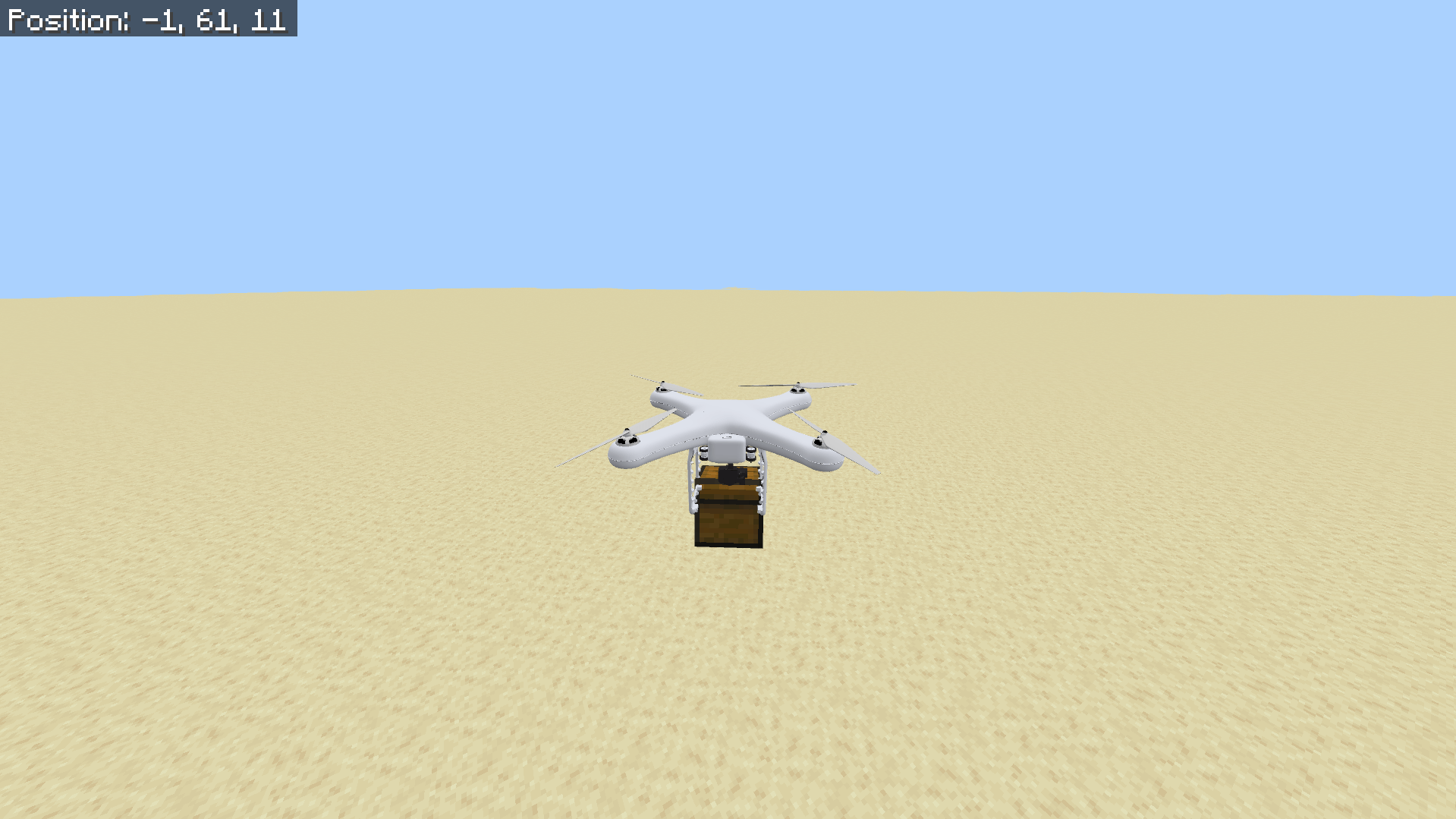
- You can now carry blocks by pressing crouch + jump at the same time, you have to place the drone exactly above the block.
- To drop a picked block press crouch + jump, the block will fall down to the ground, this works on any block including chests, the block direction will be the same as the drone rotation.
- Added a reverse movement + strafe movement toggle in drone settings UI, this allows the drone to move forward, backward, left and right instead of only moving forward, the old movement system still exist and is enabled by default.
- To stop controlling the drone you need to hold crouch for 5 ticks (0.25 seconds) this change is necessary to allow picking blocks using crouch+jump.
- If you have any suggestions let me know!
Changelog 2.6:
- you can now carry tnt blocks with the drone and drop them to cause explosions
- carry tnt by pressing crouch + jump or right click the drone with a tnt in your hand
Credits: MADLAD,vprufus7,Protobi
credits to xonoderax for the controller model
Installation
- you need version (1.21.101+) for this addon.
- install mcaddon file and open it to import.
- make a copy of your world and add the behavior and resource packs to your world
- No need for any experimental features.
Note: this video is outdated.
