
DiscordCC
DiscordCC: Bedrock Edition






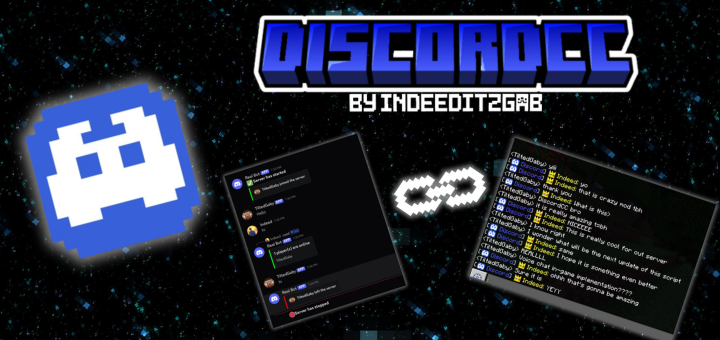
This is a Minecraft Bedrock Edition script that allows player to chats with people from a discord server. It doesn't need any host services or a hosted discord bot to use this. This script use the discord bot as server-less host but still allowing to fetch the messages from discord to the server.
NOTE
This script is ONLY AVAILABLE for dedicated servers. Therefore, you can't use this in client-side or realms
Requirements
- BETA APIs enabled
- @minecraft/server-net
Instalation
First, you must download the DiscordCC pack that you can find in this page. After that, you can now upload it to your minecraft server's in development_behavior_packs folder. Your server must have BETA APIs enabled and "@minecraft/server-net" is included in the server's configuration. More detailed information here
Feature
While we currently developing DiscordCC, these are the following available features:
- Chat across the discord channel and the minecraft server.
- Chat Messages
- Death Messages
- Join Messages
- Left Messages
- Startup and Shutdown Messages
- Slash commands from discord channel to interact with the minecraft servers.
- /kick <player> [reason] - Kick a specific player in the minecraft server.
- /announce <content> - Send an announcement to the minecraft server.
- /command <command> - Run a command in the minecraft server.
- /op <player> - Give a specific player a op permissions.
- /deop <player> - Remove the op permissions from the specific player.
- /server shutdown - Shutdown the minecraft server.
- /server info - View information about the bedrock server.
- /allowlist <add|remove|enable|disable> [gamertag] - Manage whitelist in the game.
- /player list - List all players online in the minecraft bedrock server.
- /player info <player> - View information about a specific player.
- /player location <player> - Locate the coordinate of specified online player.
- Link your discord account to a specific minecaft bedrock account (configurable from
config.js)- Manually or automatically accept the linking registration
- Automatically provide a specific role to the discord account once their form was accept manually or automatically.
- Identify what gamertag is connected to the user and vice-versa.
more features will be added in the near future!
References
DiscordCC offers API frameworks that could be use by any other scripts/add-ons. Visit here to view more.
Contributions
Reporting Bugs
If you encounter any bugs while using DiscordCC, please open an issue in our github repository. Ensure to include a detailed description of the issue and steps to reproduce it.
Submitting a Pull Request
We appreciate code contribution for this project. Especially if you have fixed a bug or implemented a new feature, you may submit a pull request. Please ensure your code follows our coding standard and includes tests where possible.
Copyright
© 2025-2026 IndeedItzGab. All rights reserved unless otherwise explicitly stated.
- You can distribute this project with the official download link only, and proper credit.
- You may modify this project for personal use only.
Contact
- Discord Server: https://discord.gg/23vG3Np6AH
- Twitter/X: https://x.com/IndeedItzGab?t=UL3bhR8CksHJSWn89duhuA&s=09