Dark UI mode

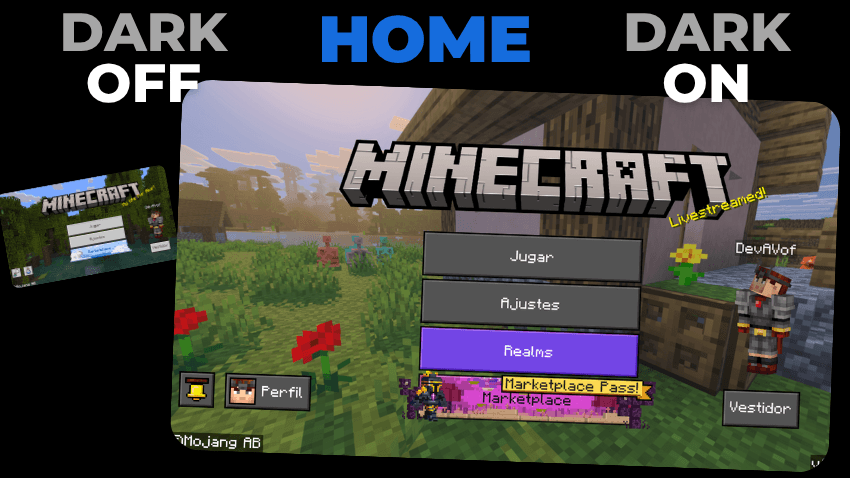
The dark mode for Minecraft bedrock is missing a dark mode for the game, whether you like to have all the apps or programs in dark mode or at night, you don't want the Minecraft interface to burn your eyes, you whichever this texture pack or addon you will like.
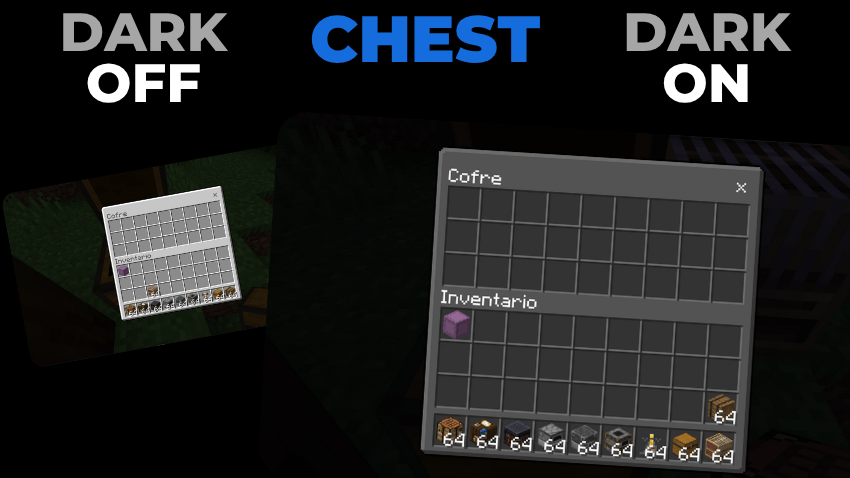
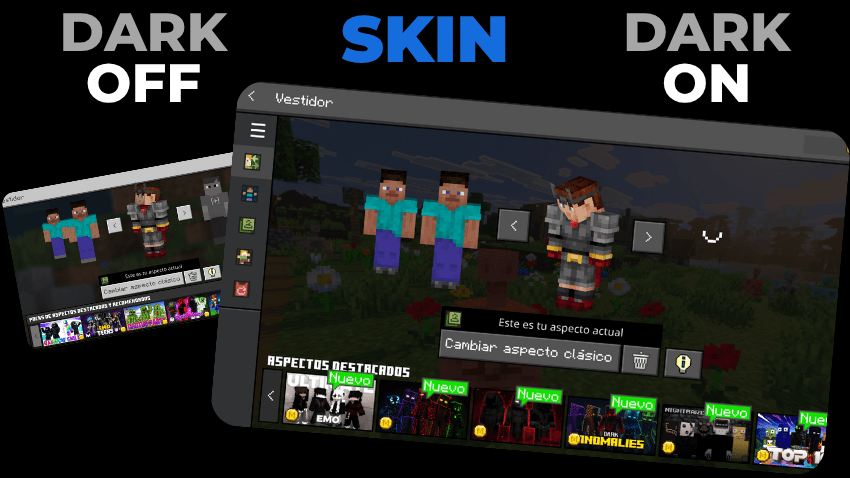
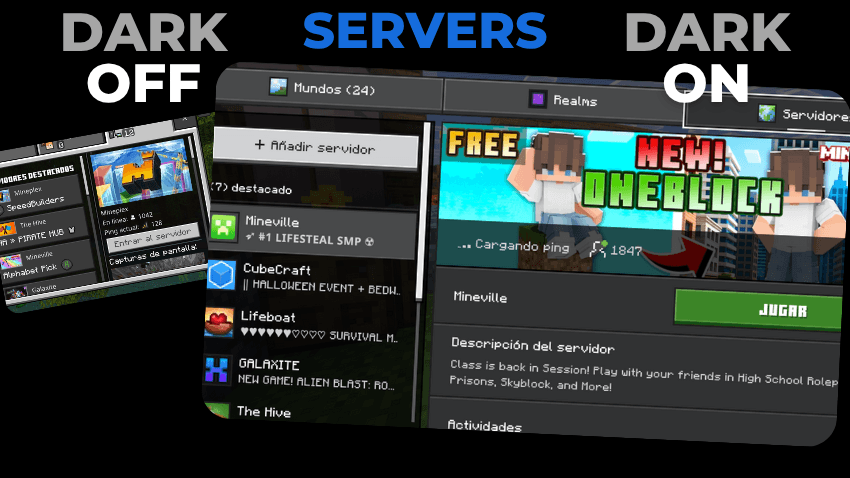
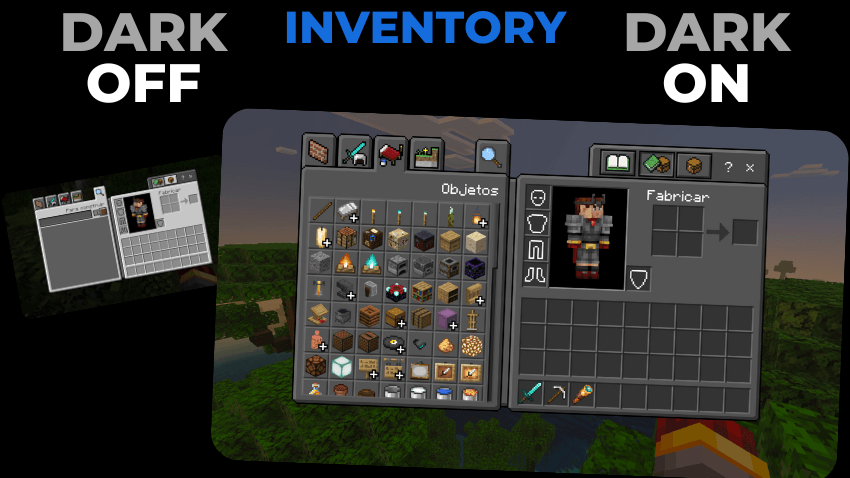
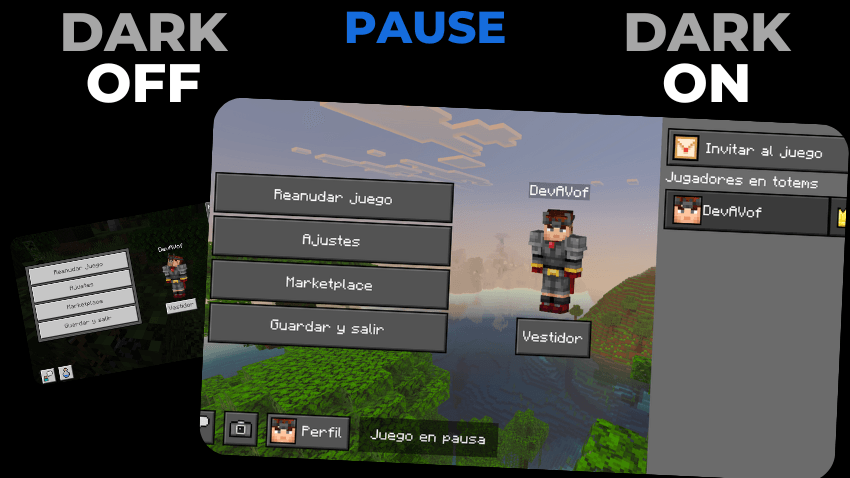
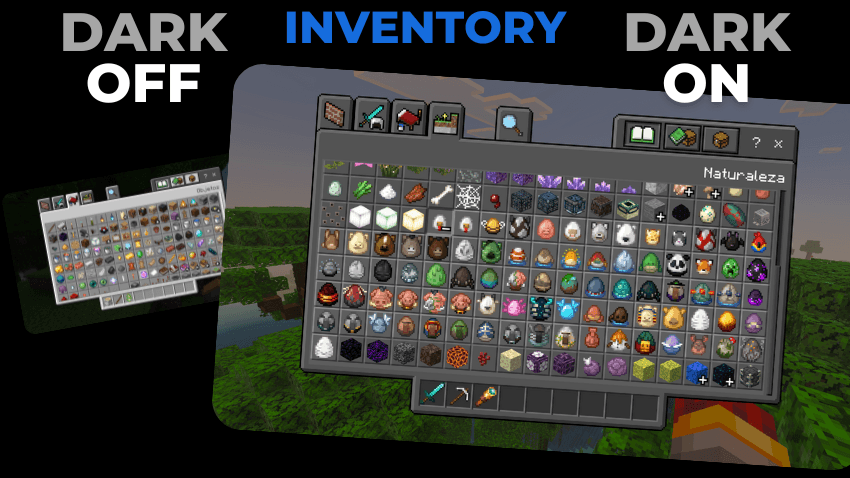
AND MUCH MORE BUT I GOT LAZY 😅
Everything absolutely everything is in dark mode
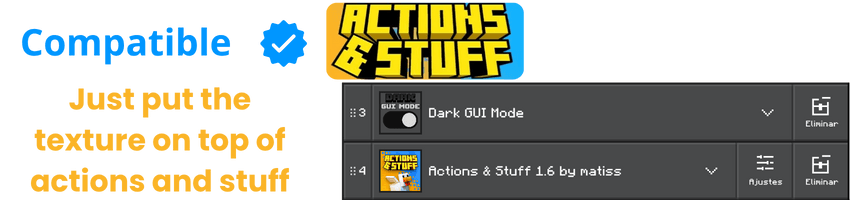
This Texture Pack is tested on Android and iOS phones also on Windows 10 and 11 and because of how Minecraft Bedrock works it should work on all versions of the on different platforms it works with all addons and texture packs you don't need to activate the experimental features.
DISCLAIMER OF LIABILITY
If You Are Recording And Show The Texture, Be Sure To Leave The Original MCPEDL Link.
PLEASE DO NOT PUT DIRECT LINK OR CUSTOM LINK.
THANKS A LOT.
Installation
- Download the file
- Open the file called Dark GUI mode.mcpack
- once installed, you must go to settings
- look for the global resources section
- choose the Dark Mode UI texture pack
- and ready you already have the pack active