Codek327's Simple World Edit
Want to use WorldEdit's features without commands? Here's Simple WorldEdit! Simple WorldEdit has a total of four convenient features.
1. Block filling similar to the existing WorldEdit
2. Fast movement
3. Installing stone blocks under your feet
4. Checking the in-game ID of blocks or entities
How do you use it?
Block filling
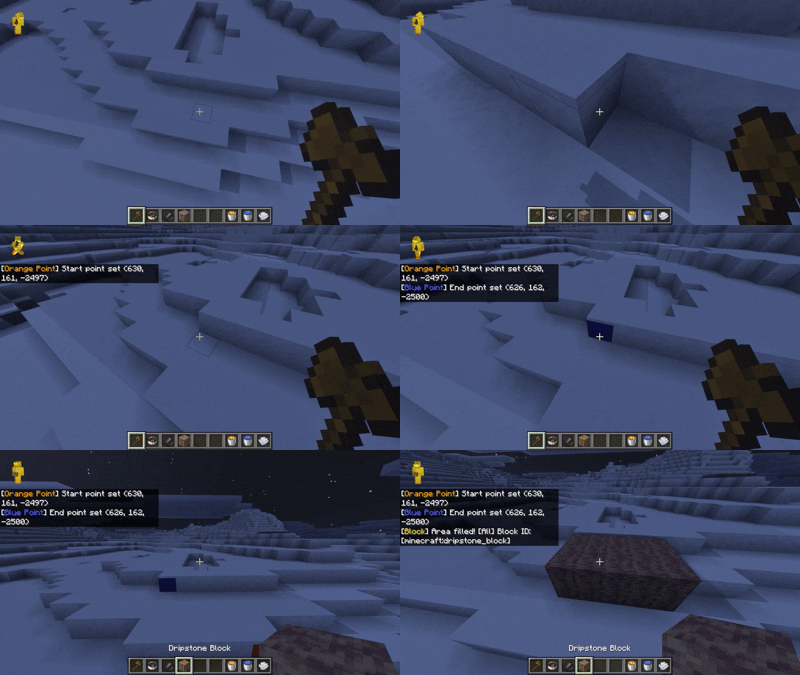
1. Hold a wooden axe and interact with two points to designate them!
2. Hold the block you want to change and interact with it to fill the designated points with the block you are holding.
3. If you only want to change [ Air Blocks ], sneaking(shift) and interact with them.
Special Blocks (Interact with the following blocks while holding the corresponding item!)
Water: Water Bucket
Lava: Lava Bucket
Air: Wind Charge
Fast Travel
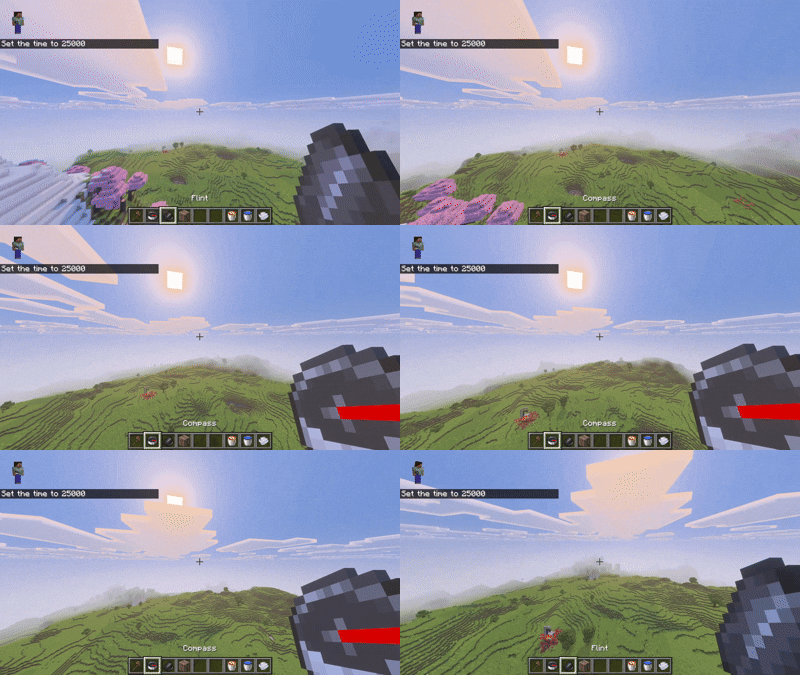
1. Simply hold the compass. You will move quickly in the direction you are facing. However, you cannot pass through blocks. (Passing through blocks makes it harder to use...)
Stone Installation
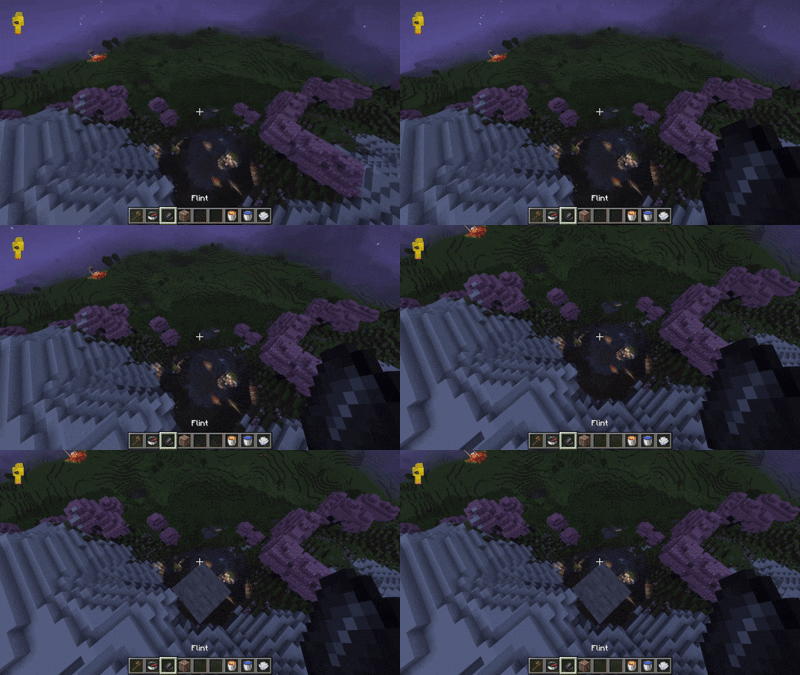
1. This is also simple. Just interact with the flint, and a stone block will be installed under your feet.
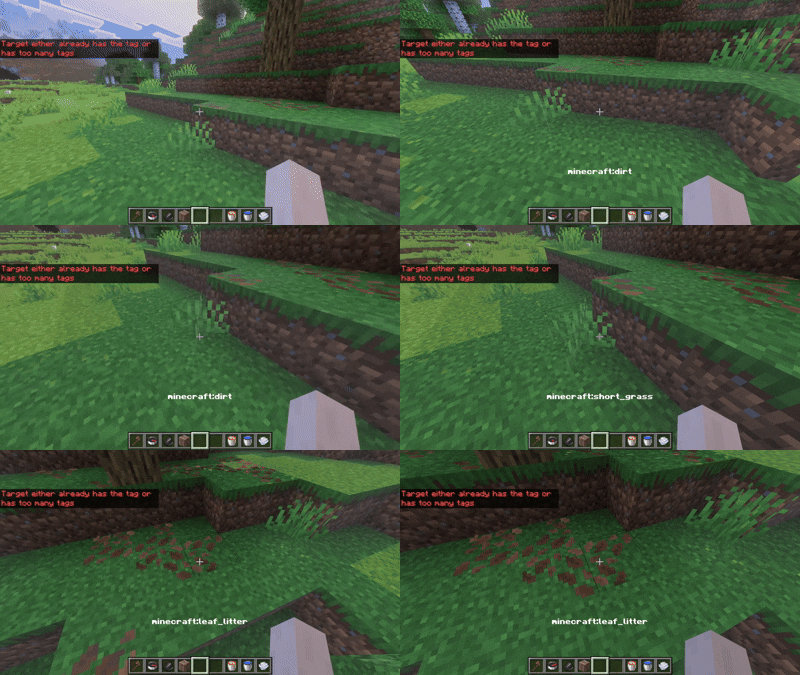
Checking the In-Game ID of a Block or Entity
1. To view the ID of a player, assign the [ ShowUi ] tag.
(The tag must be exactly the same, including uppercase and lowercase letters.)
Known bugs
1. Occasionally, the target may not be selected or the block may not be placed. Sorry, but restarting the game will resolve this.
2. It does not work in areas with very low y-coordinates. For example, a 4-block flat map (this is a bug in Minecraft's fill command).