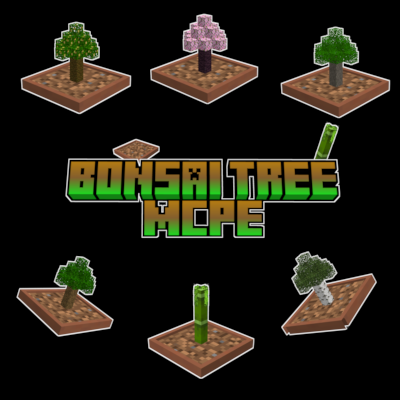
Bonsai Tree [ACHIEVEMENT FRIENDLY]
How to Use: Bonsai Tree Addon
1. Place a Bonsai Pot:
Craft or find a bonsai pot (a special block provided by the addon) and place it in your world.
2. Plant a Sapling:
Hold a supported sapling (Oak, Spruce, Birch, Jungle, Acacia, Dark Oak, Pale Oak, or Cherry).
• Right-click (or tap) the bonsai pot to plant the sapling. A bonsai tree will appear on the pot.
3. Collect Resources:
• The bonsai tree grows automatically and periodically drops resources unique to its type.
Place a Chest, Hopper, or Barrel directly below the pot to automatically collect the drops.
• If no storage block is below, resources will appear above the pot as items.
4. Retrieve the Sapling:
. To remove the bonsai tree, sneak (shift) and right-click (or tap) the pot with an empty hand.
• The original sapling will be returned to your inventory, and the tree will disappear.
5. Supported Saplings:
Oak, Spruce, Birch, Jungle, Acacia, Dark Oak, Pale Oak, and Cherry saplings.
V1.2.0
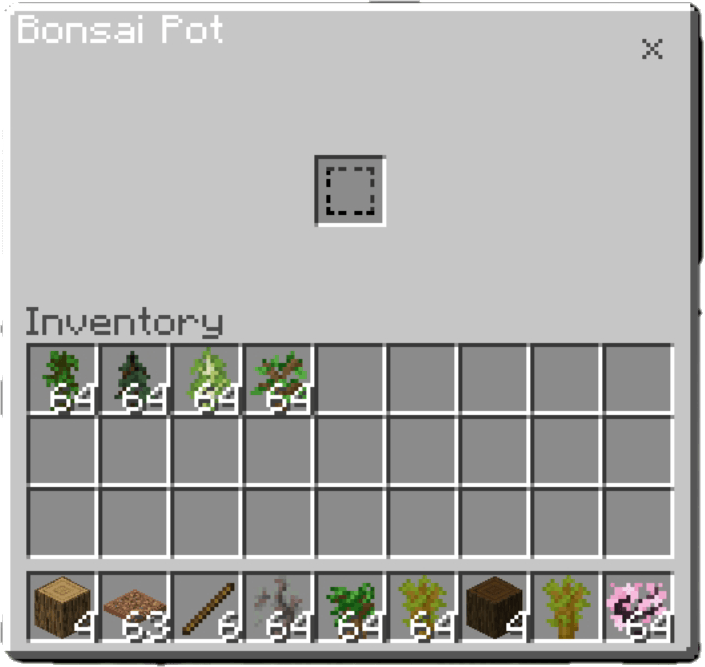
Add New Ui