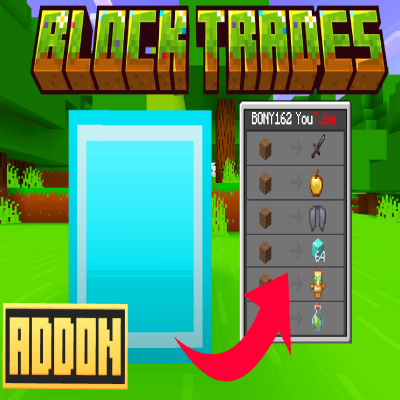
Block Trades Addon
HOW TO TRADE:
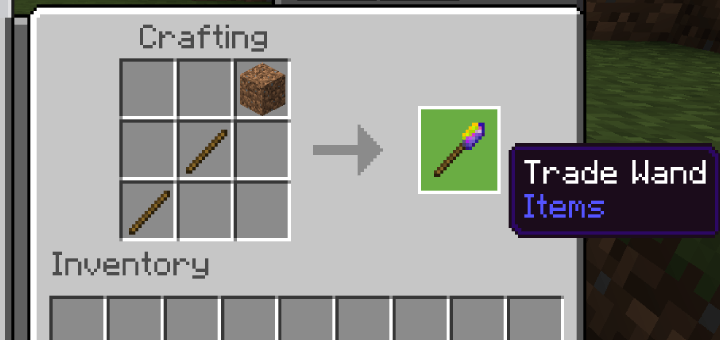
To trade with the blocks, you will first need to craft a custom item called the Trade Wand. Once you have this item, hold it in your hand and interact with any block in the game.
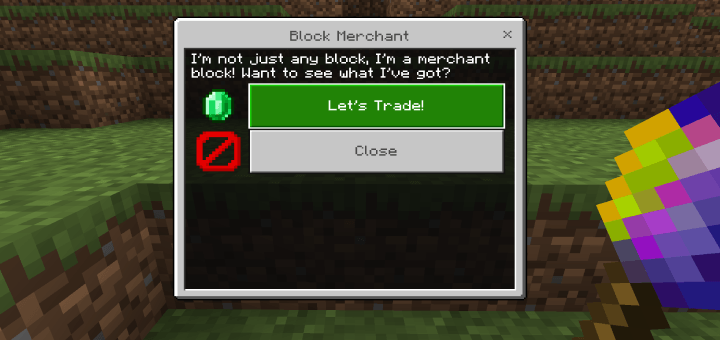
A menu will appear with a message and a button to trade. When you click on it, randomly chosen items will be available for trade. Each block will offer different items at varying prices.
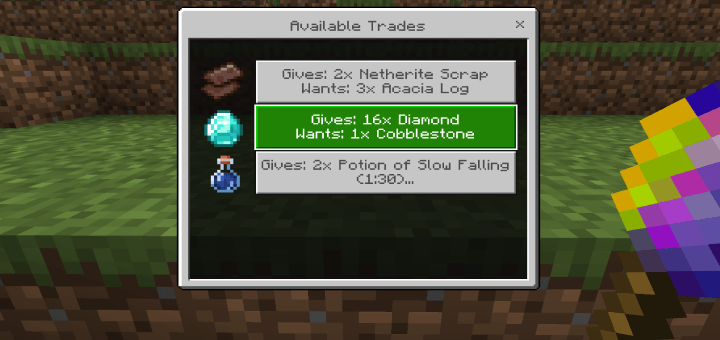
-Armor, tools, weappons have a chance of being enchanted.
CRAFTING RECIPE:
To craft the Trade Wand, you will need two sticks and one piece of dirt. The item is crafted using a crafting table.
HOW TO CHANGE LANGUAGE:
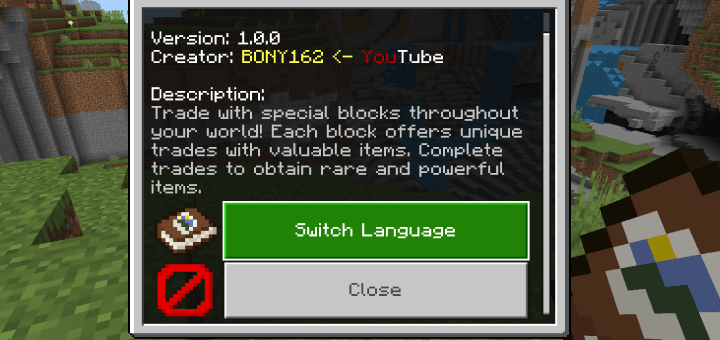
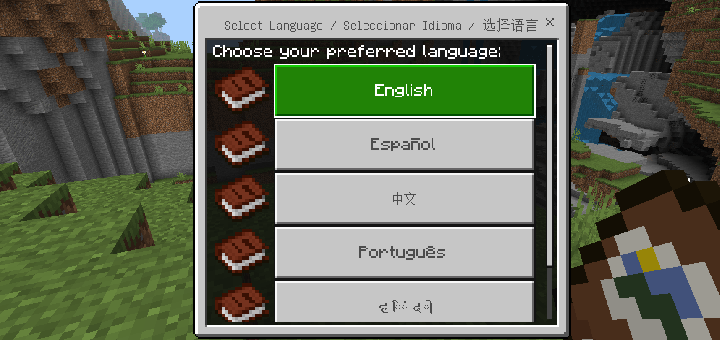
To change the language, hold the book in your hand and interact with it. A menu will appear; select "Switch Language" and choose your preferred language.
IMPORTANT:
-Requires version 1.21+ or newer, any version above that should work
-Does NOT require experimental features.