
Better Cameras
Unlock professional cinematic camera controls for recording epic videos and machinima.
8,920
Take Control of Your Camera. Create Stunning Cinematics.
Better Cameras is the ultimate lightweight utility addon that unlocks professional-grade camera controls in Minecraft Bedrock. Go beyond the default views and create breathtaking cinematic videos, showcase your builds from epic angles, or simply experience your world in a completely new way.
This is the essential content creation tool that gives you the power to direct your own Minecraft movies.
⭐ Key Features - Your Personal Film Crew
🎬 9 Dynamic Camera Modes: Instantly switch between classic views and powerful new perspectives, all from a clean UI.
- First Person: The classic vanilla gameplay view.
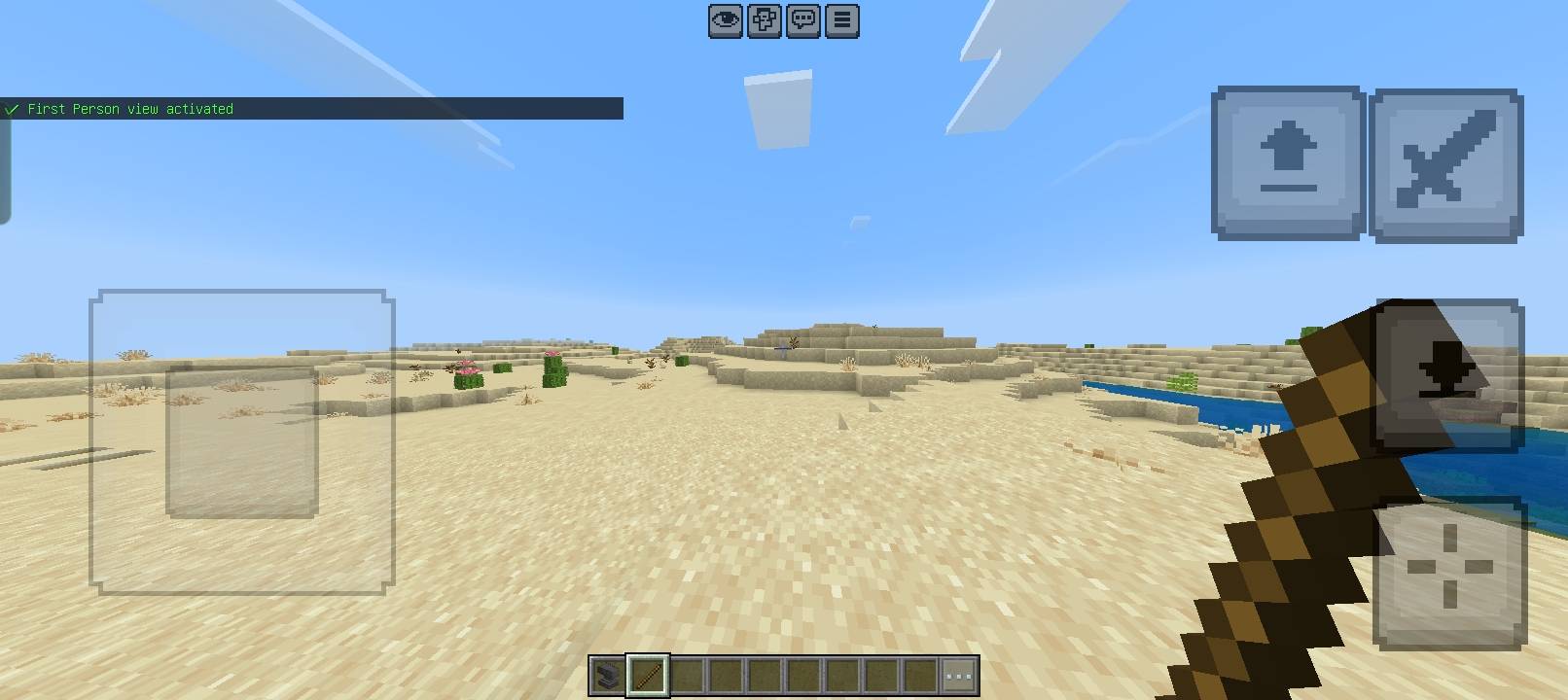
- Third Person (Back): The standard over-the-shoulder view.
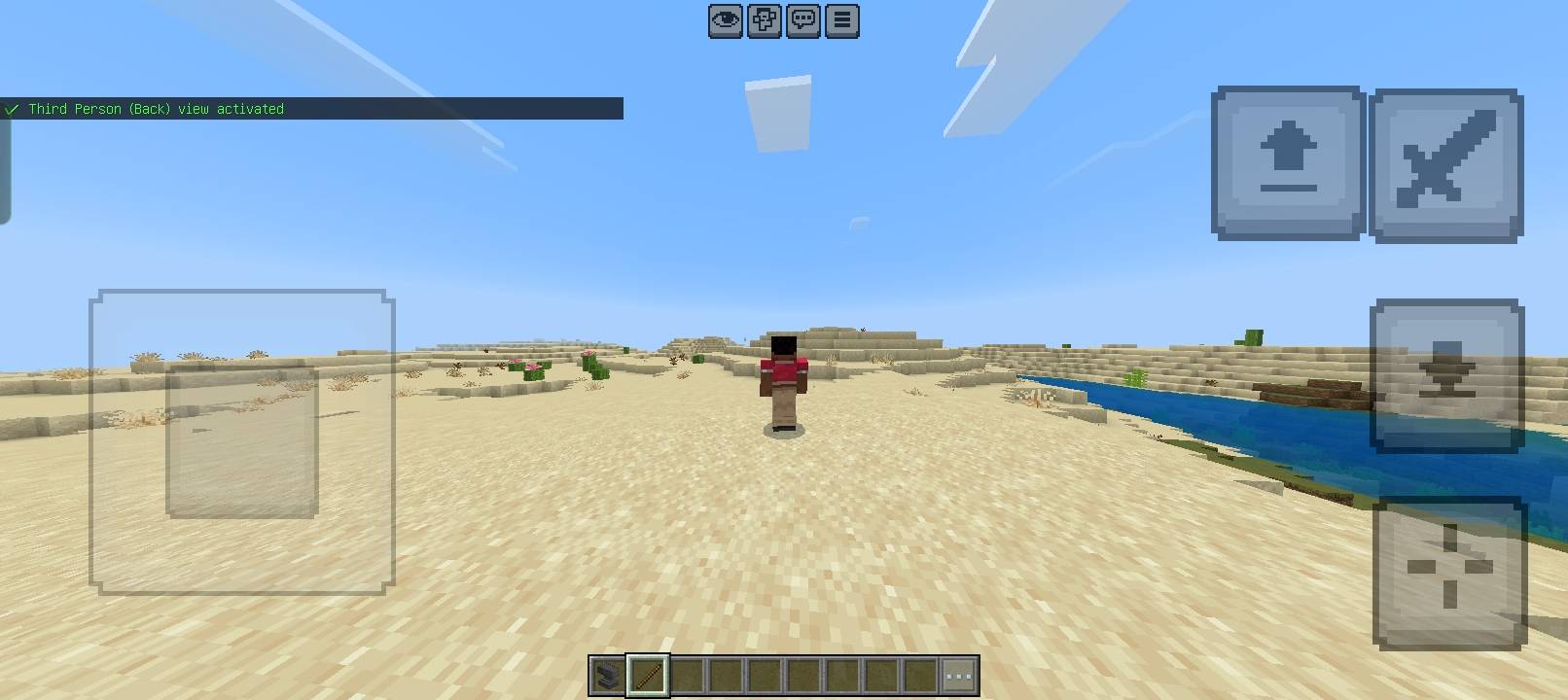
- Third Person (Front): A reverse view, perfect for showing your player's face.
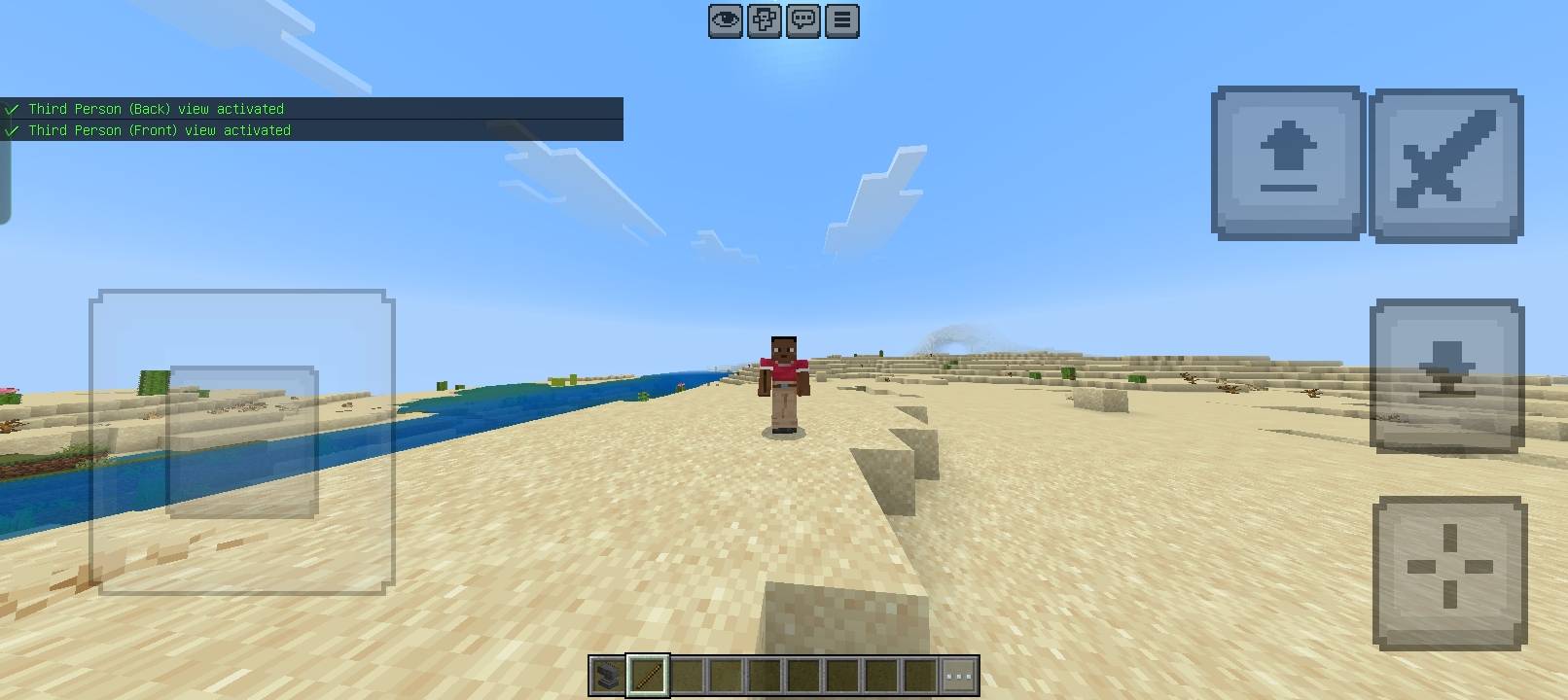
- Top-Down View: Get a bird's-eye view with a customizable height (5-80 blocks). Ideal for planning large builds.
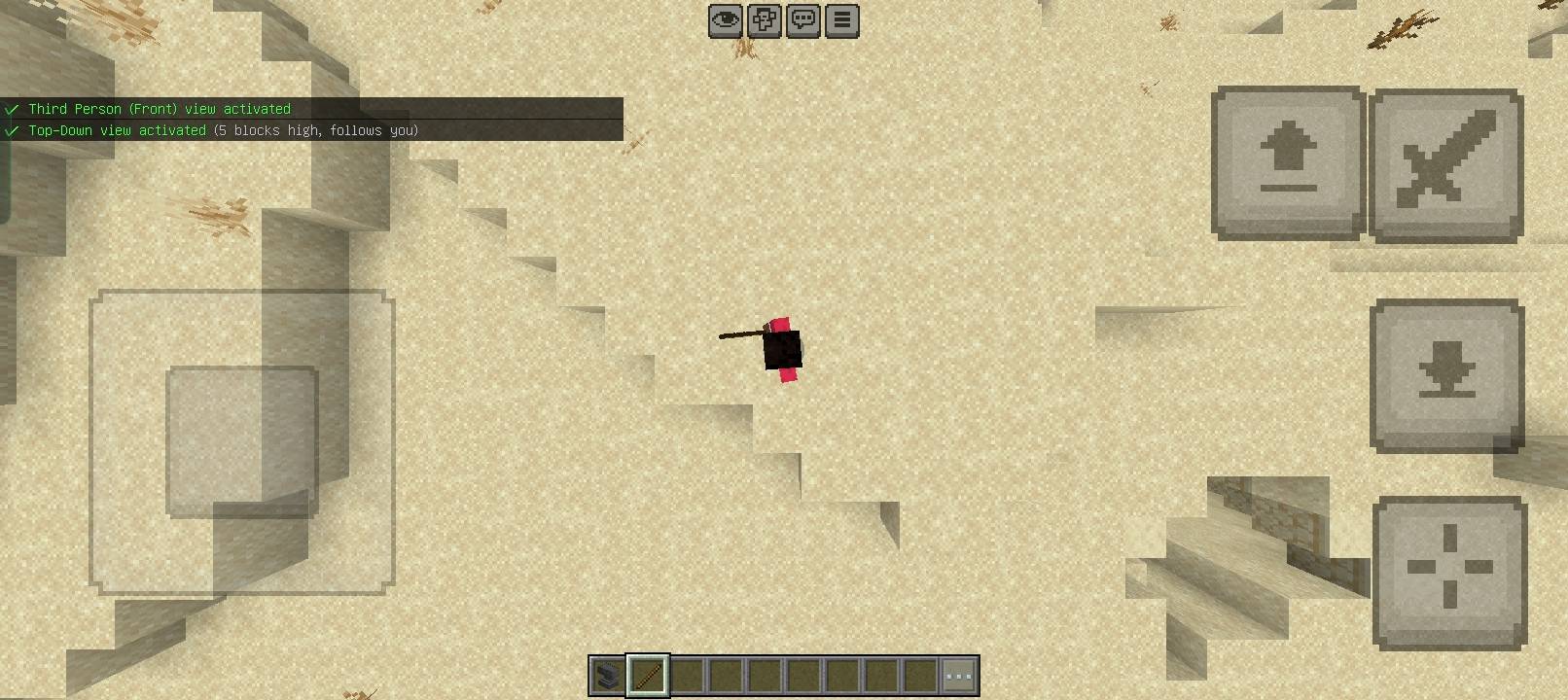
- Side-Scroll View: Lock the camera to a 2D-style perspective for a unique platformer feel.

- Shoulder Cam: A tight, over-the-shoulder view, perfect for creating an action-game feel in your recordings.
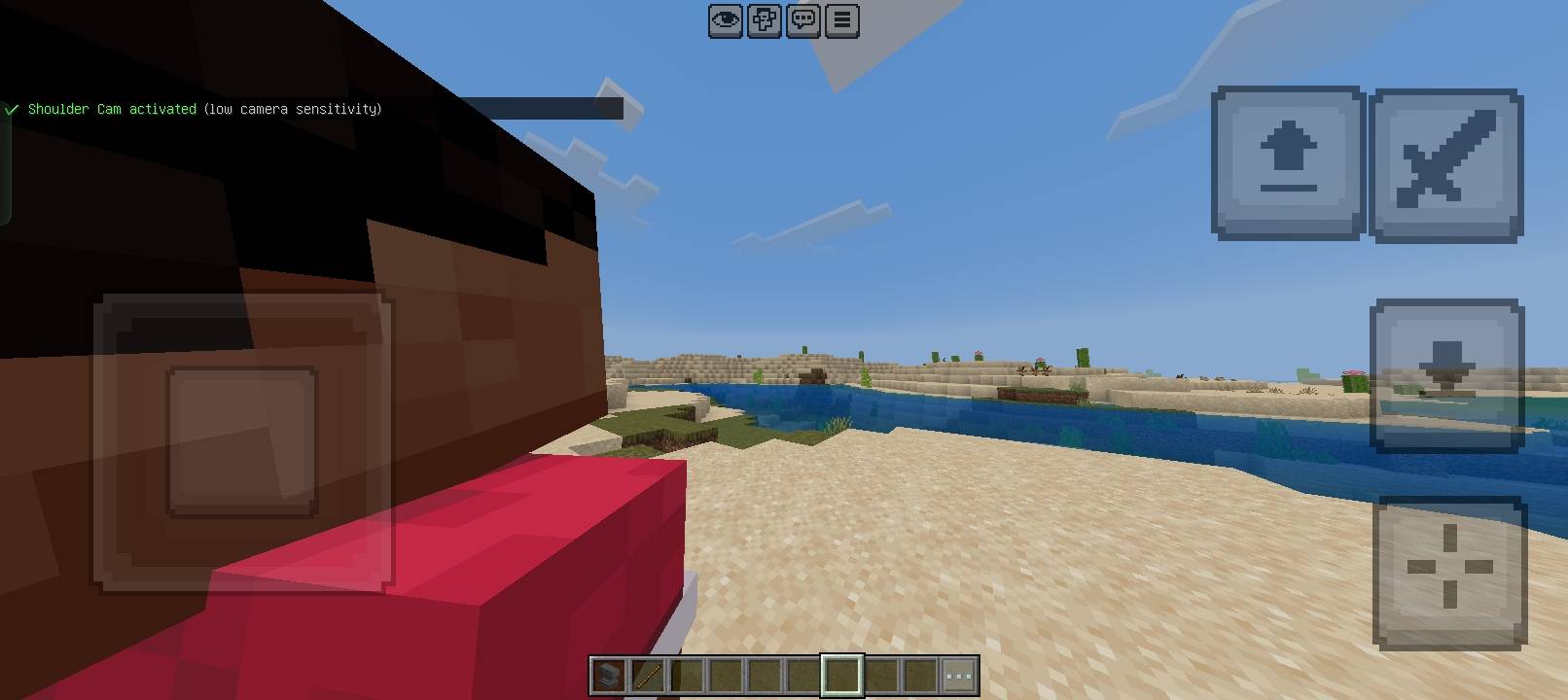
- Freeze Camera: Lock the camera in place and walk your character through the scene for professional-looking static shots.
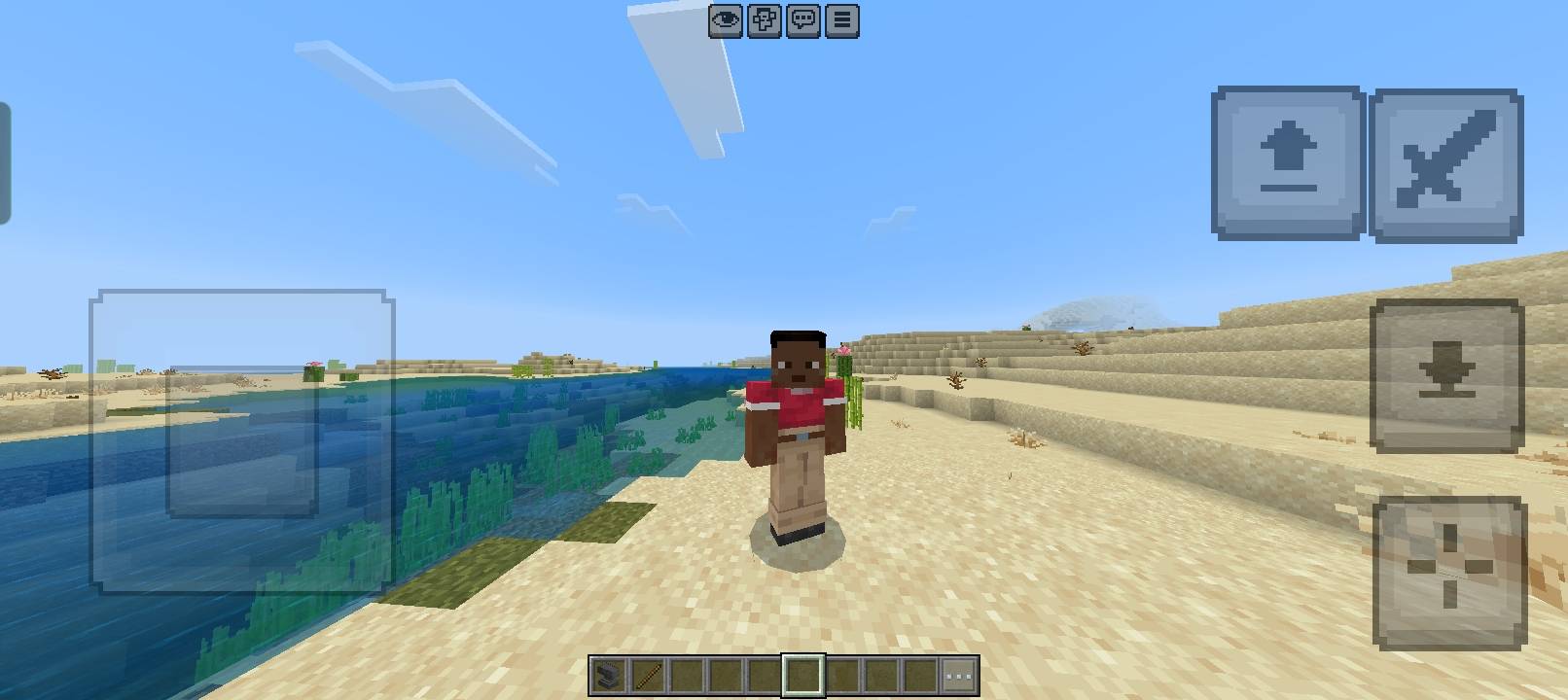
- Spiral Ascend:
- Clear Camera: Instantly return to your normal, player-controlled camera.
- First Person: The classic vanilla gameplay view.
🛠️ Easy & Immersive Access:
- No commands needed! Simply use an anvil to rename a
stickto "Camera Control". - Right-click (or tap) with your custom stick at any time to open the intuitive camera selection menu.
- No commands needed! Simply use an anvil to rename a
✅ Built for Creators:
- Lightweight & Stable: A pure script addon with no resource pack. It's optimized for smooth performance.
- Multiplayer Ready: All camera effects are client-side, so you can film your friends on any server or realm.
⚙️ Simple 3-Step Setup
- Add the Better Cameras Behavior Pack to your world.
- ⚠️ IMPORTANT: In your World Settings, under Experiments, you MUST enable the "Beta APIs" toggle for the addon to work!
- Once in your world, get a
stickand ananvil, and rename the stick to "Camera Control".
🐛 Known Limitations
- Camera perspectives will reset when you leave and rejoin the world.
- This addon is designed for video recording and content creation; some perspectives may not be ideal for normal survival gameplay.
⚖️ License
All Rights Reserved (ARR).
Download now and start filming your Minecraft masterpiece! 🎥
Changelog:None
More versions

All Rights Reserved
10/10/2025
19:04 26/10