Bedrock Block Movement
Hello there! Welcome to Bedrock Block Movement, a map for Block Parkour training, as well as building and sharing courses made by you to others.
Some notes that I want to clear out before you have any questions the same as these:
- Which version does the map support? -> Minimum 1.21.130.
- Does it support multiplayer? -> No (Sharing course I mean exporting the map to people)
-----------------------------------------------------------
Once you open the world, use the Navigator to access the main menu.
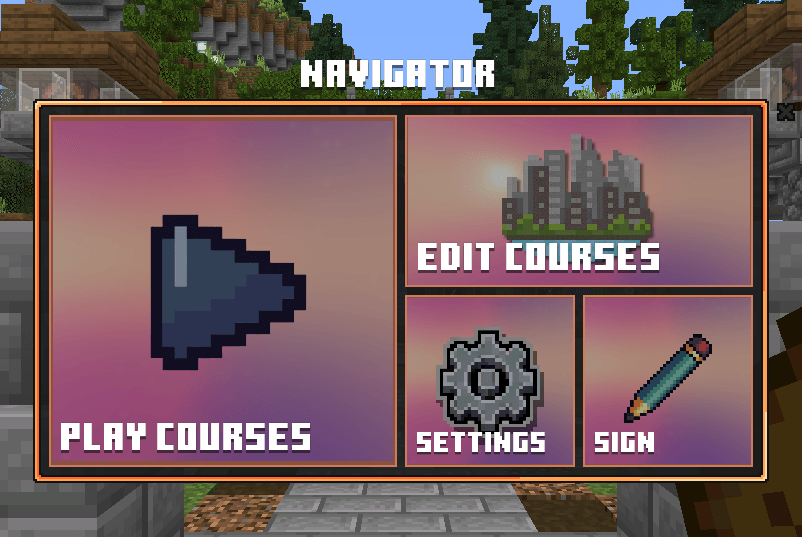
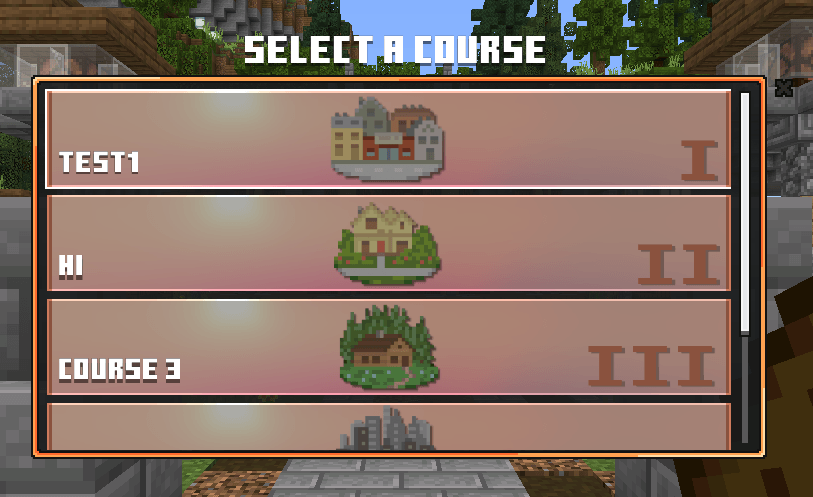
I. Play Courses
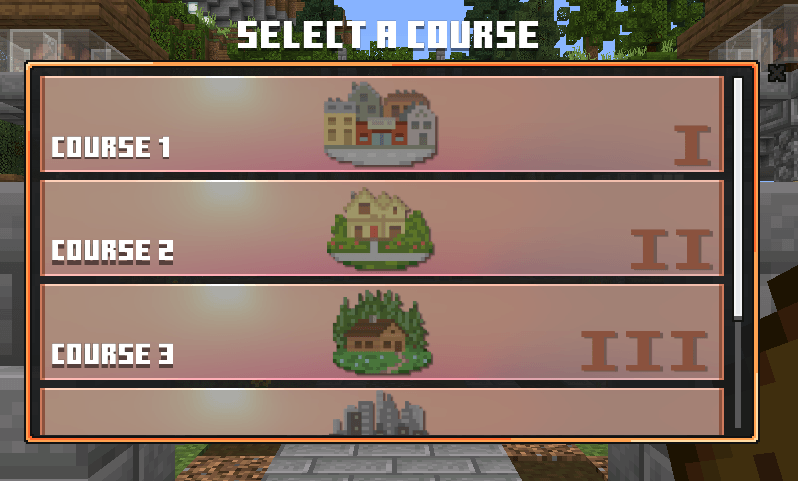
There are 5 default maps that you can change later. Here is just the preview.
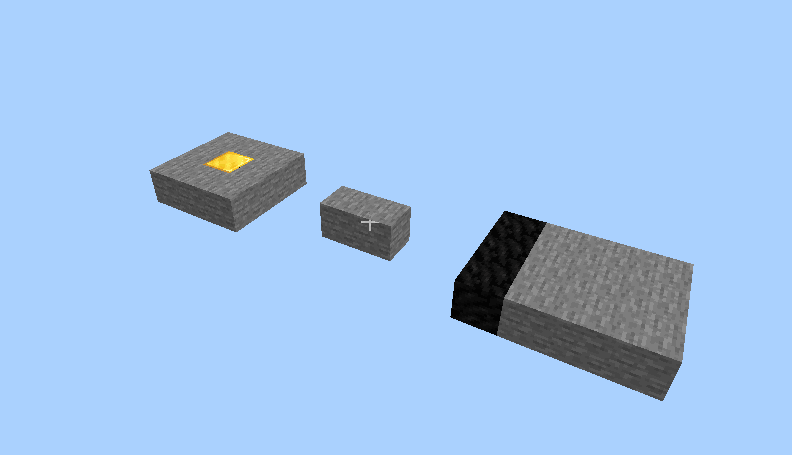
In your inventory, there are some items you need to know:
- Settings: Access the Settings Menu.
- Fly Mode: Toggle on/off Fly (for both Creative and Survival)
- Gamemode Changer: Switch from Survival to Creative and vise versa.
- Hub: Back to Hub quickly.
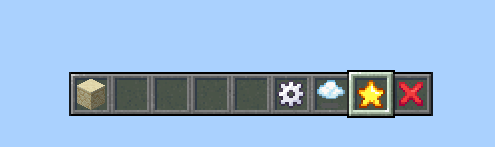
You can go into Creative and take any block not just Sandstone to place!
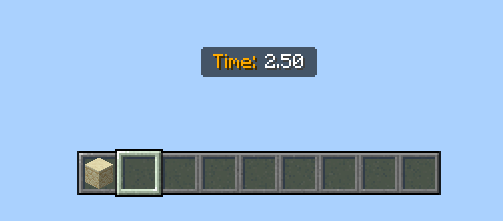
When you start the run (either placing blocks or passing the starting line), there will be a timer for you to check how fast you are doing.
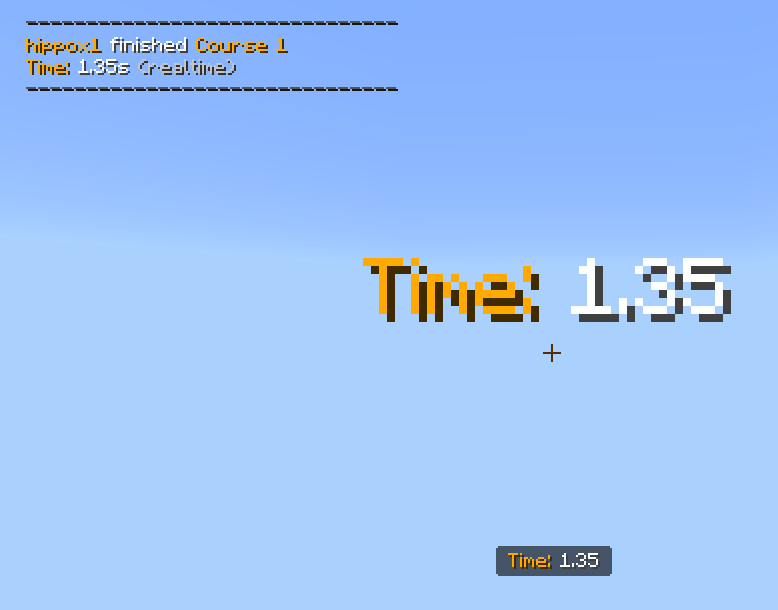
When you finish the course, you will see the final result.
II. Edit Course
This is the main idea of the map. You can edit the course, the limit is your imagination.
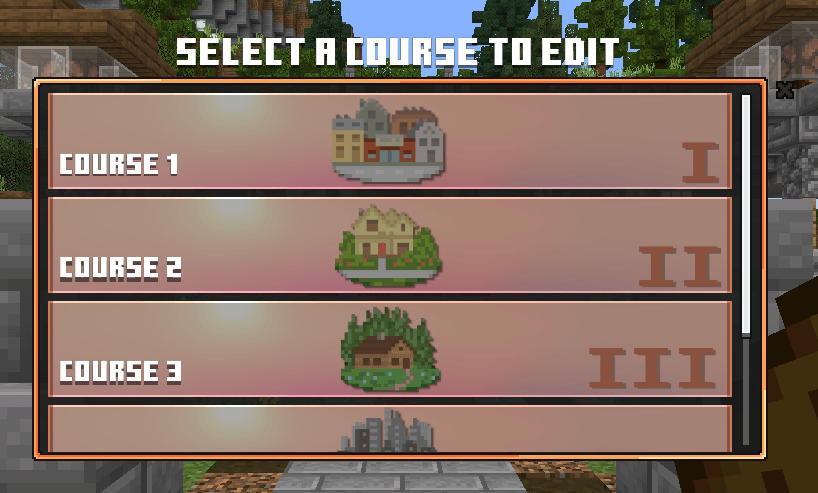
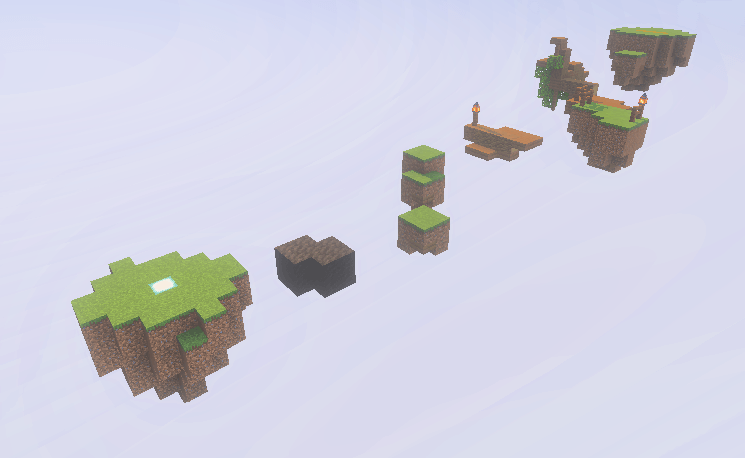
This is one of my "decorated" courses, to have some inspiration of building. There will be Instruction once you join Edit mode.
III. Settings
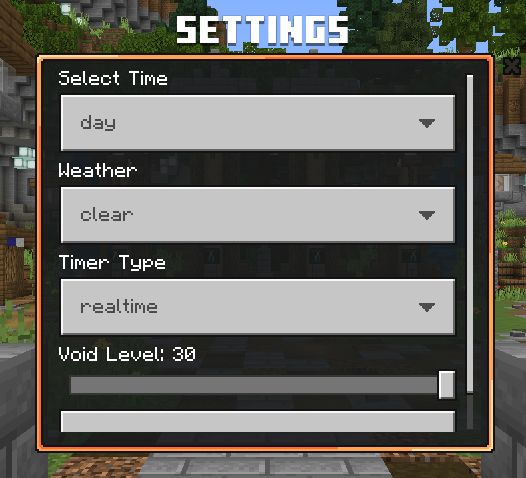
- Time: Select time from day to night.
- Weather: Clear or Rain.
- Timer Type: Realtime or Tick based (20 ticks = 1 second)
- Void Level: 0 to 30.
IV. Signing Name
Once you are done making your own courses, you can sign your own courses name and you as the creator.
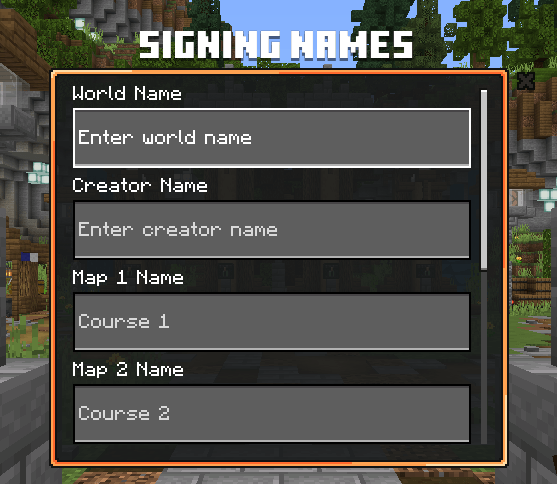
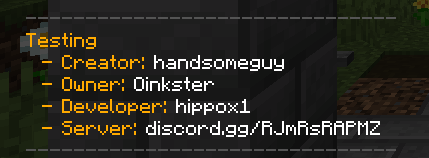
When people open your courses (by sharing the world), they can see what are the courses and who is the creator of them.

-----------------------------------------------------------
That's everything you need to know about the map. Thanks for reading and playing!