AziFy Truly Default Shader OPTIMIZED | AFTD
Supports Mc 26.10 (Or Higher Only)
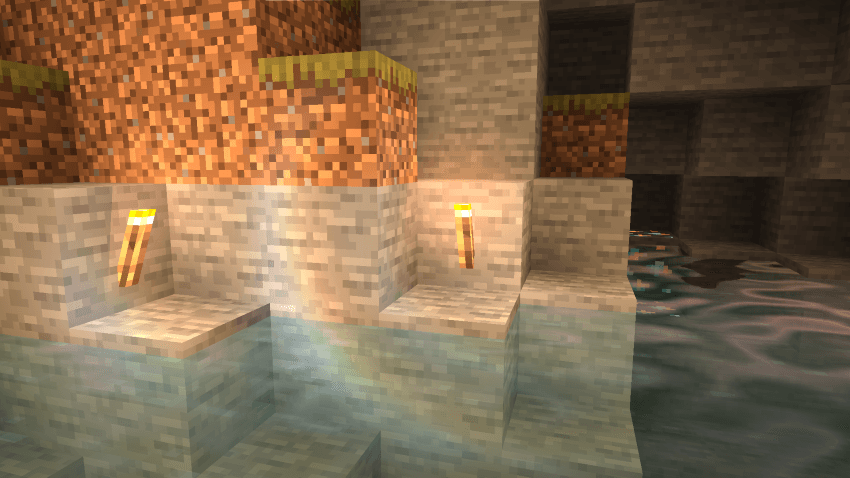
This is an ideal combination of realism and simplicity commonly associated with default Minecraft looks when exploring using AziFy TRULY DEFAULT.
Downloads (LATEST)
- aftd-4.7-merged.mcpack (26.10)
- aftd-4.5-merged.mcpack
- aftd-4.404-merged.mcpack
- aftd-4.402-merged.mcpack
- aftd-v3.8.2-old
For "Windows, Android and iOS" Download from the link provided!
Sneak Peek Of The Shader
Screenshot as of v4.404
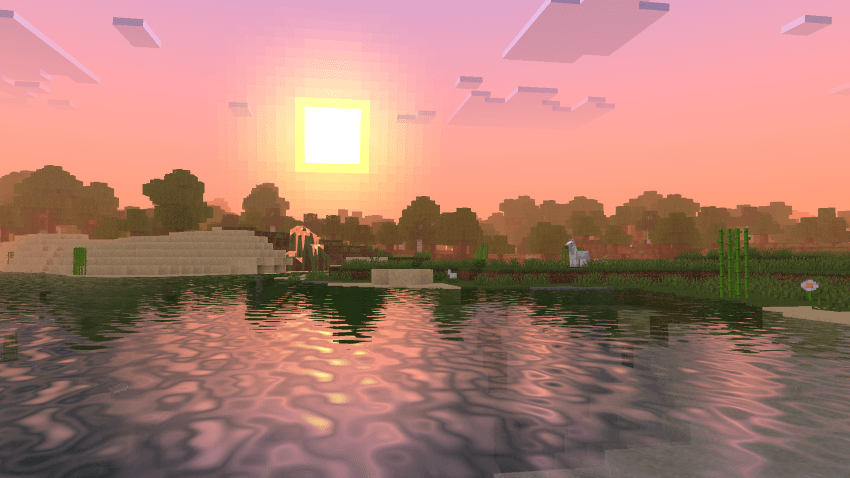
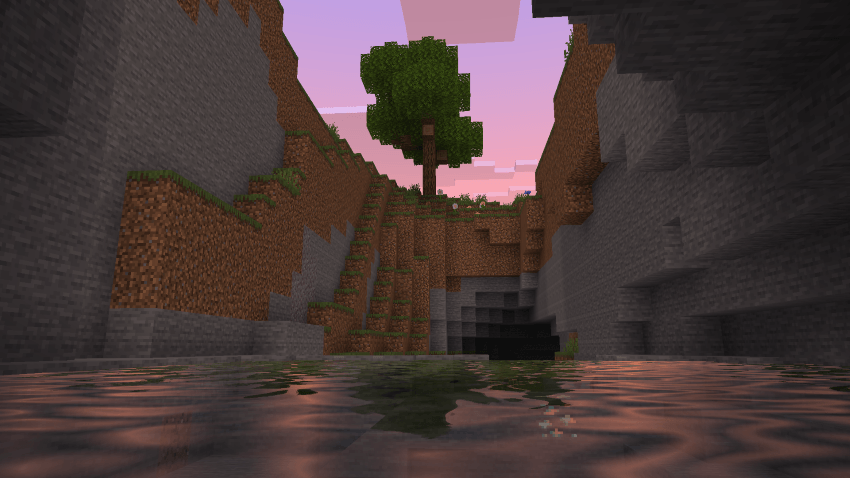
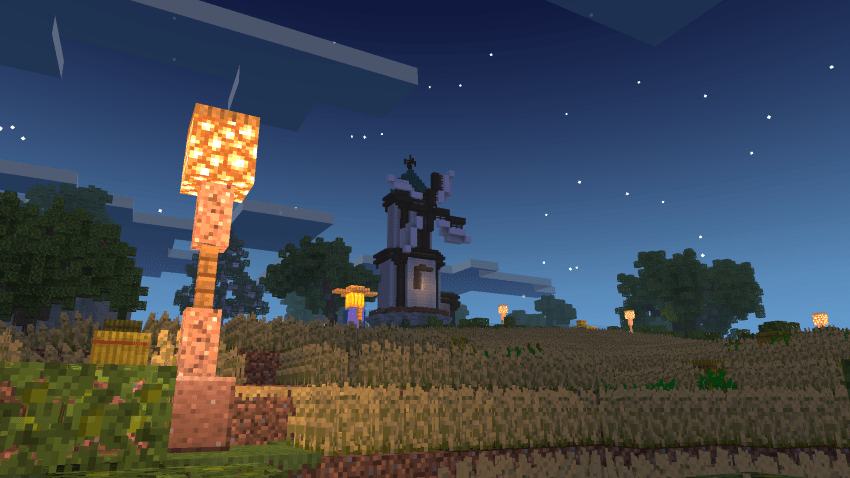
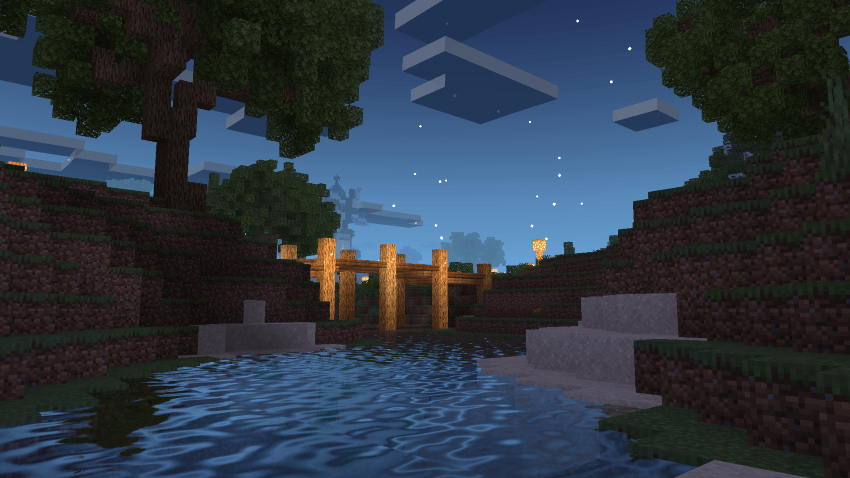
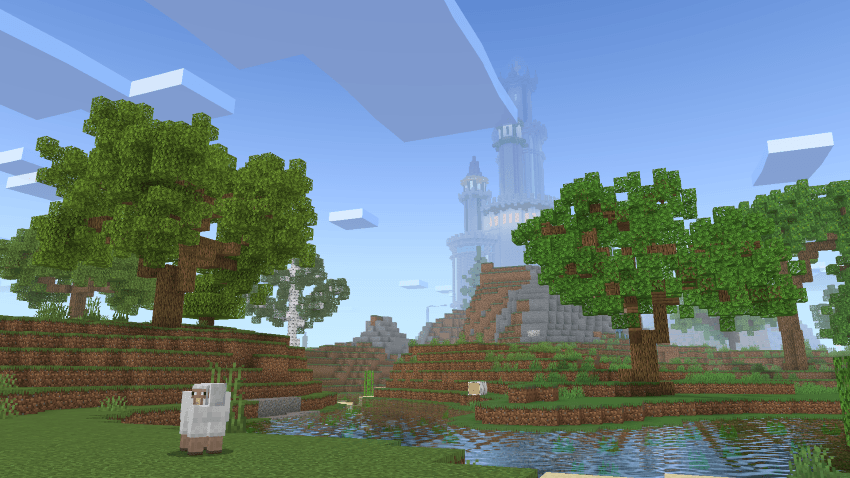
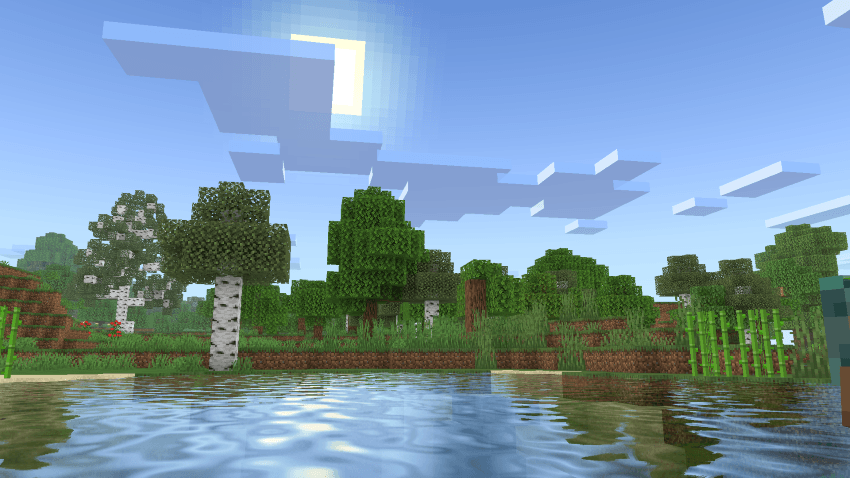
NEW LENS FLARE!
Subscribe To My YOUTUBE Channel @aziangelo
Installation
Disclaimer: Minecraft Bedrock does not officially support loading custom shaders. The following are unofficial ways to load shaders.
Android
1. Install MB Loader APK.
2. Import the resource pack to Minecraft and activate it in global resources.
3. Launch Minecraft through MB Loader APK.
Windows
- Use BetterRenderDragon to enable MaterialBinLoader.
- Import the resource pack and activate it in global resources.
If BetterRenderDragon does not support your Minecraft version, use this Matject tool instead to install shaders.
Linux (x86_64 arch)
This method is for mcpelauncher-manifest.
1. Install mcpelauncher-materialbinloader-mod.
2. Import the resource pack and activate it in global resources.
*iOS
Sorry. There isn't an easy method to install shaders on iOS devices. You either require jailbreak or would have to install an untrusted IPA.
For "Windows, Android and iOS" Download from the link provided!
NOTE:
This shader only works on 26.0+ doesnt support 1.21.131 below anymore, since Mojang changed the lighting there. If you try it on older versions like 1.21.131, it’ll just bug out because of the old lighting system.
MERGED - means it contains Android and Windows in one file.