

Armedpingu's 4D Matching Hats
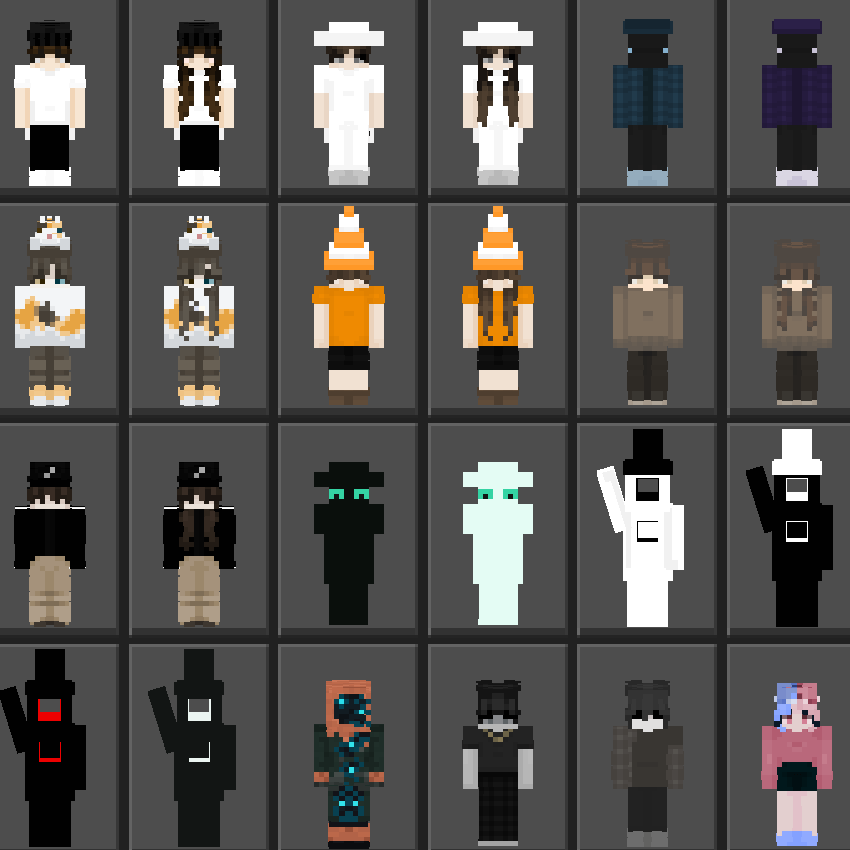
Ever wanted those cool 4D cosmetics that could work on servers like the Hive and you could be with a friend? Well, if so this skinpack is for you! With over 20+ skins you will have lots to pick from.
23,801
Have you and a friend ever wanted to look cool with Hive cosmetics that look cool? Well, if so, you're in luck, because with this 4D skinpack you can do exactly that! With over 20+ skins, you can have fedoras, ballcaps, and even top hats!
Please Remember!
These skinpacks take a very long time to make, and if you requested a skin, it may not show up in the skinpack I am working on at the current moment.
What this skinpack includes: ✅
✅ 24 Skins With Custom Geometrys + Hive Support
✅ 18 Skins With Unique Hats
✅ 10 Matching Skin Duos
✅ 24 Various Skins Designed By Me
Images:
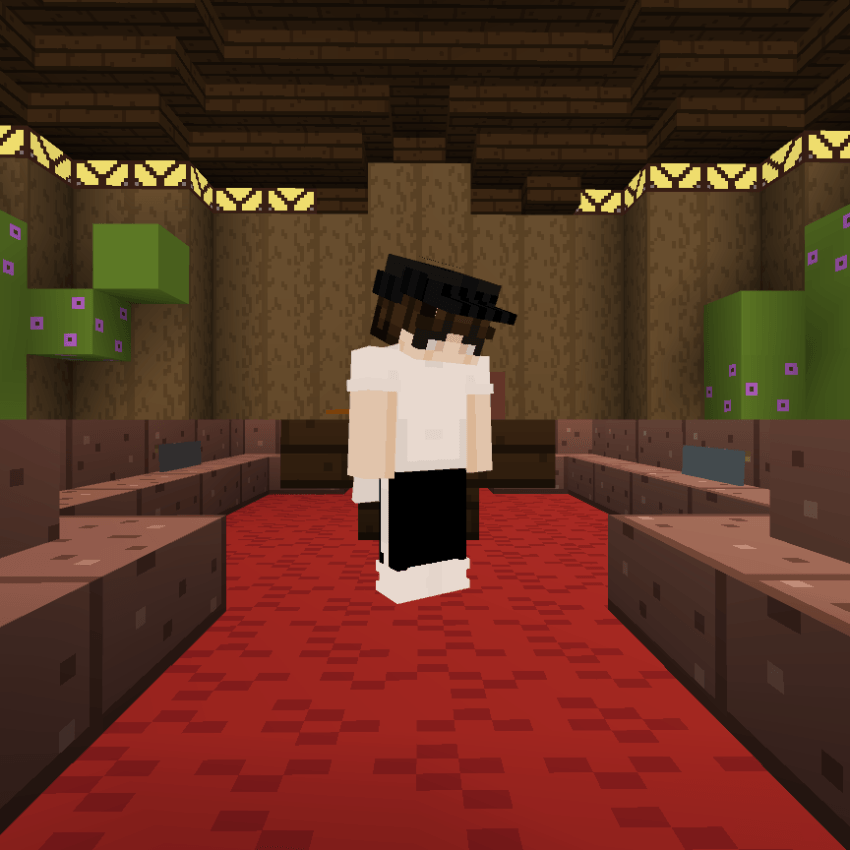
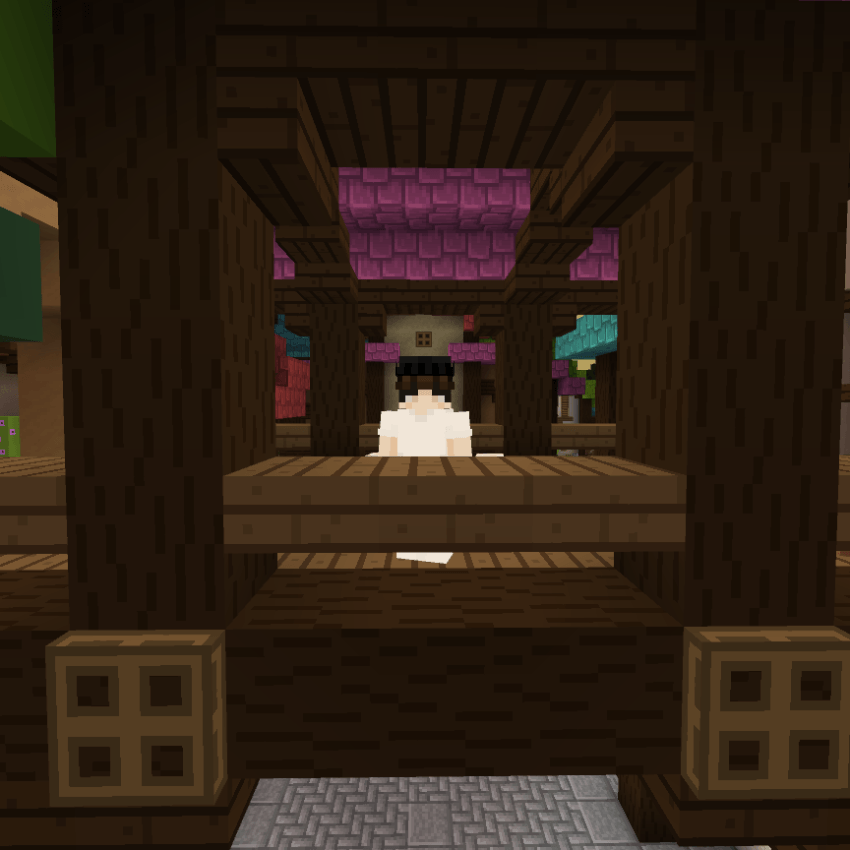

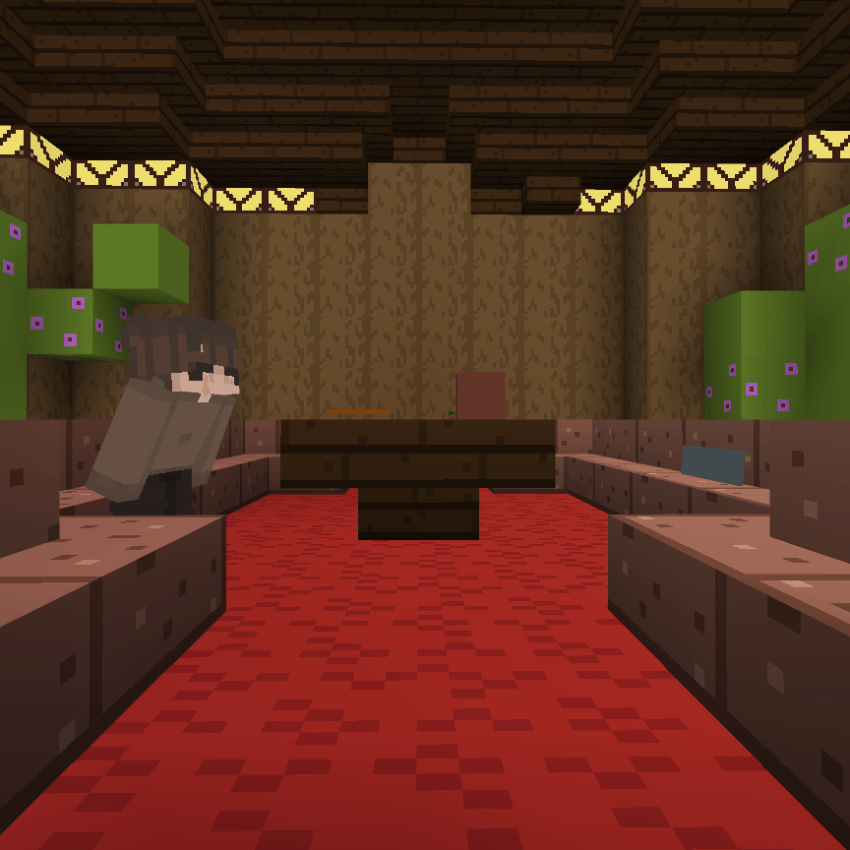
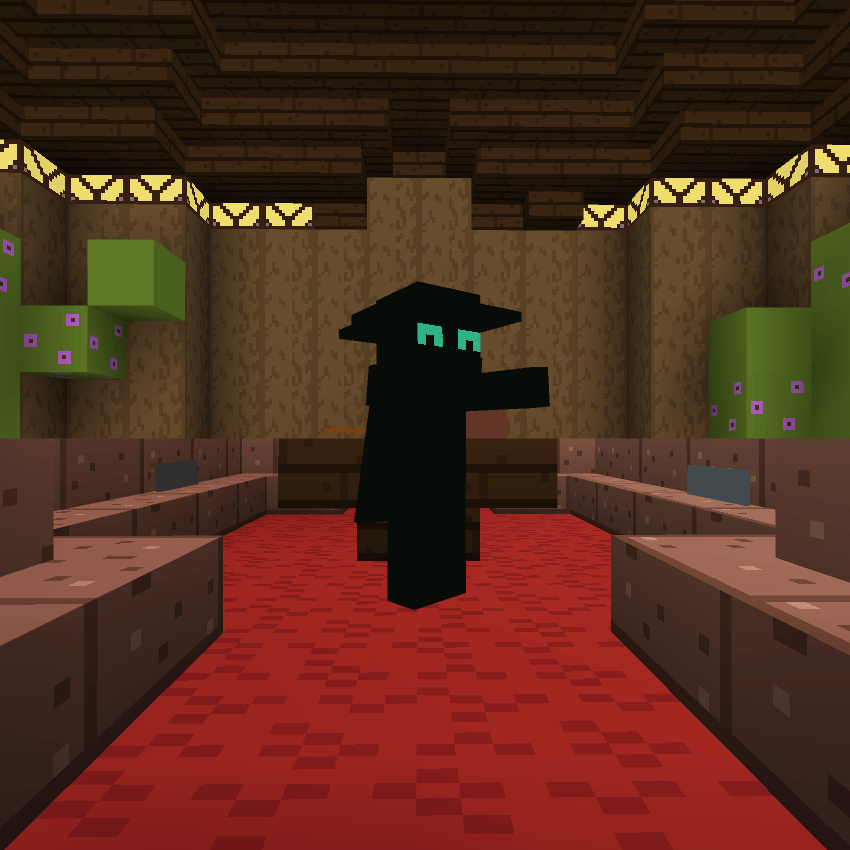
All The Skins:
How To Install 📁
(Must Follow!)
For Windows
- Download The A-Ping Hats File
- Rename The File From "A-Ping Hats.mcpack" To "A-Ping Hats.zip". (No Quotations)
- Unzip The File. Open It Up, And There Should Be Another A-Ping Hats In It.
- Press Windows + R, then run should appear, paste the link below into the box: %AppData%\Minecraft Bedrock\premium_cache\skin_packs
- Delete Everything In There.
- Drag The Unzipped A-Ping Hats Folder Into The skin_packs folder.
- Restart Minecraft If You Had It Open, And You Should Be Good To Go!
For iOS
- Download The A-Ping Hats File
- Rename The File From "A-Ping Hats.mcpack" To "A-Ping Hats.zip". (No Quotations)
- Unzip It.
- Move It To This Location: My iPhone/Minecraft/internal/premium_cache/skin_packs. And press move
- Press Select All, Or .../select/select all.
- Make Sure To Deselect Your Pack By Pressing On It, Then Delete Everything In There
- Open Up Minecraft And Enjoy!
Enjoy! -Armedpingu
Changelog:None
More versions
All Rights Reserved
01/06/2025
20:45 03/06